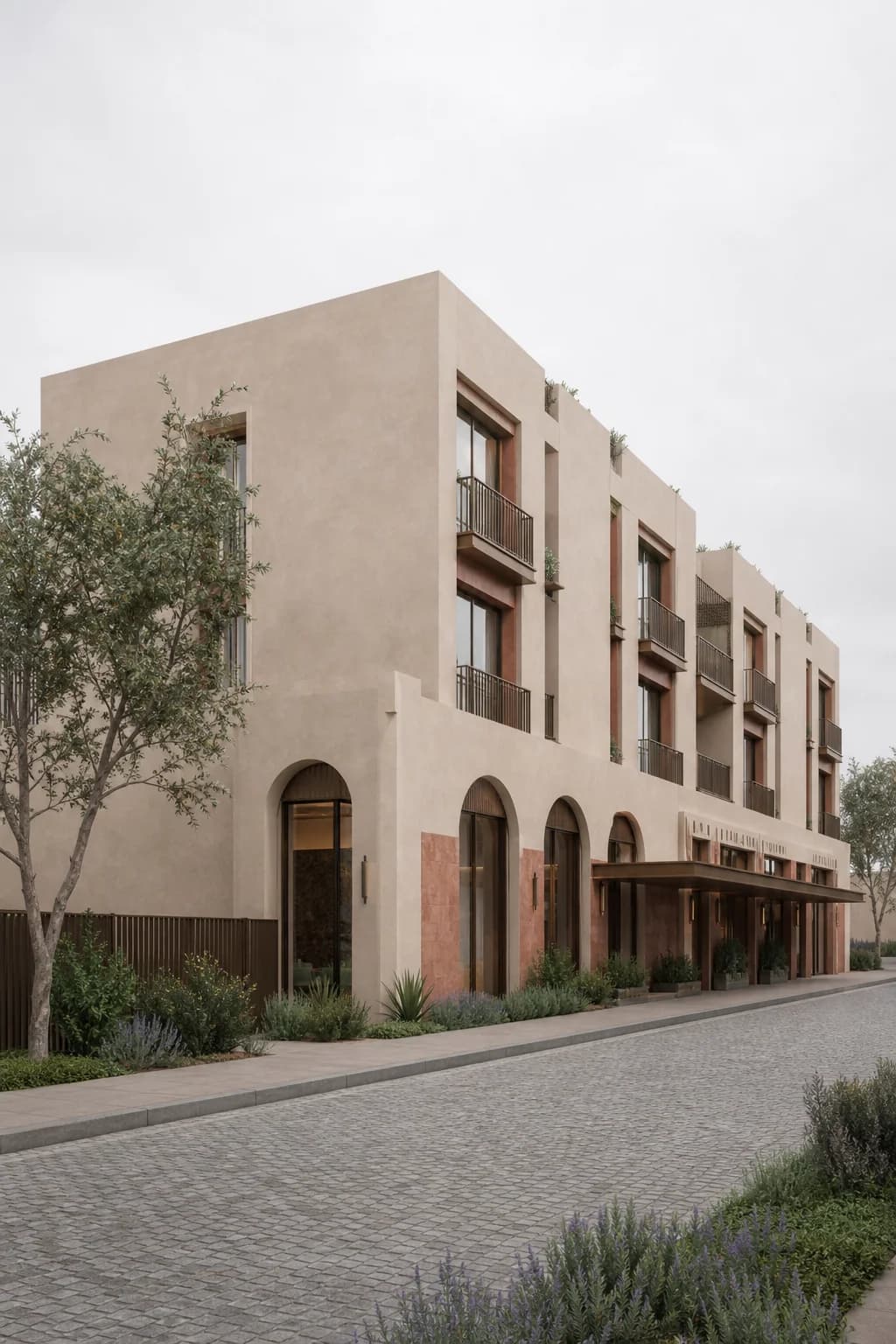
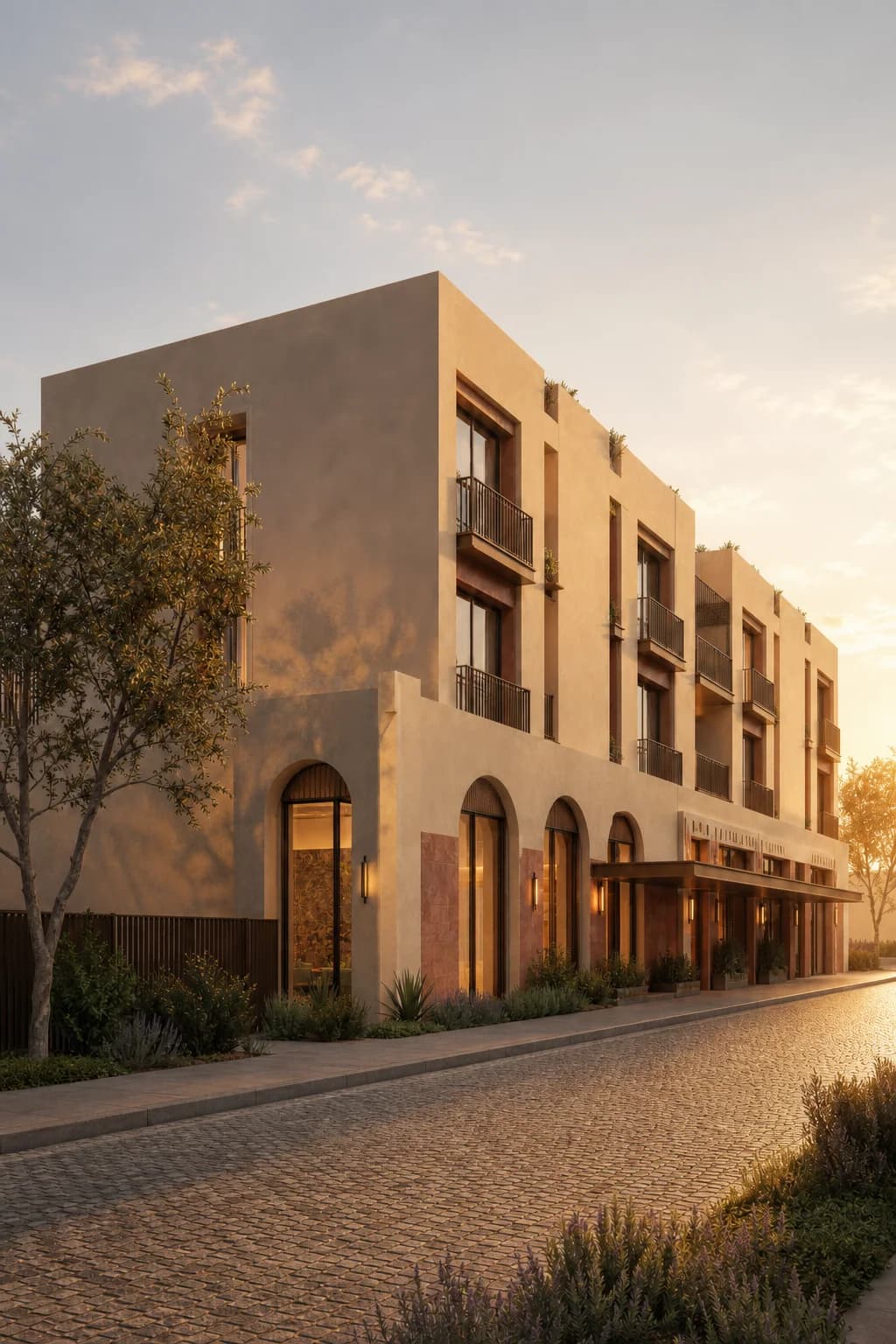
Move across the image to compare the original flat-light render with the Light Upgrade result.
Render example
Boutique hotel
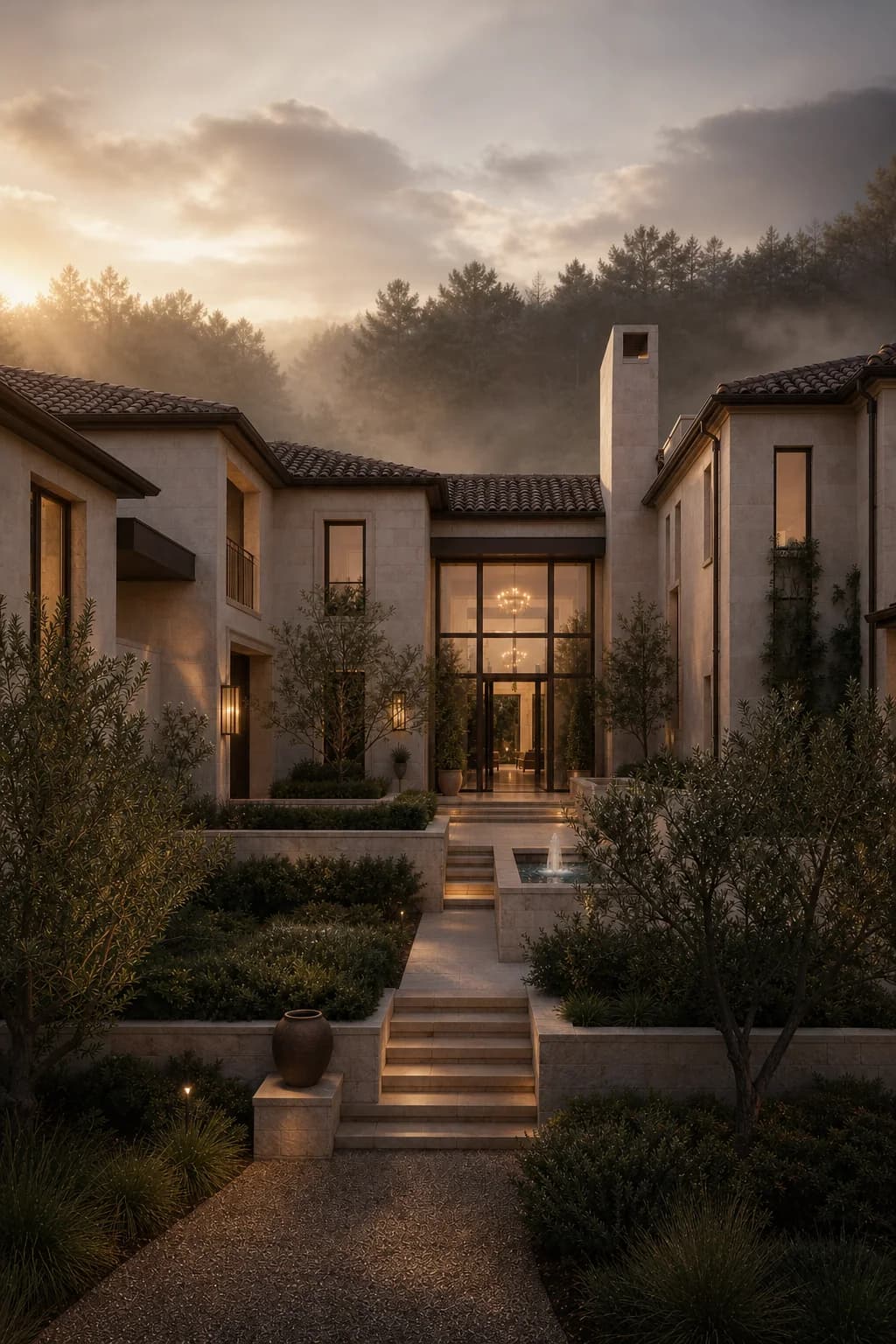
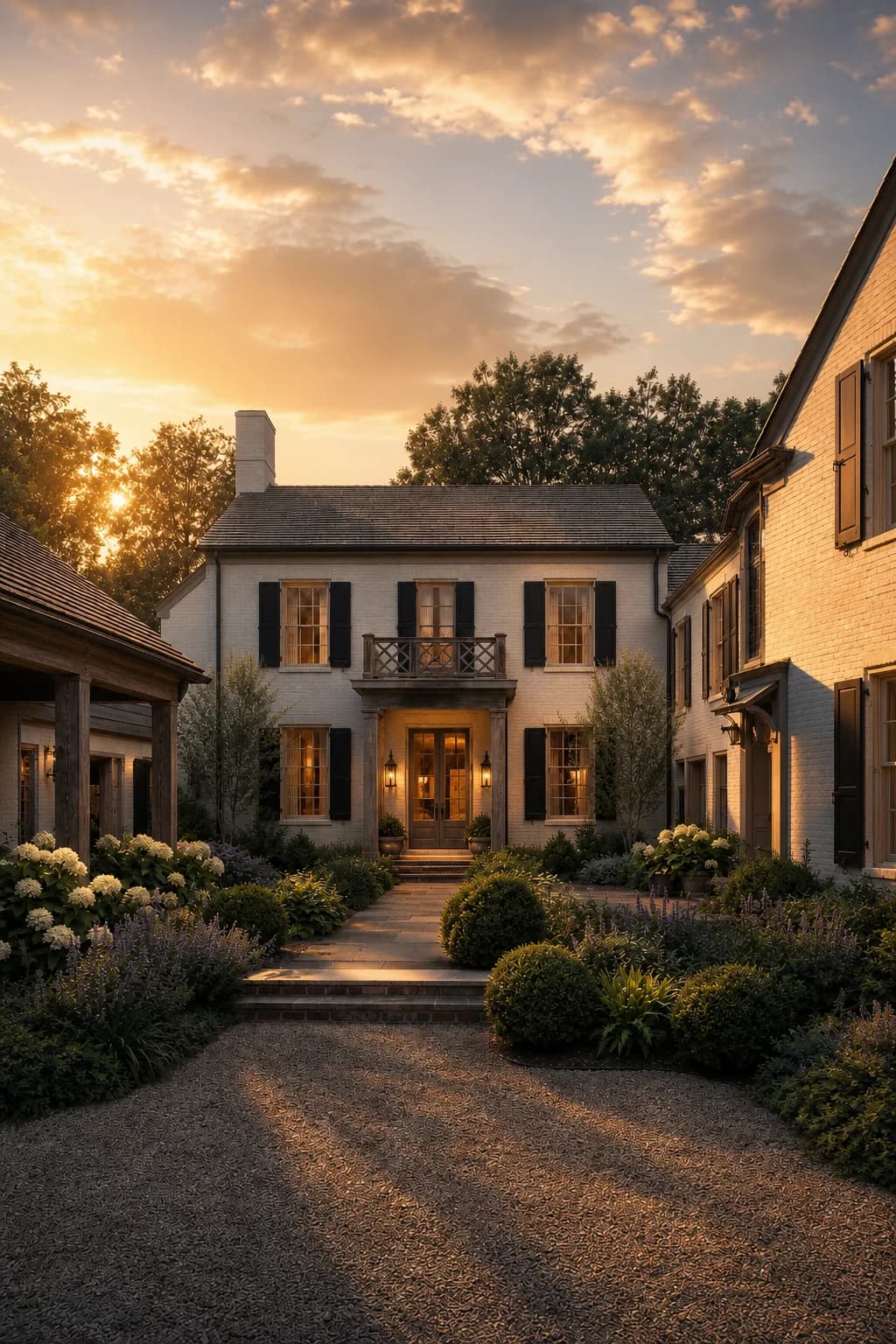
Directional evening light adds texture to the pale facade and gives the street edge a more polished hospitality feeling.
Free to use with a visible backlink to Rendervi. Link back to this page when you publish or repost the image.
See similar buildings
View gallery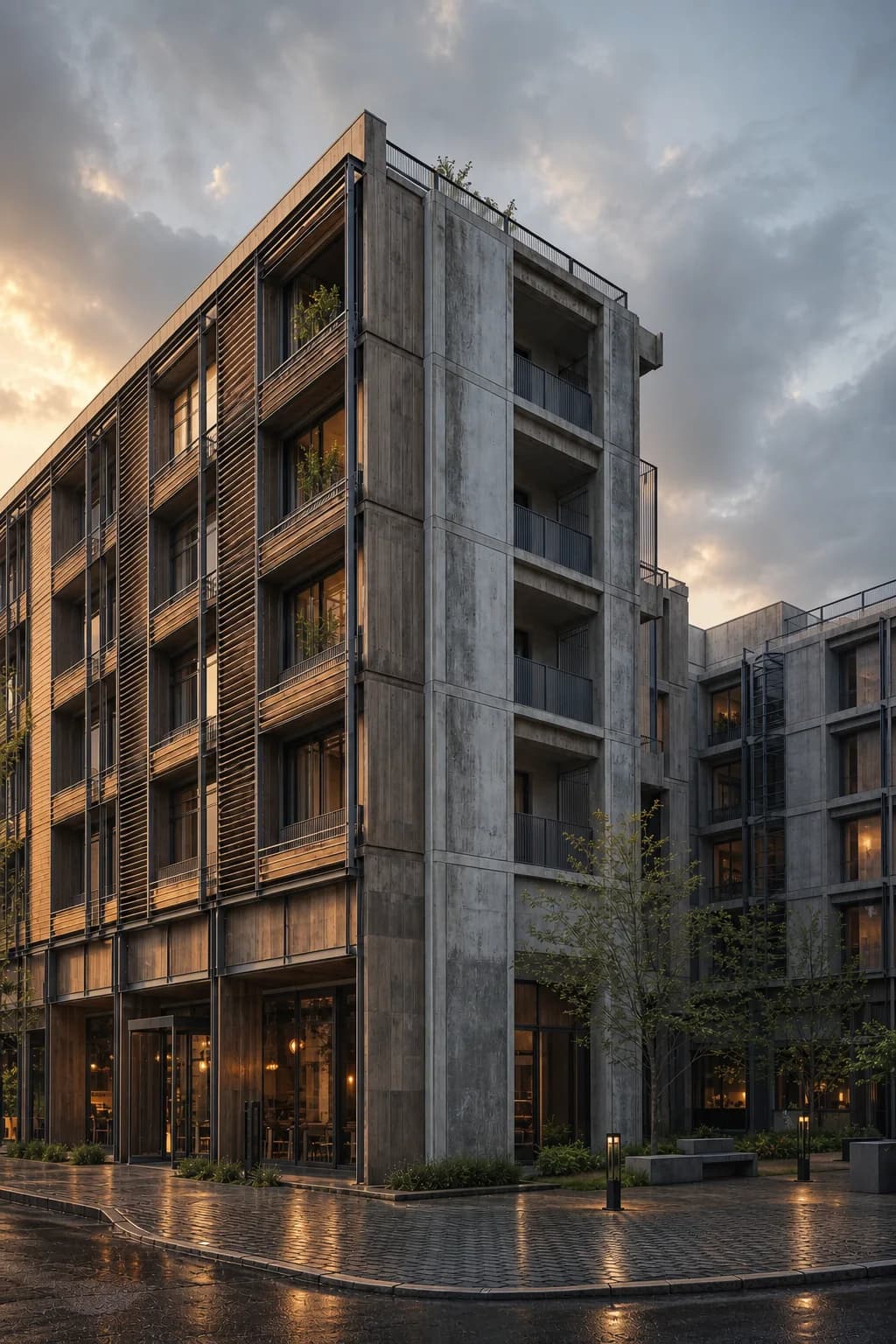
FAQ
Render questions
A few practical notes for improving lighting in Revit renders inside Rendervi.
Can I improve lighting in a Revit render without re-rendering?
Yes. Upload the existing Revit render or viewport image to Rendervi and use Light Upgrade to test stronger light, mood, shadows, reflections, sky, and window glow while preserving the same camera and architecture.
Will Light Upgrade redesign the building?
It is designed for relighting, not redesign. The safest workflow is to start from a clean render and check that the camera, roofline, openings, facade rhythm, site layout, and main architectural details still match the source.
When should I use Light Upgrade instead of Photo-realism?
Use Light Upgrade when the design, materials, and composition already work but the image feels flat. Use Photo-realism when the whole image needs a broader realism pass across materials, glass, vegetation, entourage, and photographic finish.
What lighting moods can I test?
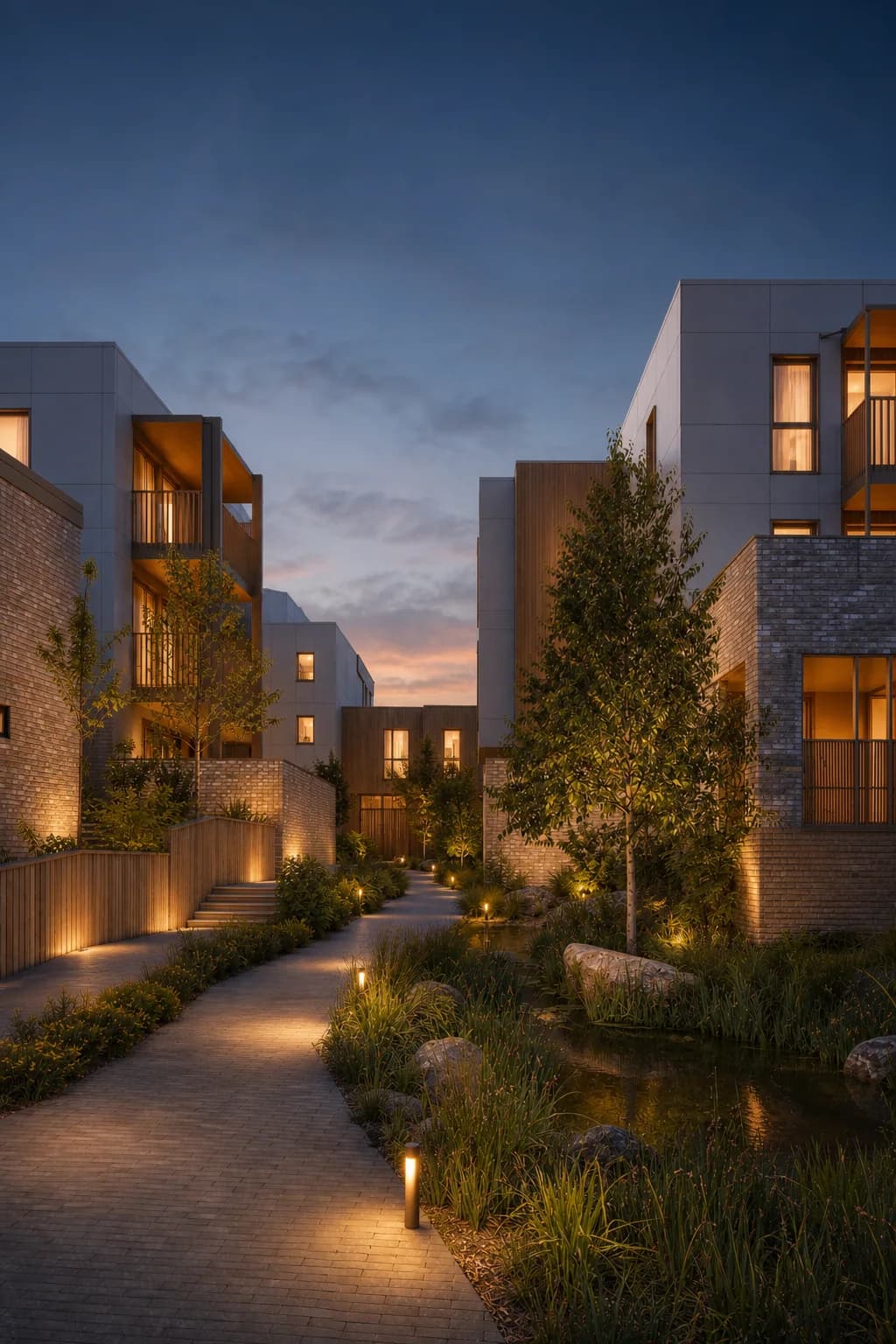
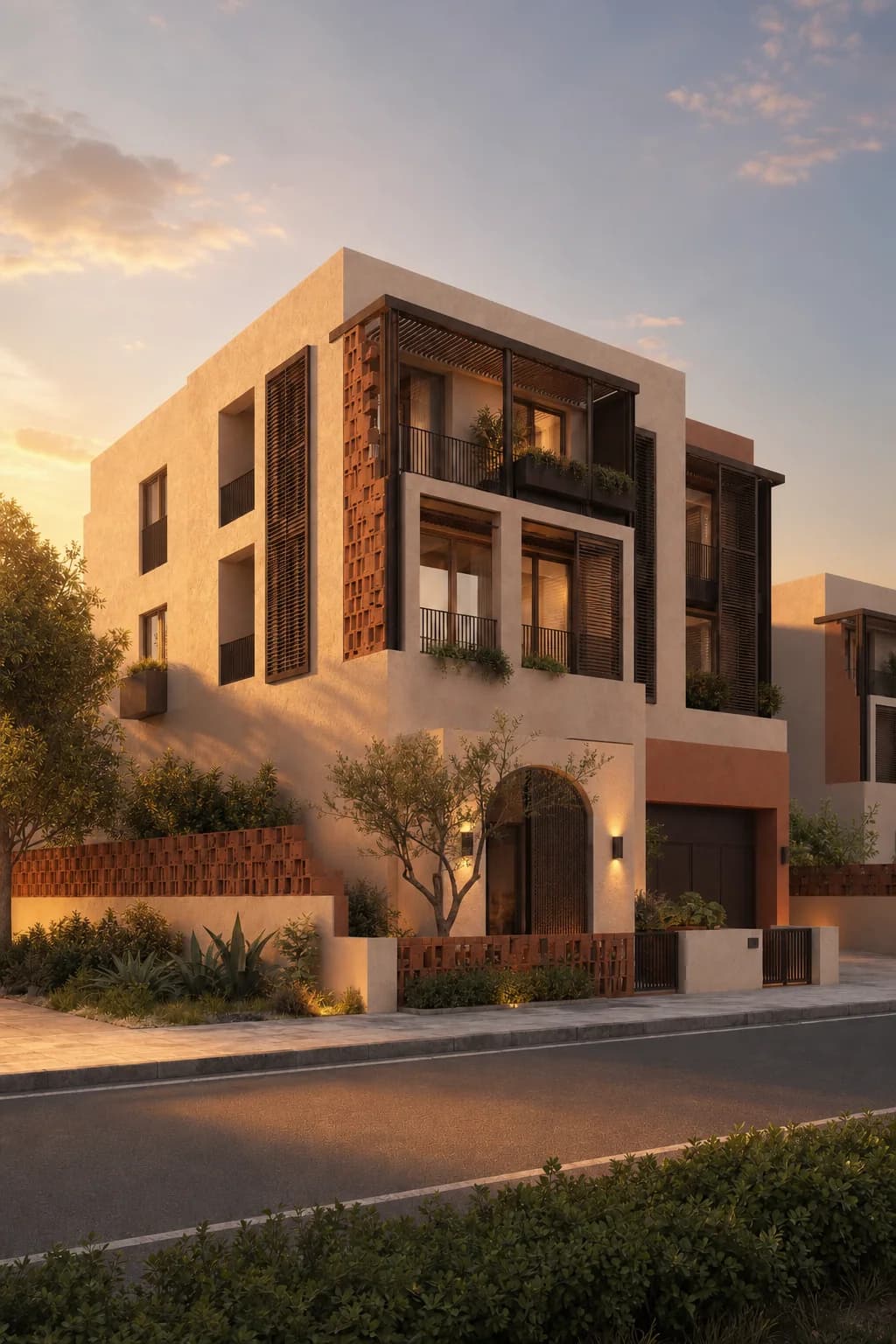
You can test bright daylight, golden hour, dusk, rainy reflections, warmer interior glow, stronger sky contrast, and more directional shadows without rebuilding the full render scene.
Get access
Upgrade the lighting in your own render
Upload an existing architecture render and test better daylight, golden hour, dusk, rain, reflections, and window glow without rebuilding the whole render scene.