Team workspaces

AI rendering built for studios, not solo prompt experiments

Rendervi gives architecture teams one shared place for project renders, visual history, team presets, people, and credits, so the studio can move together instead of passing images between personal tools.

Studio workspace
ProjectCourtyard housing
Team
ESMKAD
Shared presetWarm evening brick
CreditsTeam pool

Why it matters

Architecture visuals are rarely made by one person

A client-ready render usually passes through designers, project leads, visualizers, and reviewers. Team workspaces keep that visual memory inside the project instead of scattering it across downloads, chat threads, and personal image tools.

01

Keep project images, render history, and ownership visible to the people working on the same job.

02

Share presets so material direction, atmosphere, and visual quality carry across contributors.

03

Choose shared or personal credit spending so team rendering stays easier to manage.

Studio, not prompt box

Architecture teams need shared context, not another private image feed

Personal image tools

Great for quick experiments

A solo prompt tool can create a strong image, but the result often lives in one account, detached from the project history, team decisions, and visual rules.

Rendervi team workspace

Built around studio production

Shared projects, team presets, member access, and credit settings keep the render workflow connected to the actual architecture project.

Studio workflow

A simple shared loop for render production

Collaboration in Rendervi is intentionally simple: invite the team, work in shared projects, and reuse the visual decisions that already worked.

Architecture studio team reviewing AI render options together
01

Create the team space

Set up a studio workspace, invite teammates by email, and decide whether renders use shared owner credits or each member's personal balance.

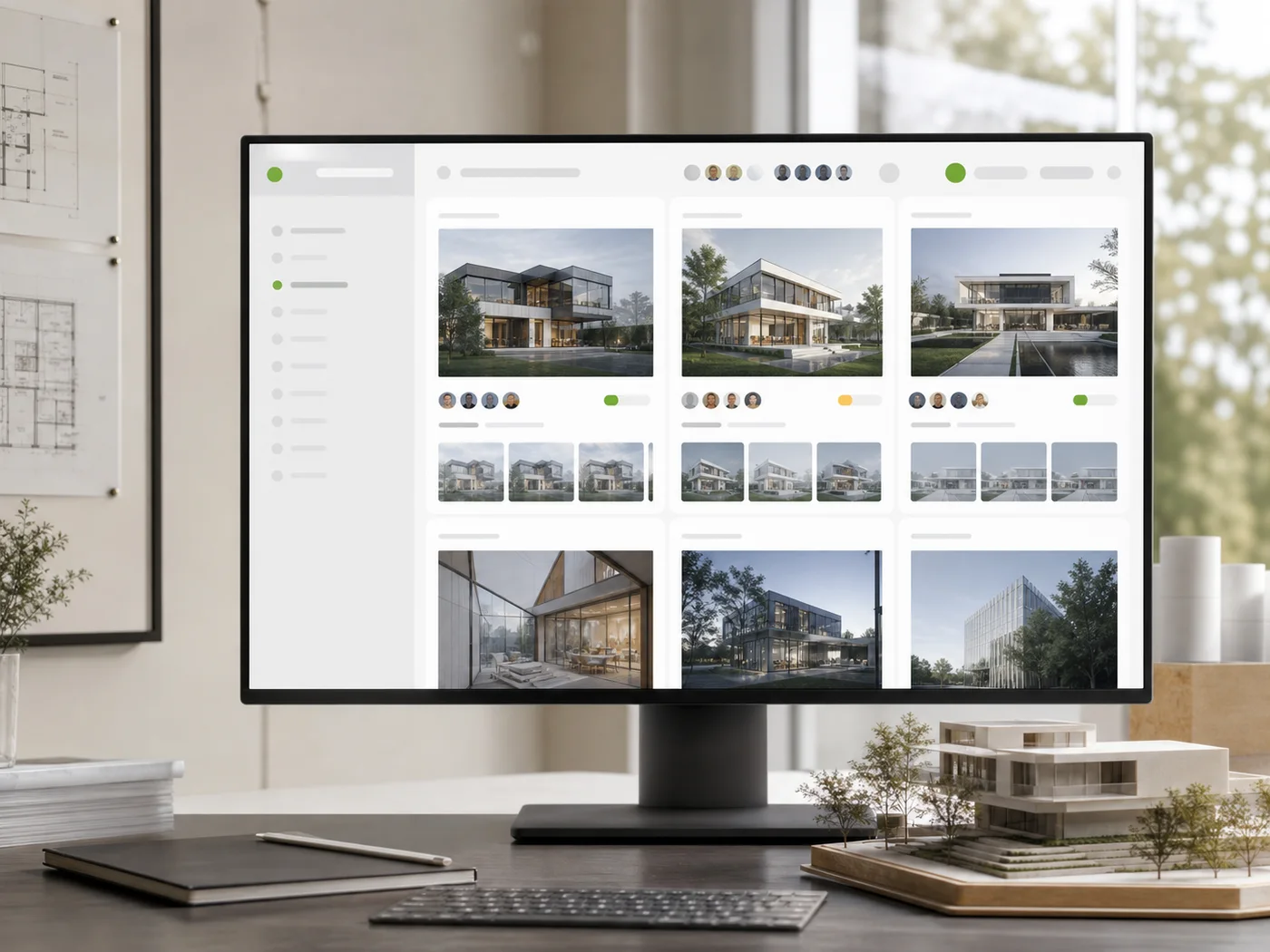
Shared architectural project dashboard with render history and team context
02

Work inside shared projects

Create project workspaces where uploads, generated versions, comparisons, history, and downloads stay available to active team members.

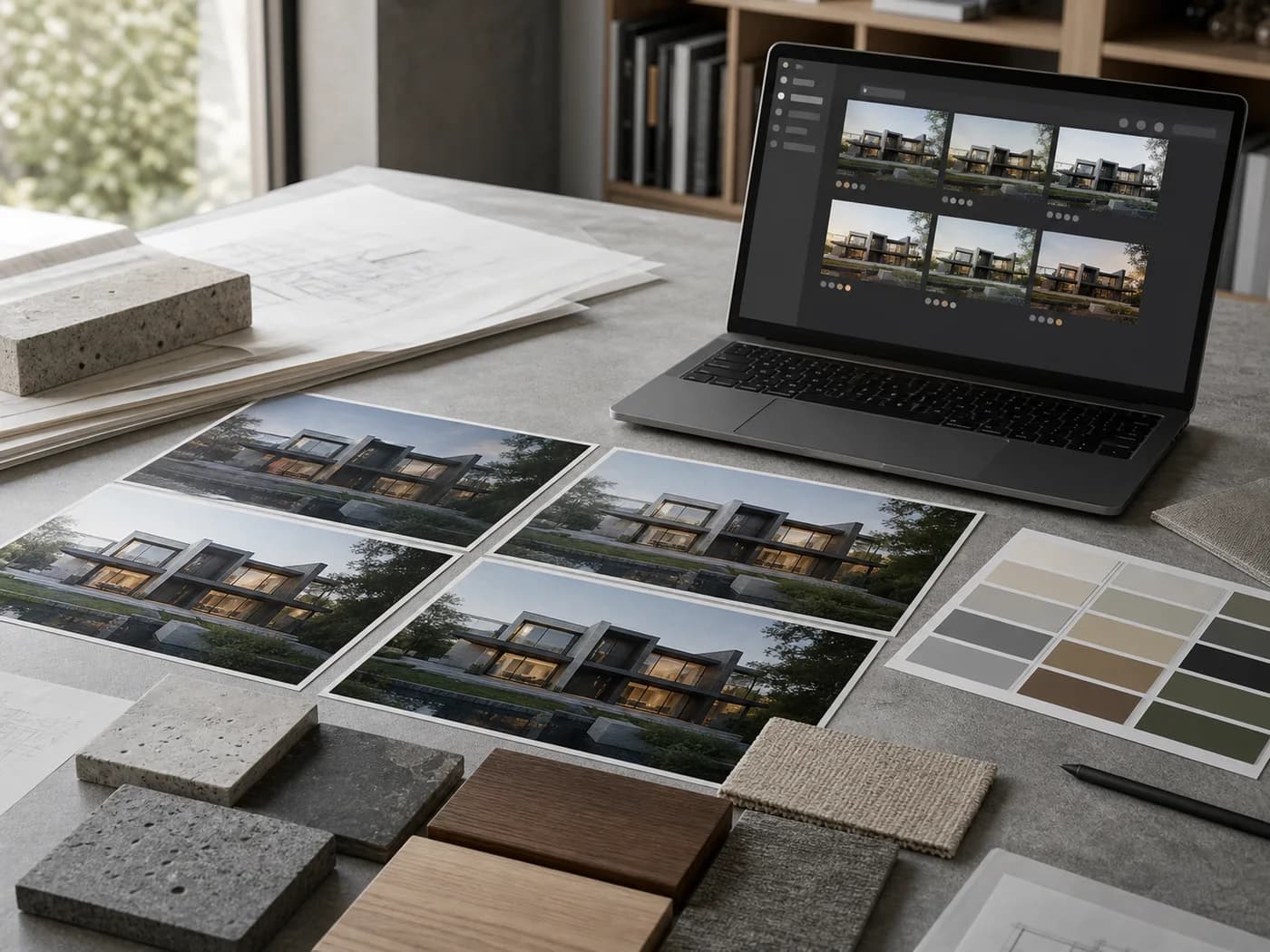
Shared architectural render presets and material direction on a studio table
03

Reuse the studio direction

Save strong outputs as team presets, then apply the same atmosphere, material logic, and project cues to the next view.

Best for

When the image has to survive more than one person

Architecture studios producing several views for the same project.

Visualization teams that need repeatable visual direction across contributors.

Owners who want member access, shared projects, and credit control in one workspace.

FAQ

Questions about team workspaces

Simple answers for studios evaluating team workspaces in Rendervi.

What does a Rendervi team workspace include?

A team workspace includes team projects, member access, invitations, shared or personal credit spending, and team presets that can be reused inside the shared workspace.

Why is this better than using a personal AI image tool?

Personal tools are useful for experiments, but studios need shared project context, version history, repeatable presets, and access control so the work does not live in one person's account.

Can teams control how credits are spent?

Yes. Team settings support shared owner credits or personal member credits, so owners can decide how rendering spend should work for the team.

Next step

Bring the render workflow into the team space

Create a shared Rendervi workspace for your studio and keep project images, presets, people, and credits in one place.

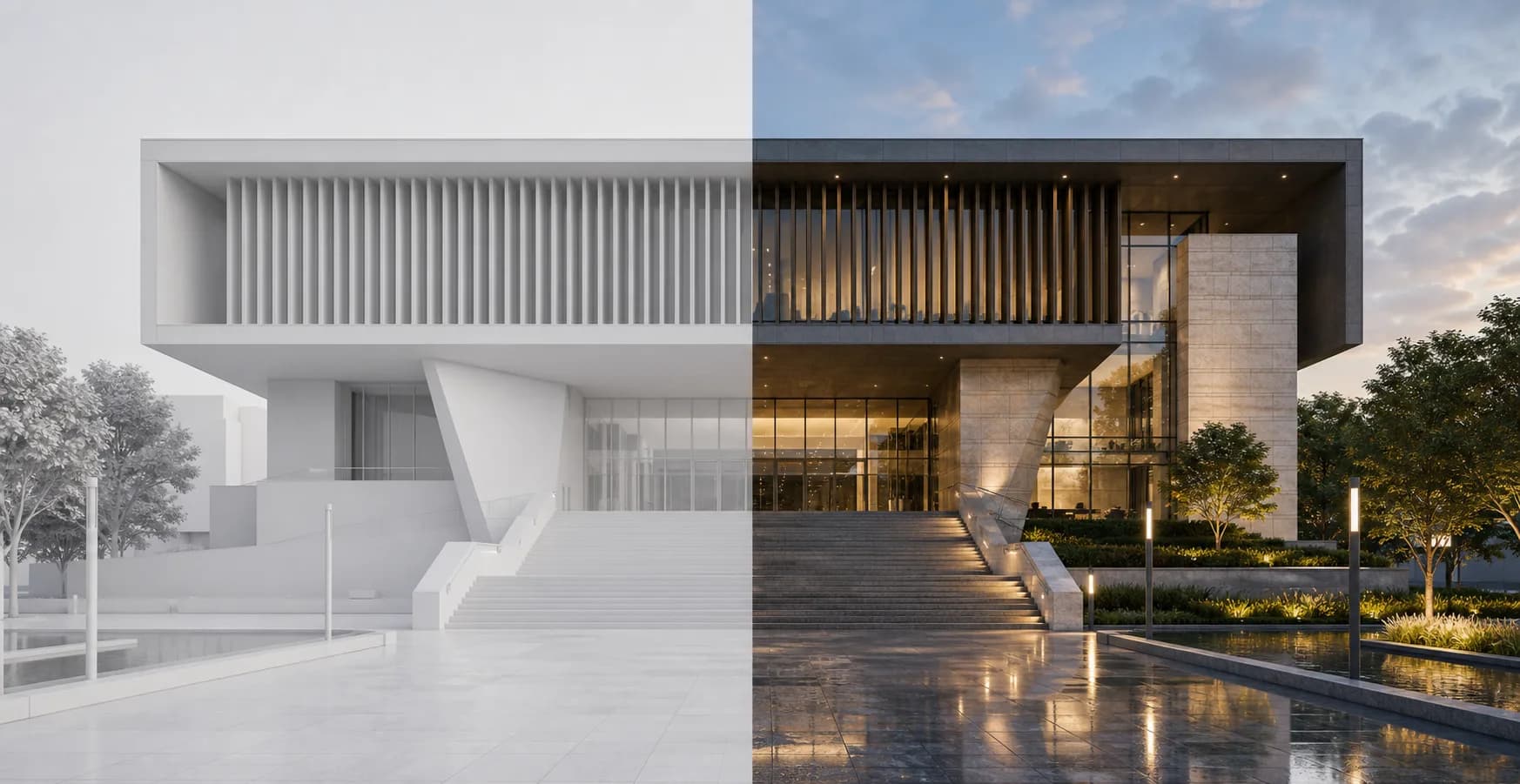
Modern public building shown as a clay render and finished architectural render