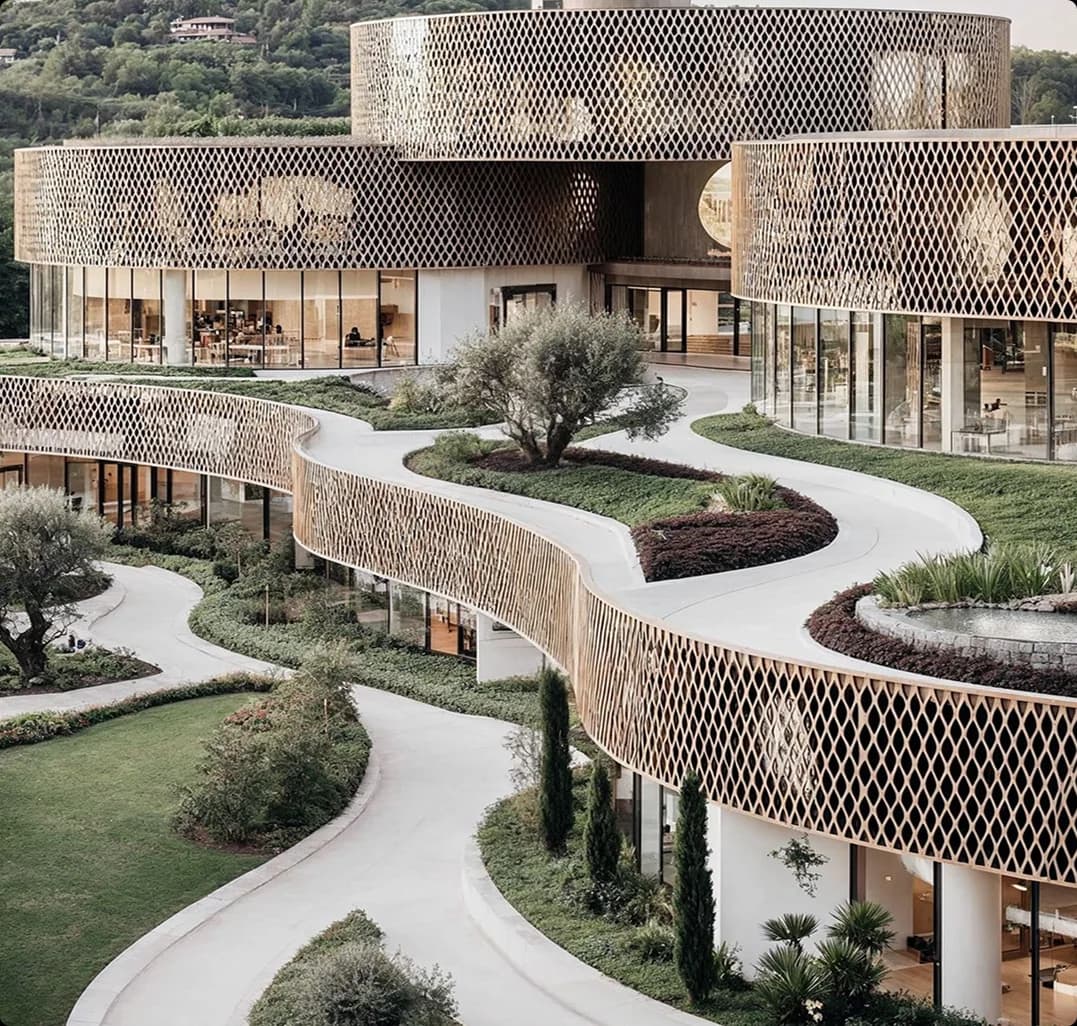
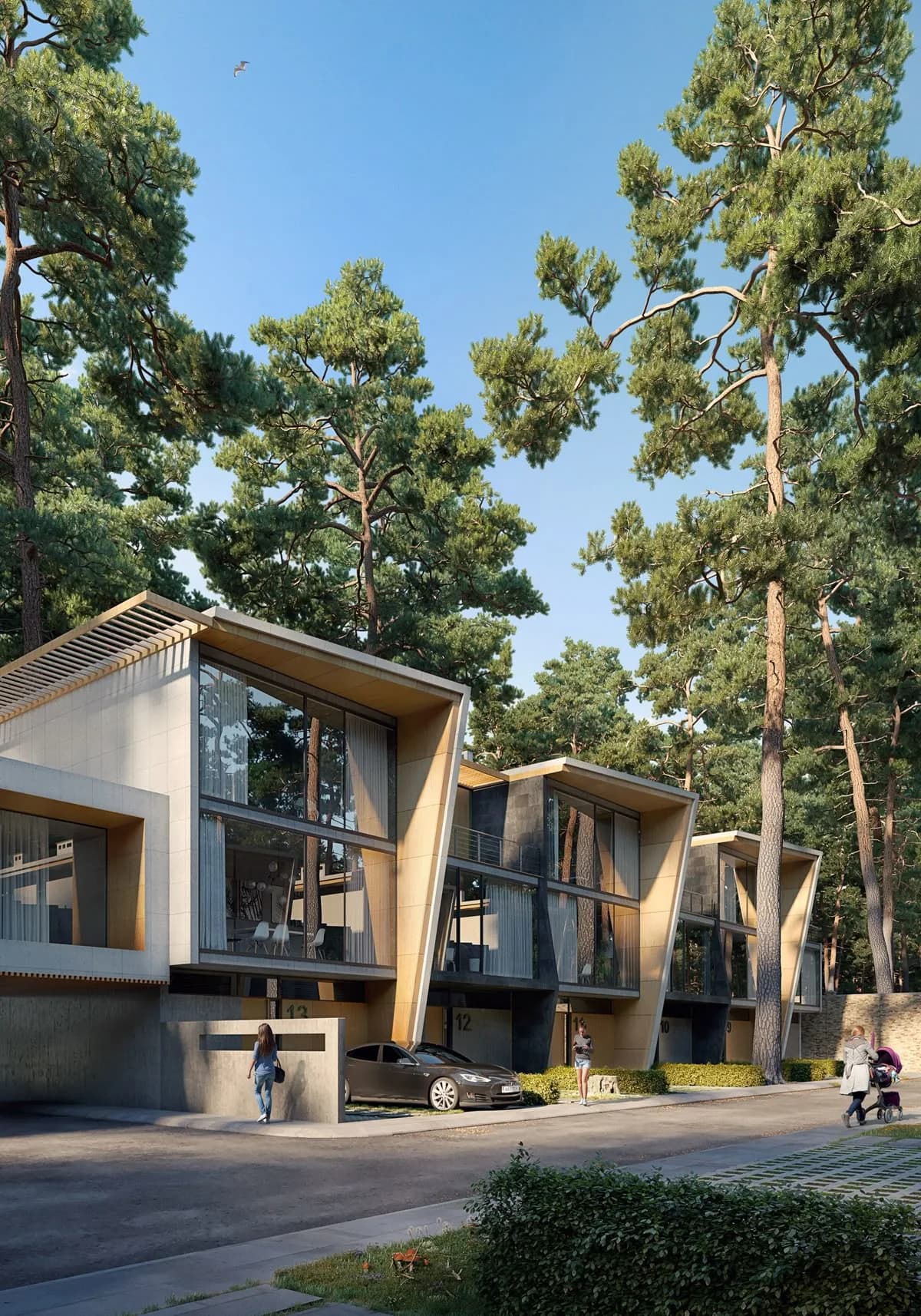
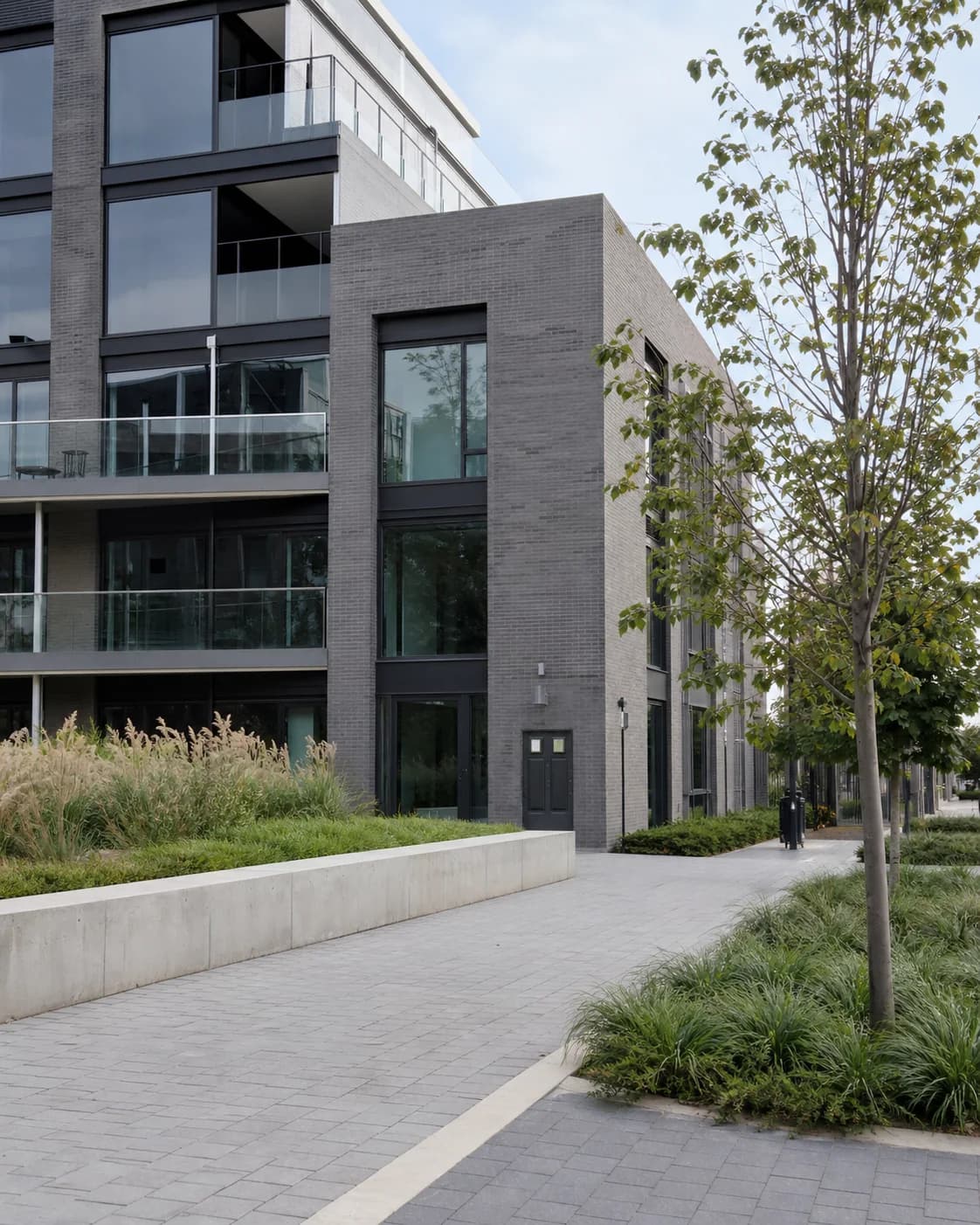
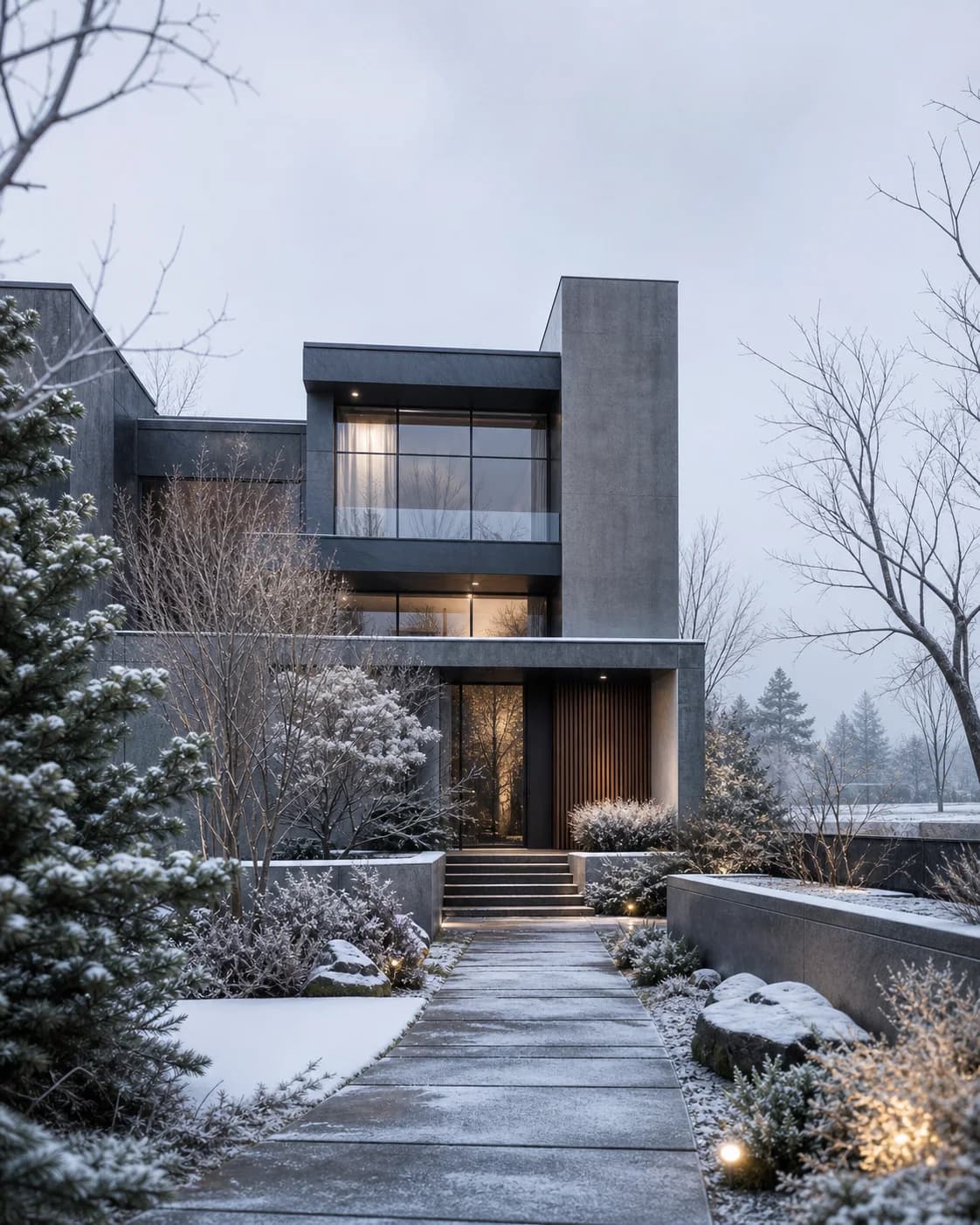
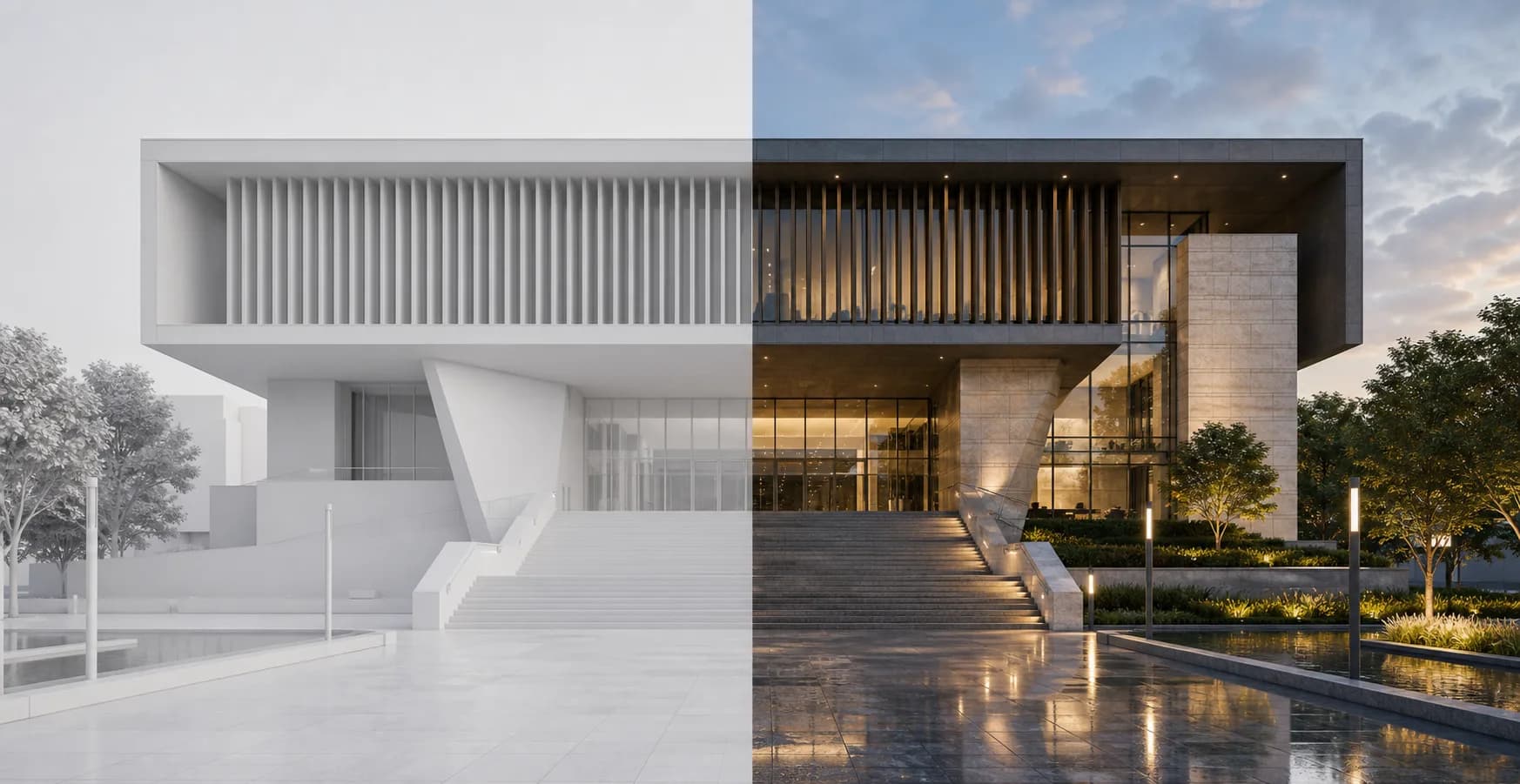
AI rendering
AI Renders for Architects
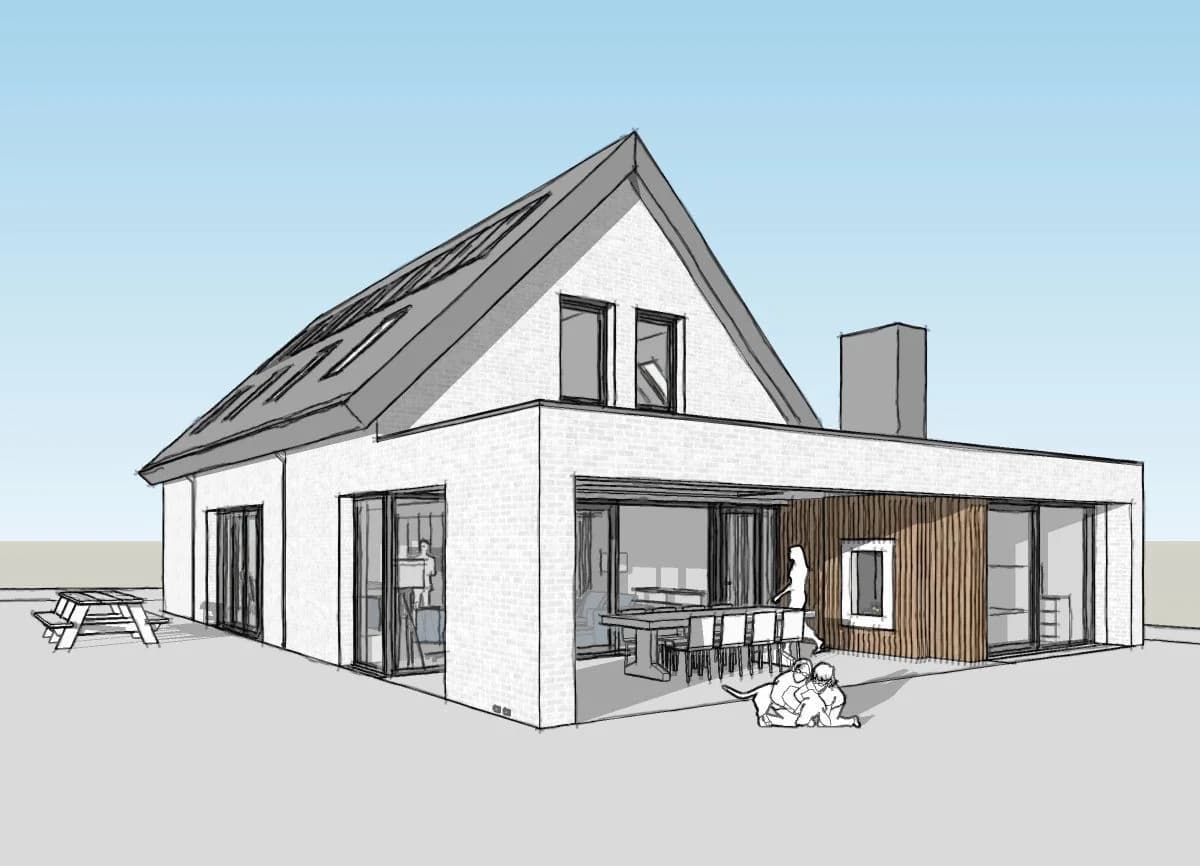
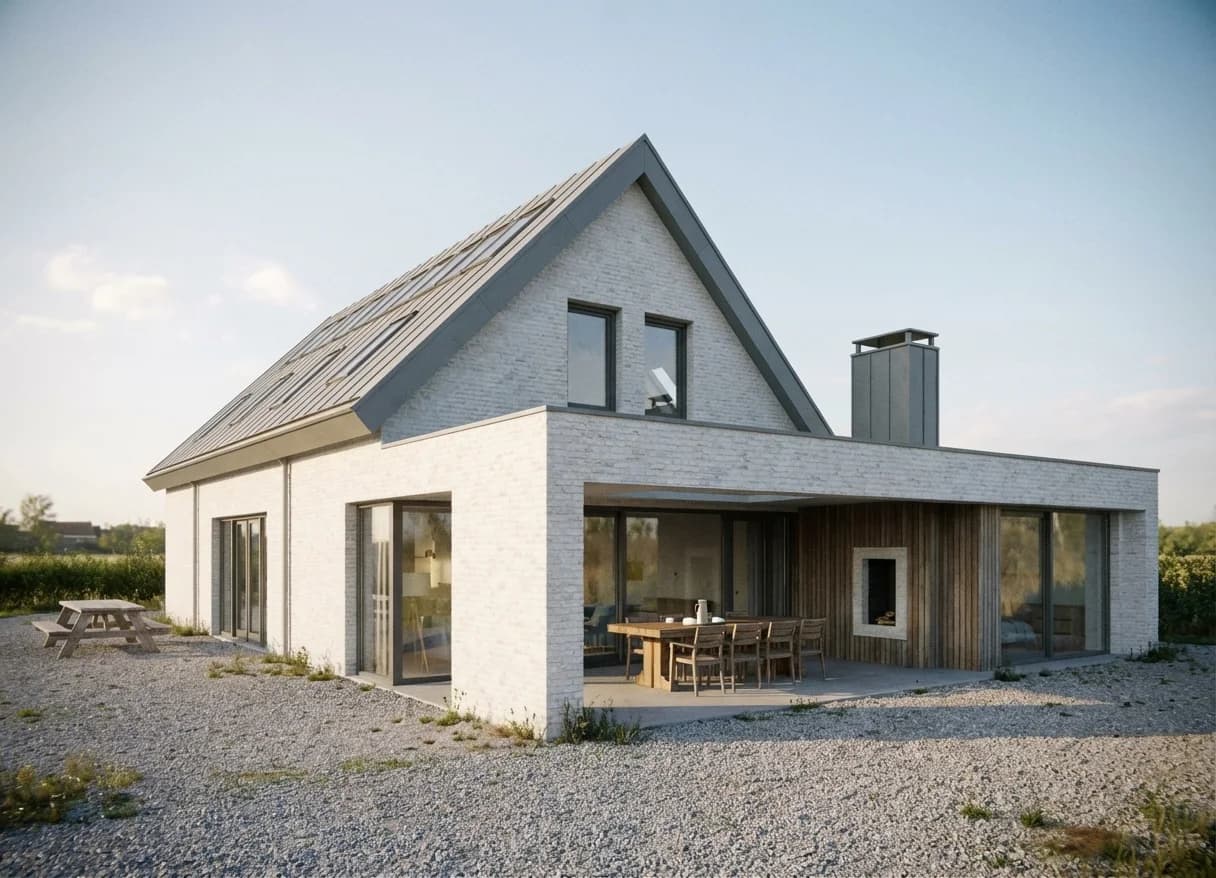
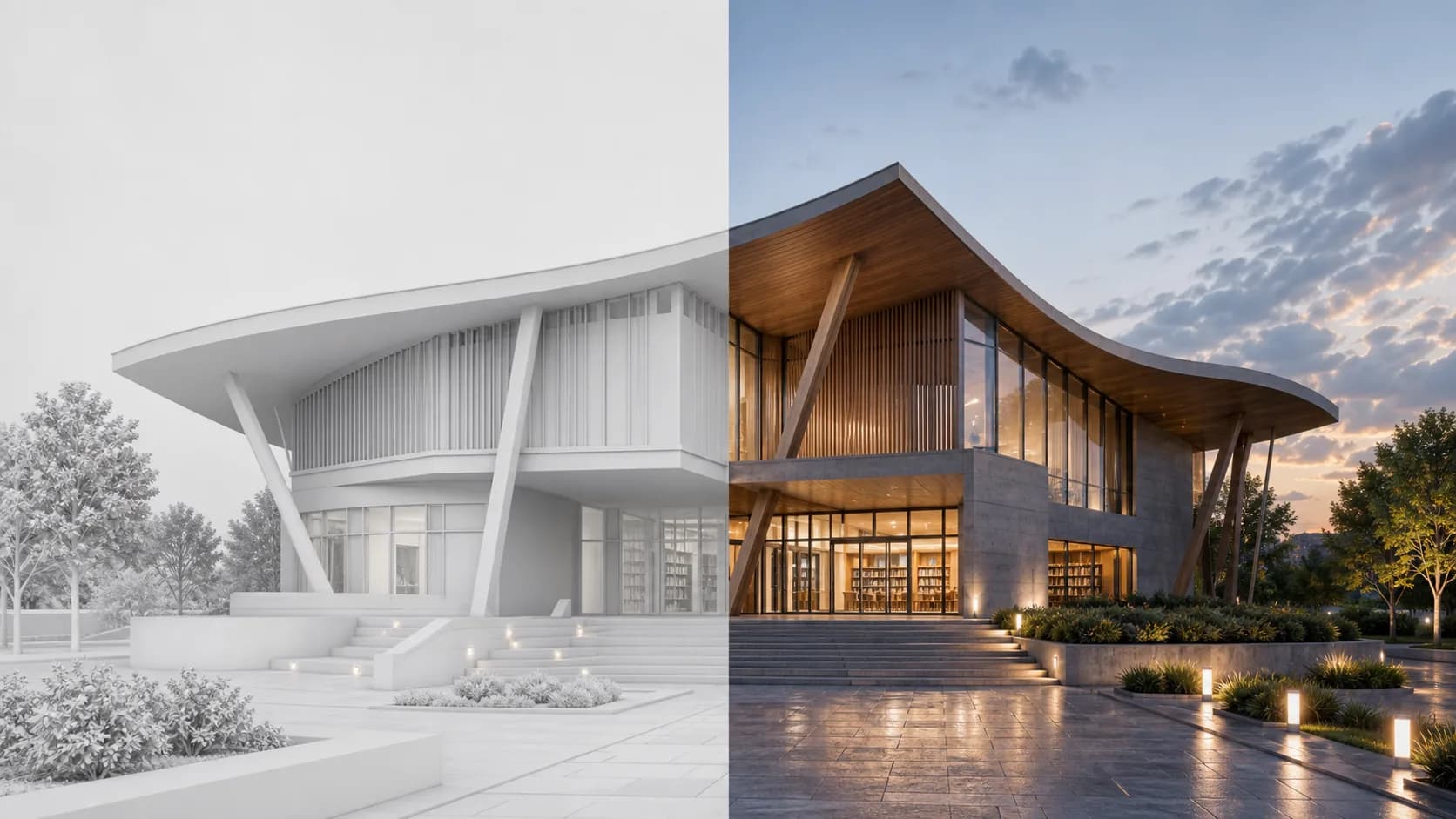
Create clean AI architectural renders from model screenshots, clay views, and early previews while keeping the design readable.
AI visualization for architects
Upload a model preview to Rendervi and enhance the image without surrendering the design. If you are looking for AI visualization that keeps your architecture, materials, and camera under control, this is the workflow.


AI rendering
Create clean AI architectural renders from model screenshots, clay views, and early previews while keeping the design readable.
Keep the camera angle, massing, openings, and main design details recognizable.
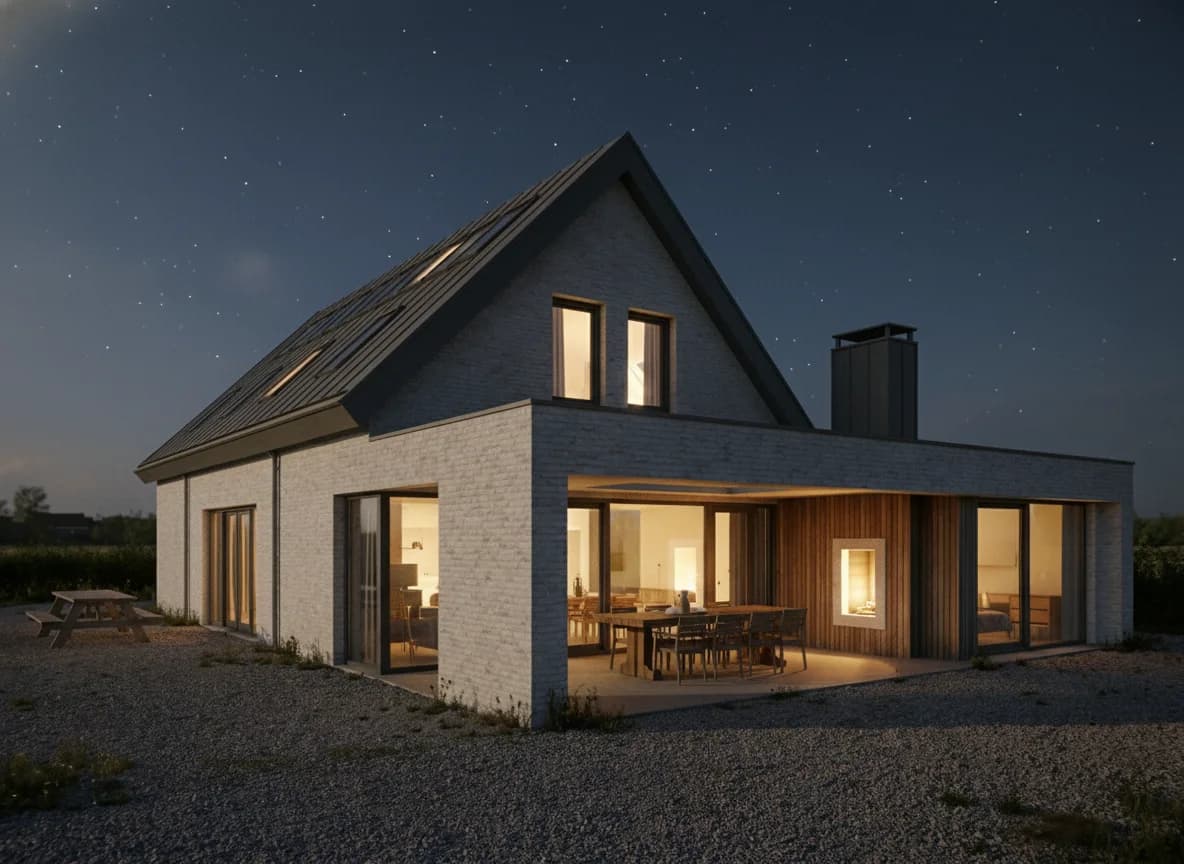
Replace flat viewport output with better light, material response, depth, and atmosphere.
Move from a screenshot or clay view to something useful for reviews, decks, and client conversations.
Workflow
Short, controlled steps for real architecture production work.

Use the model screenshot, clay render, or viewport export that best explains the design. The stronger the starting angle, the more useful the result.

Rendervi improves light, material behavior, atmosphere, and image quality while keeping the architecture grounded in your source image.

Save the result with the project, compare it against the original, and continue from the strongest image instead of starting over with a new prompt.
FAQ
Simple answers for architects and visualization teams evaluating this Rendervi workflow.
Yes. Upload a clear model screenshot, clay render, viewport export, or base render. Rendervi uses that image as the design source and improves it into a cleaner architectural visualization.
Rendervi is built to preserve the camera angle, massing, openings, and main design details while improving light, materials, depth, and atmosphere.
No. Start with the image and a simple direction. Rendervi is organized around architecture workflows, so you do not have to rebuild the whole scene through prompt writing.
While you can replace the traditional render engines, it is best practice to use both tools. Use Rendervi when you need to iterate fast with visual direction of the design or enhance your final renders. Traditional engines are still useful for full control and applying materials to achieve better results with AI.
Yes. After the first render, you can continue from the result, make targeted edits, test materials, improve realism, or upscale the image instead of starting again.
General AI tools often invent too much. Rendervi focuses on architectural images, project history, controlled changes, and keeping the original design readable through the workflow.
Related solutions
Next step
Use Rendervi ai rendering to move from a project image to a stronger architectural visual without losing control of the design.