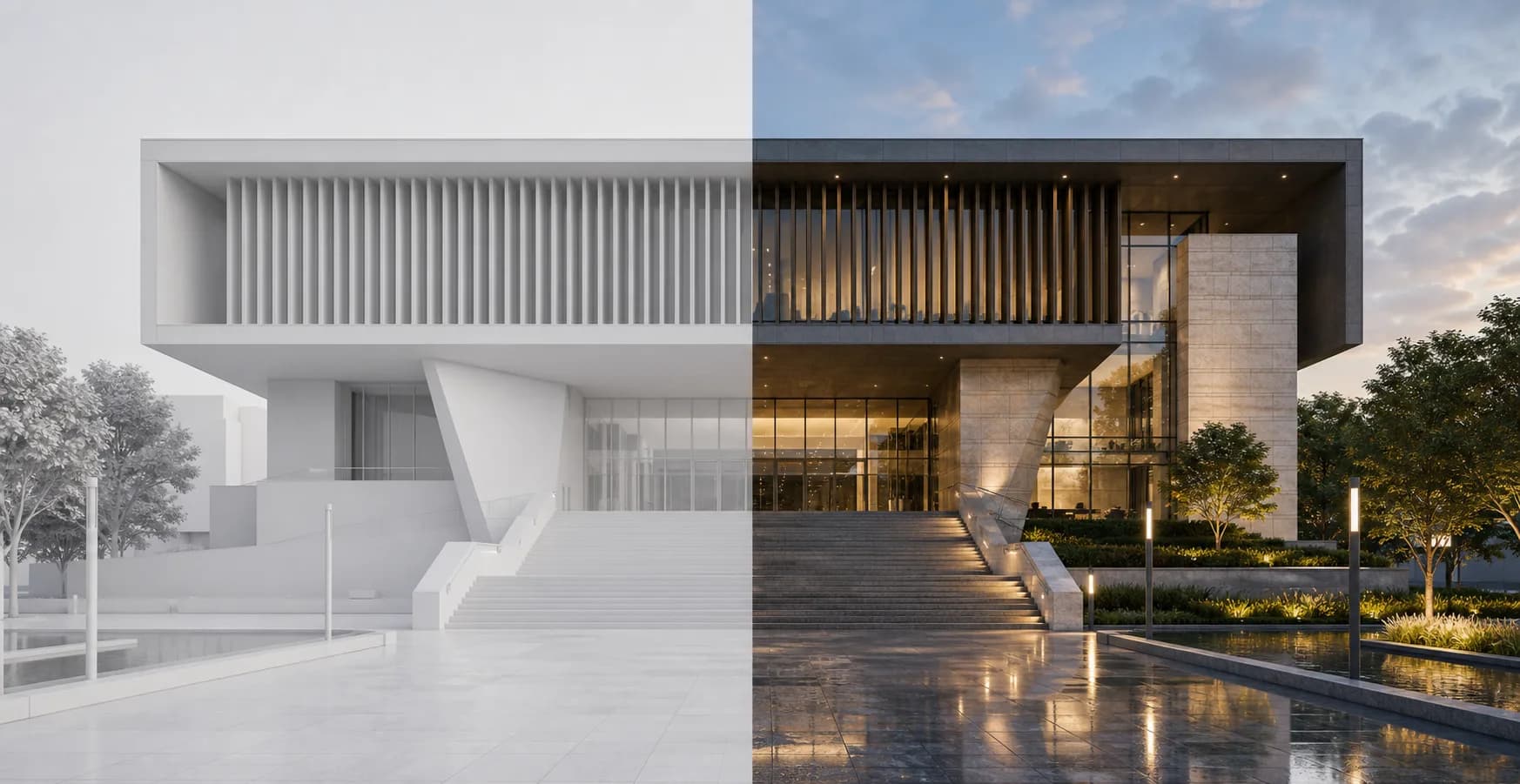
When to use it
View your design from another angle
Text to render helps with ideation and for a quick changes in your renders.
Text to Render
Text to render is a tool that helps you ideate fast. Explore new geometry, test different styles and materials, add reference and edit same image with just your text.
When to use it
Text to render helps with ideation and for a quick changes in your renders.
Get more ideas from your design. You can treat it as a Pinterest references, but from your own words and design
Usefull when you need quick changes (text on the building, change the weather or time) but don't have time for a full re-render in traditional soft.
Compare, upscale, make an animation from it - everything you need to boost your postproduction game and stand out inside our Studio
Model choice
The key difference is our models that focused on architecture and helps you to write a prompts. We tried to create a tool that architects could use in real practice for ideation phase or for changing details of the render without re-rendering scene for a couple of hours.
Use Architect AI when you need fast design ideas or when you want to change details inside an existing render without disturbing the rest of the image.
Good pick if you know how to write prompts or have a specific instructions that should be followed 1:1.
Workflow
Keep the prompt short and specific. Rendervi handles the architecture-focused generation around it.
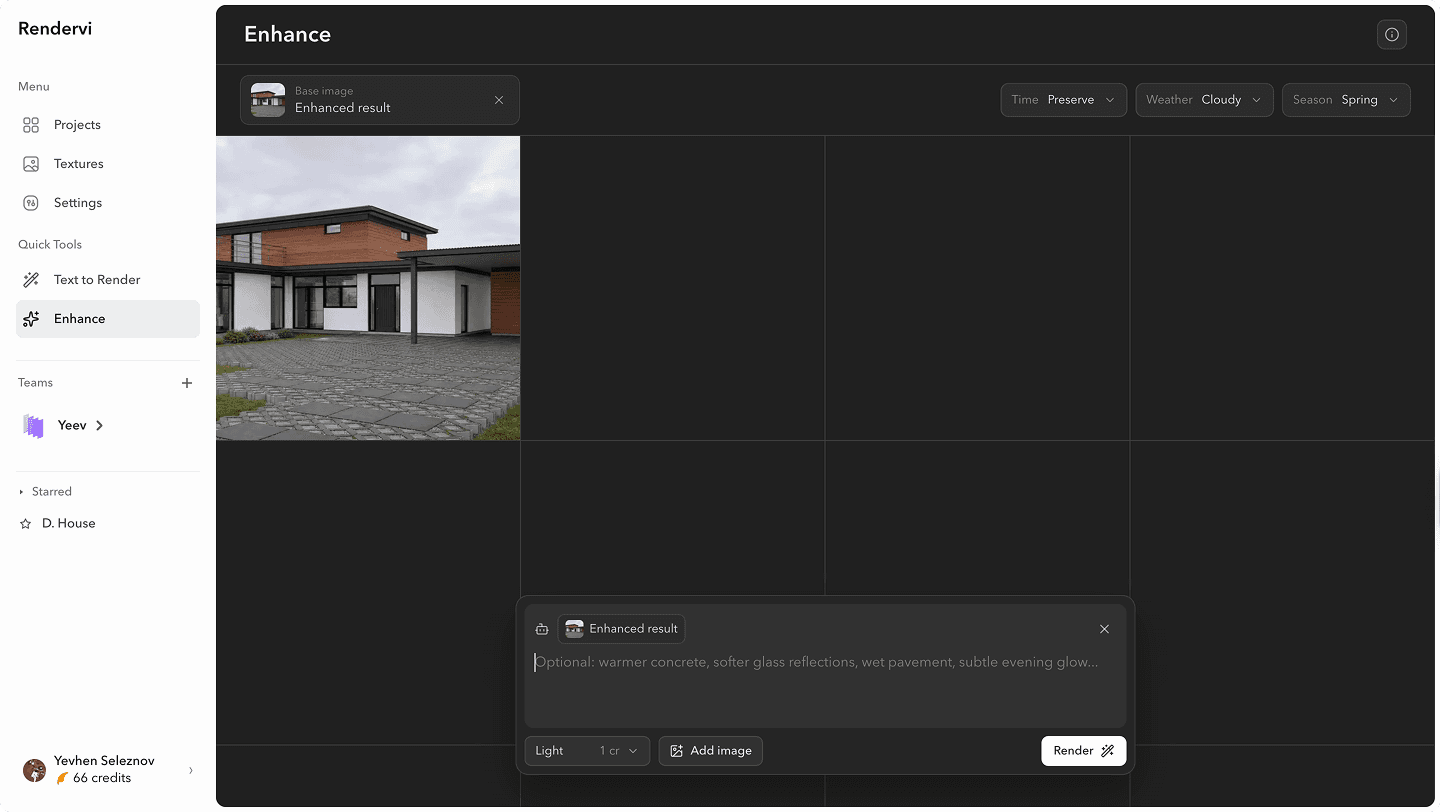
Write the building type, scene, material direction, atmosphere, and camera in a short prompt.
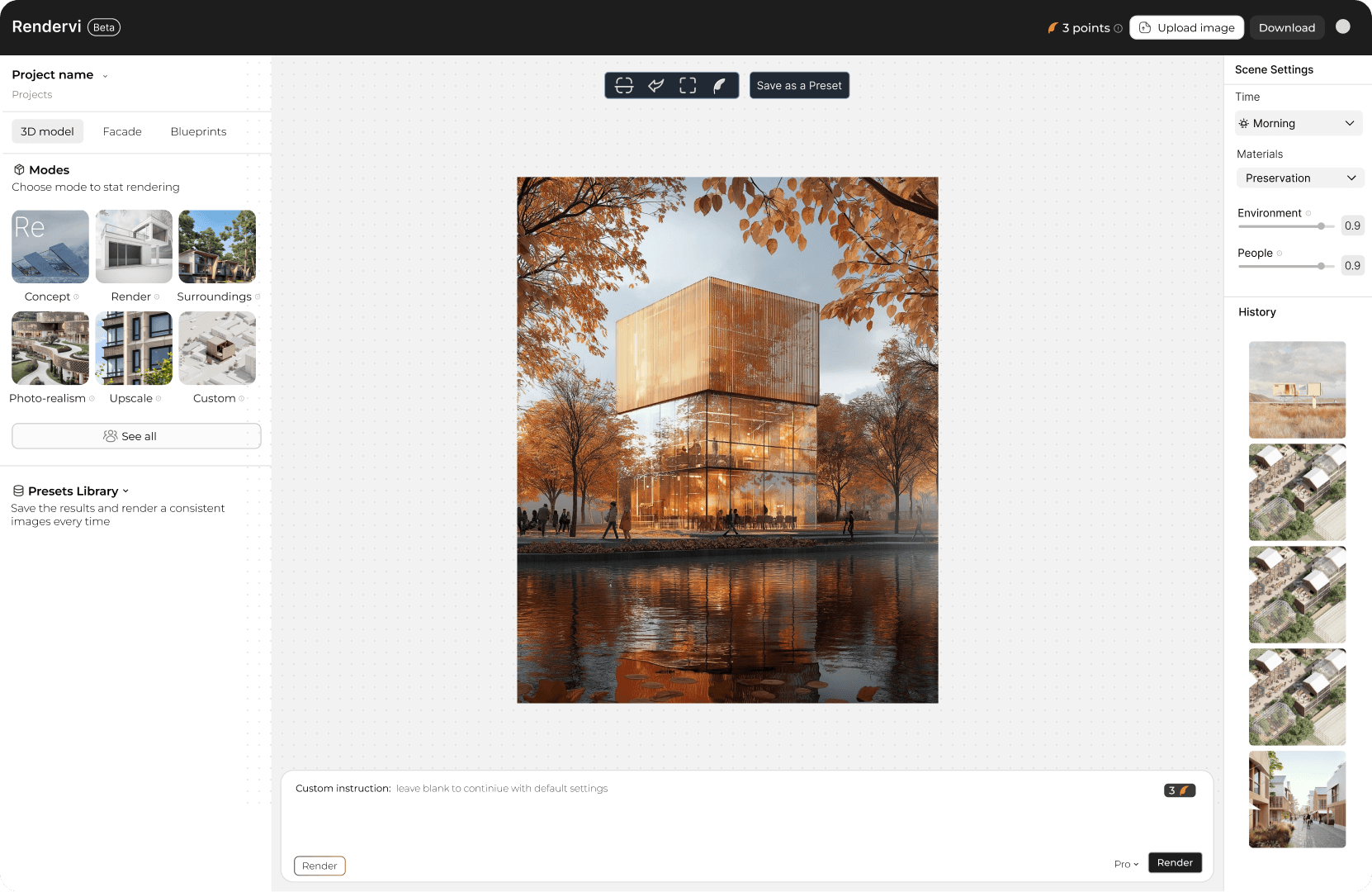
Use Architect AI for architecture-focused results or Creative when the instructions are more specific. Pick the other settings such as a resolution, amount of images and others.
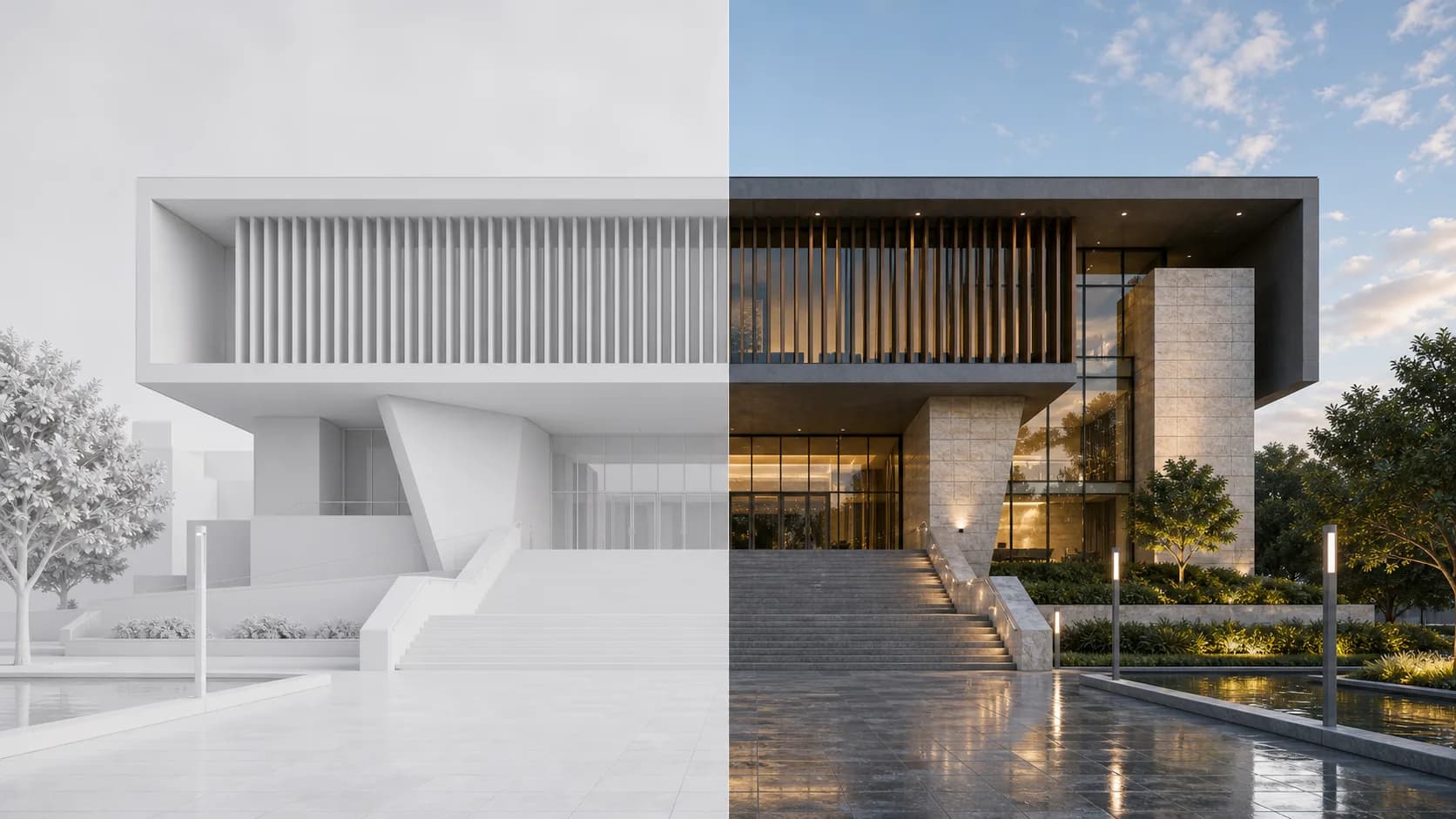
Review the output grid, download the useful options, or continue from the best result.
FAQ
Simple answers for architects and visualization teams evaluating this Rendervi workflow.
It turns a written idea into architectural images for early concepts, material tests, style directions, or new views before a final render exists.
Yes. Describe the building, camera angle, materials, mood, and surroundings. An architecture-focused model gives better results for design work.
Generic AI tools can create images. Architecture-focused tools are better for render ideation, design context, model choice, and reducing unwanted changes.
Use Architect AI for architecture-focused ideas and controlled render edits. Use Creative AI when you have specific instructions and want them followed closely.
Yes. Add a reference image when you need quick changes like materials, weather, time of day, signage, or visual style without a full re-render.
The most important settings are model, prompt, reference image, resolution, and number of images. Generate variations, compare them, then reuse the strongest result.
Related solutions
Next step
Try AI renders for your next project. AI renders that actually works and don't change your design