Material change

Change materials without re-rendering the scene

Select the part of the image that needs a change, choose a texture from the library or upload your own, and apply it without rebuilding the scene.

Why it works

Hand-picked materials with AI analysis

Rendervi combines curated texture references with AI material analysis, so you can change finishes precisely without changing the design. Our goal is to accelerate material decisions while keeping the architecture, lighting, and composition intact.
Edit only the specific area of the image with Rendervi inpainting tool.

Do not waste time on prompts: work with a ready-to-use texture library.

Save a whole day of work and do the job even on a mobile phone.

Why it works

Workflow that saves time

Change any material in selected area with our inpainting tool. The AI will analyze the image and new texture and create a new variant

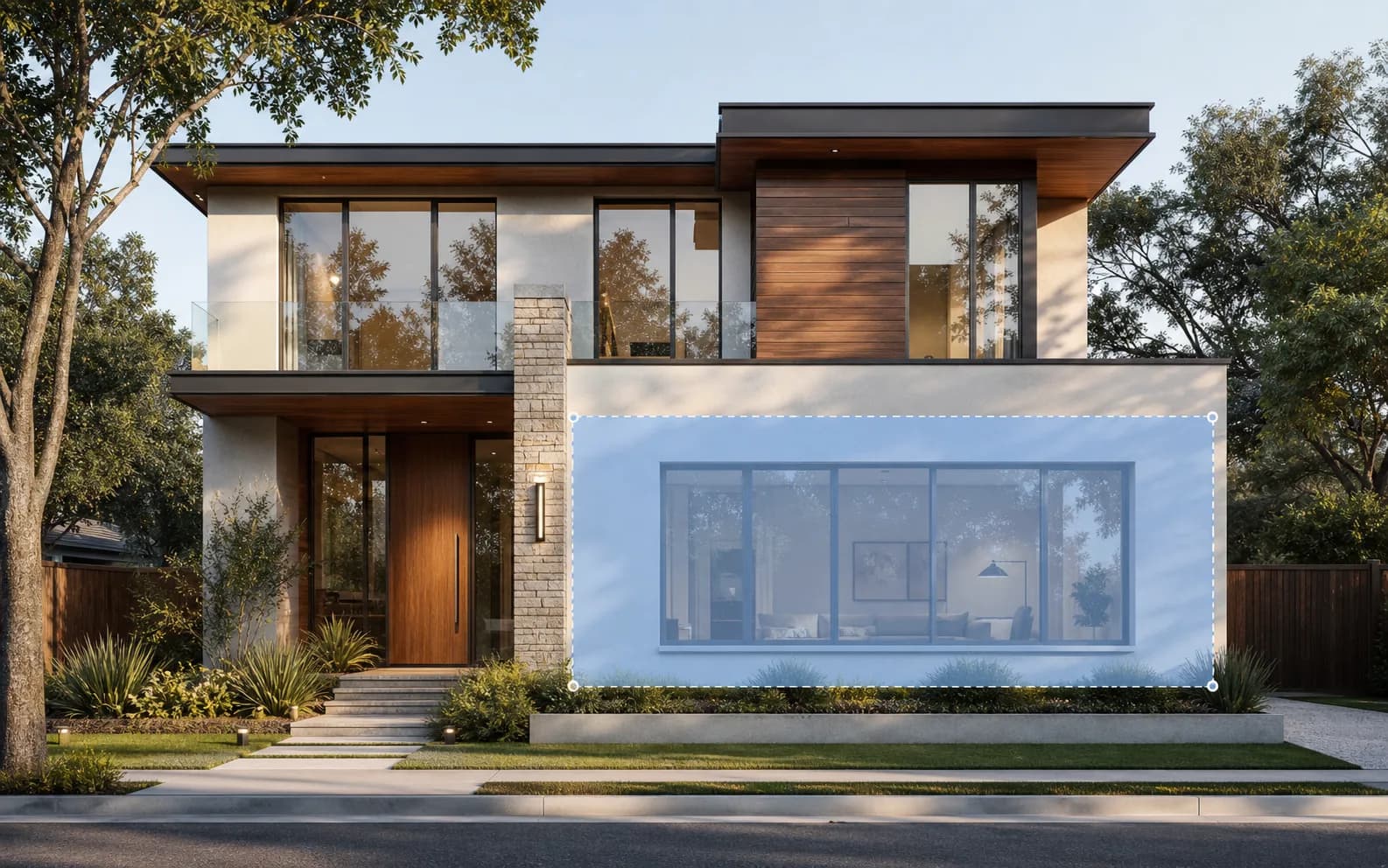
Selected first-floor facade area on a modern residential home

Select the area

Mark the facade, wall, floor, furniture, or landscape zone that needs a new material.

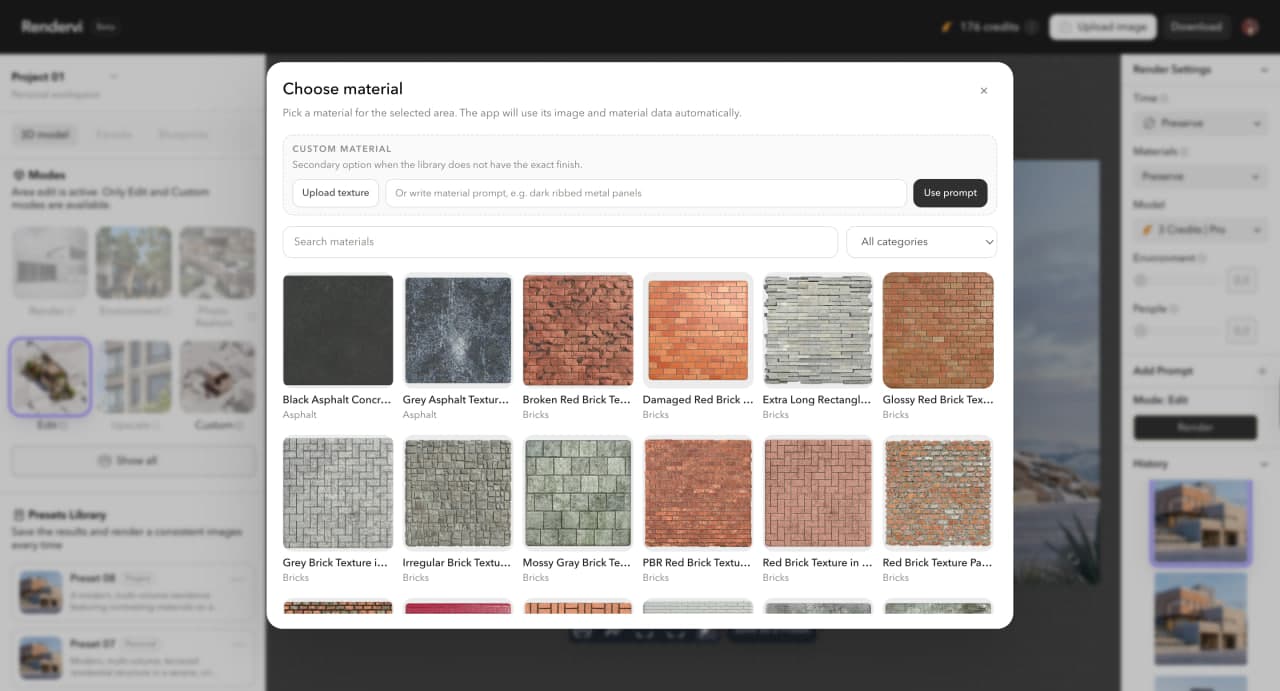
Material library and prompt dialog for changing render materials in Rendervi

Select Material

Using our texture library select the material you want or describe the material in the prompt. All our textures consist of technical details about the material, so you can achieve better render quality with a few simple steps.

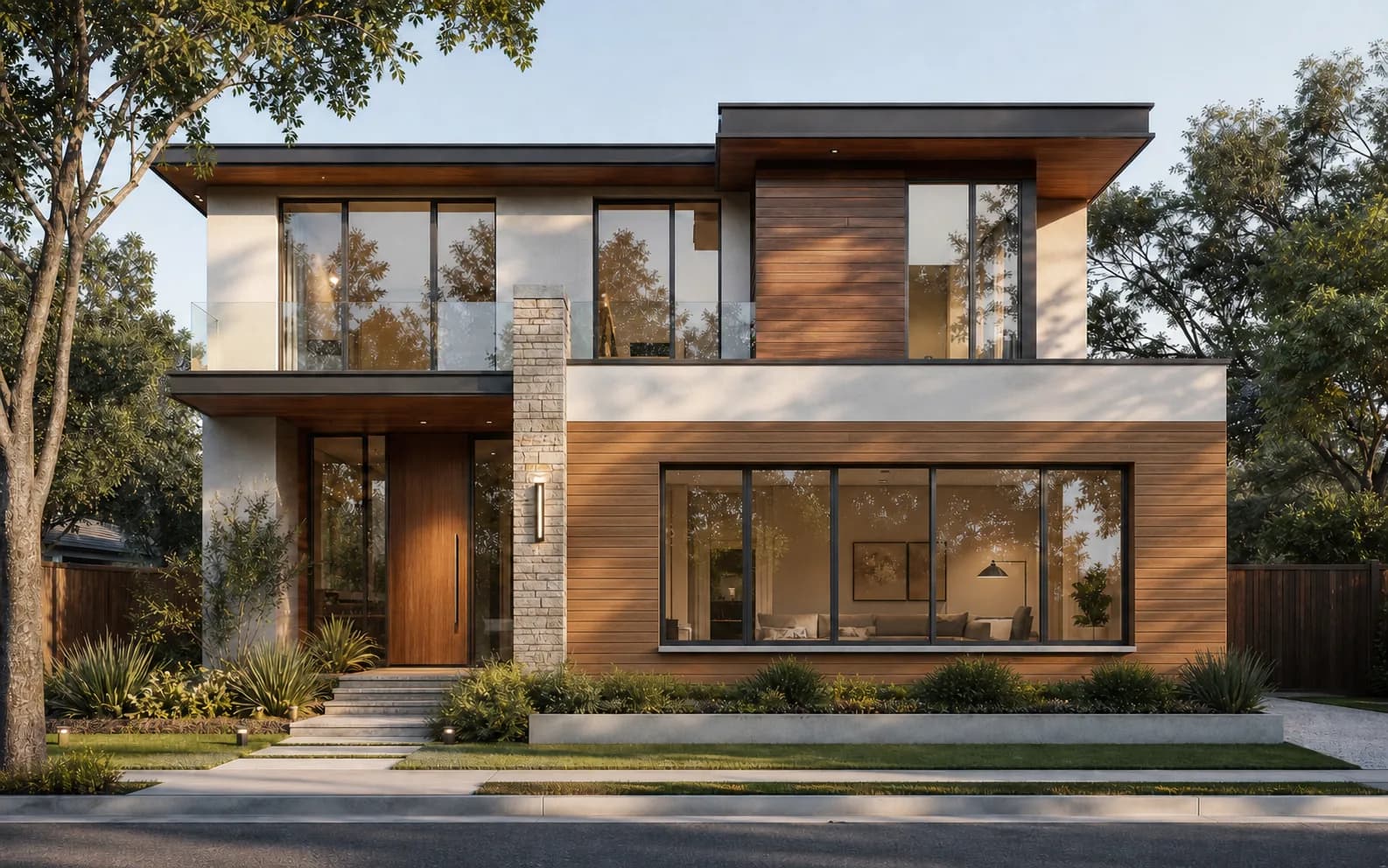
Modern residential home with changed first-floor facade material

Compare options

Review like-for-like variants without changing the full scene.

Texture library

How texture library works

Each Rendervi texture combines a material image with technical context the AI can use during inpainting. That means you choose the finish visually, while Rendervi carries the material details into the edit.

Open texture library
Technical material descriptionUsed by AI
{
  "material": "Brick",
  "type": "brick wall finish",
  "pattern": "irregular running bond",
  "color": "weathered red and orange",
  "surface": "rough, porous, worn edges",
  "bestFor": "facade accents, exterior walls",
  "promptHint": "preserve scale, mortar joints, and facade lighting"
}
No prompt rebuilding

Pick a finish from the library instead of describing every surface property from scratch.

Reusable team materials

Upload your own texture once, then use the same material across all projects and teams.

Better control

The AI works from a known texture and material definition, which is more predictable for architecture.

FAQ

Questions about material change

Simple answers for architects and visualization teams evaluating this Rendervi workflow.

Can I upload my own textures?

Yes. You can upload your own textures in PNG or JPG format and use them for material changes.

Can I share materials with the team?

Yes. Team workspaces let you share materials and keep the same visual direction across collaborators.

Can I edit only a specific area of the render?

Yes. Use the inpainting tool to select the exact facade, wall, floor, furniture, or detail you want to change.

Can I try it for free?

Yes. New users get 12 free credits, which is usually enough for about 4 to 10 images depending on the workflow.

Can AI change materials without affecting the rest of the image?

Yes. Rendervi uses inpainting so the selected area changes while the rest of the render stays stable.

Can I replace facade materials in a render?

Yes. Facade cladding, brick, stone, concrete, metal panels, timber, and exterior finishes are strong use cases.

Do I need a 3D model to replace materials?

No. You can start from an image or render. A 3D model is not required for AI material changes.

Can I try multiple material options?

Yes. You can generate and compare different material directions from the same render view.

Does the AI keep the original architecture intact?

Yes. That is a core Rendervi feature: change the material while preserving the architecture, camera, and composition.

Next step

Try Studio for your next project

Try AI renders for your next project. AI renders that actually works and don't change your design

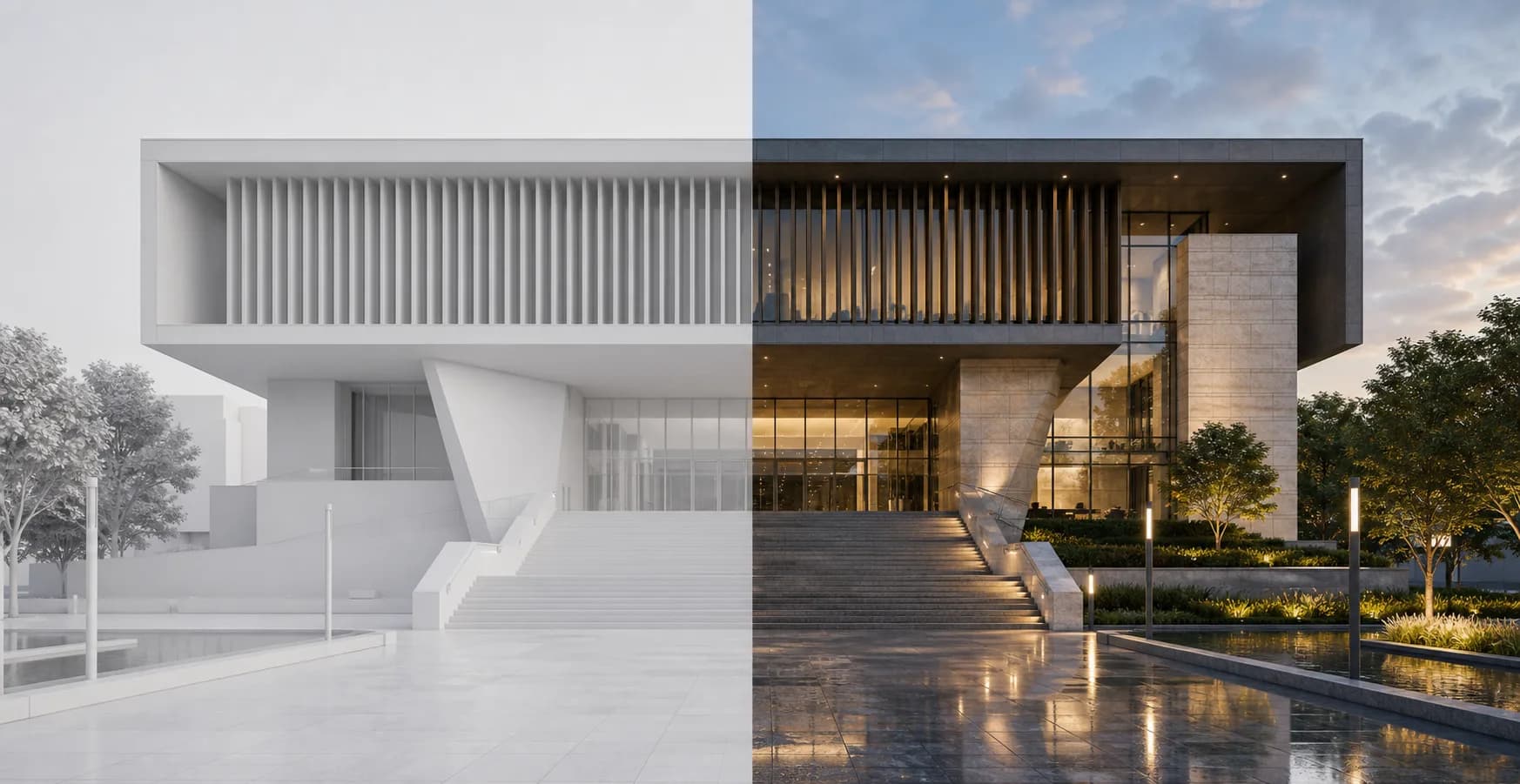
Modern public building shown as a clay render and finished architectural render