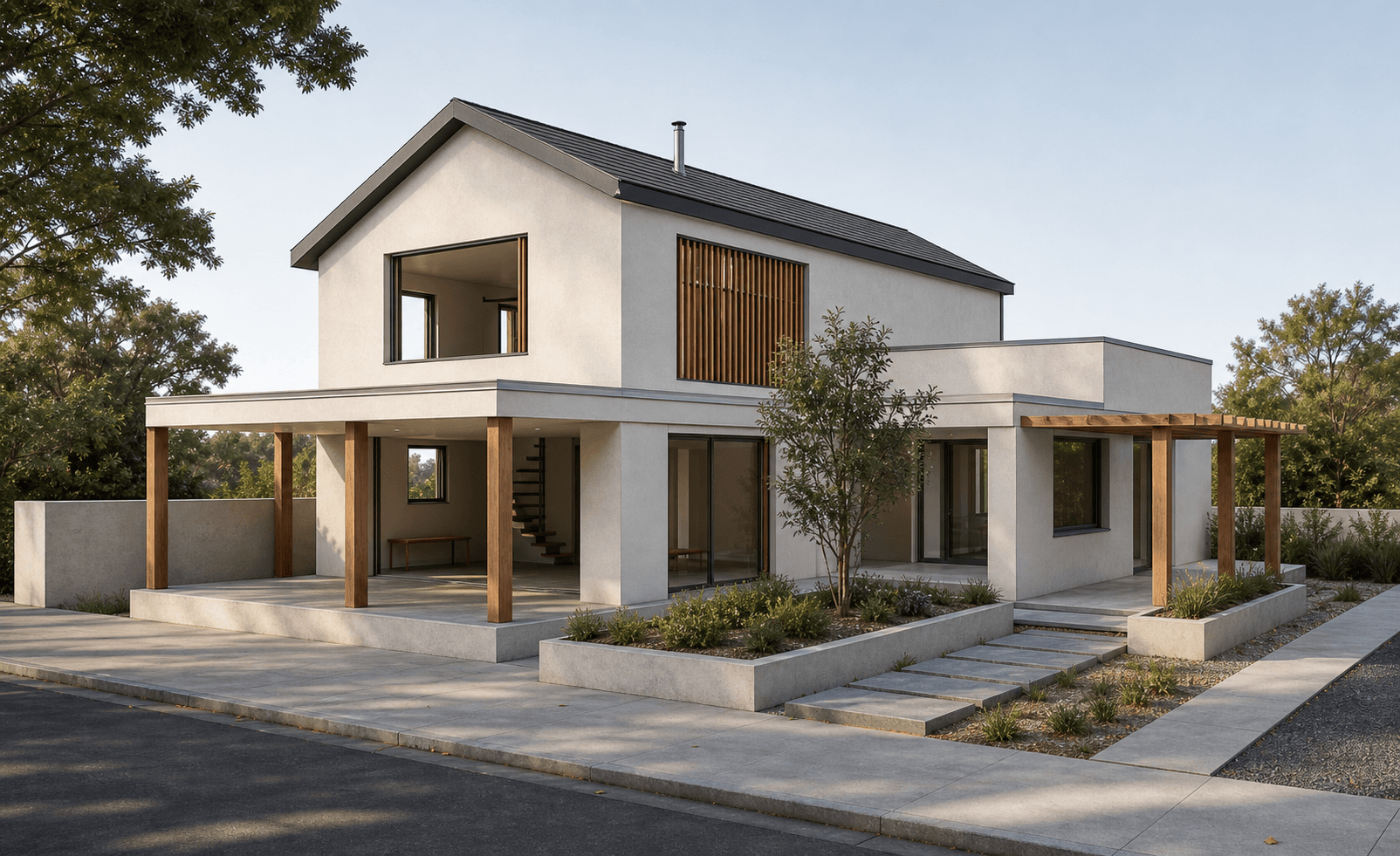
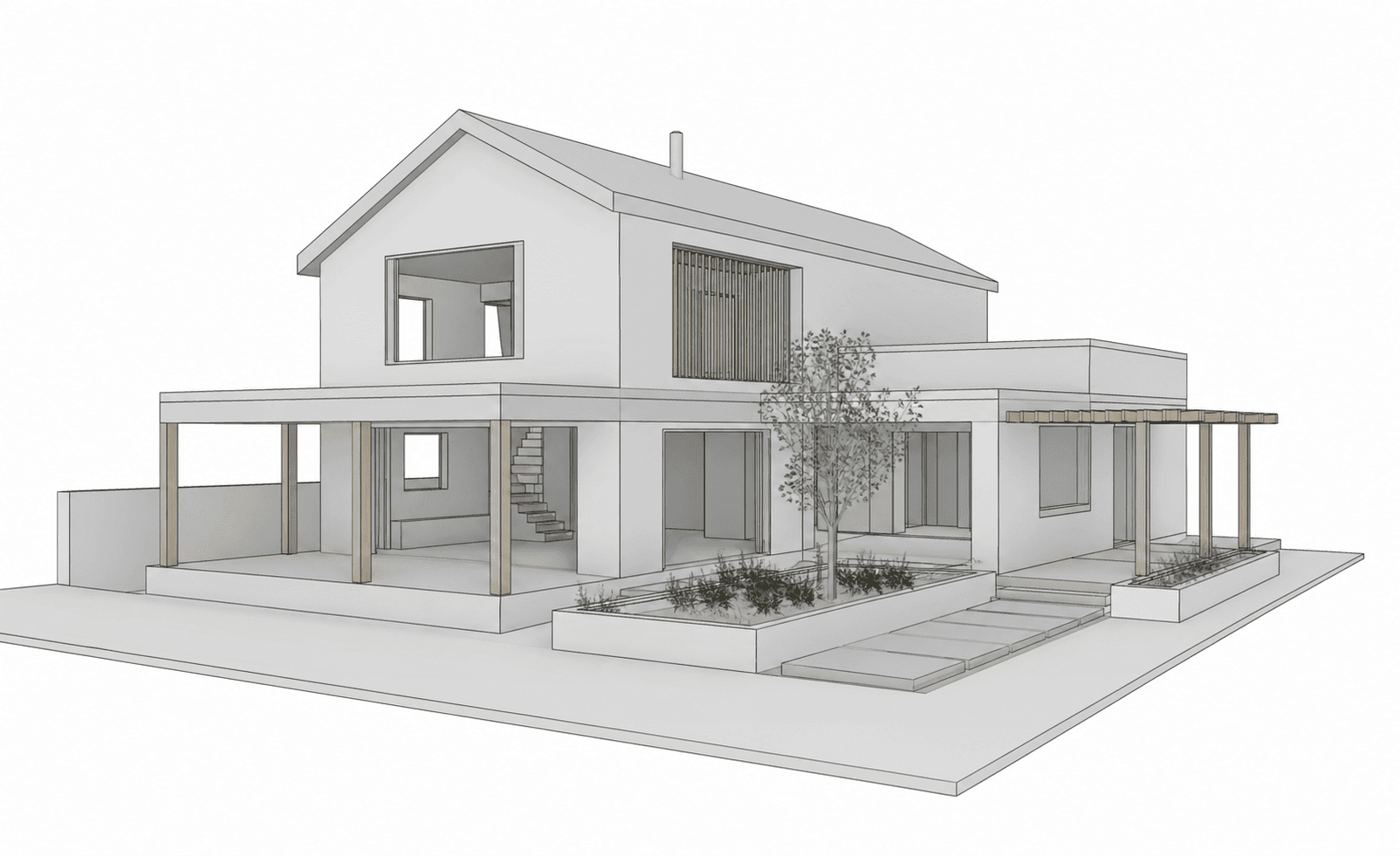
Sustainable single-family house
Sustainable single-family house with a gable roof, timber pergola, planted courtyard, and warm residential facade. Made in Revit.
Community example of our AI render engine
Sustainable single-family house with a gable roof, timber pergola, planted courtyard, and warm residential facade. Made in Revit.
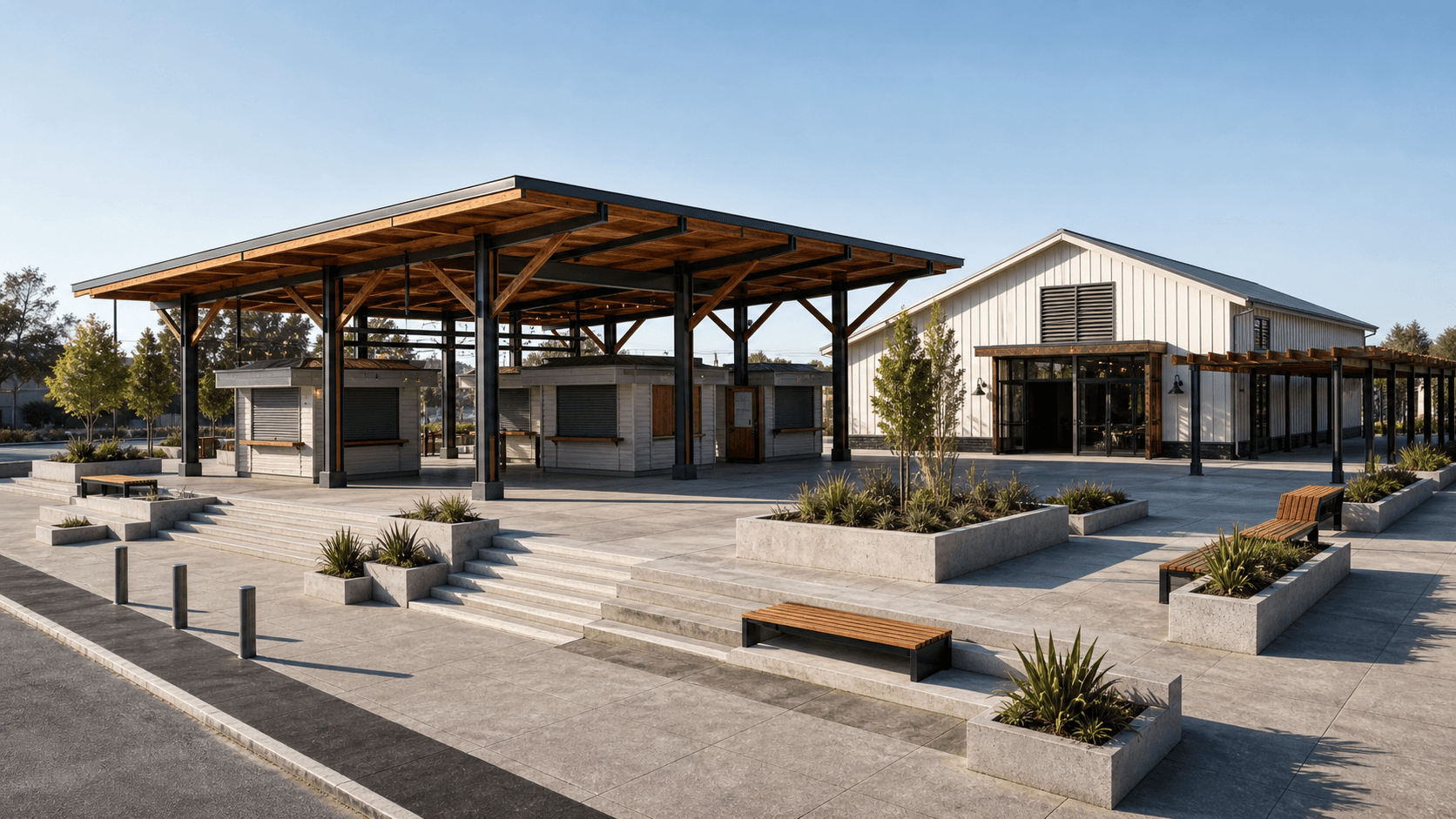
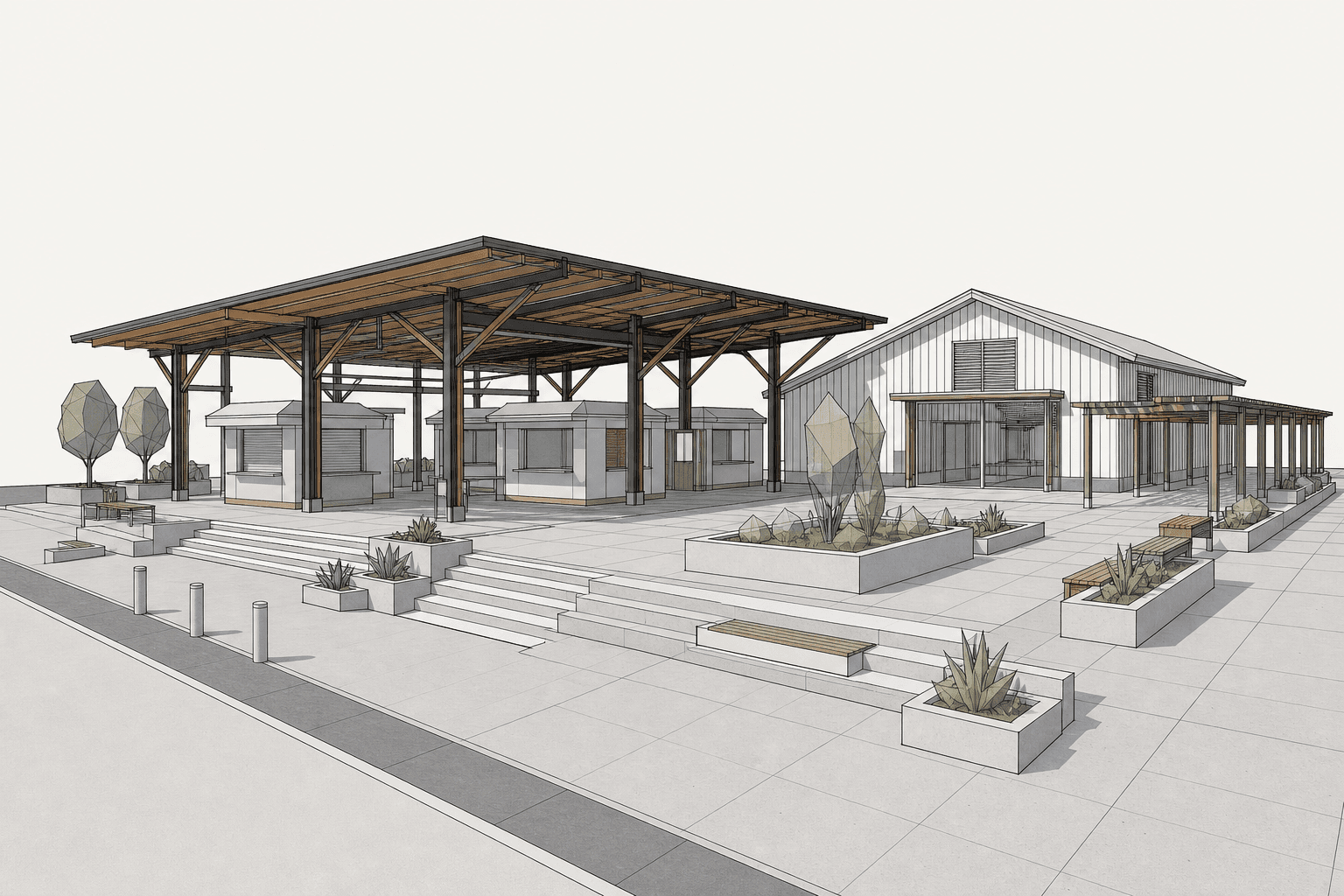
Public market pavilion with a timber canopy, community plaza, kiosks, planters, and civic seating. Made in SketchUp.
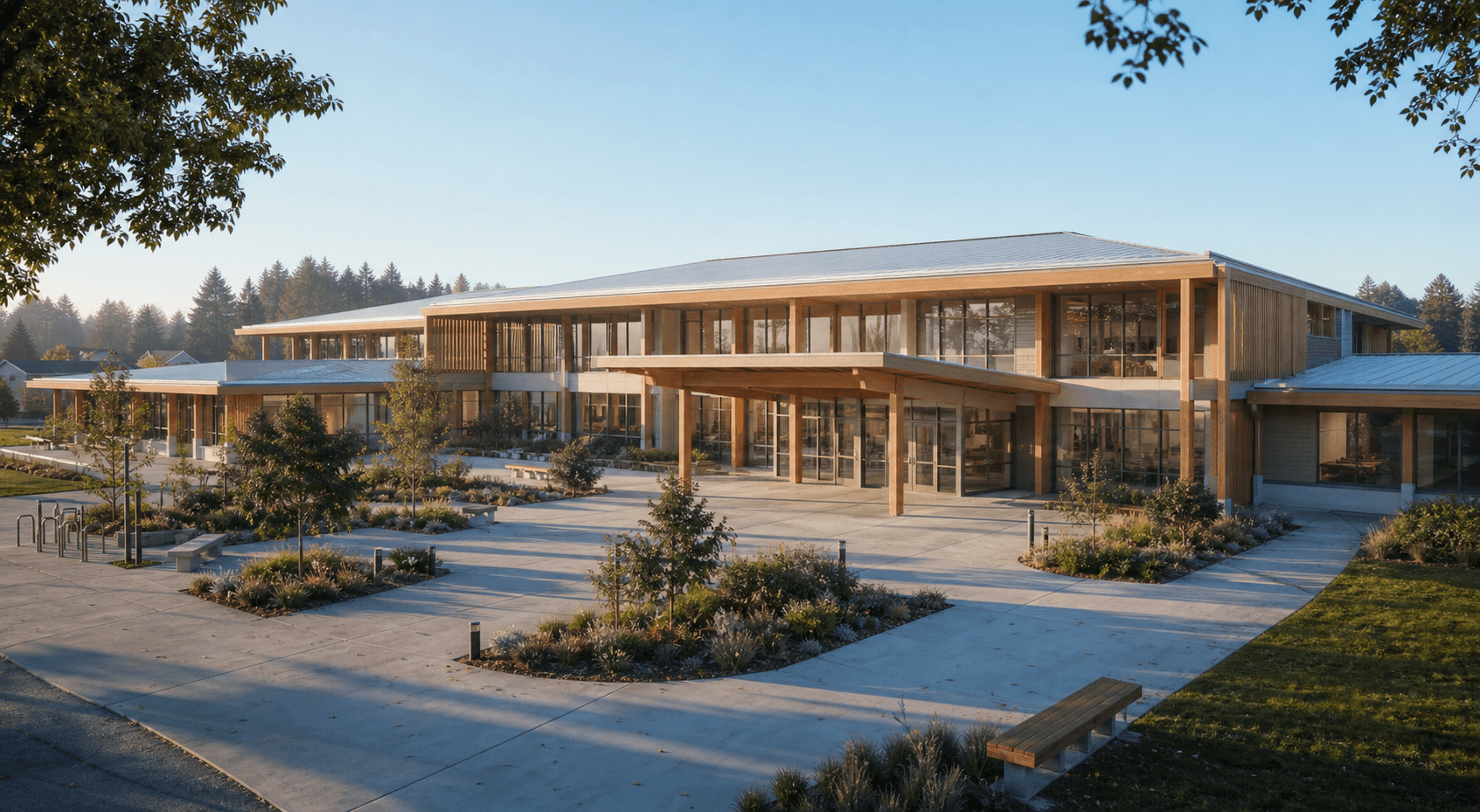
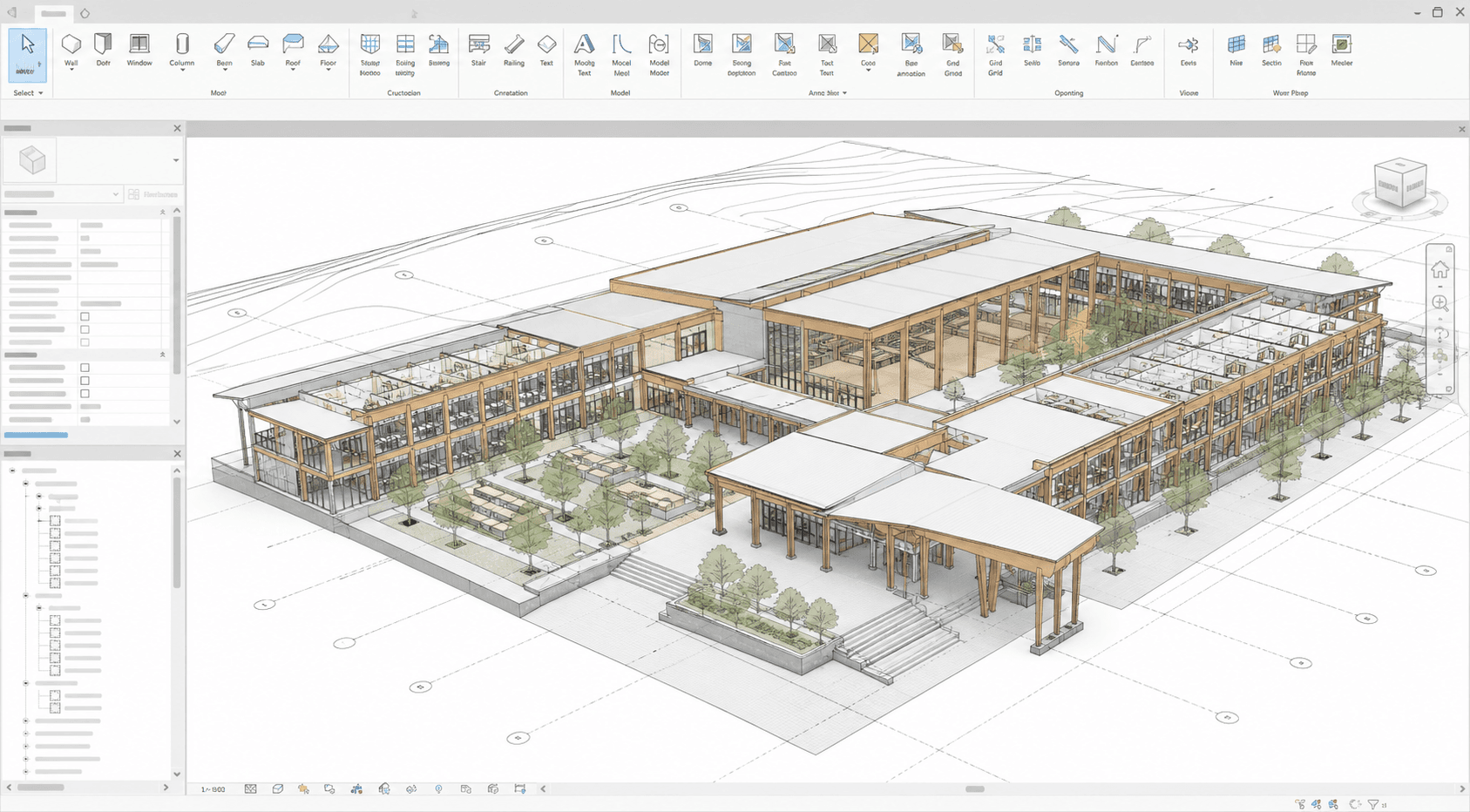
Mass timber school with flexible classrooms, shaded courtyards, warm timber structure, and a welcoming civic entrance. Made in Revit.
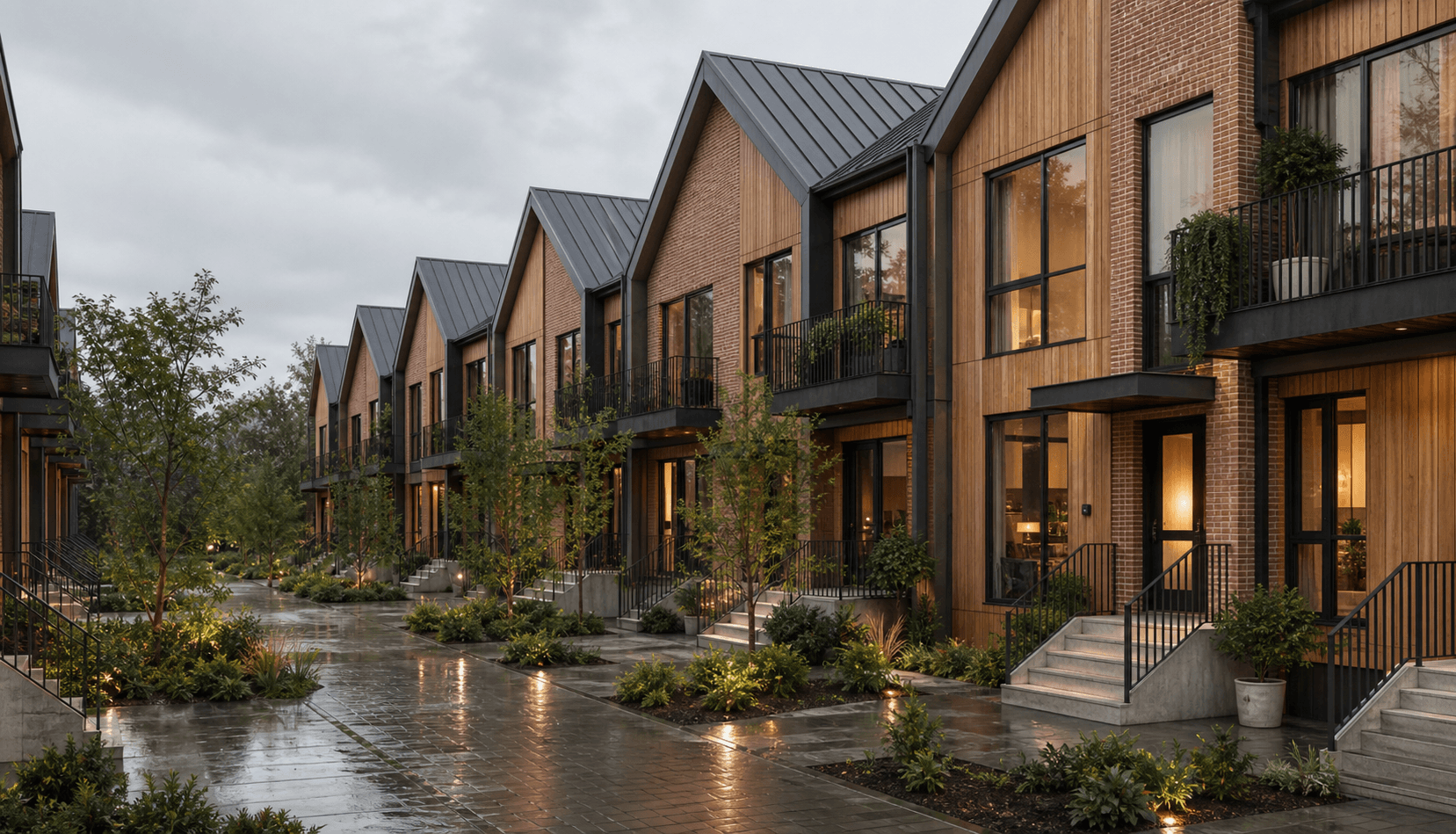
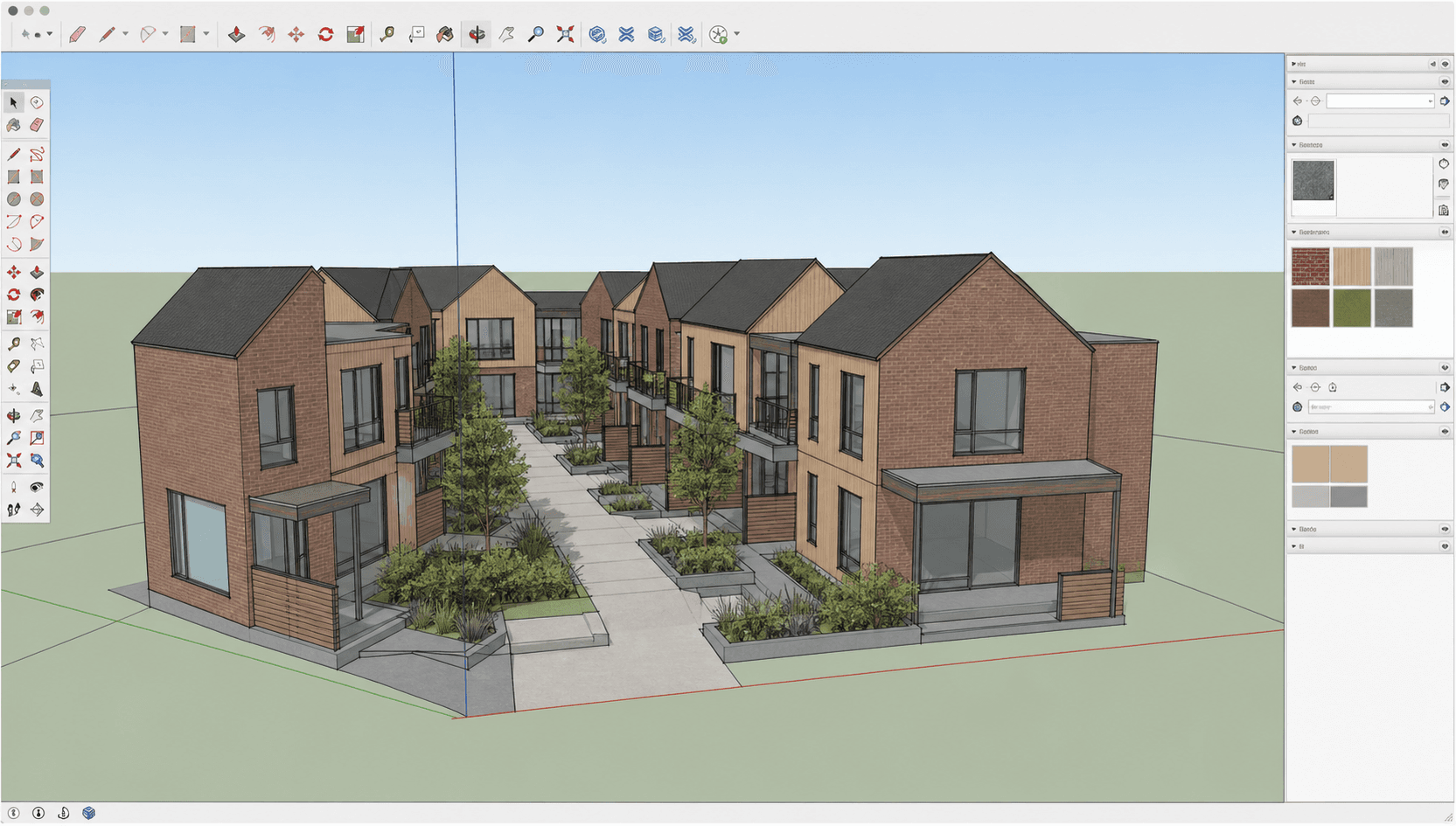
Courtyard townhomes with brick gables, timber cladding, shared pedestrian mews, rain gardens, and covered stoops. Made in SketchUp.
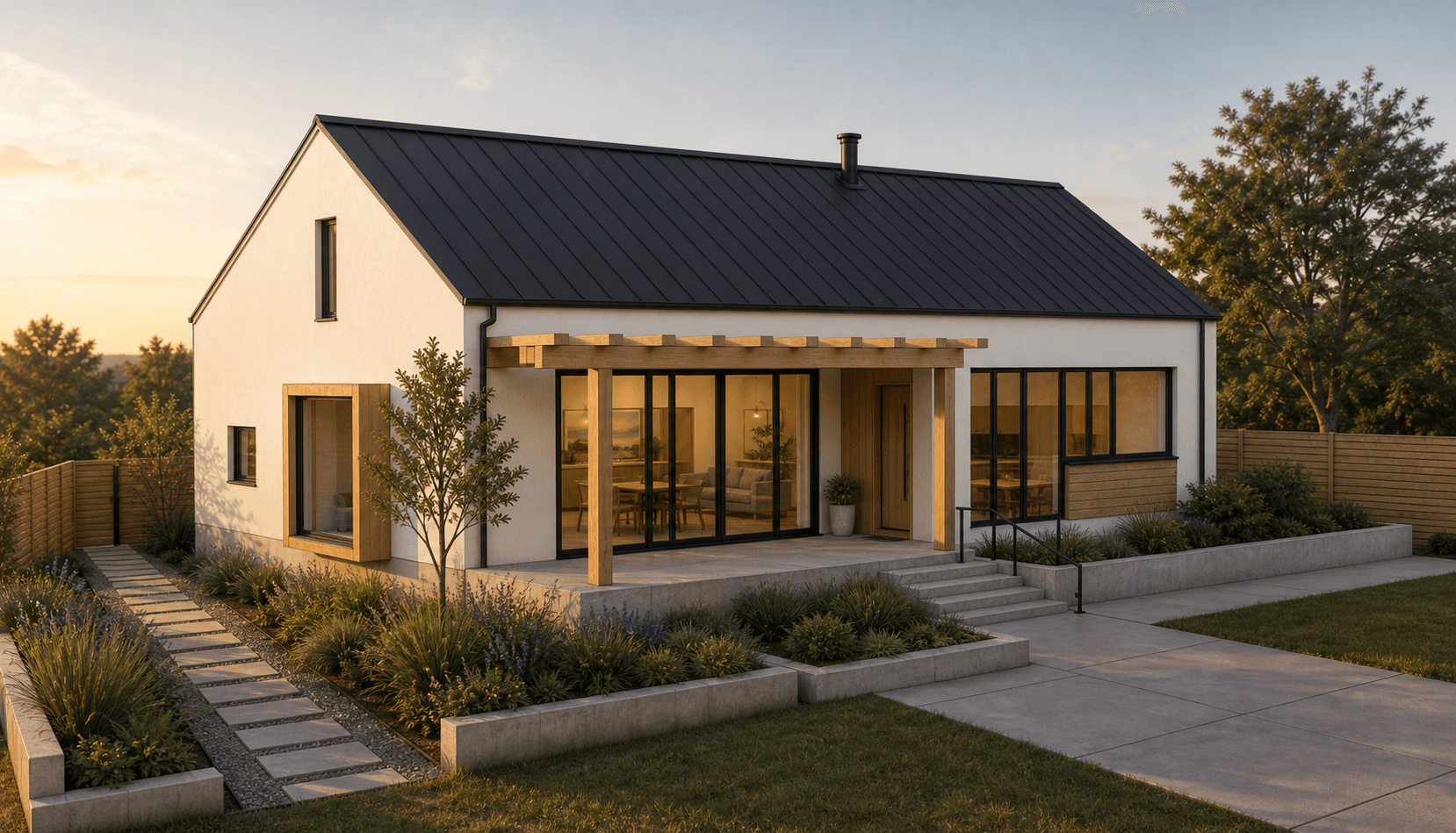
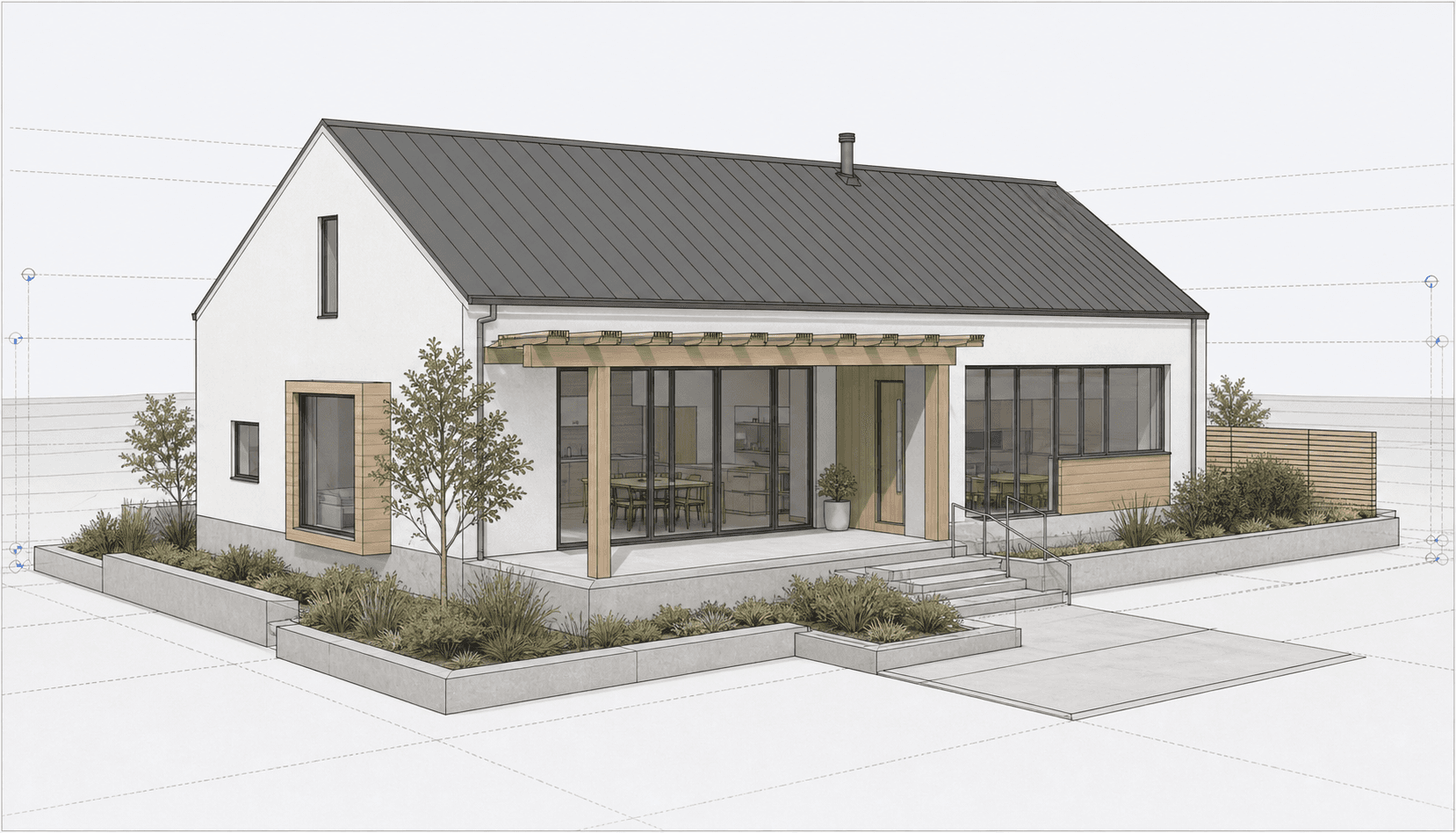
Passive single-family house with a gable roof, timber pergola, large south-facing windows, and planted courtyard. Made in Revit.
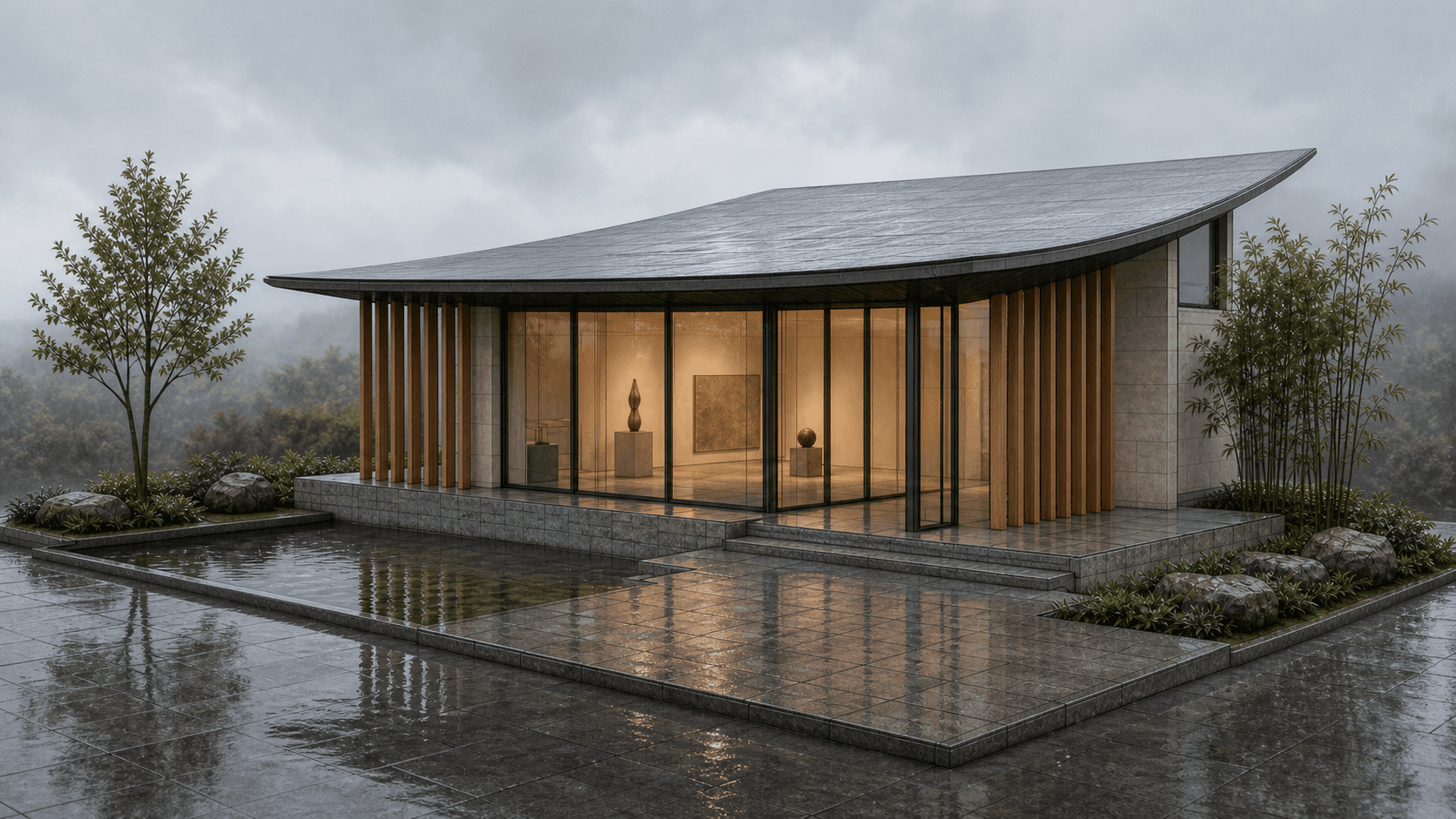
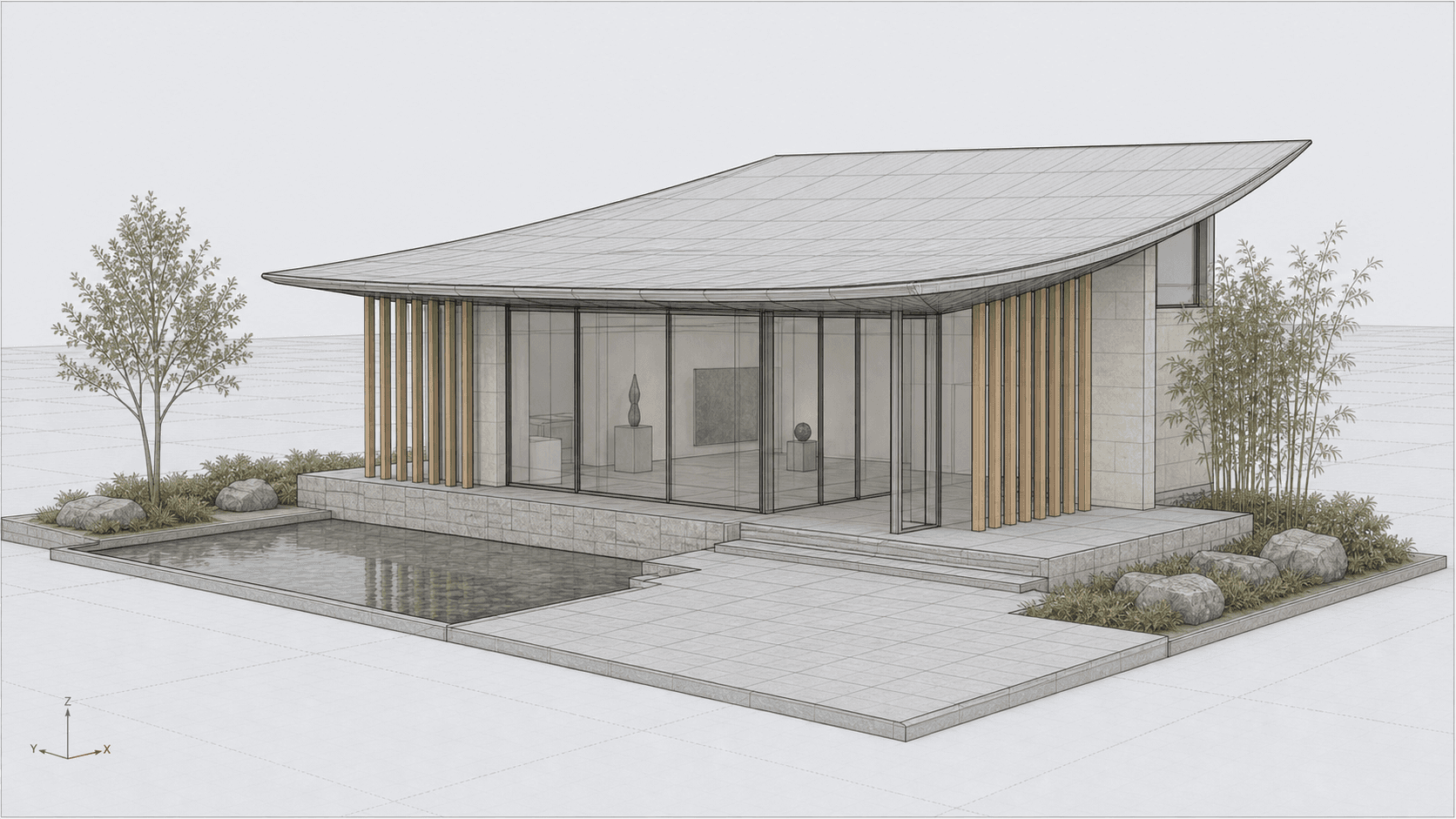
Garden gallery pavilion with a curved roof canopy, glass facade, vertical fins, reflecting pool, and stone terrace. Made in Rhino.
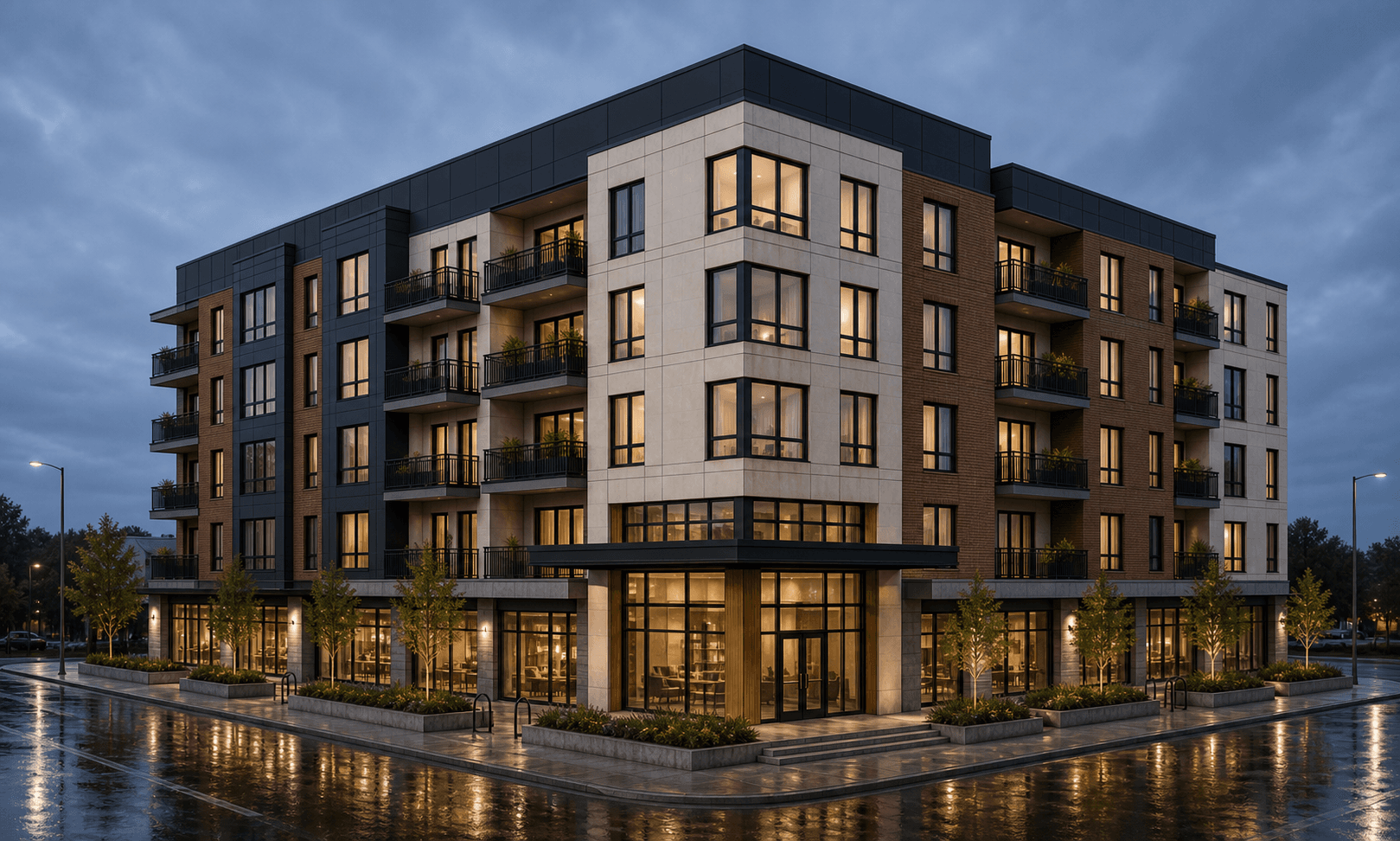
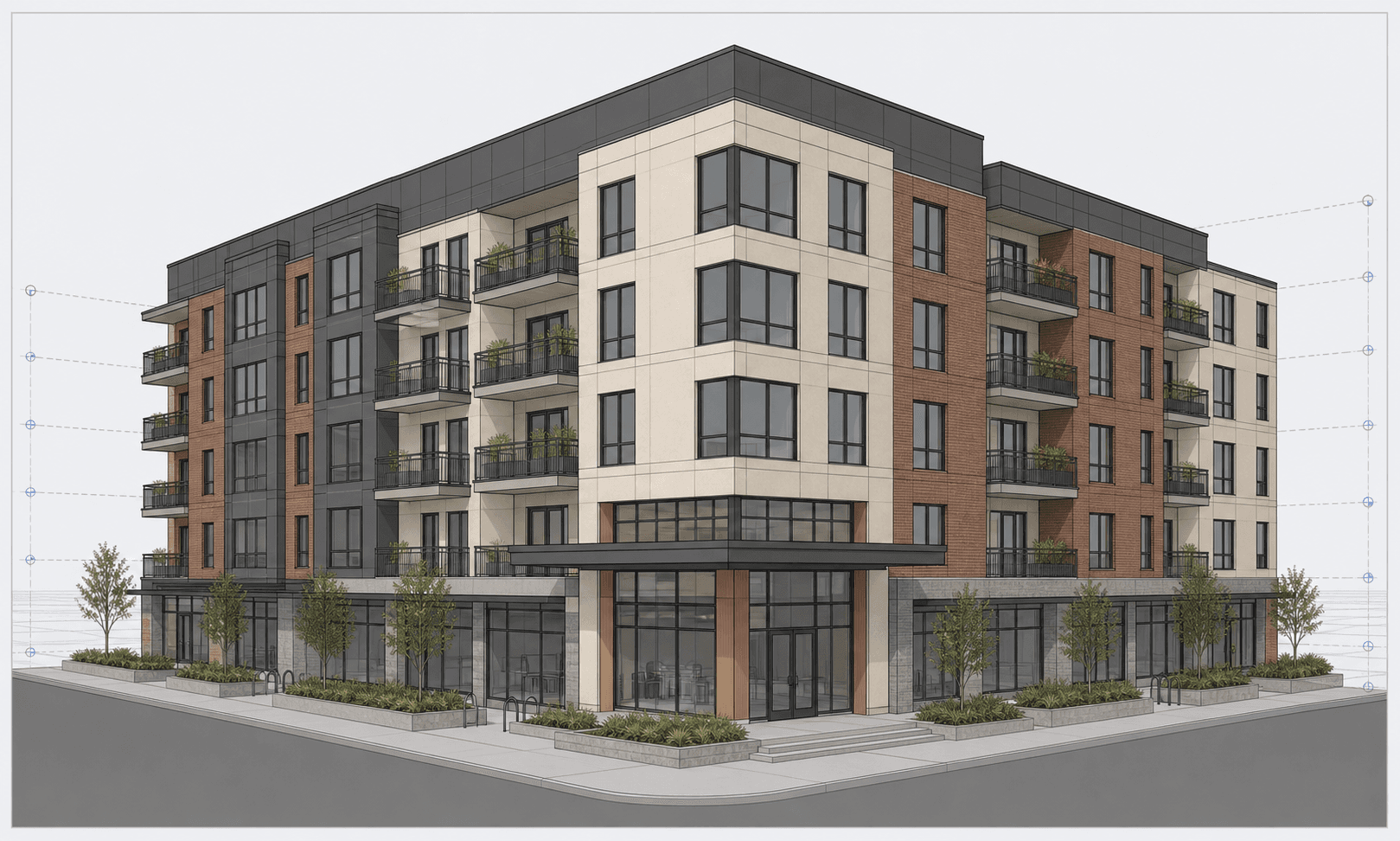
Mixed-use apartment block with ground-floor retail, planted balconies, corner entrance canopy, and an active urban street edge. Made in Revit.
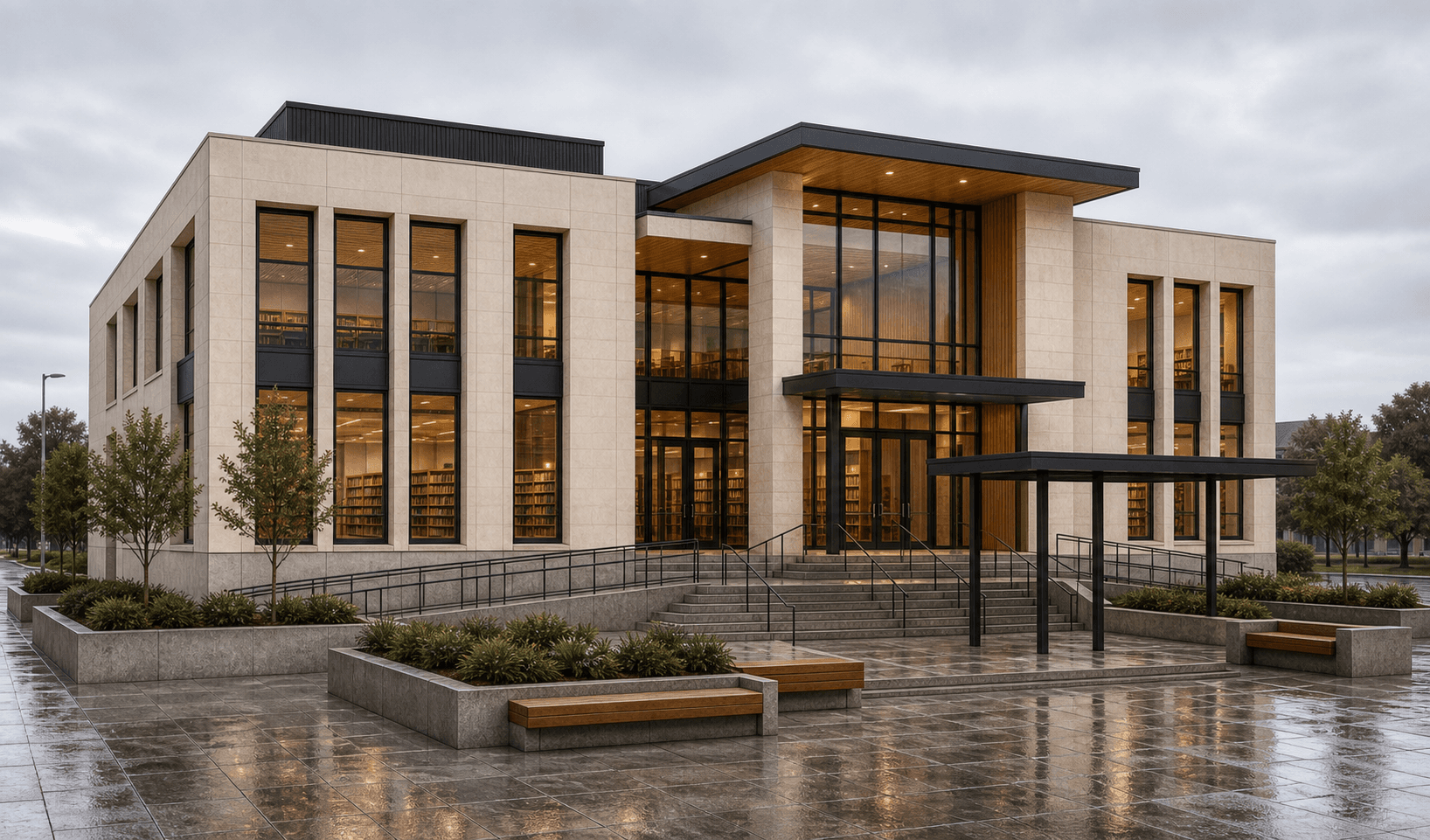
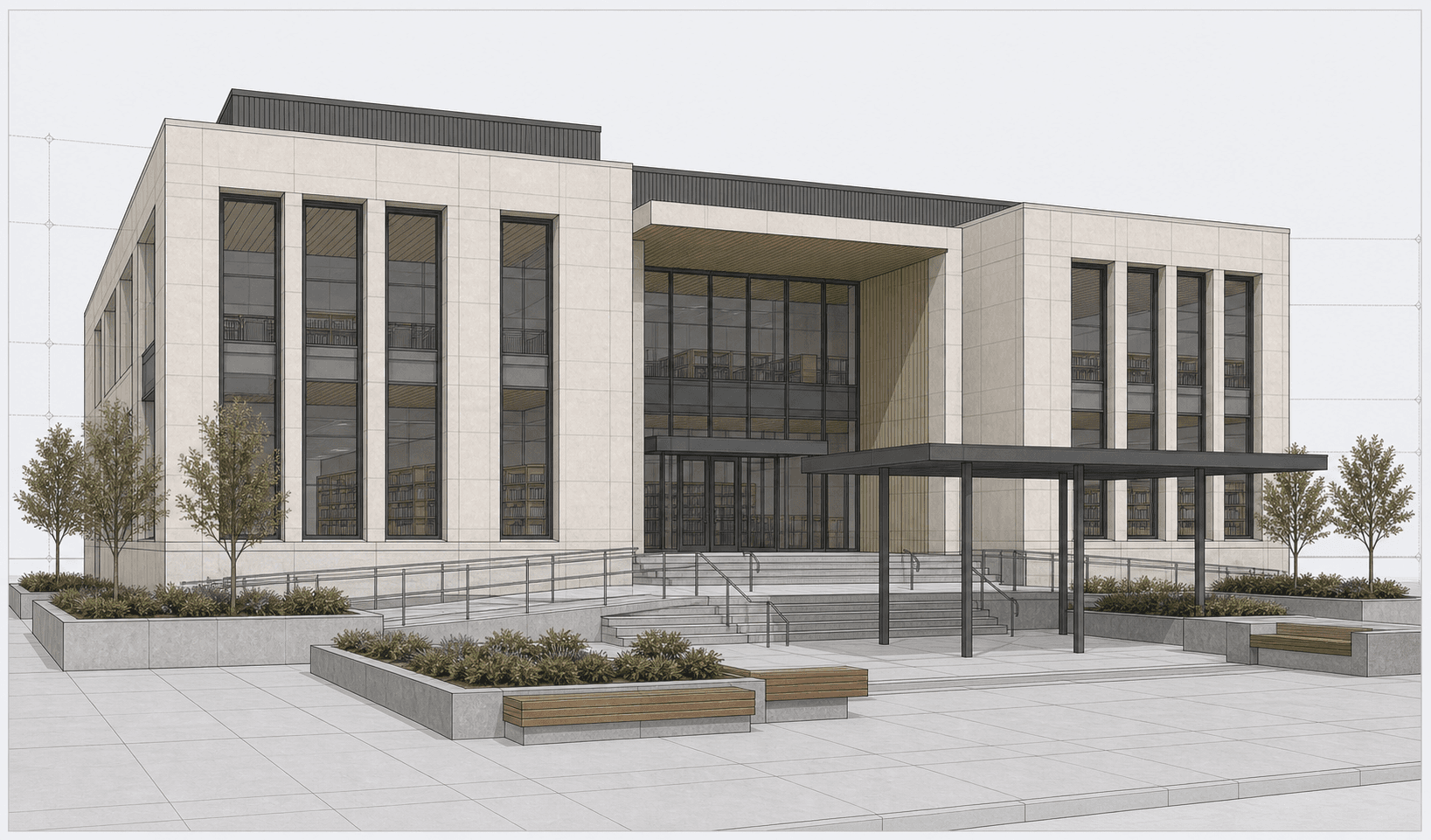
Public library facade with pale limestone cladding, tall reading-room windows, accessible entry steps, and a civic plaza. Made in Revit.
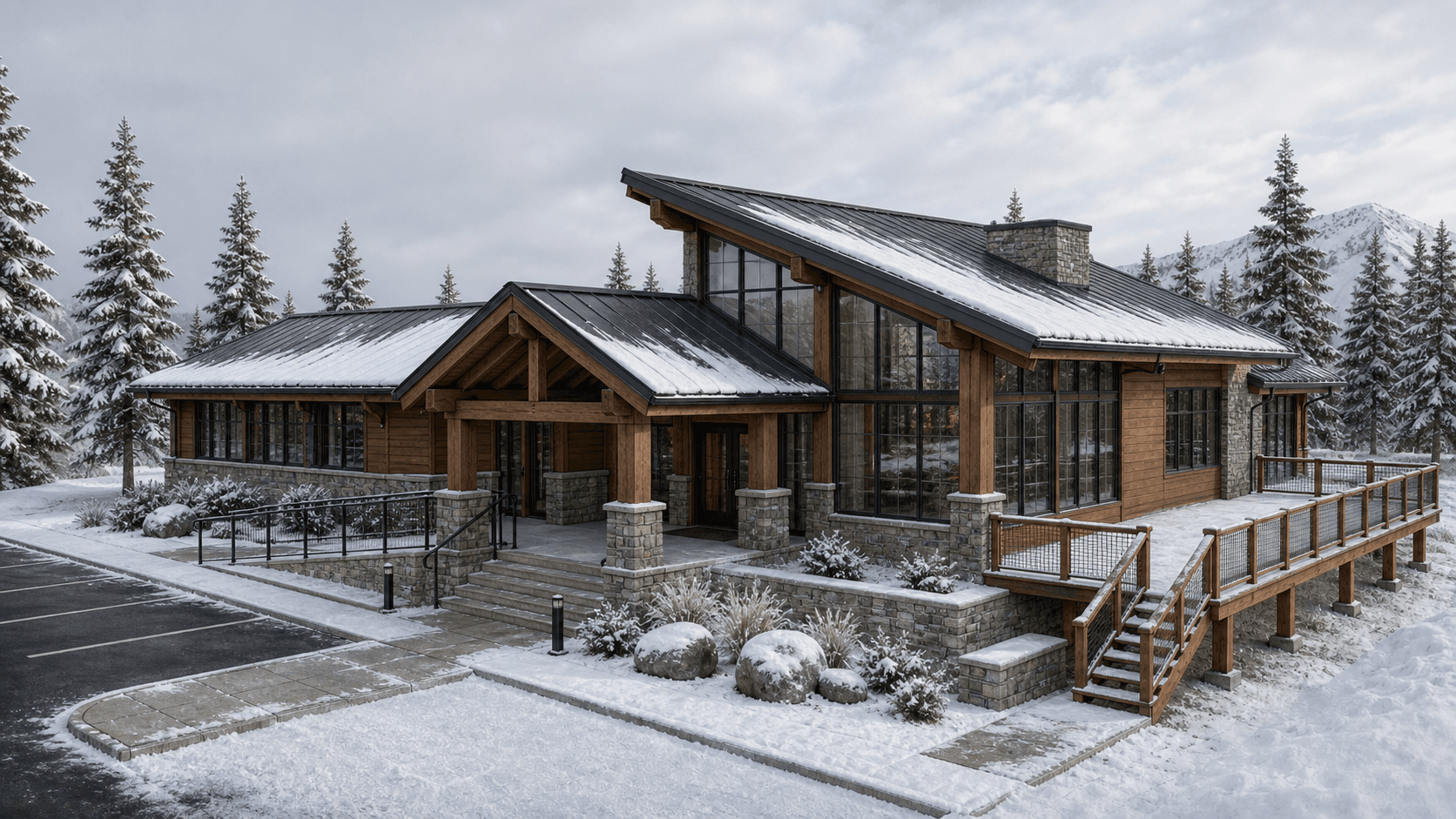
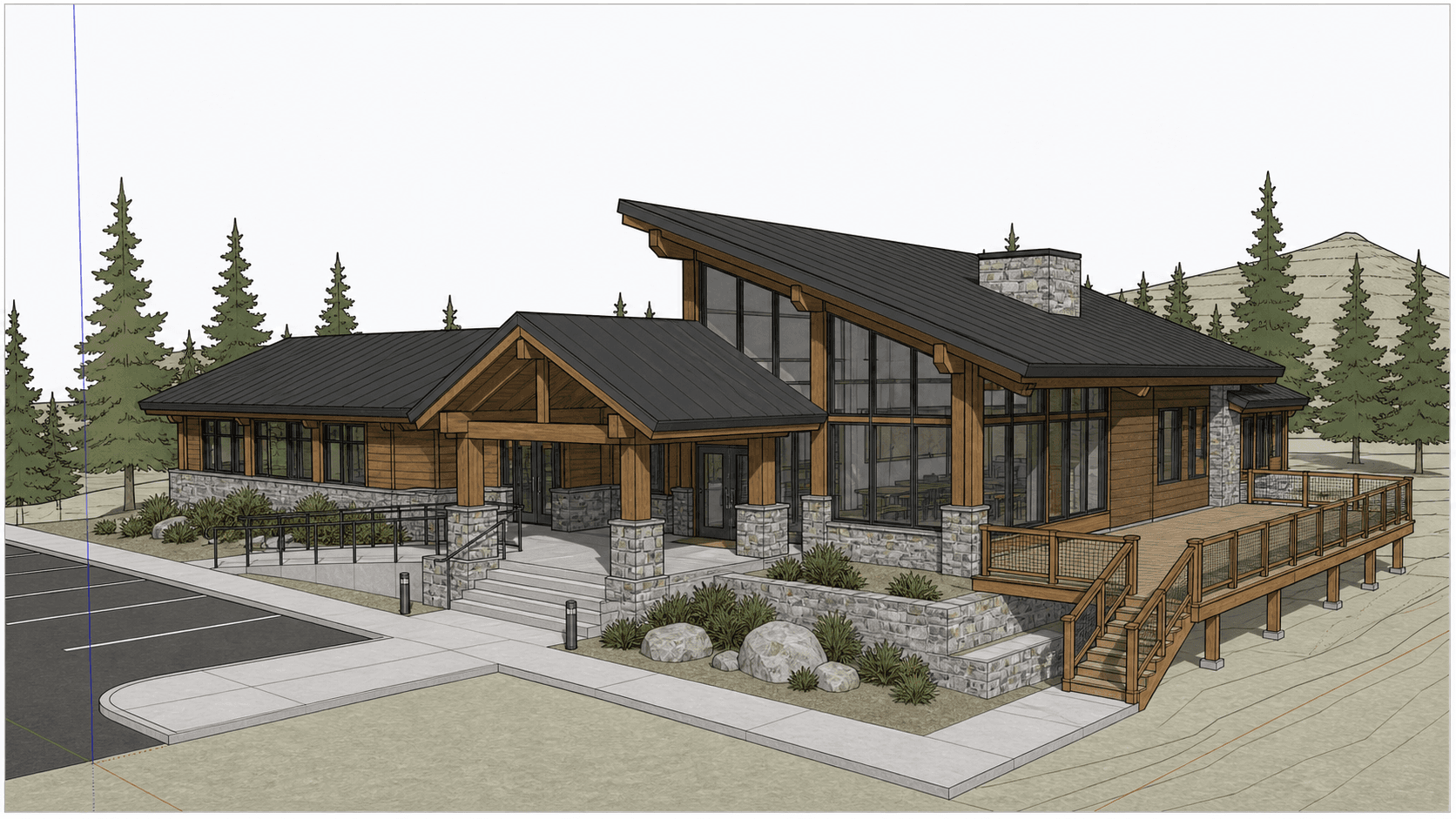
Mountain visitor center with timber-and-stone volumes, pitched metal roofs, panoramic glazing, and an elevated deck. Made in SketchUp.
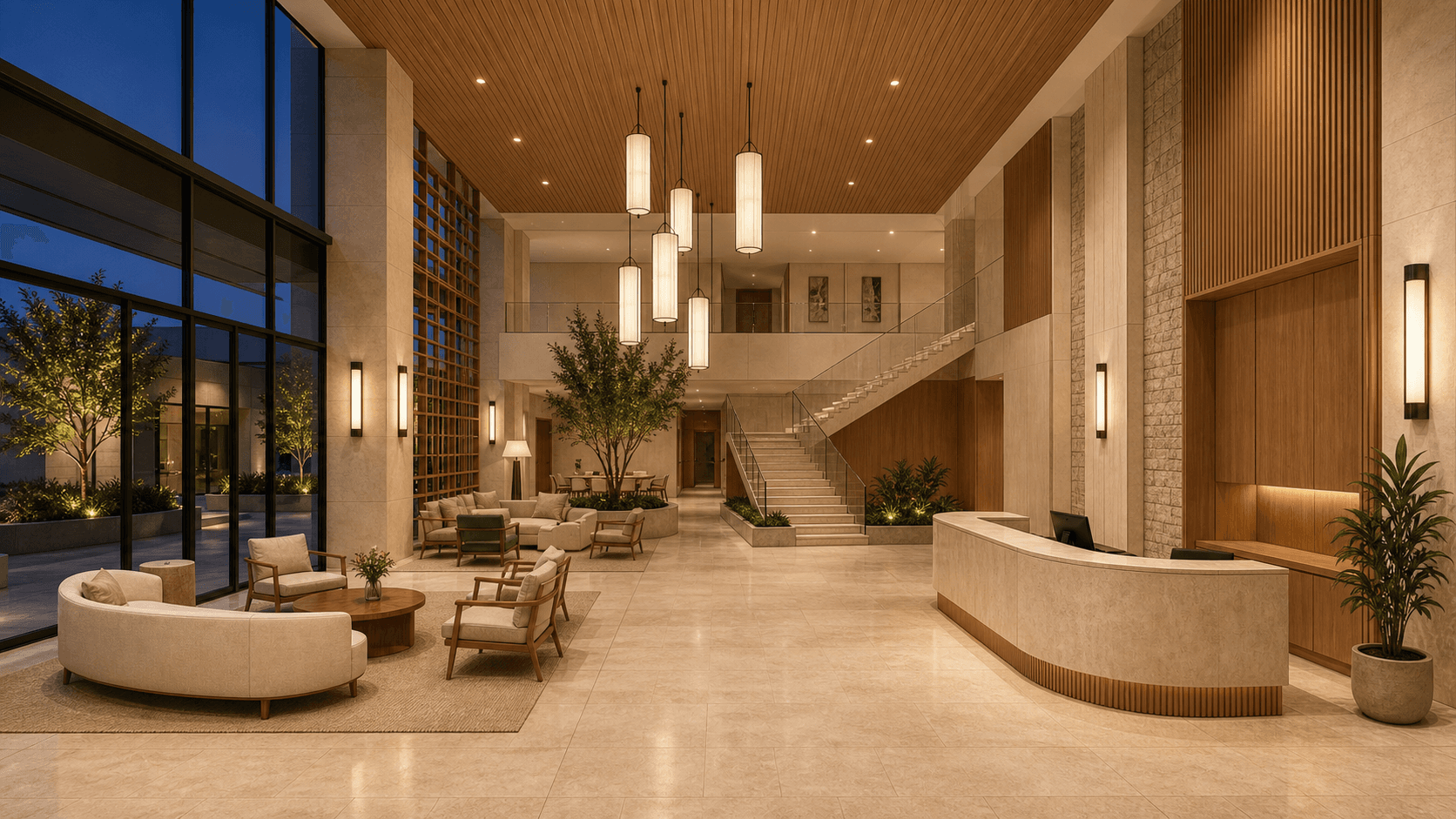
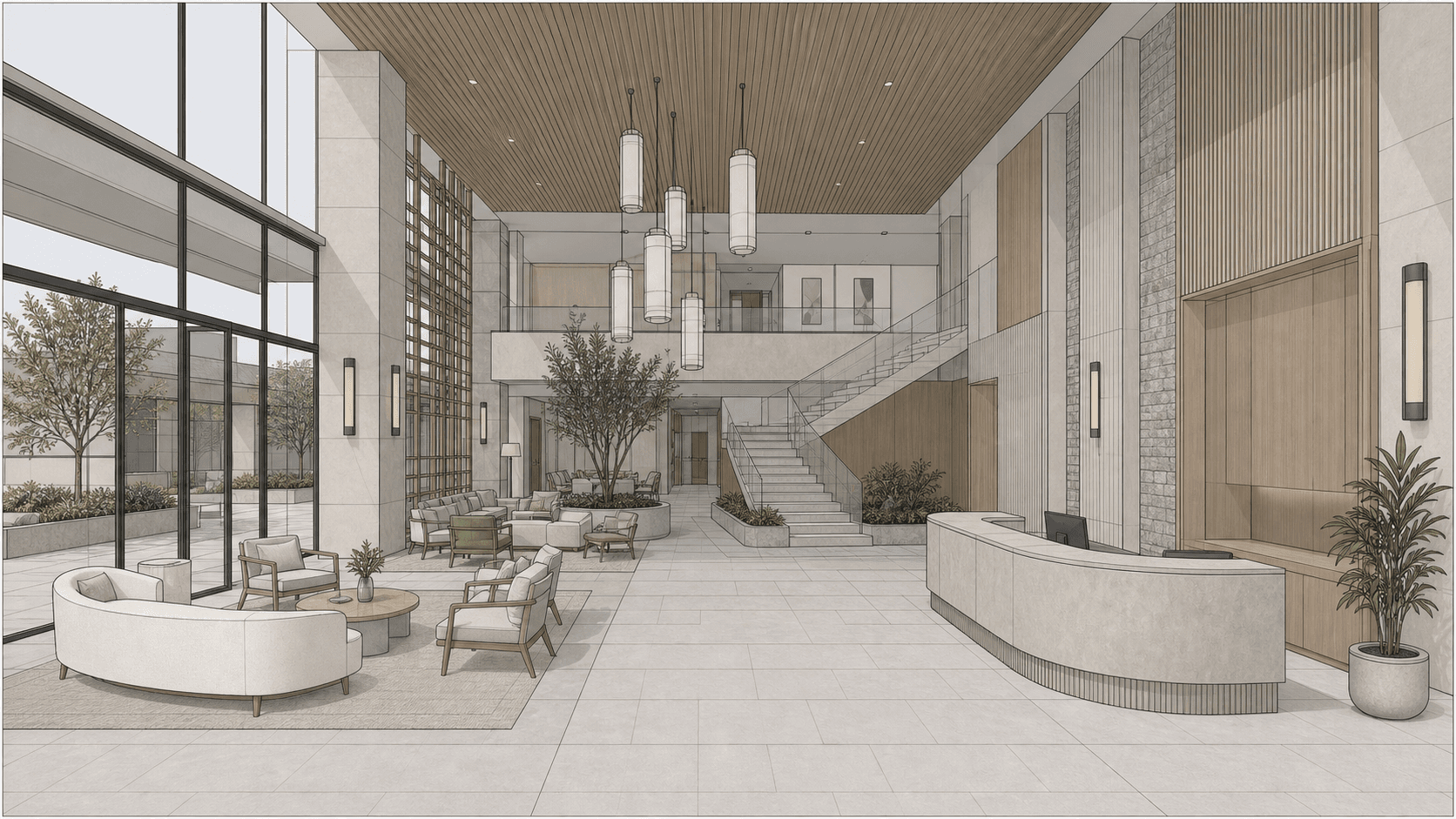
Boutique hotel lobby with a curved reception desk, timber slat ceiling, lounge seating, and a sculptural stair. Made in Rhino.
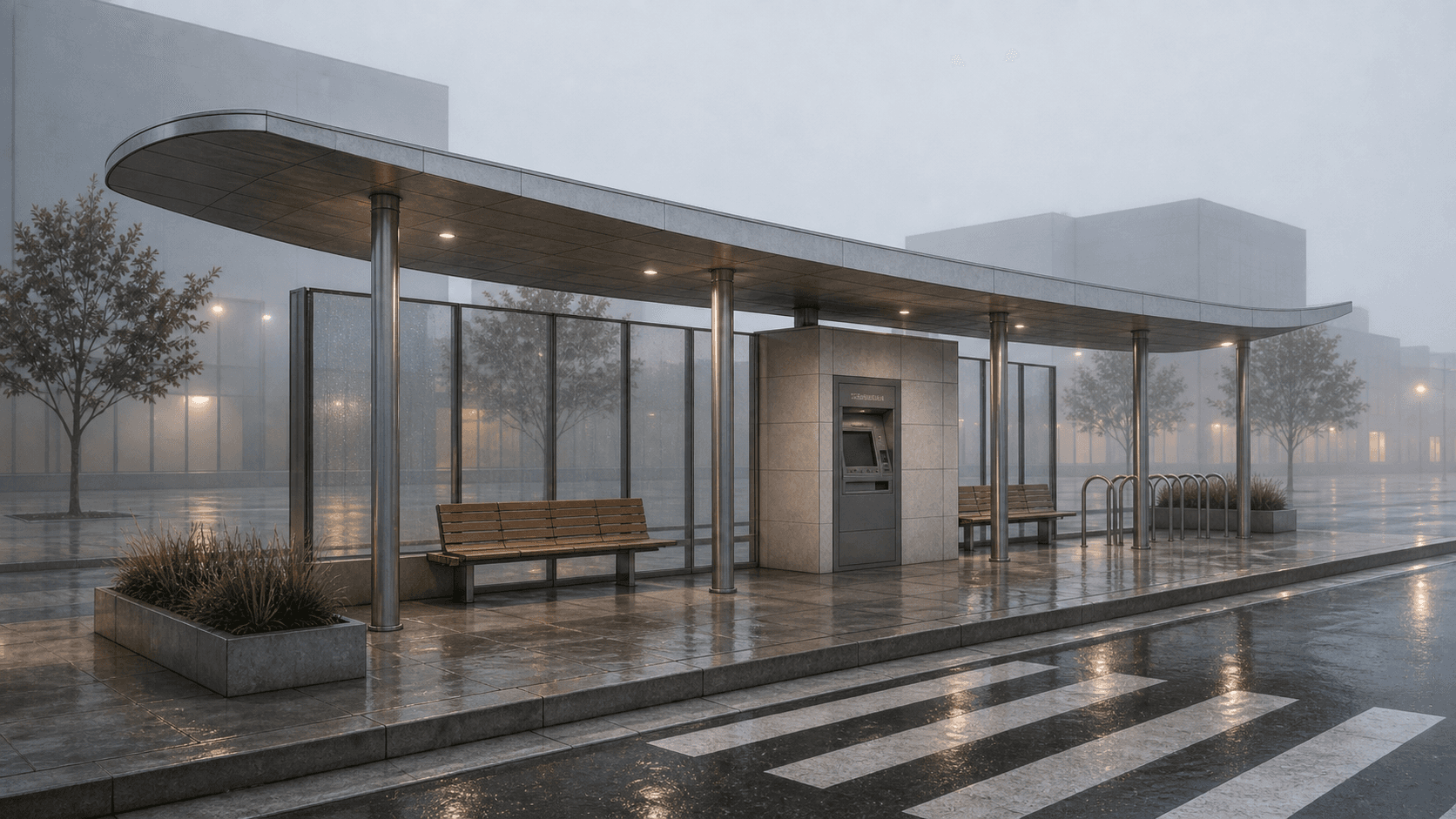
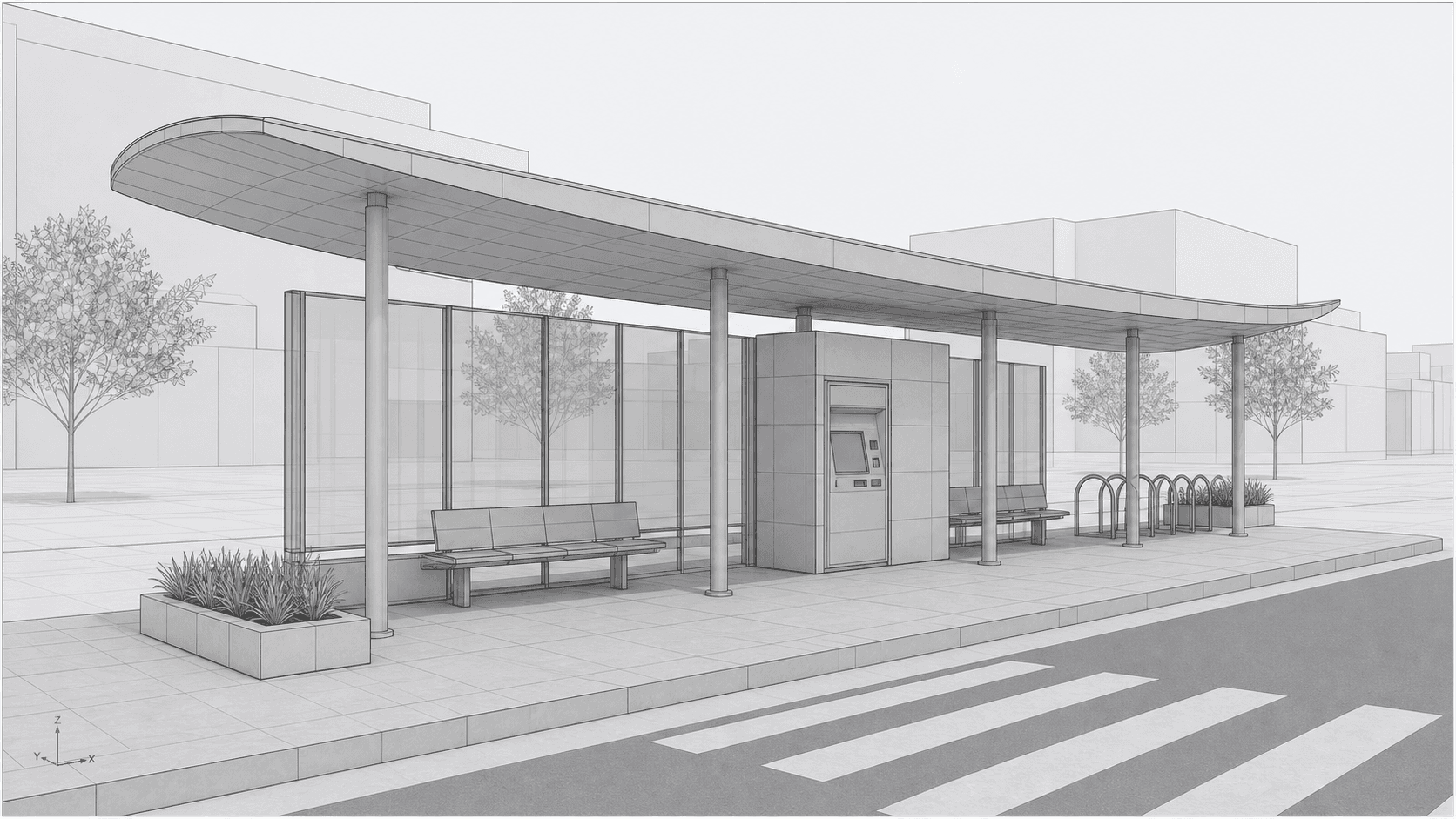
Urban transit pavilion with a slim curved canopy, glass wind screens, integrated benches, bike parking, and a paved platform. Made in Rhino.
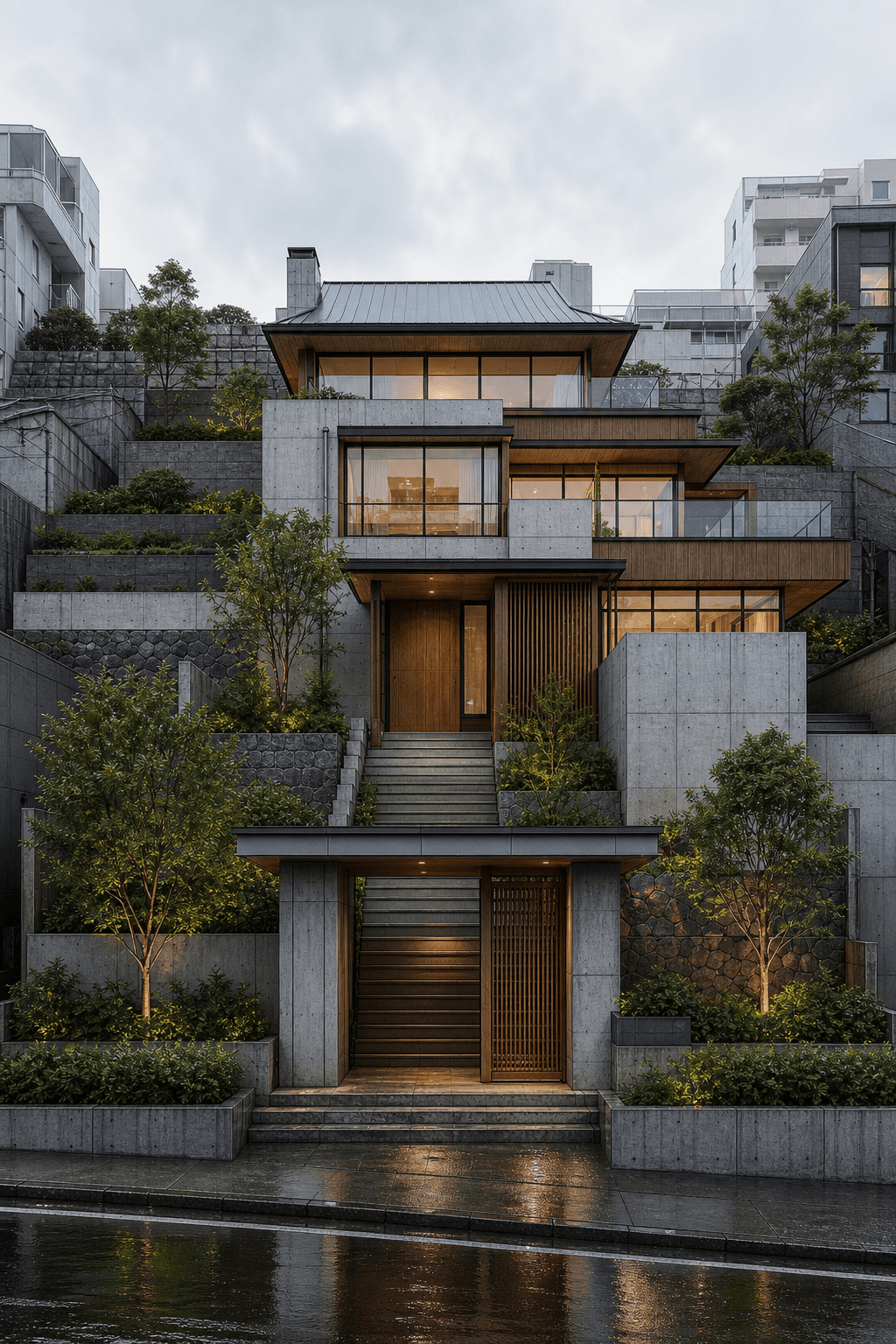
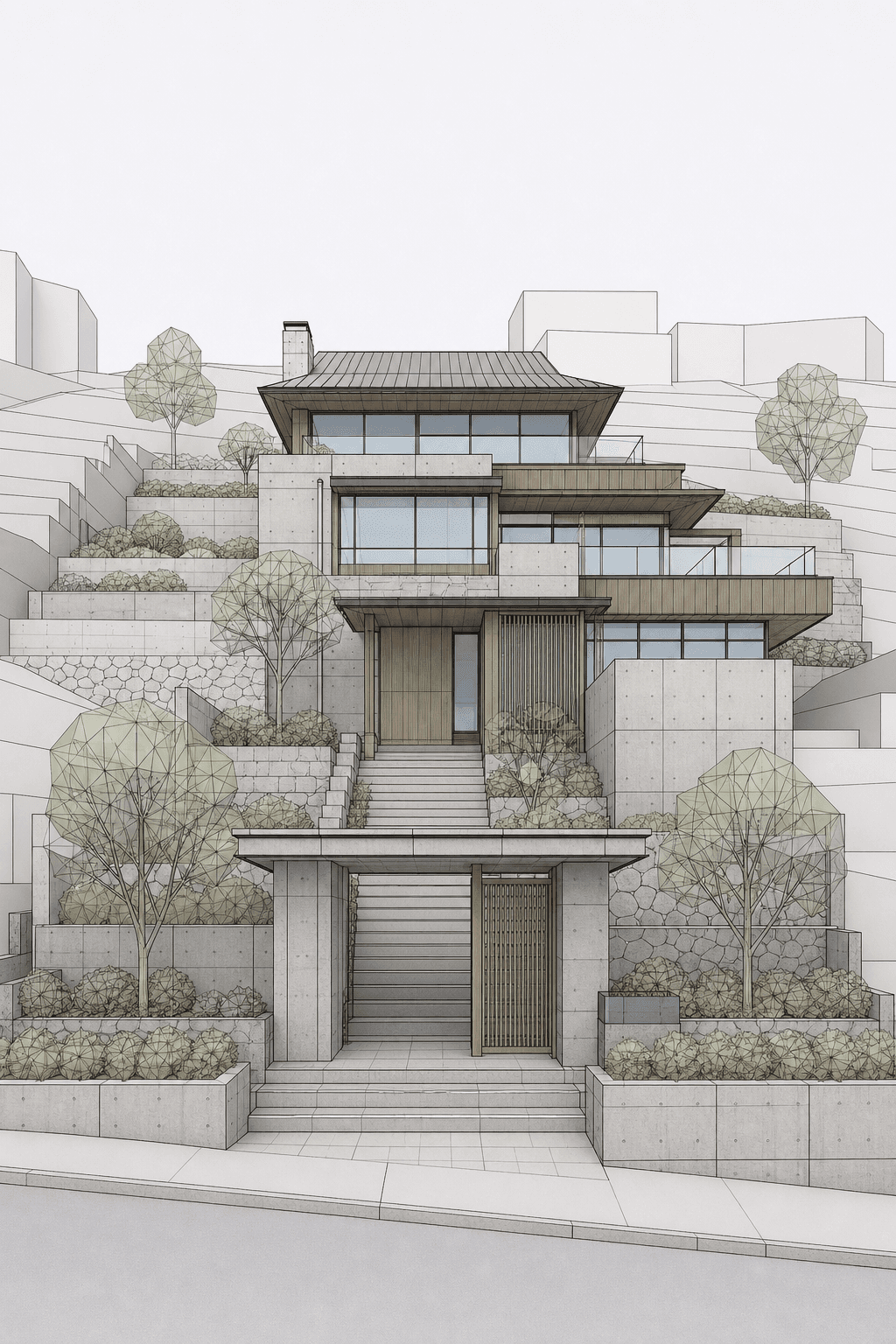
Terraced Hillside Home with concrete frame, cedar, stone, generous entry sequence with layered planting, Japanese-influenced calm modernism. Made in Rhino.
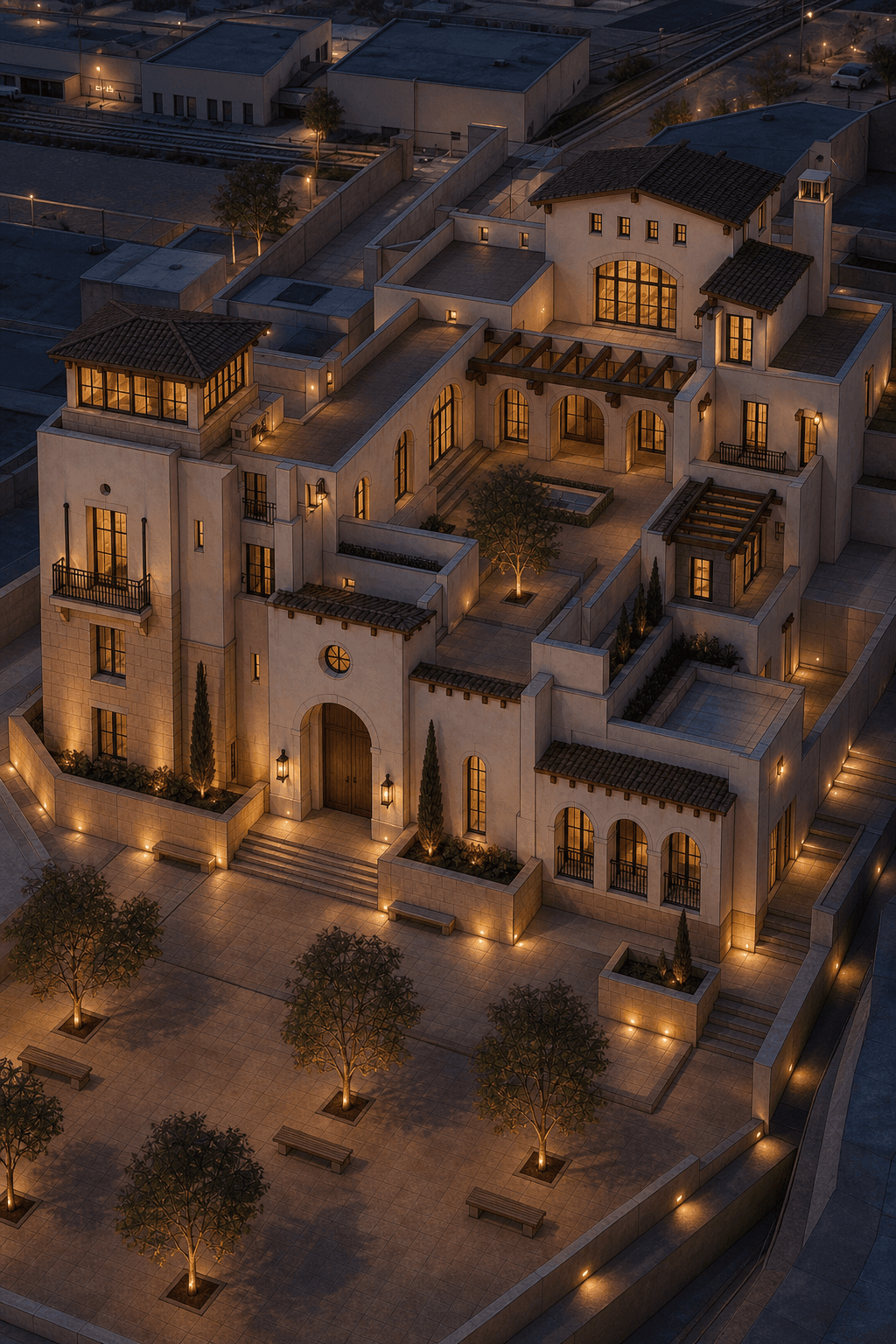
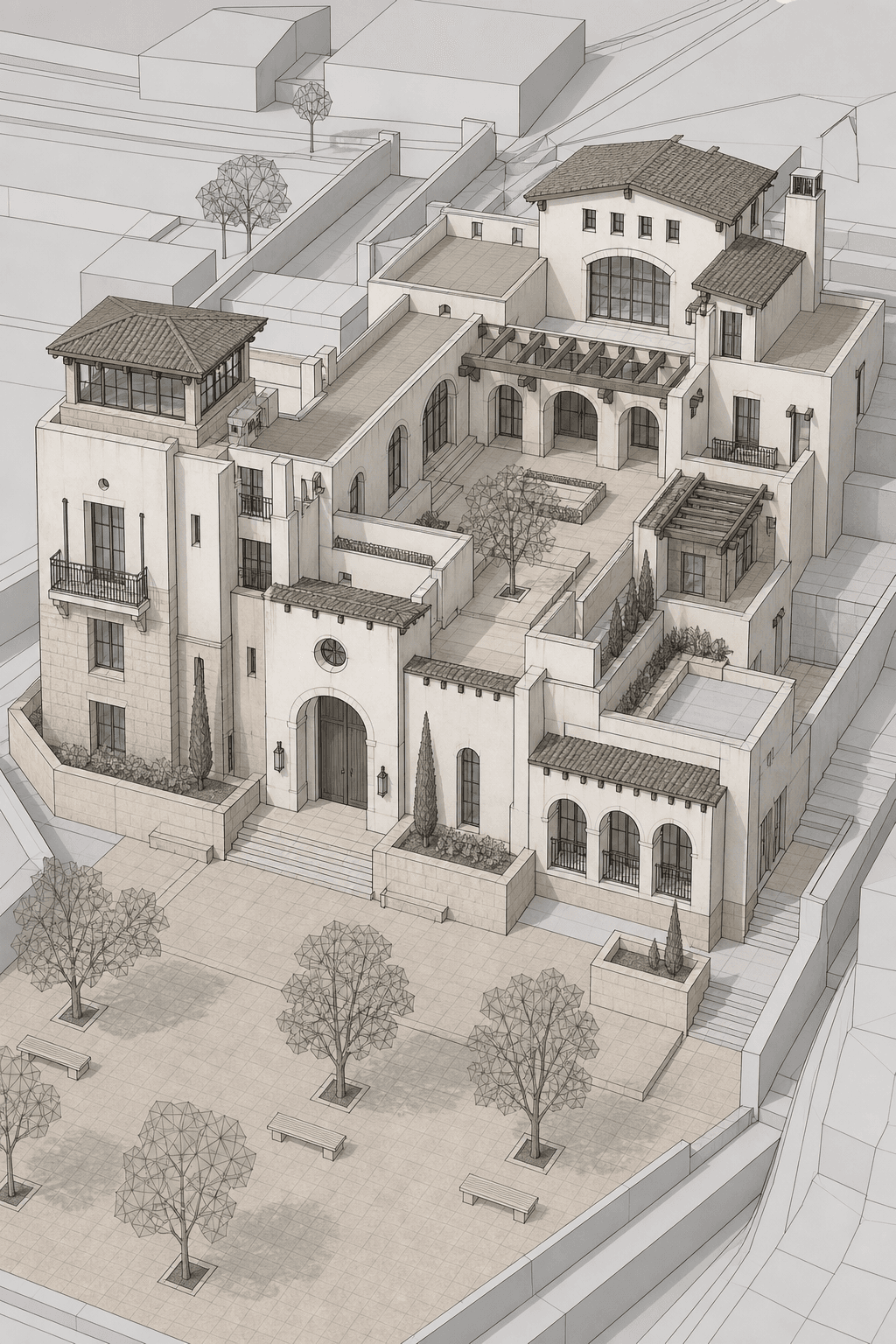
Courtyard Estate Home with courtyard layout, warm stucco, timber beams, public forecourt with trees and benches, elegant postmodern reinterpretation. Made in Rhino.
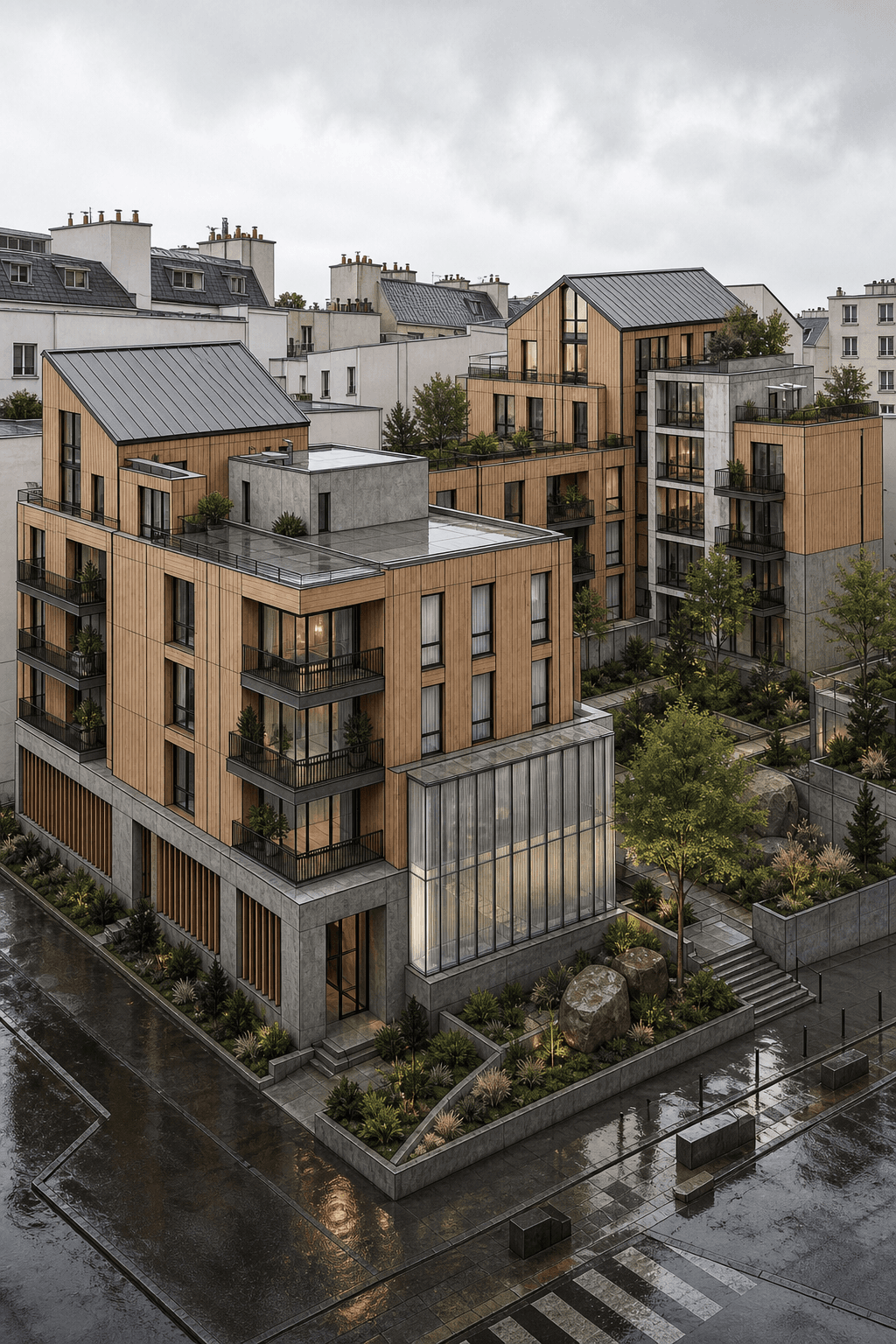
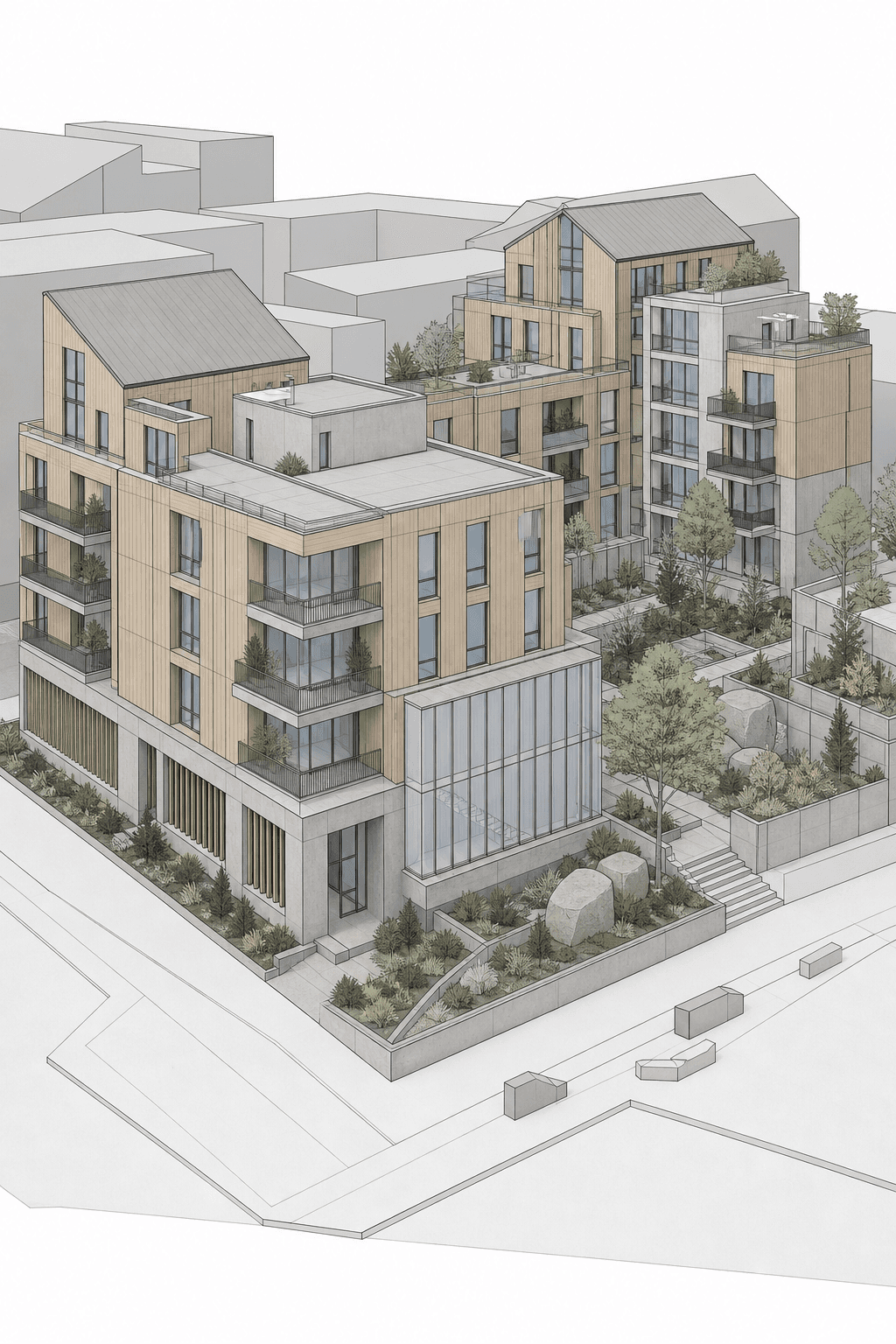
Clustered Courtyard Housing with mass timber structure, concrete, lush drought-tolerant planting and sculptural boulders, European urban block architecture. Made in Revit.
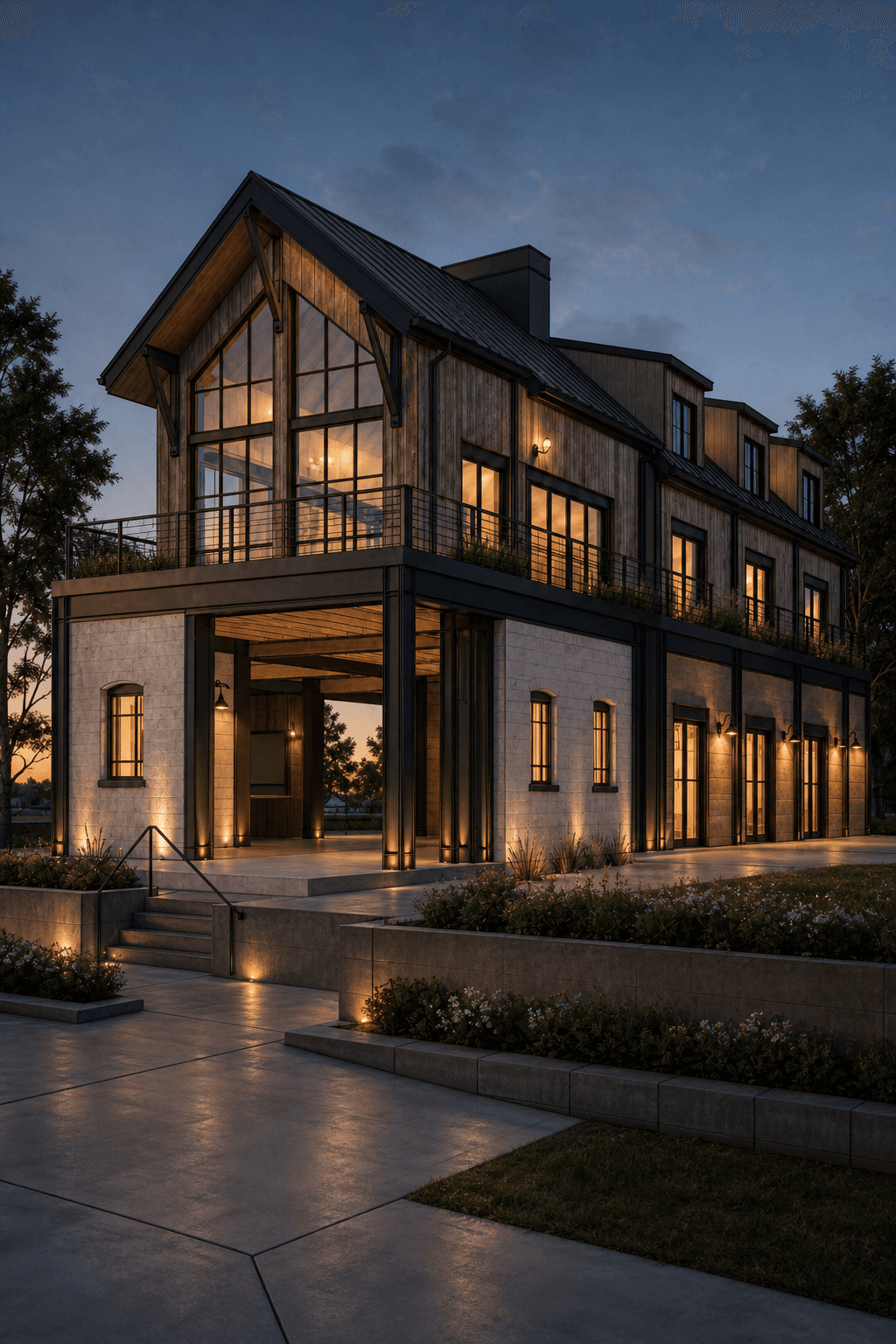
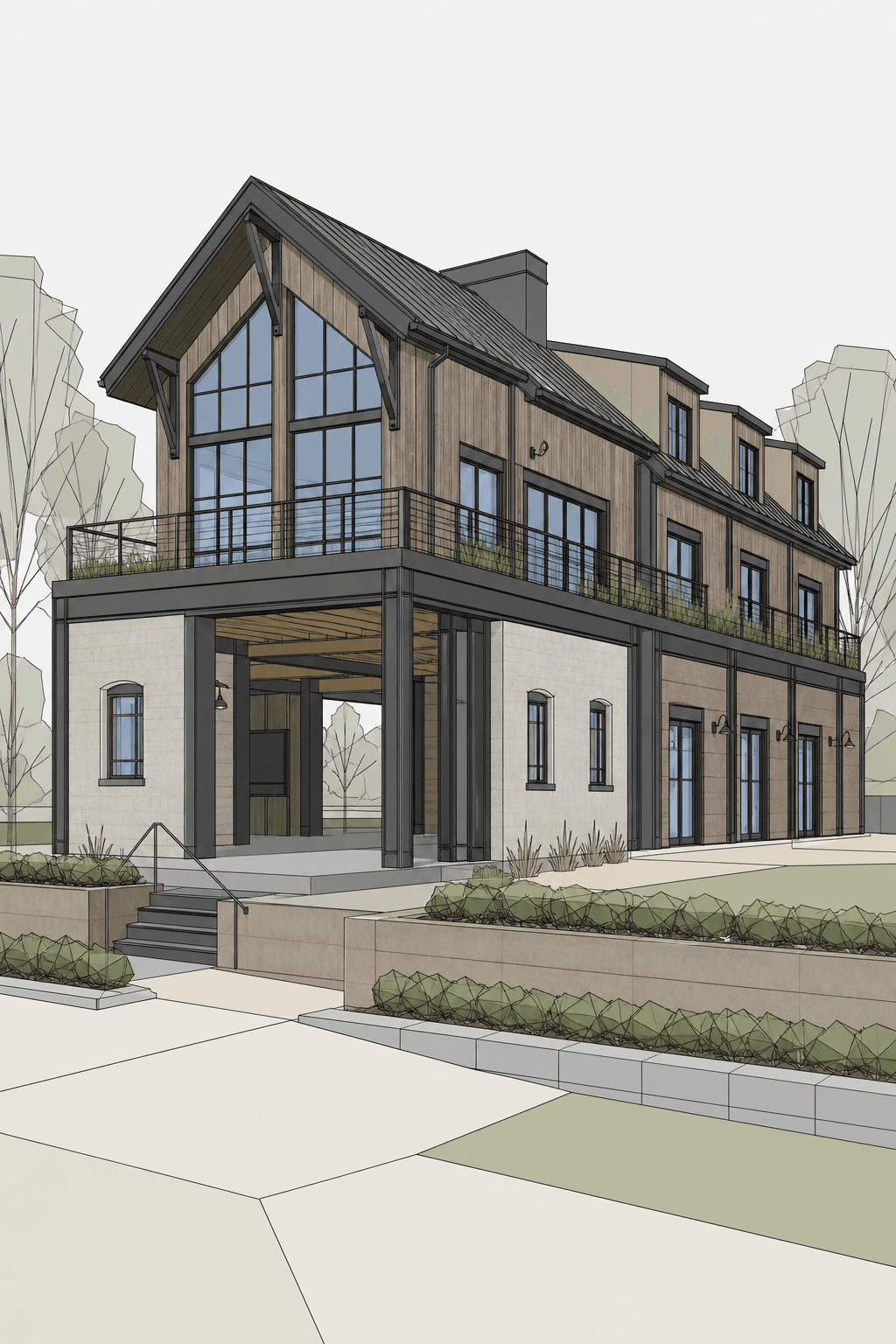
Barndominium Residence with expressive steel structure, weathered wood, public passage through a reused ground floor, soft industrial adaptive-reuse style. Made in Revit.
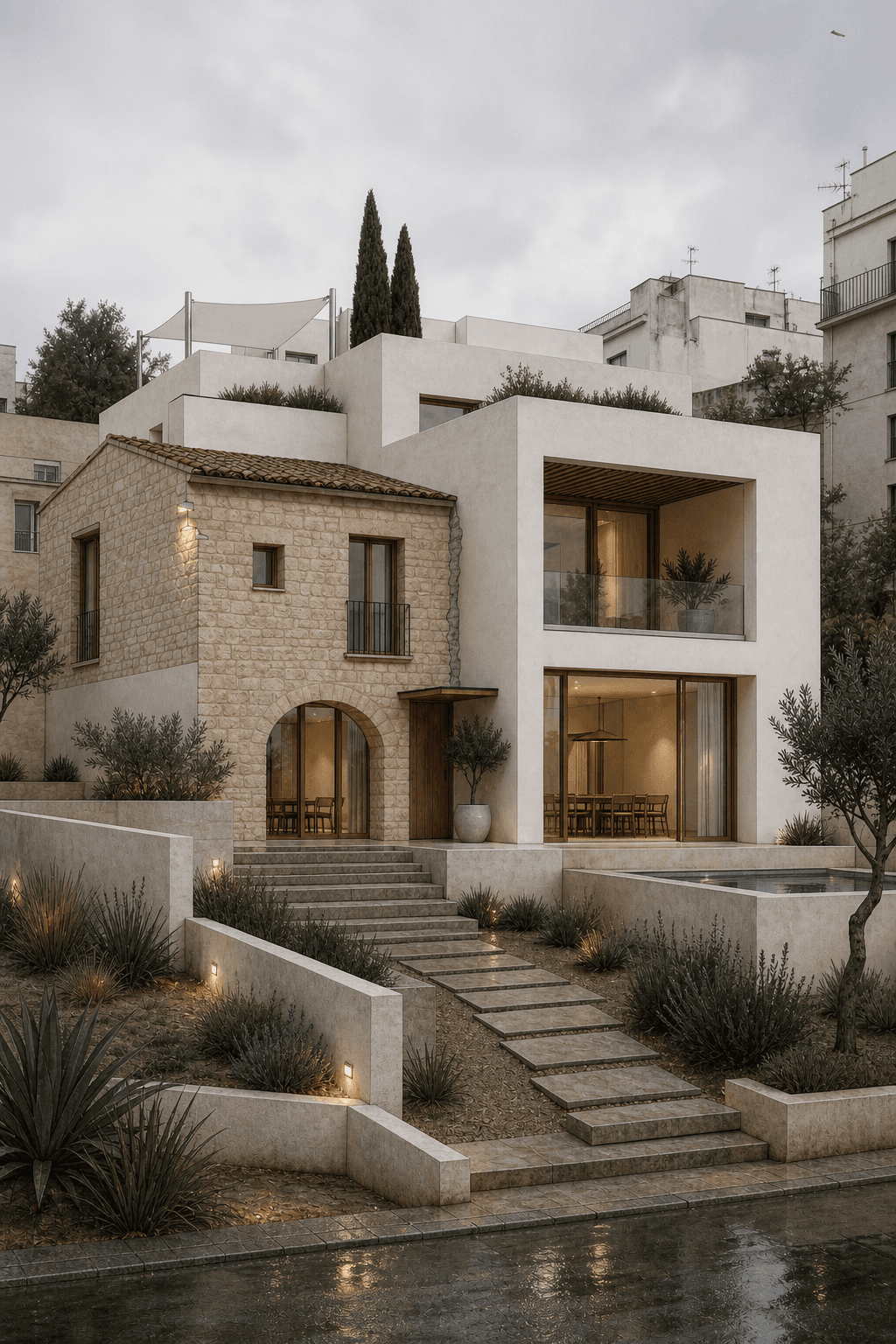
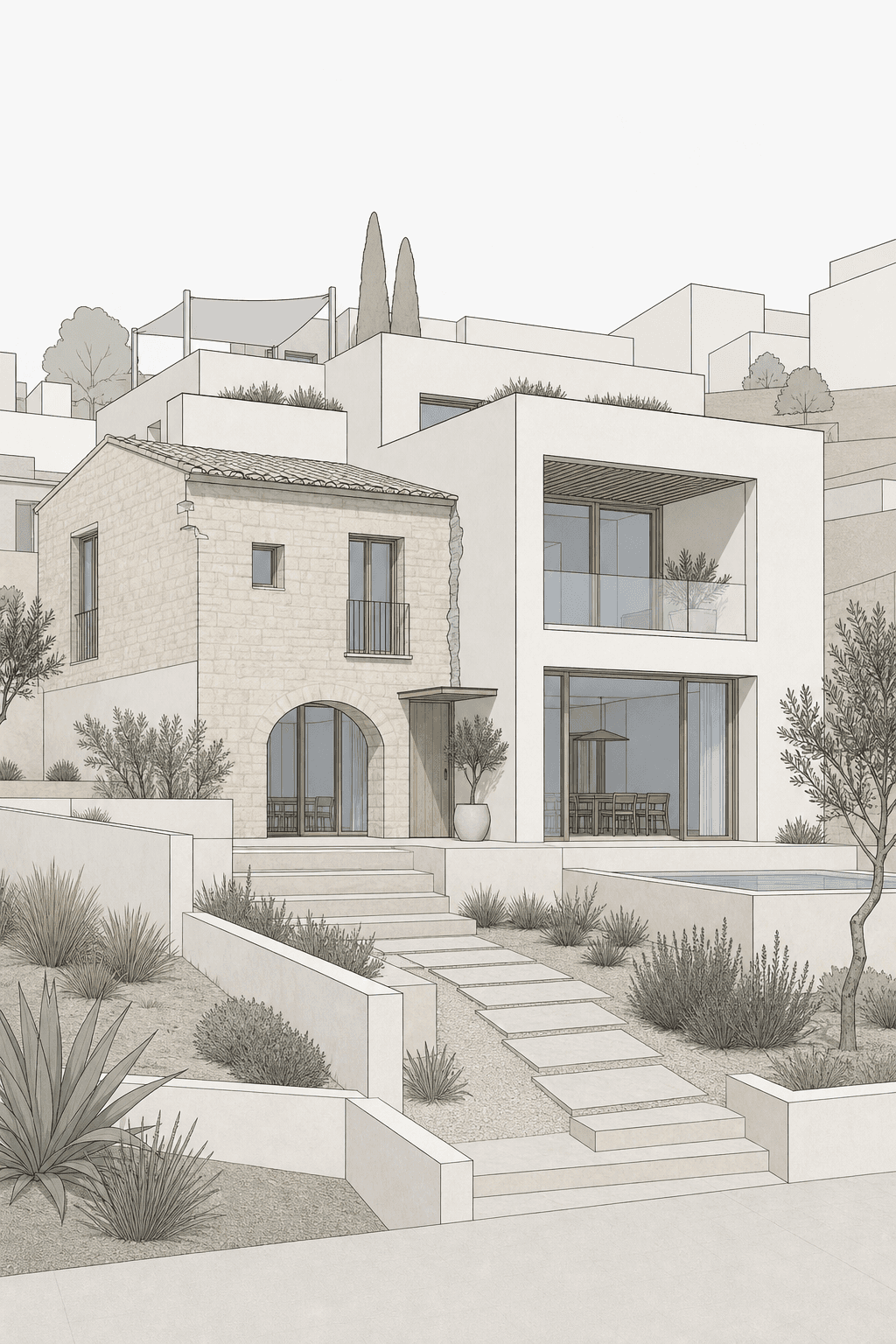
Modern Mediterranean Residence with clear architectural massing, travertine, lime plaster, exposed retrofit joint between old and new structure, warm Mediterranean modern. Made in SketchUp.
Quick guide
Upload a screenshot from a model or render. Rendervi generates a photorealistic architectural render while preserving the camera angle, building geometry, massing, facade openings, and design intent.
Use a clean viewport export, clay render, or architecture model screenshot.
Rendervi upgrades light, materials, glass, vegetation, context, and atmosphere.
Move into Rendervi Studio to refine, change materials, remove watermarks, and use advance models.
Built for architects
Architecture-focused models guides toward photo-realism while keeping the source design untouched.
The average wait time between our models is 20 seconds from your screenshot to render.
Try the online AI render generator for free, then move into Rendervi with 12 free credits per month when you want more control and watermark-free outputs.
Your images stays yours. We don't train models on them and don't use them any other way, all data protected.
Online AI render generator
Start with a photo, clay render, viewport export, Revit screenshot, SketchUp view, Rhino model image, or CAD preview. If you work in Revit, follow our Revit AI rendering guide to prepare a clean model view.
Choose a template or write your own prompt. Templates give you a strong starting point for a quick result. In the settings, you can choose the environment, weather, and time for your render. Use the Custom template to generate an image with a prompt only.
Generate the photorealistic AI architectural render and review the result in about 20 seconds.
Common questions
Everything architects need to know before turning a photo, render, or model screenshot into an AI architectural render.
Yes. The free AI render tool lets you generate limited watermarked results directly from this page. If you want more renders, project history, refinements, and watermark-free exports, sign up for Rendervi and use the 12 free credits.
Your uploaded image is processed to create the result you requested. Rendervi does not use private project uploads to train Rendervi's own AI models, and shared result pages are set to noindex.
Use the Render without watermark button after generating a result. It opens Rendervi, where new users can use 12 free credits to continue rendering and export without the visible Rendervi watermark.
Use a clean source image with a clear camera angle, readable building geometry, visible facade openings, and simple material zones. Avoid tiny screenshots, heavy UI overlays, extreme crops, and blurry inputs.
Rendervi reads the uploaded photo, render, or model screenshot, then generates a photorealistic architectural image that improves lighting, materials, glass, vegetation, context, and atmosphere while preserving the core composition.
Yes. Export a clean Revit 3D view or use a model screenshot, then upload it to the online AI render generator. Rendervi improves materials, lighting, context, and atmosphere while preserving the camera angle and building geometry. See the Revit AI rendering workflow.
Yes. Rendervi can turn a clear model screenshot or viewport export into a realistic architectural render. Use the highest-resolution view available and hide interface overlays before uploading it. See how screenshot-to-render works.
Start with a template when you want a quick, reliable visual direction for photorealism, lighting, environment, or atmosphere. Use the Custom template when you already know the exact result you want and prefer to describe it in your own prompt. Explore the AI render templates.
No. The AI render generator works in your browser. Upload a photo, existing render, or model screenshot, choose a template or prompt, and generate the result online without installing a rendering plugin.
Continue in Rendervi
Sign up now for free 10 renders without watermark, and more templates and tools for your ArchViz journey
Render without watermark