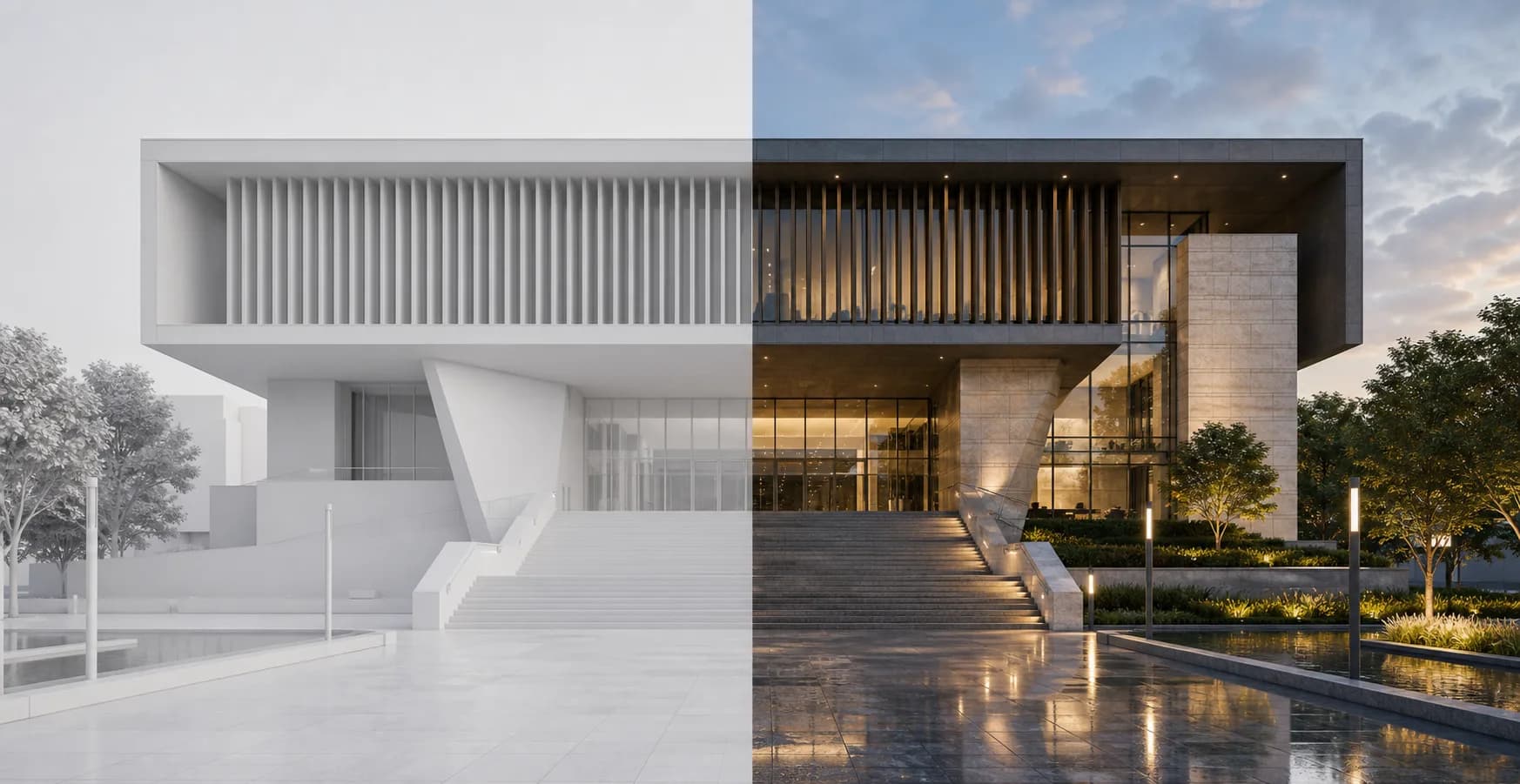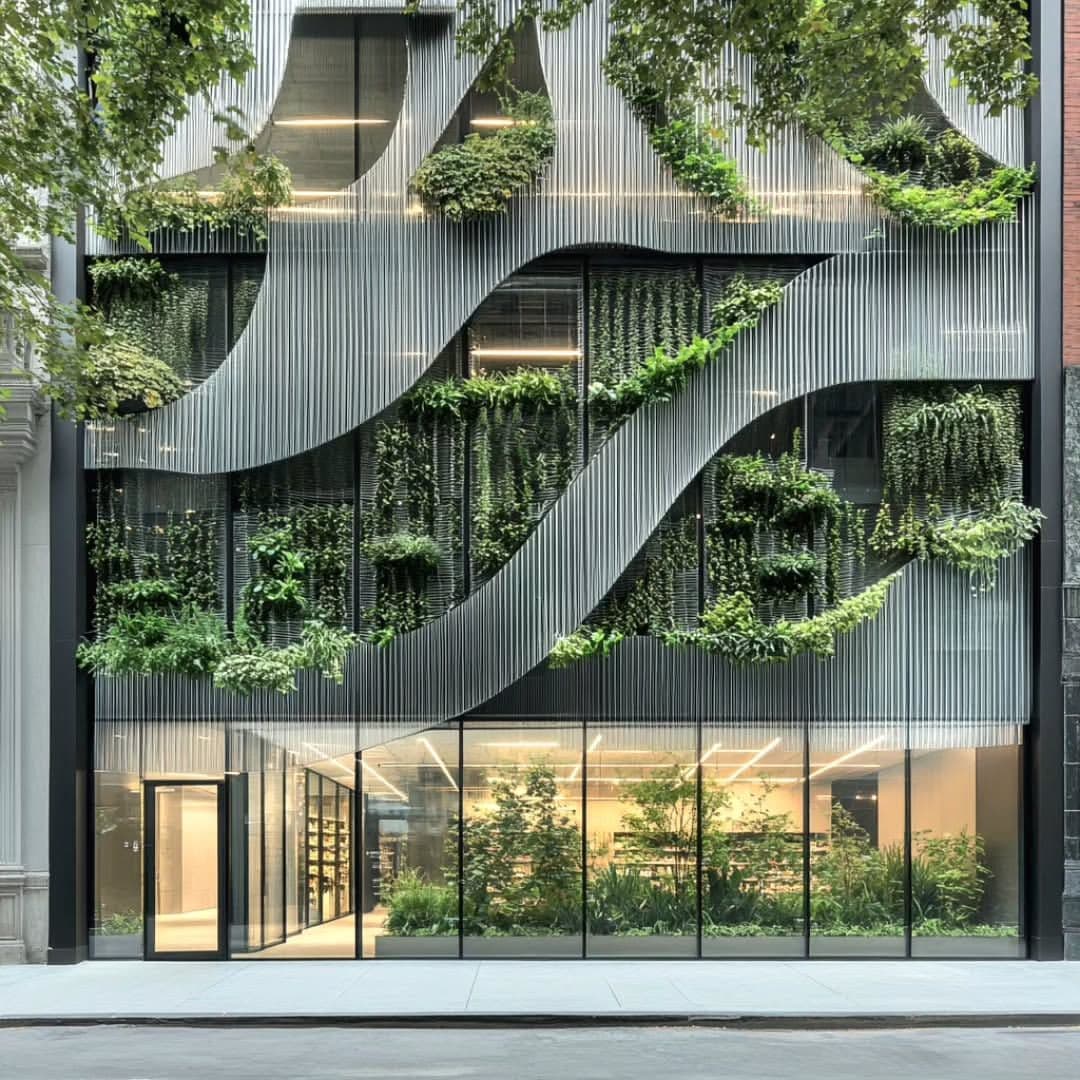
Facade render
Render modeMade by architects for architects
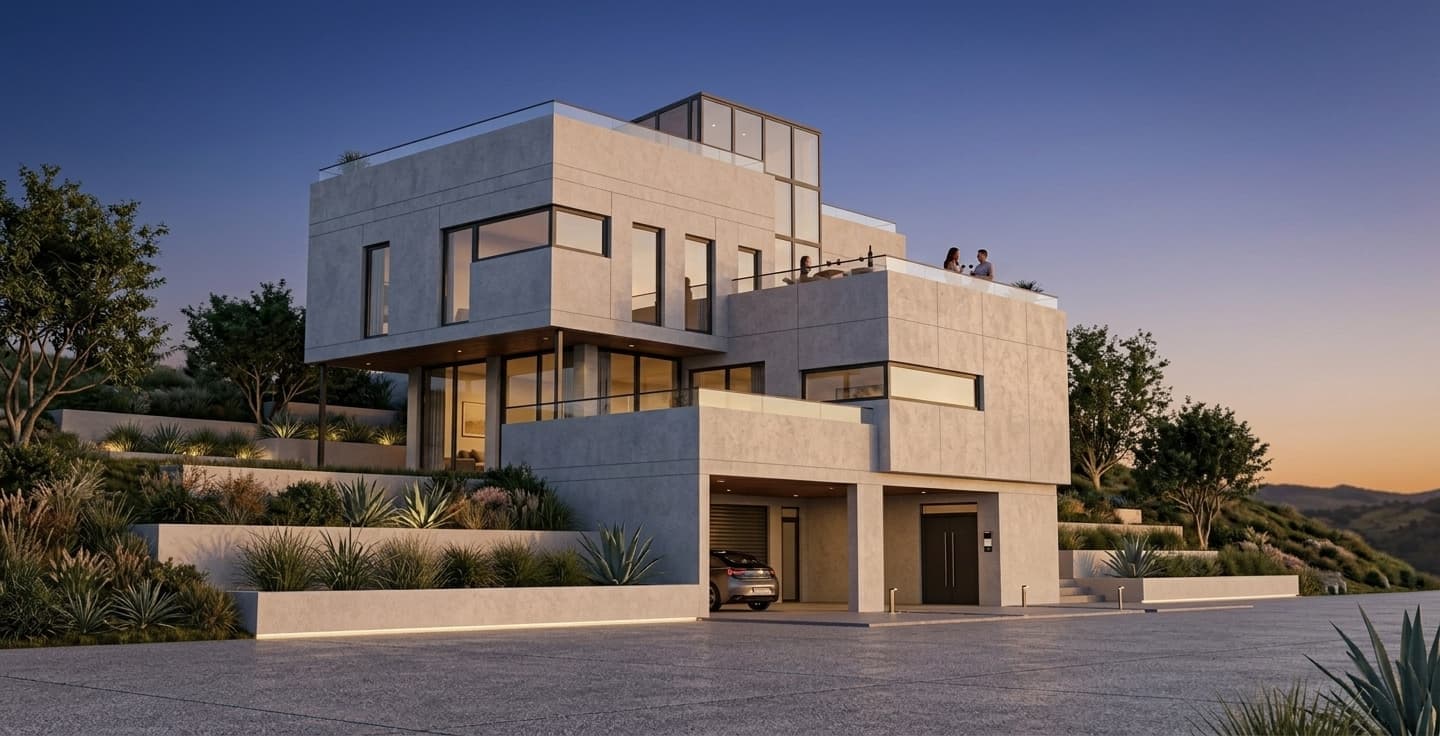
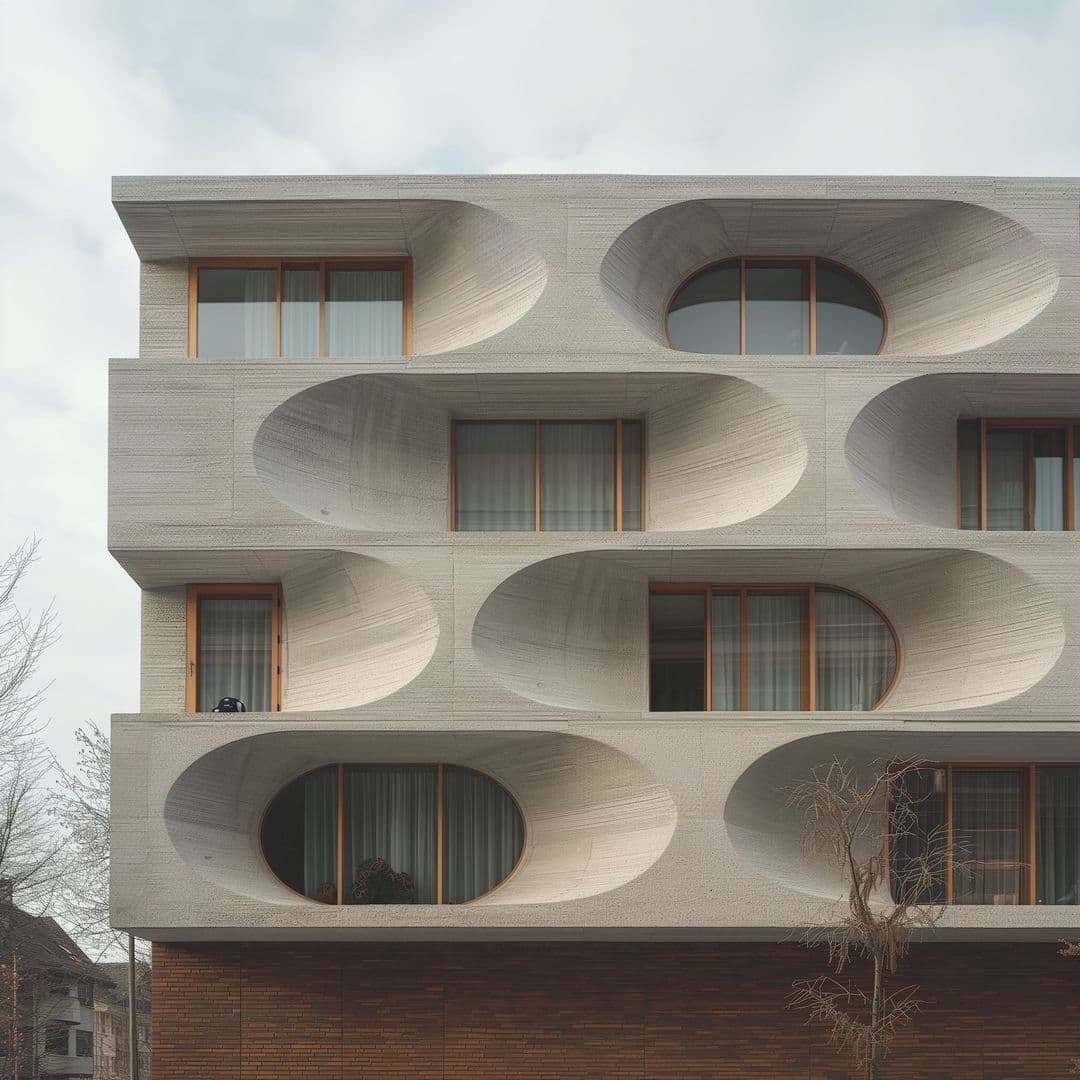
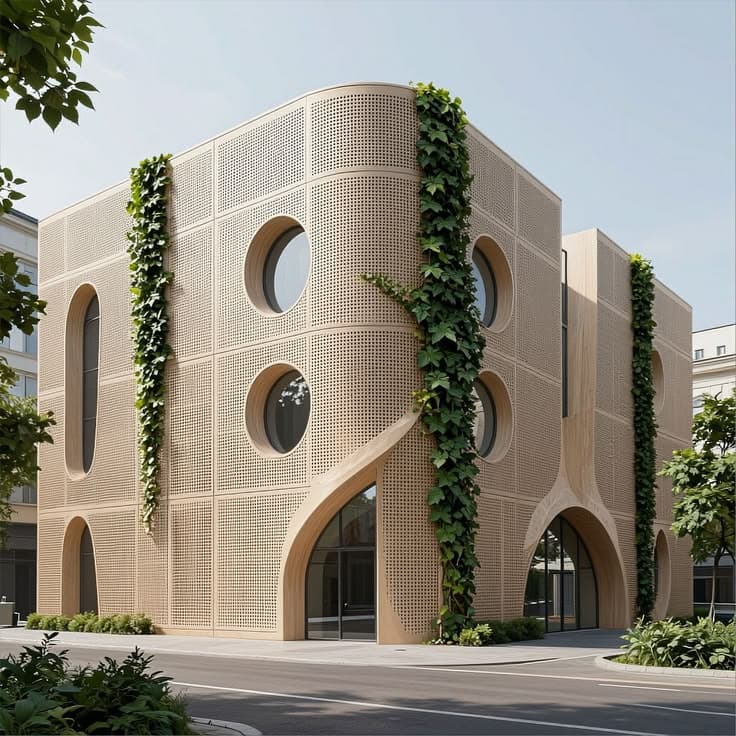
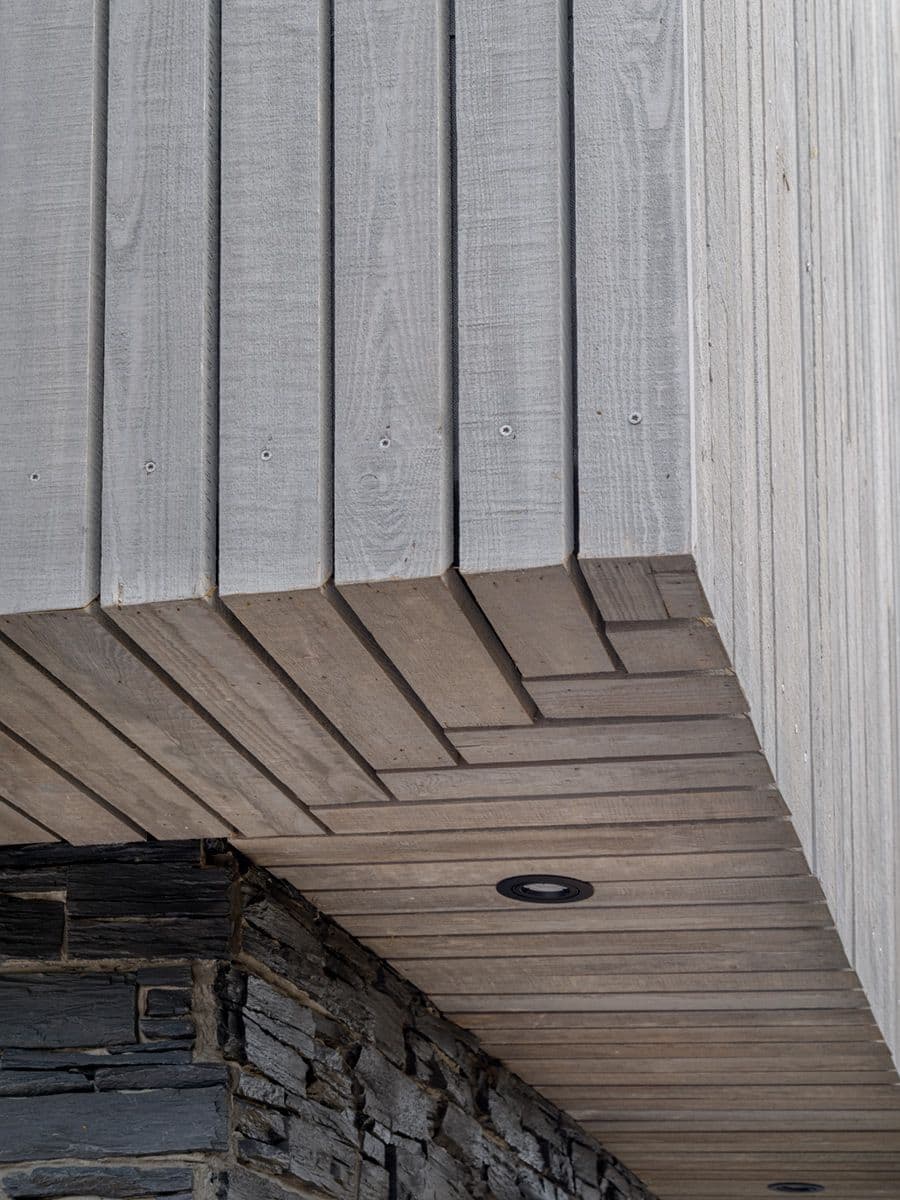
Rendervi is built for architecture and visualization teams that care about quality, speed, and control. Enhance architectural renders, change materials, or push a model preview toward photorealism without losing the design intent.
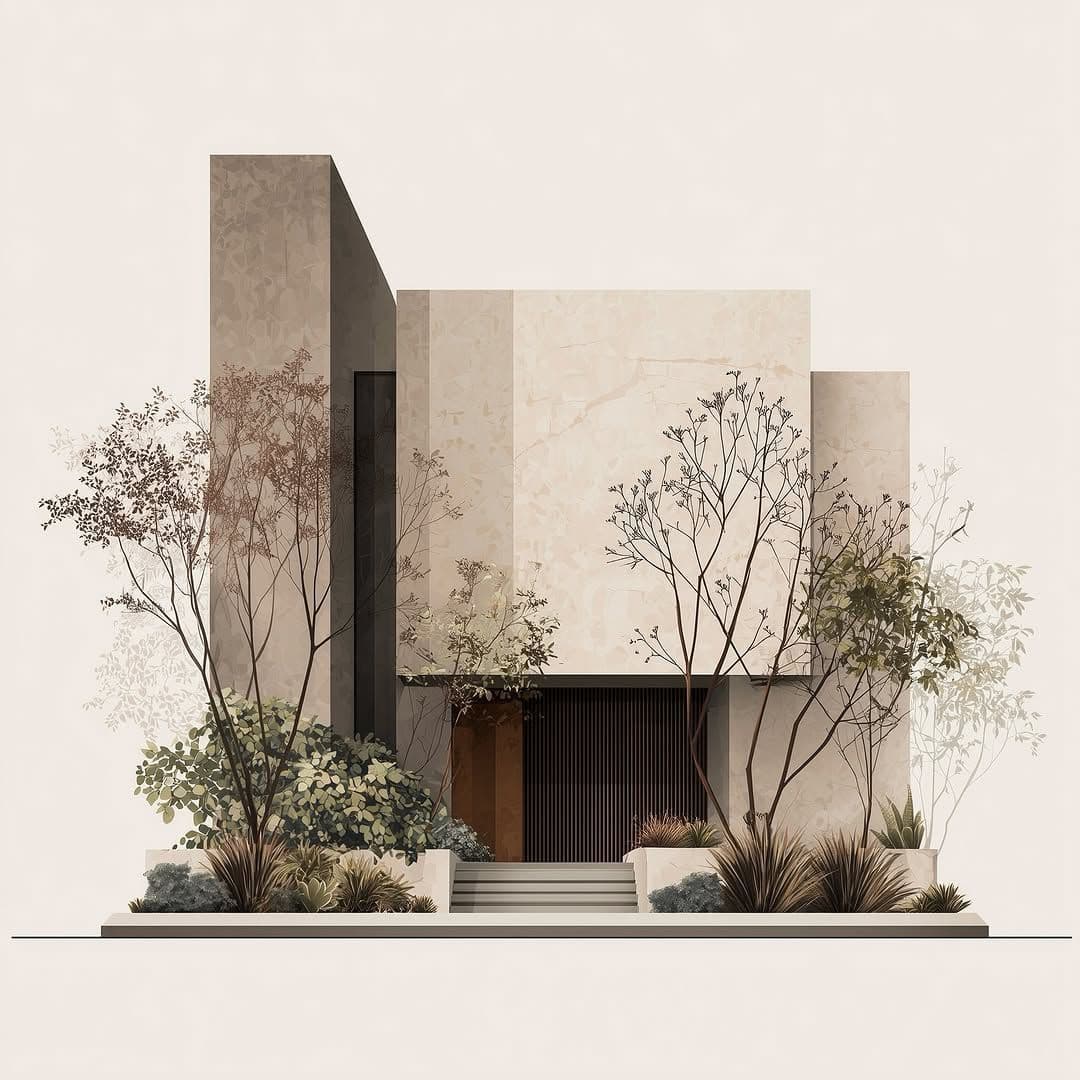
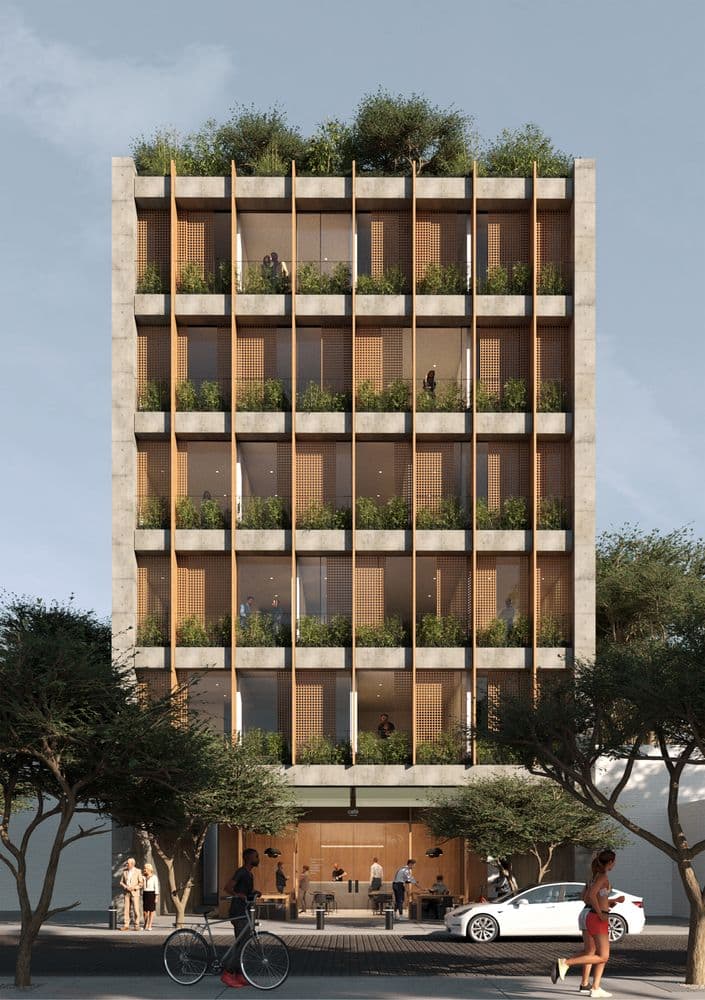
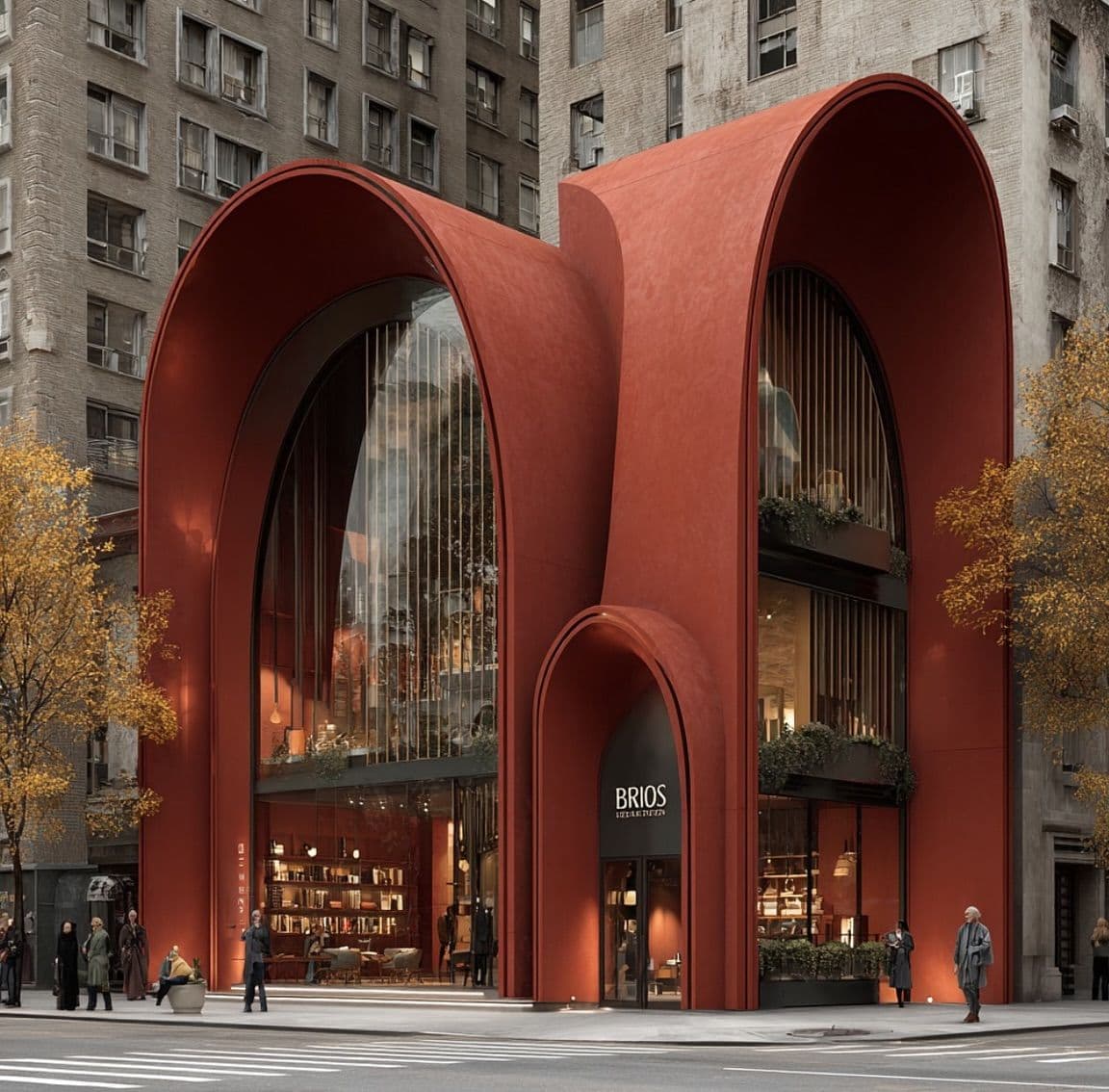
Use cases
Rendervi is designed around the visual jobs architecture teams actually need done. Presets and controlled edits help you achieve consistent results in minutes.
Move from sketch, wireframe, or layout direction into a strong visual starting point faster.
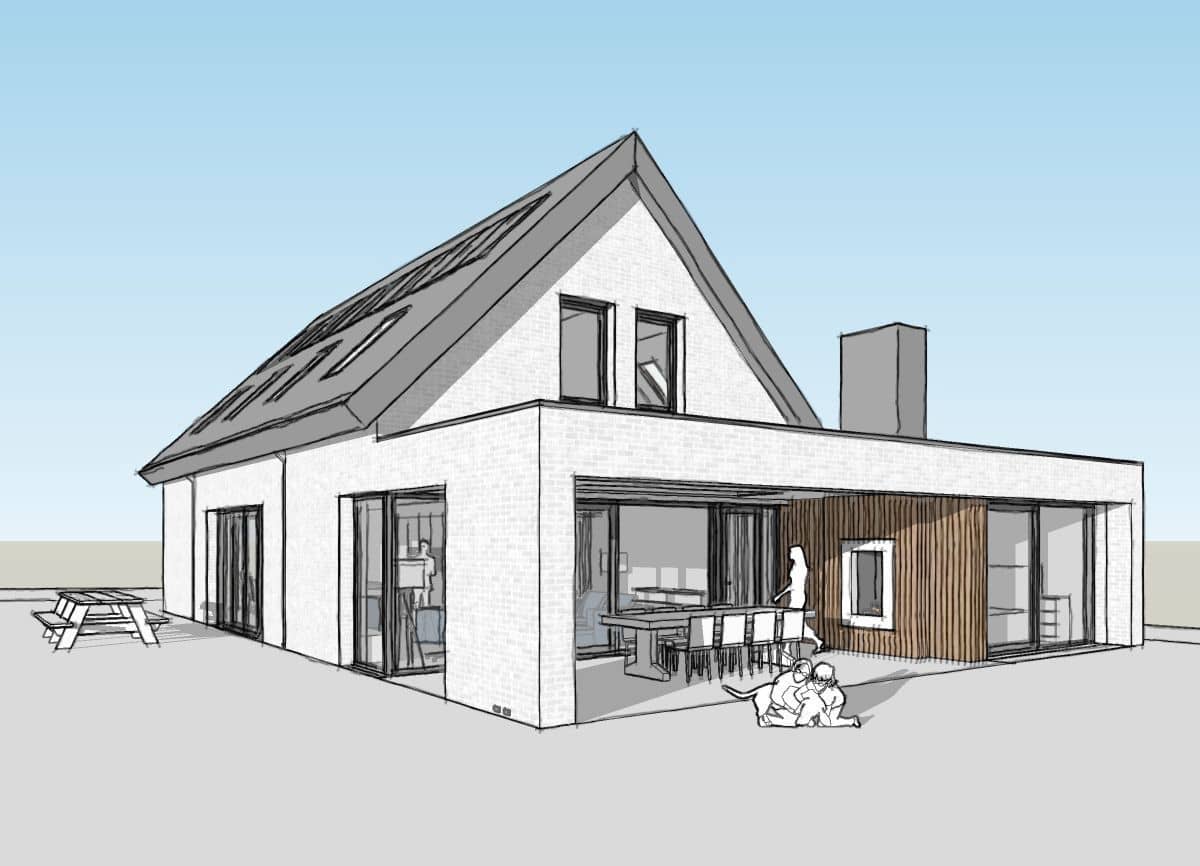
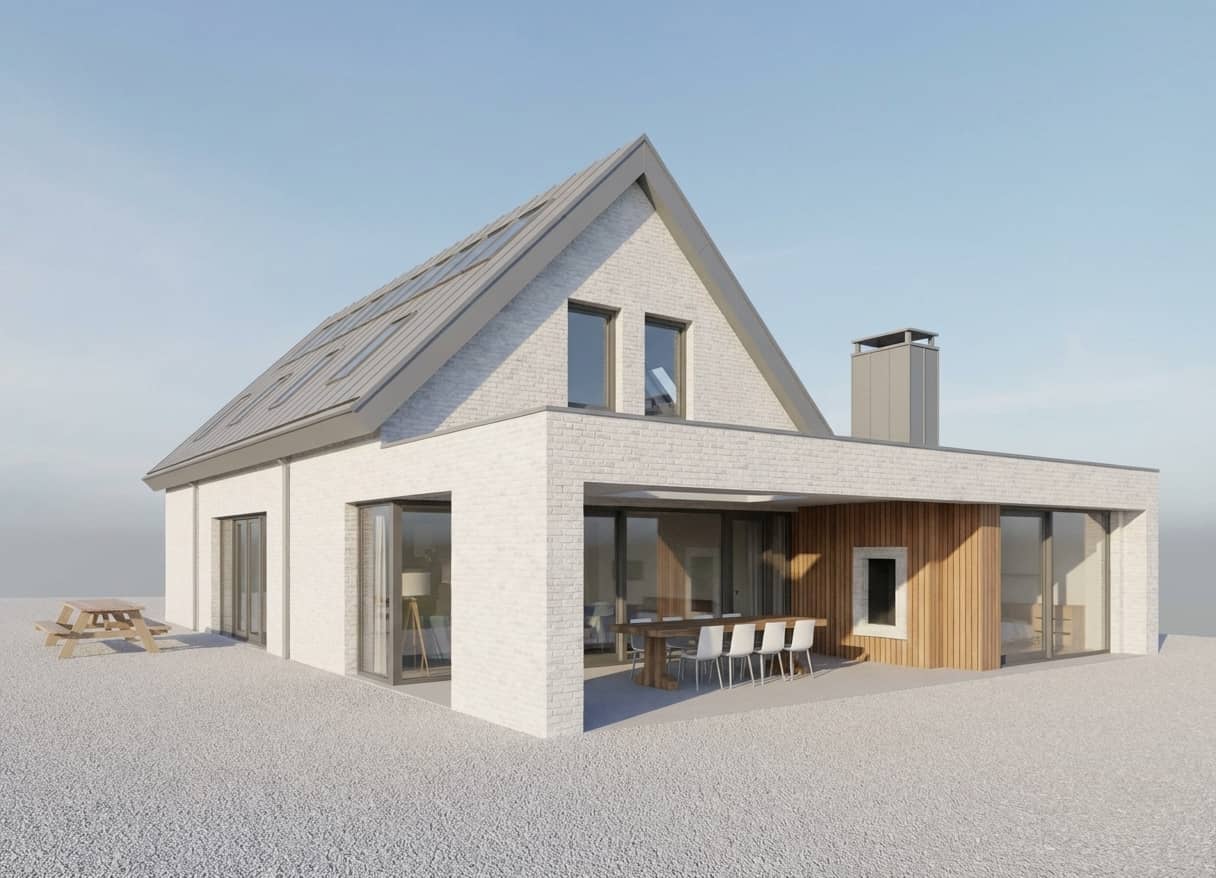
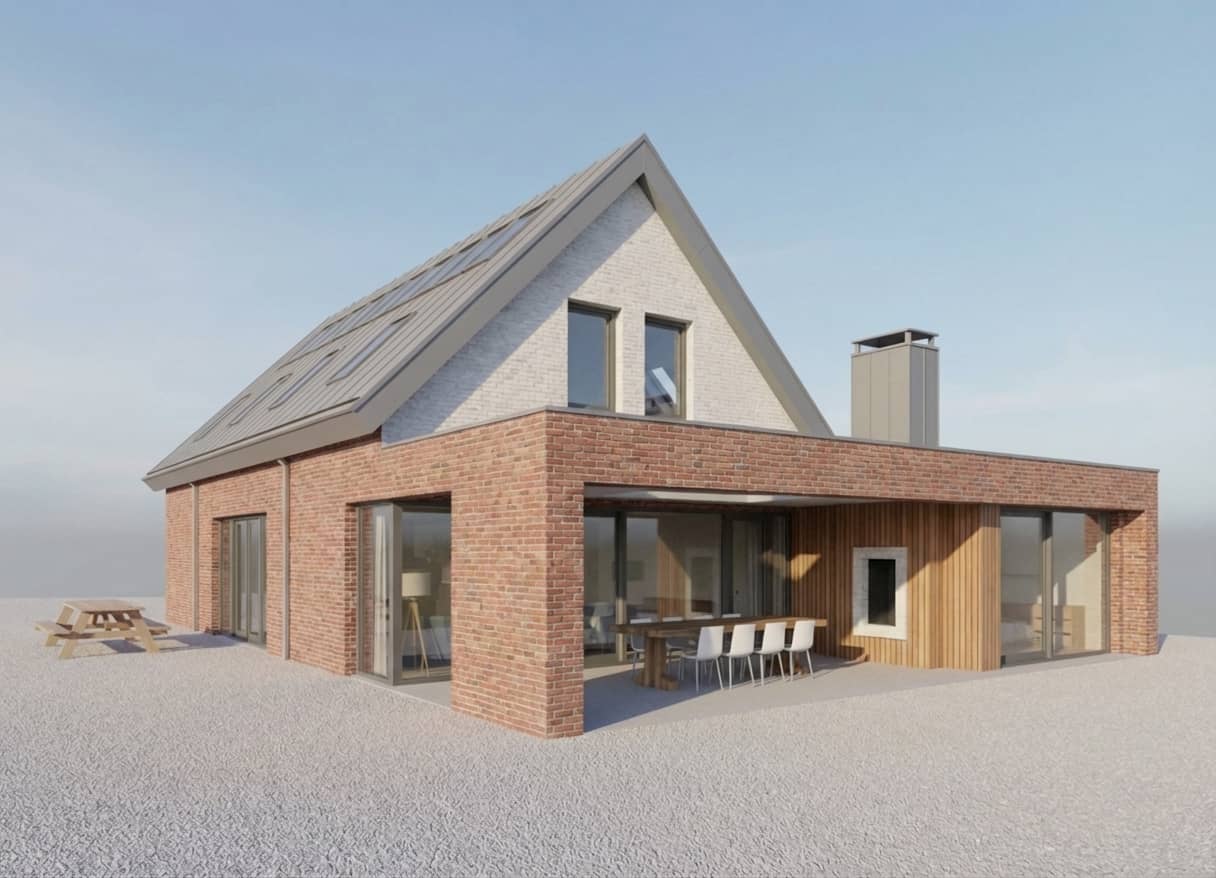
Test variations like daylight, finishes, and styling direction without losing any details in your design
Use in-studio templates to enhance your renders without writing a prompt
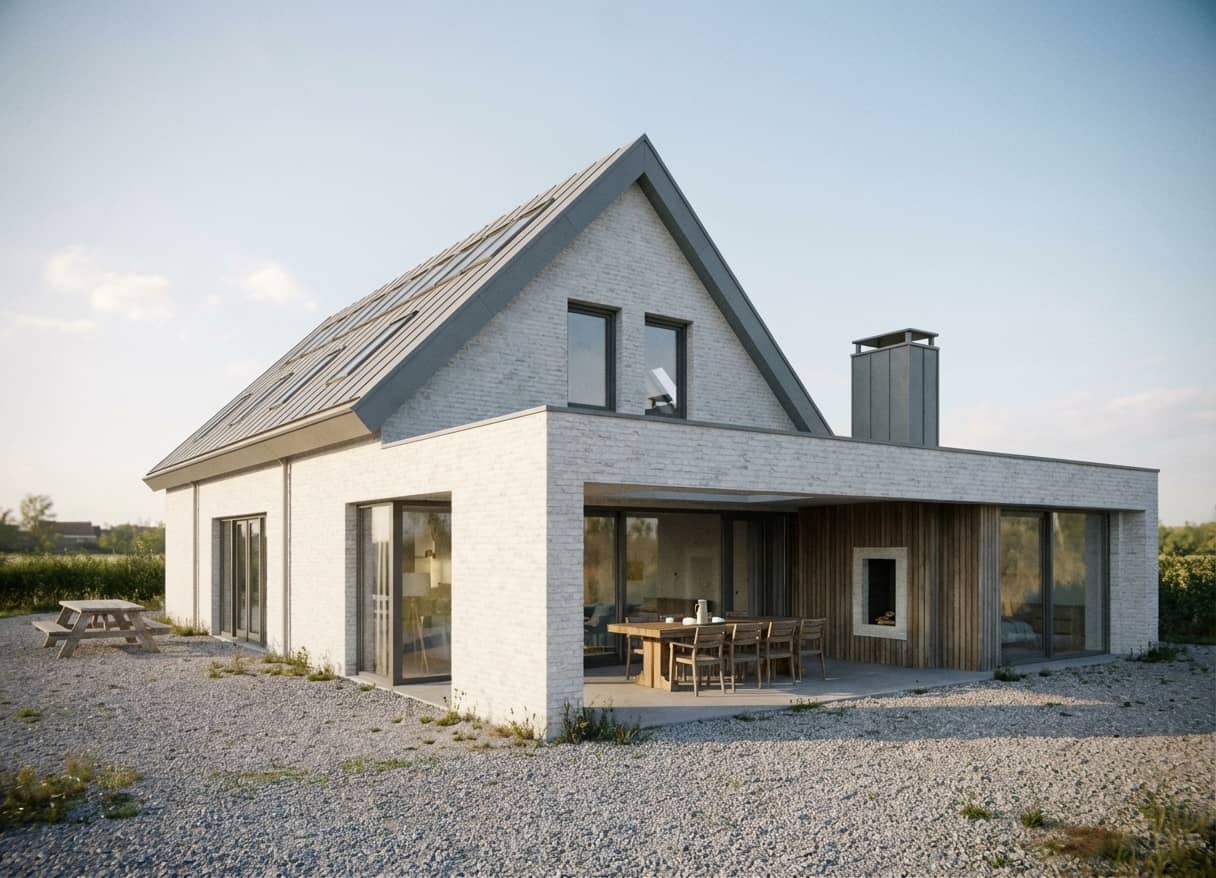
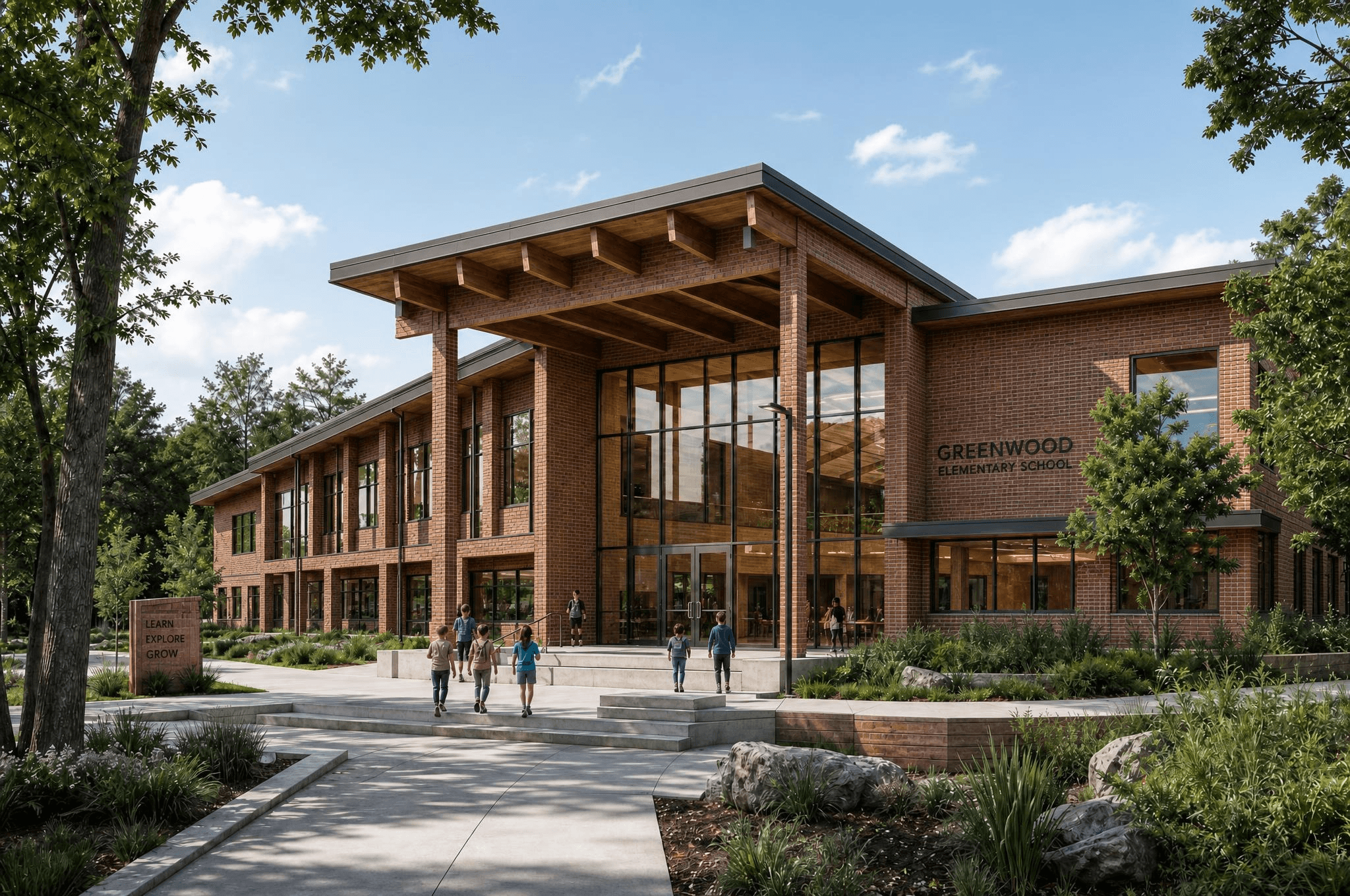
Bring more detail into a usable asset when the source image is too soft for final presentation.
AI-studio
Stop relying on AI image tools that drift away from your design and create inconsistent results from one view to the next.
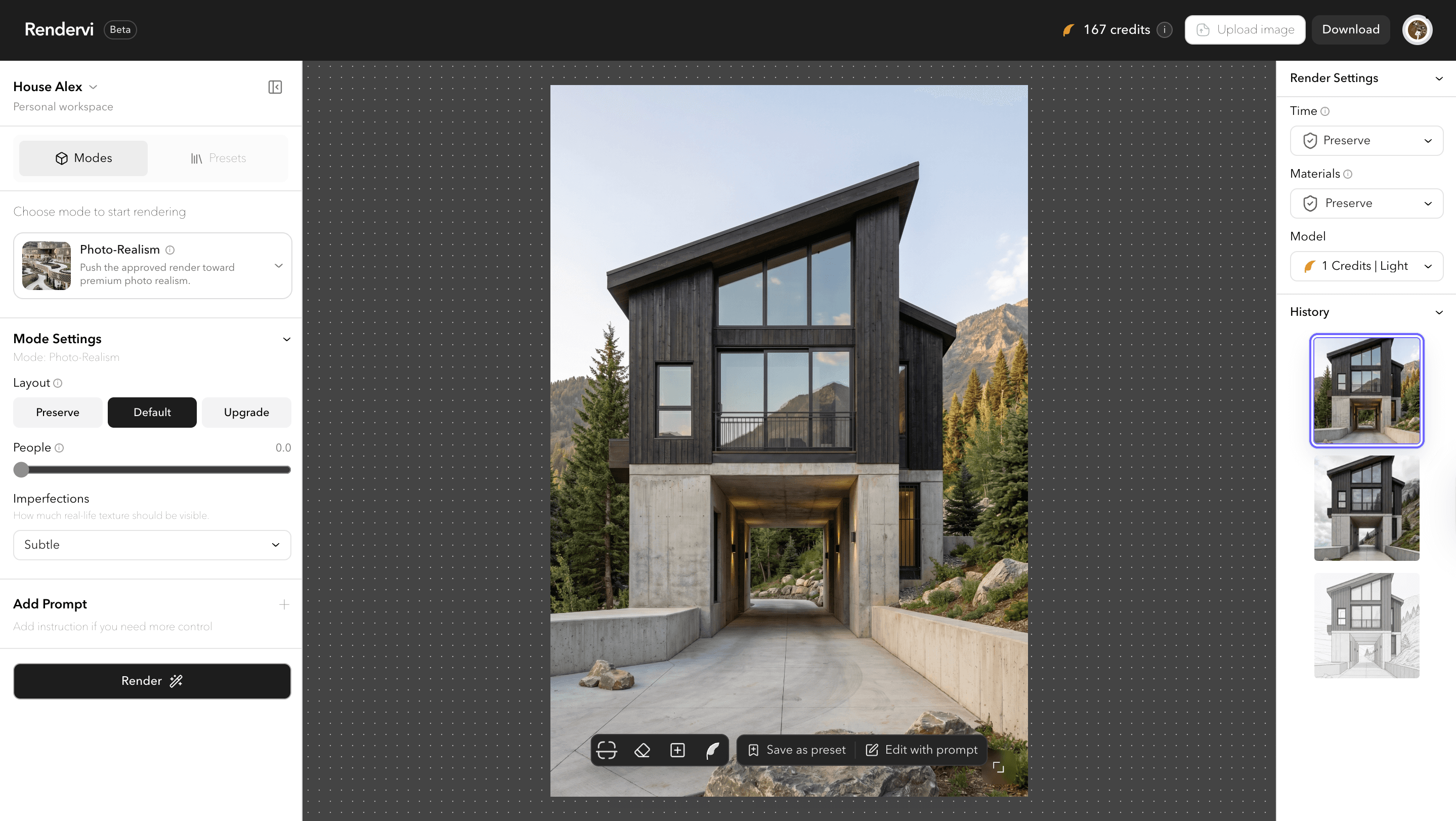
Studio is the place where we gather together all of the main tools you might need to create a great images with AI. From ideation to enhancement, with or without prompts - all creative tools in one page. With team access, project history and great user experience.
As alternative for a Studio we have a quick workflows that can help you do the job fast if you need it just one time.
Same details from every angle
Presets save the approved render direction as a reusable visual recipe: materials, lighting, atmosphere, and the edits that make the image feel finished. Build it once, then apply it to the next views without losing consistency.
Initial render: Save the view in your CAD/BIM program and upload it to Rendervi
Change details in 30 seconds: change any material or elements with inpainting tool and texture library.
Change environment: change environment without losing any details of your design


Render from the new angle: upload a new view and keep the same approved preset details.




FAQ
Still not sure? The Free plan includes 12 credits every month, so you can try the studio for yourself at no cost.
Rendervi is built to preserve layout, composition, and design intent as closely as possible, so the output stays useful for real architectural work instead of becoming a loose visual guess.
Your architectural images and inputs stay part of your working process, and privacy is treated as a core requirement for professional teams using the studio.
At Rendervi, we are always looking for the best image-to-image models for architectural rendering. Right now, generation runs on Nano-Banana Pro by Google. Inside the studio, we also use models such as ChatGPT and Gemini Flash to analyze visual context and help build prompts in the background. Our vision is simple: architects should focus on the design instead of choosing between models or mastering prompts, while Rendervi handles that complexity behind the scenes.
We are preparing an affiliate program that will let partners earn free credits by referring new users to the studio. More details will be shared soon.
Upload your preview, choose the visual direction you want, and use Rendervi to push it into a cleaner photorealistic render without rebuilding the whole scene from scratch.
Yes. You can start from a SketchUp export or model preview and turn it into a polished render much faster than a traditional visualization pipeline.
Yes. Rendervi can help transform Revit-based previews into client-ready visuals while keeping the core design logic and geometry readable. Read the Revit AI rendering guide.
Credits are used when you generate or enhance images in the studio. The exact credit cost depends on the workflow and output settings, and the Free plan includes 12 credits every month.
Rendervi is designed for consistency, so you can keep the same material direction, atmosphere, and environment across multiple views instead of re-prompting each facade from scratch.
Like any AI workflow, artifacts can appear, but Rendervi is focused on cleaner and more controlled outputs so teams can get usable results with fewer strange details and less manual cleanup.
No. Your project data is not used to train AI models.
Yes. If your source image is too soft for presentation, you can upscale it quickly to get a sharper result for reviews, decks, and client-facing materials.
Get access
Rendervi is designed for studios, designers, and marketing teams that need a faster path from a raw model to a strong, precise final image. Save time and focus on what matters most: design.