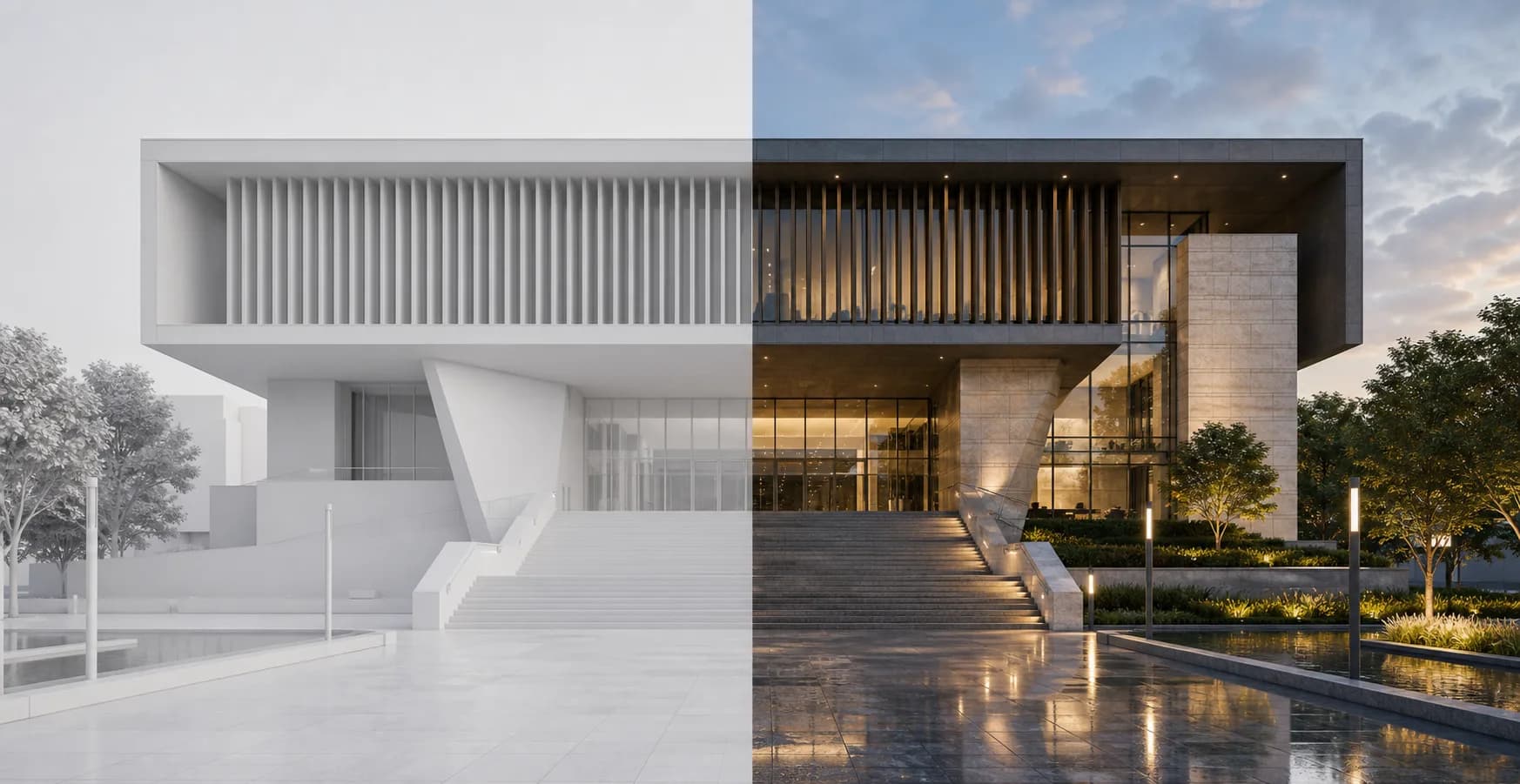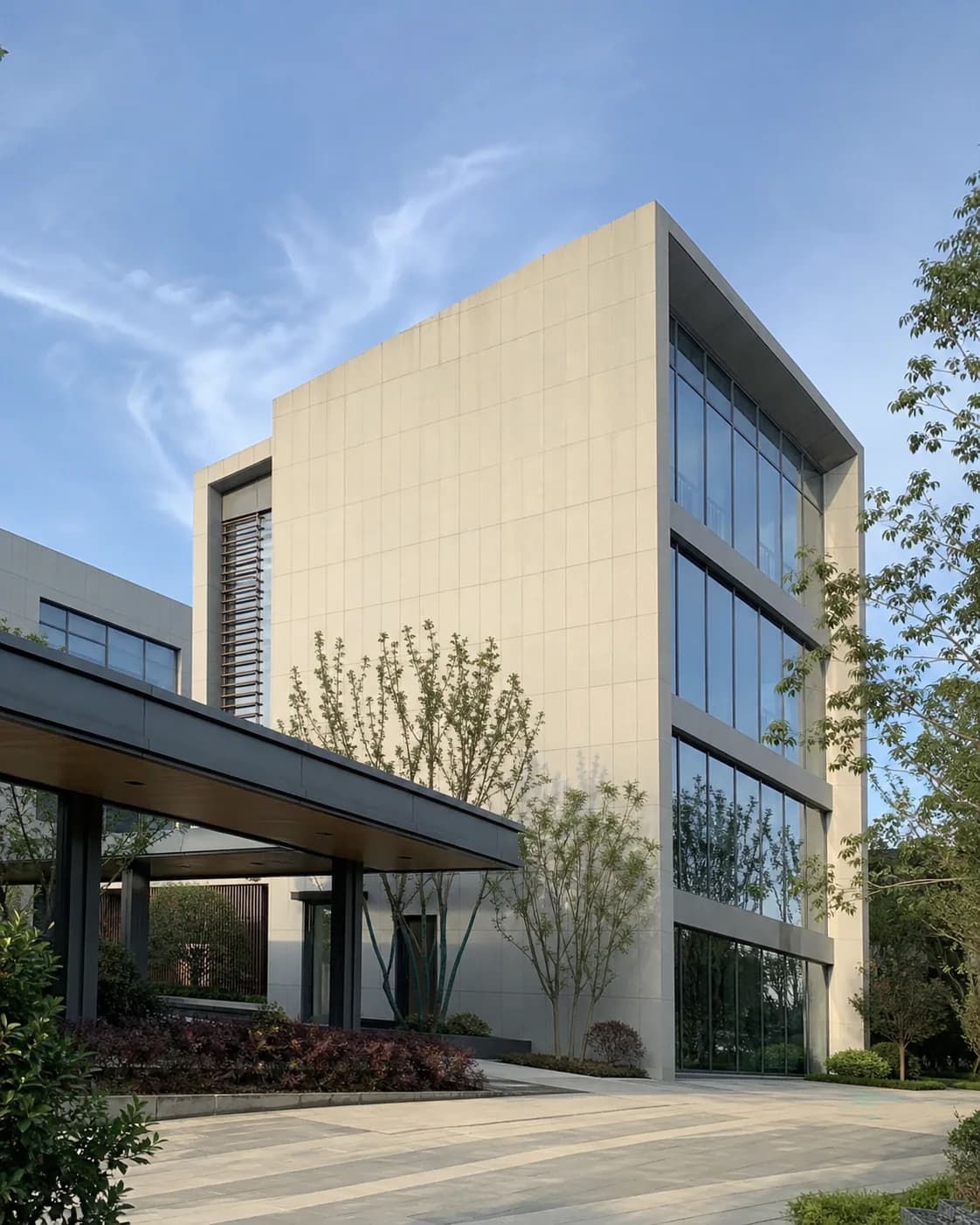
iPhone Photo
Make the project feel like a natural on-site phone photo instead of a staged render.
Templates
Templates are good start for your AI rendering. It is ready to use settings, including new AI models, prompts, background visual analysis of material and everything to automate the production of a good render from any of your images. If you are new to AI and prompting - this is good way to quick start your journey.
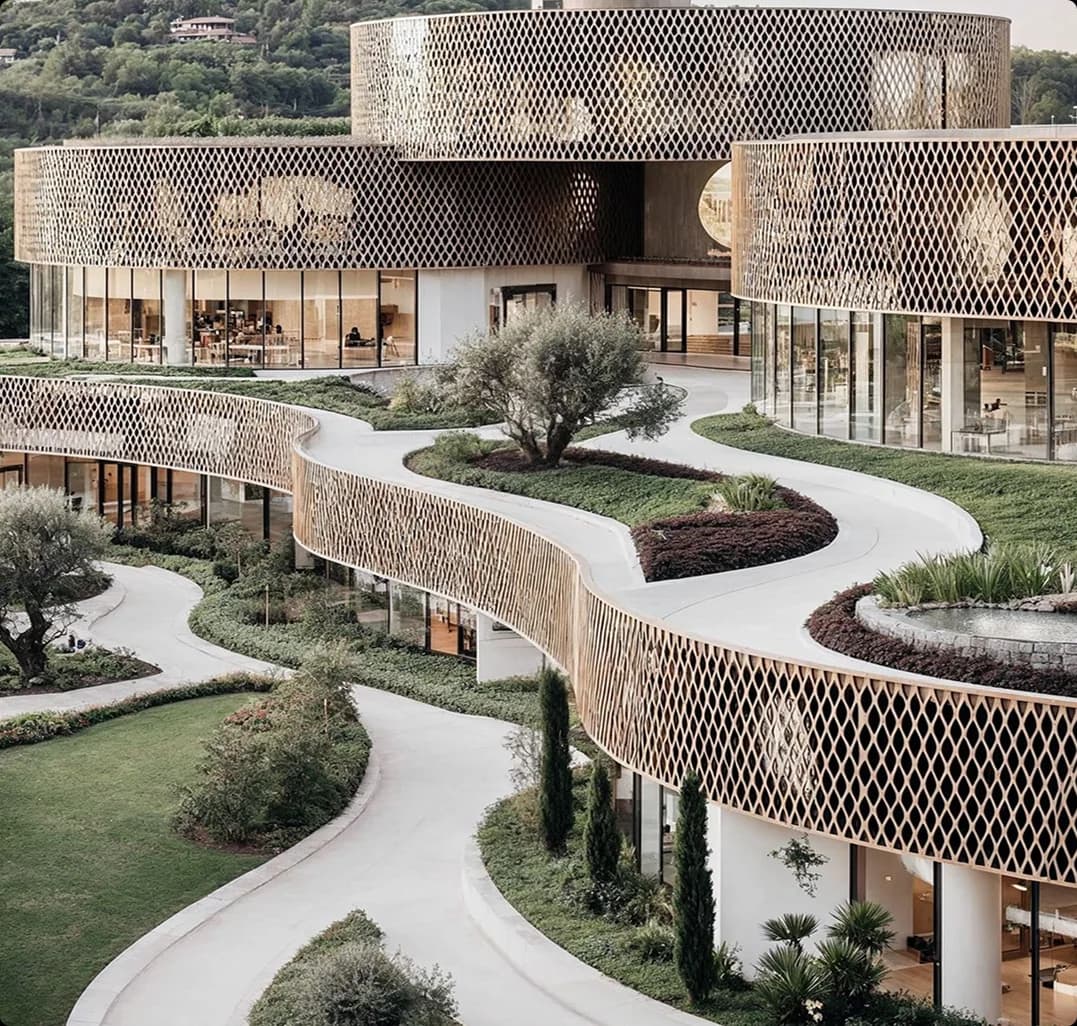
Push your image to photo-realism with your own settings: weather, layout and camera
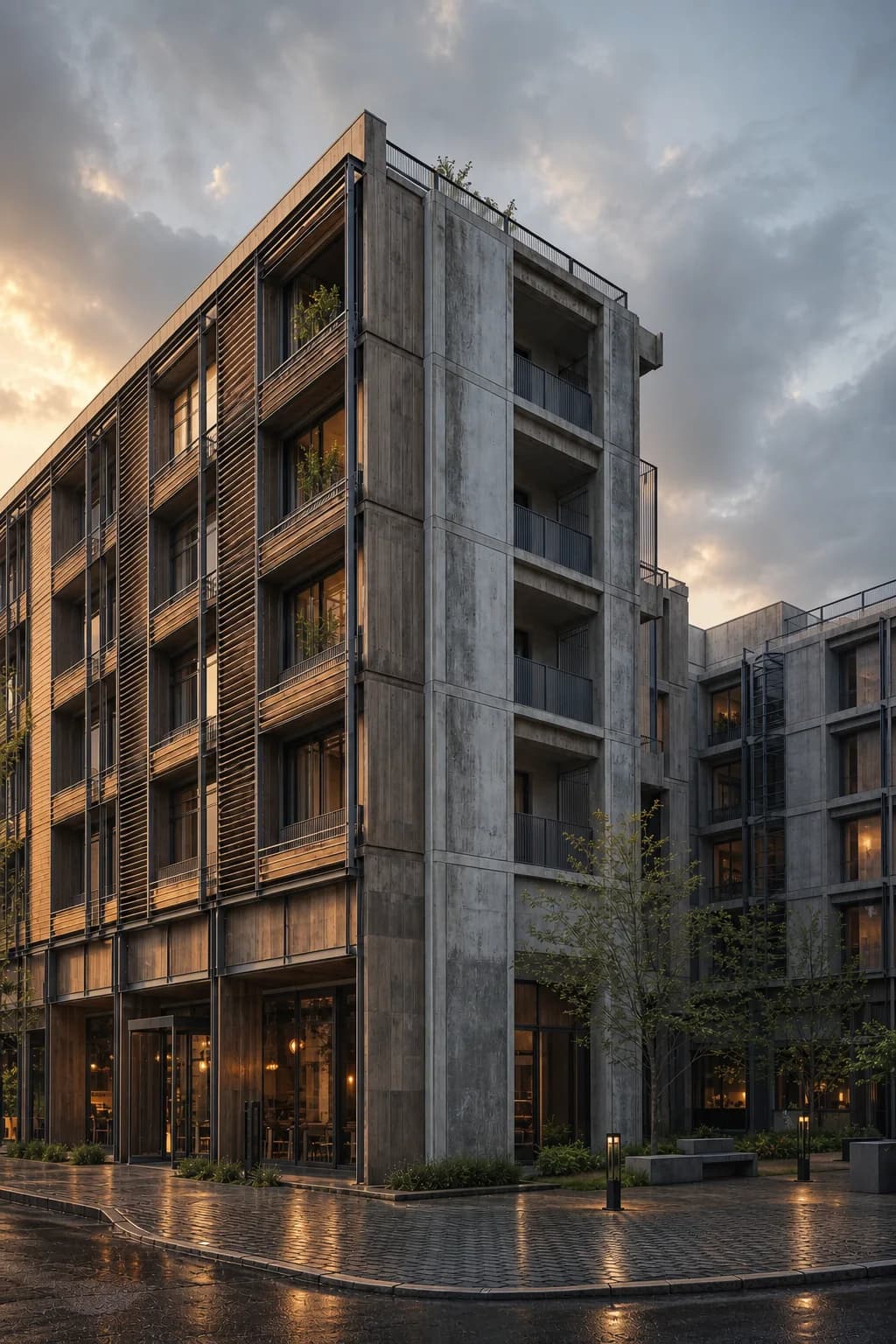
Improve lighting, mood, shadows, reflections, and material depth without re-rendering.
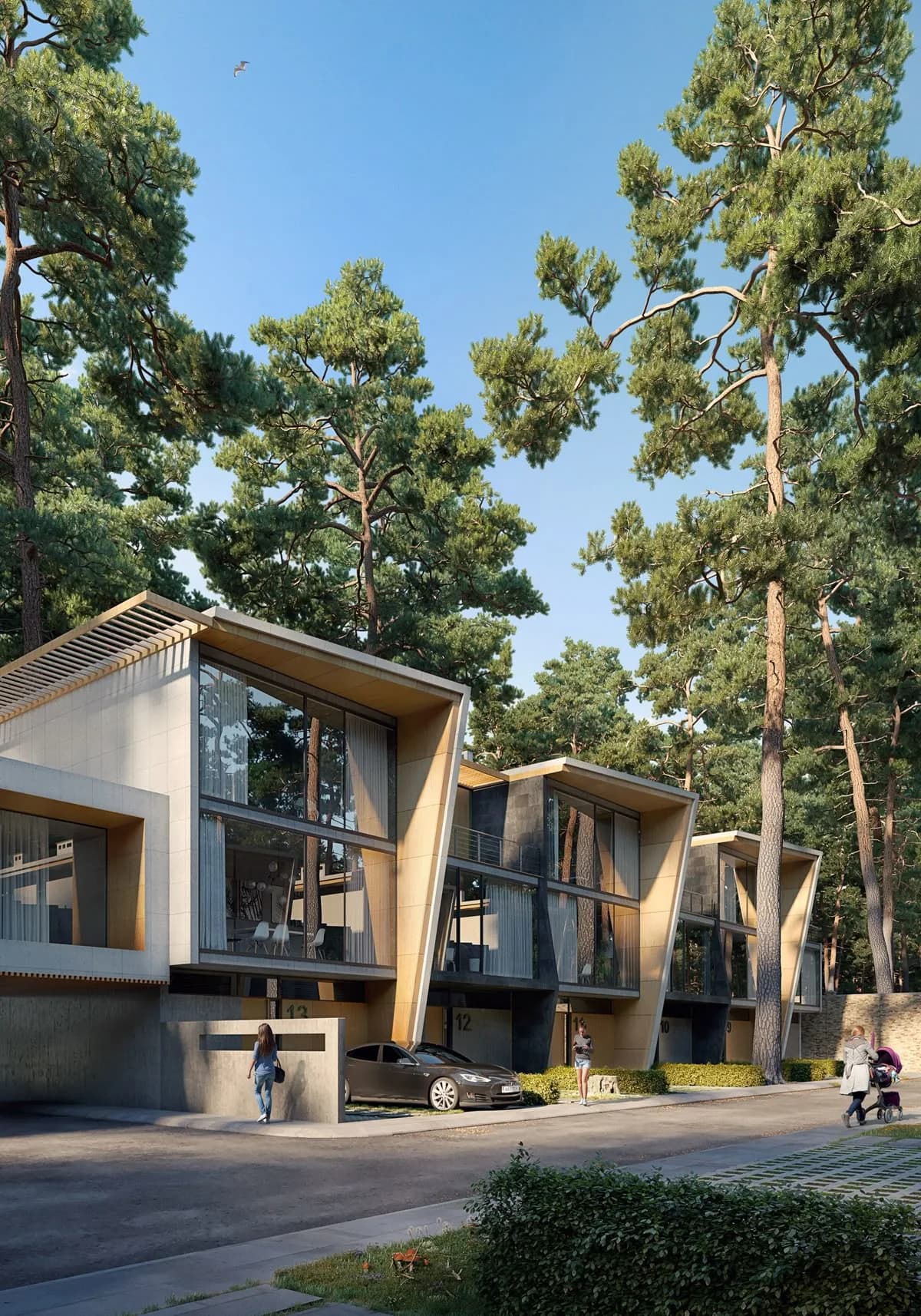
Build strong site context and surroundings while keeping your architecture unchanged.
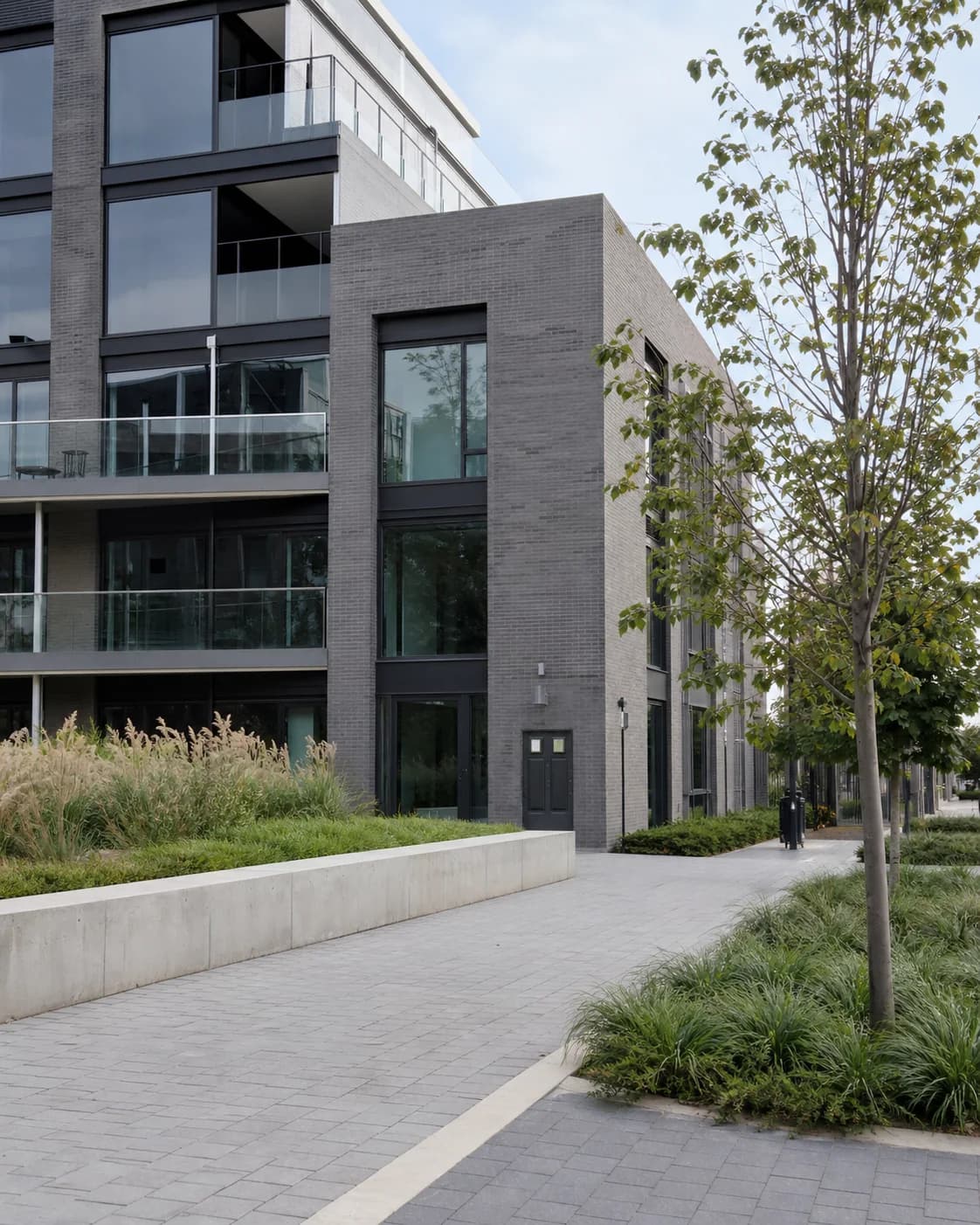
Make an idealized render feel closer to a believable built project.
Make the project feel like a natural on-site phone photo instead of a staged render.
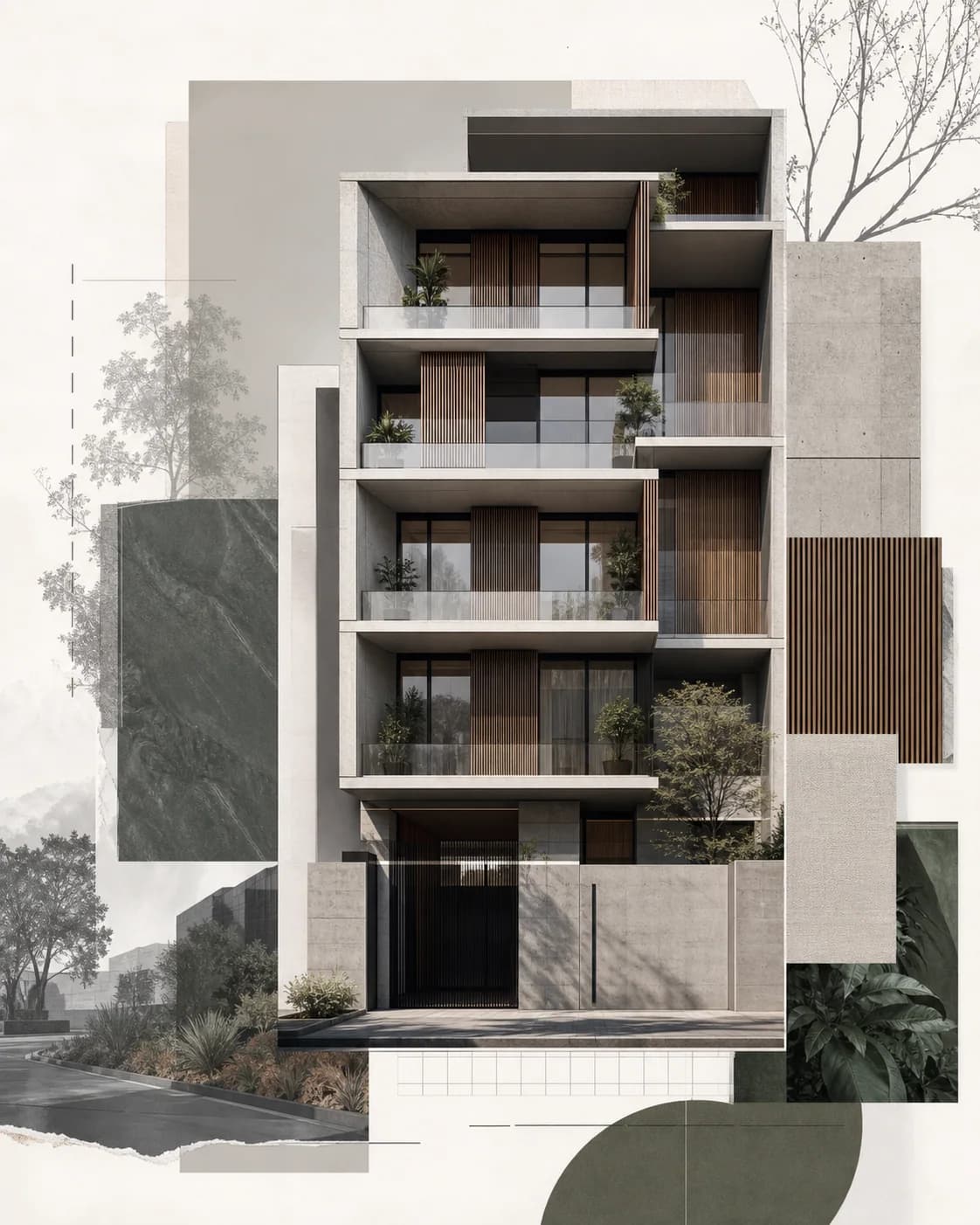
Turn a project image into a contemporary concept presentation.
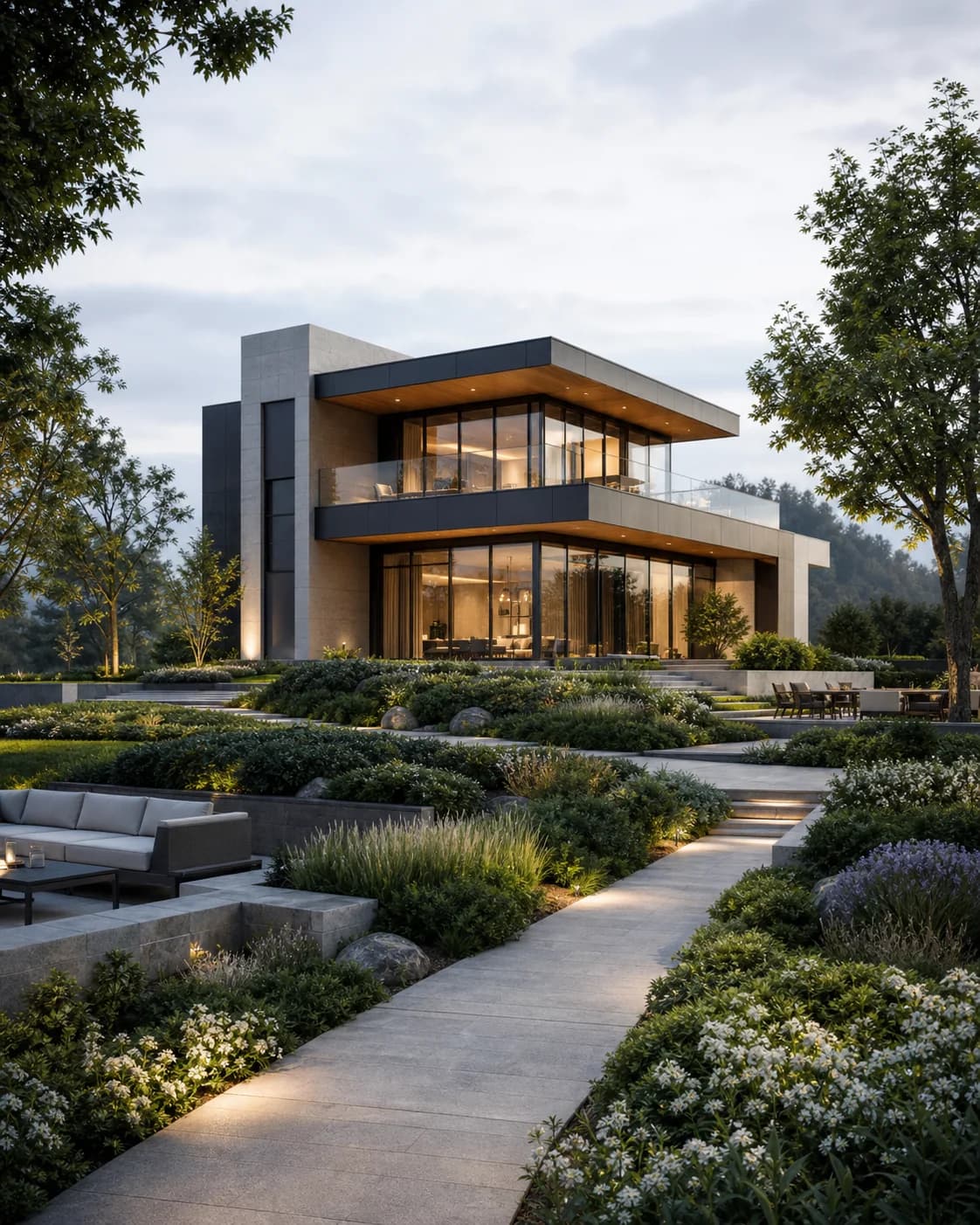
Develop planting, hardscape, and site structure around the building.
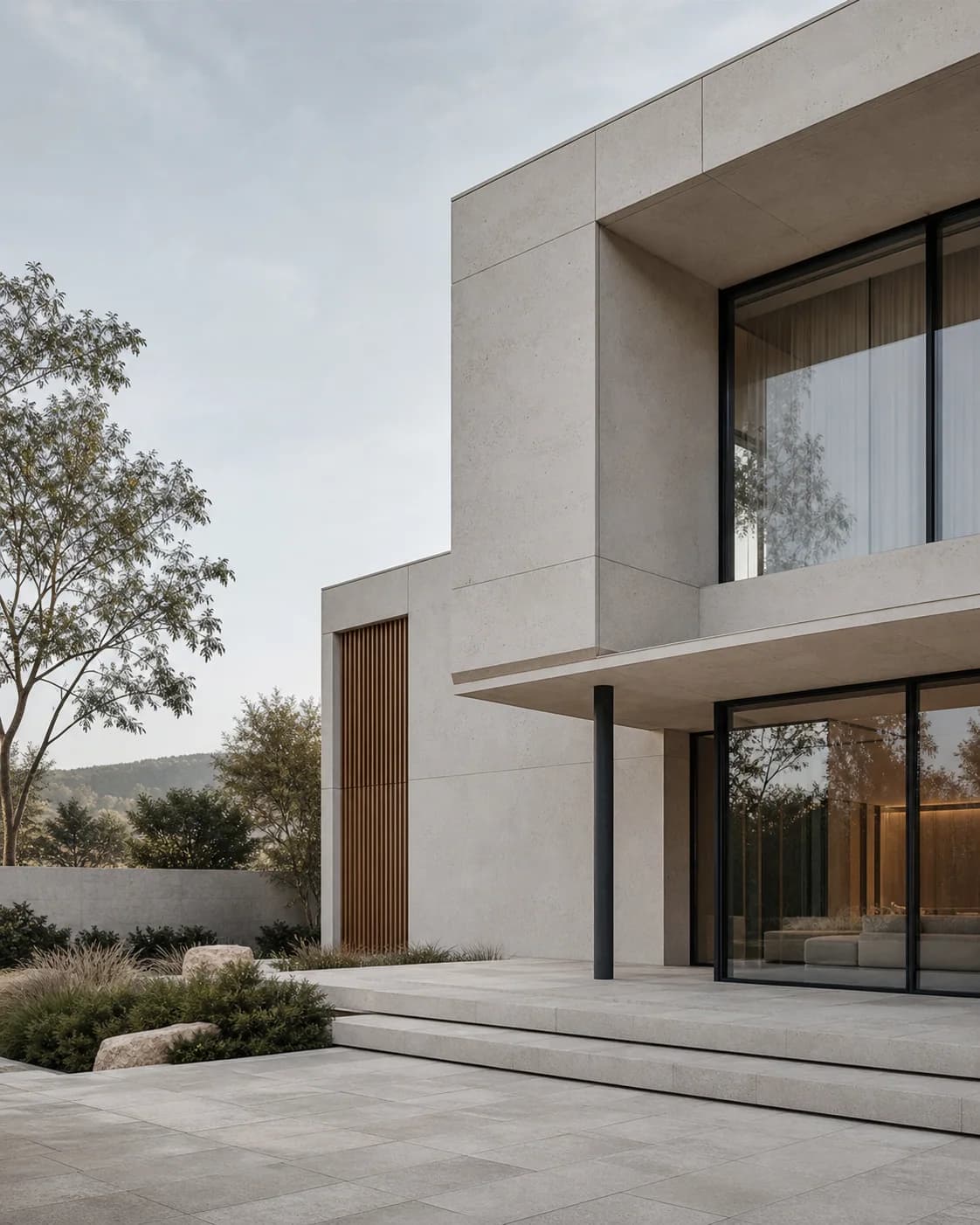
Create a calm, restrained architecture image with magazine-style clarity.
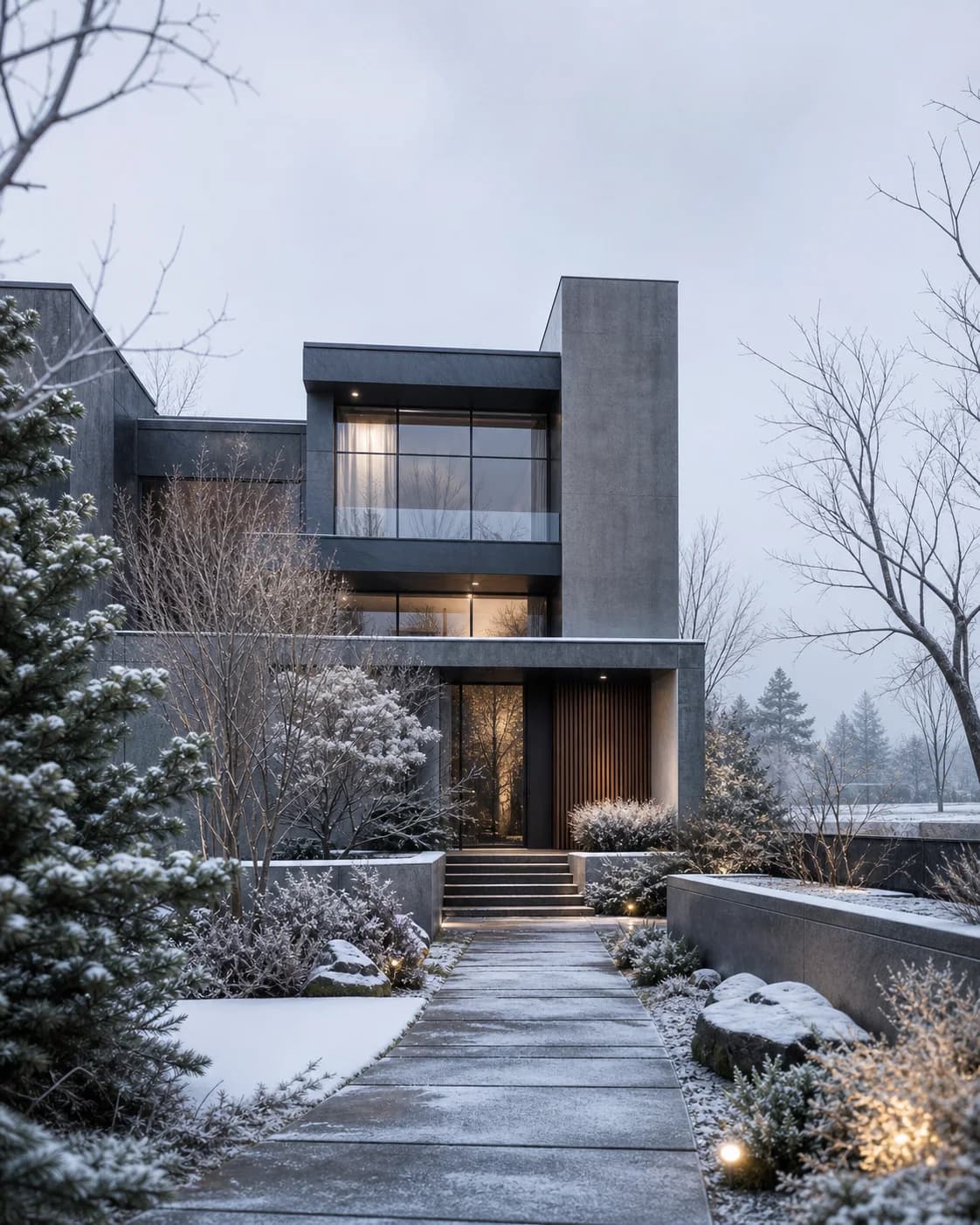
Test how the project reads in colder seasonal light and snowy context.
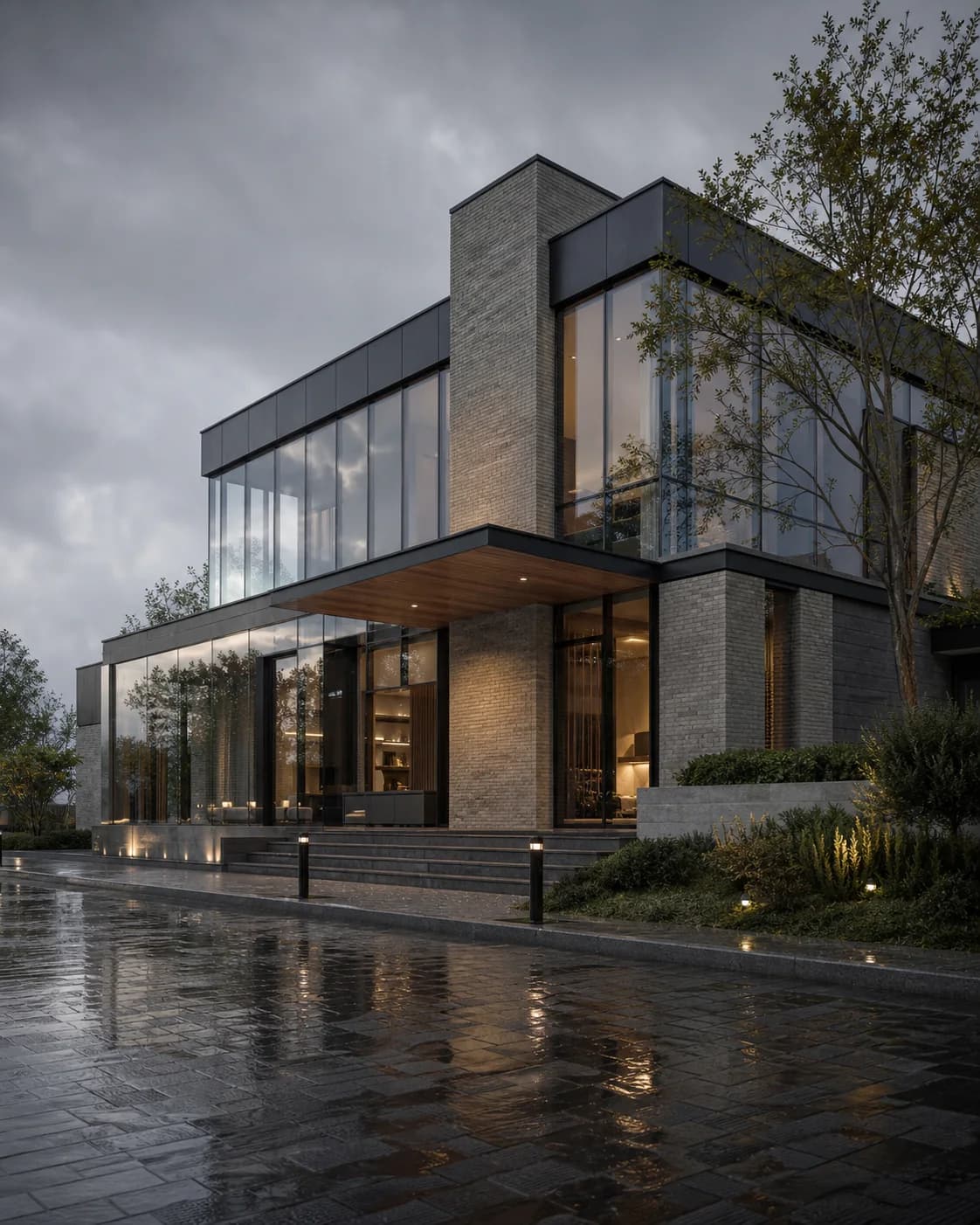
Add wet surfaces, reflections, and a moodier architectural atmosphere.
Templates
Explore ready-to-use templates and apply them to your renders.
Start from a ready direction instead of rebuilding the whole prompt.
Use templates for realism, surroundings, edits, concepts, weather, and final output.
Keep the source design grounded while the template guides the visual result.
Workflow
Short, controlled steps for real architecture production work.
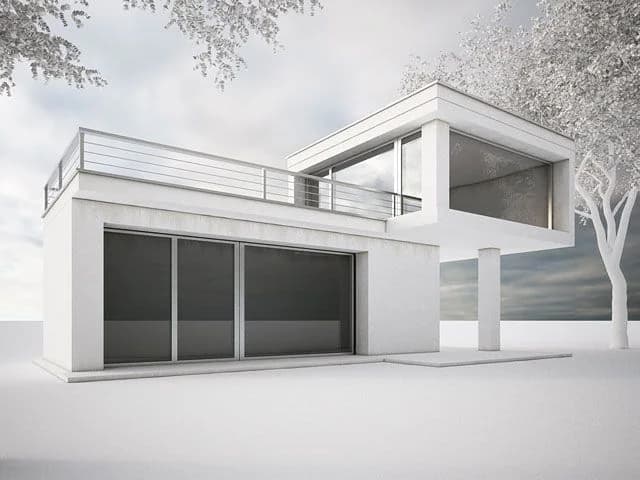
Start from the render, model screenshot, or base image you want to develop.
Pick the direction that fits the task, such as photo-realism, surroundings, concept mood, weather, or edit.
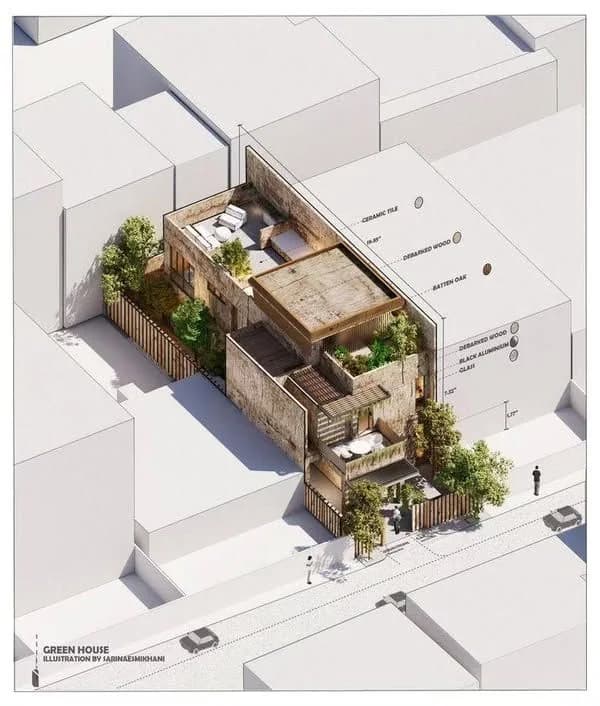
Generate the result, compare it with the source, then keep editing, upscaling, or saving the strongest direction.
FAQ
Simple answers for architects and visualization teams evaluating this Rendervi workflow.
Usually, only a short direction is enough. The workflow gives the AI the structure for the task, so you are not forced to describe the whole building, mood, materials, and output style from scratch.
Architecture tasks are different. A material edit, a first render, a realism pass, and an upscale need different guardrails. Rendervi separates those jobs so the result is easier to control.
Yes. You can render a view, improve realism, make a targeted edit, save a visual direction, and upscale the final image without leaving the project history.
Related solutions
Next step
Try AI renders for your next project. AI renders that actually works and don't change your design