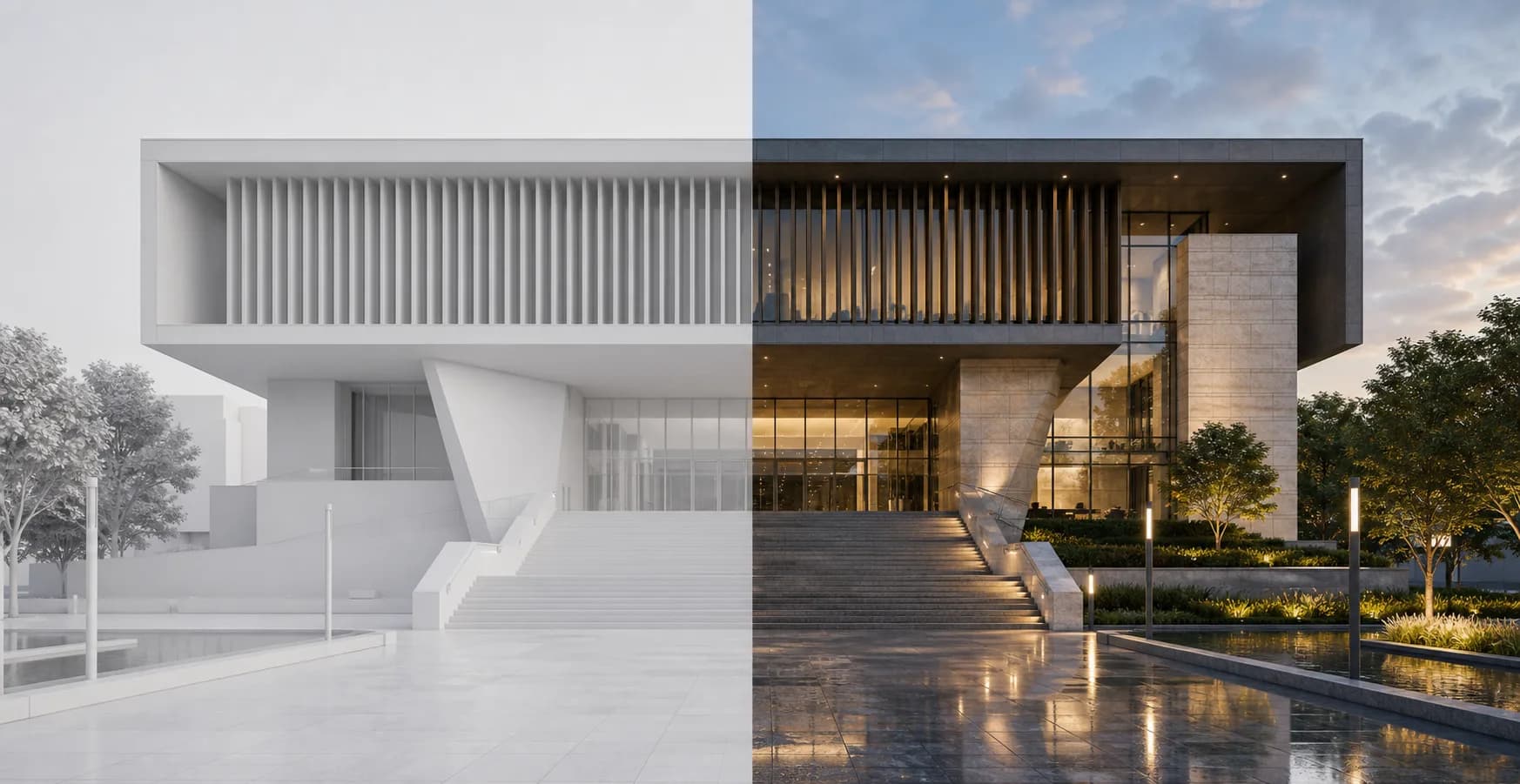
Best source
The screenshot carries the design
A good screenshot already defines the camera, massing, and major decisions. Rendervi uses that image as the base, then improves materials, light, atmosphere, and presentation quality.
Screenshot to Render
Take a clean screenshot from Revit, SketchUp, Rhino, Archicad, AutoCAD, or another design tool, upload it to Rendervi, and render it with a template or prompt. If the screenshot is small, upscale it first for a cleaner result.
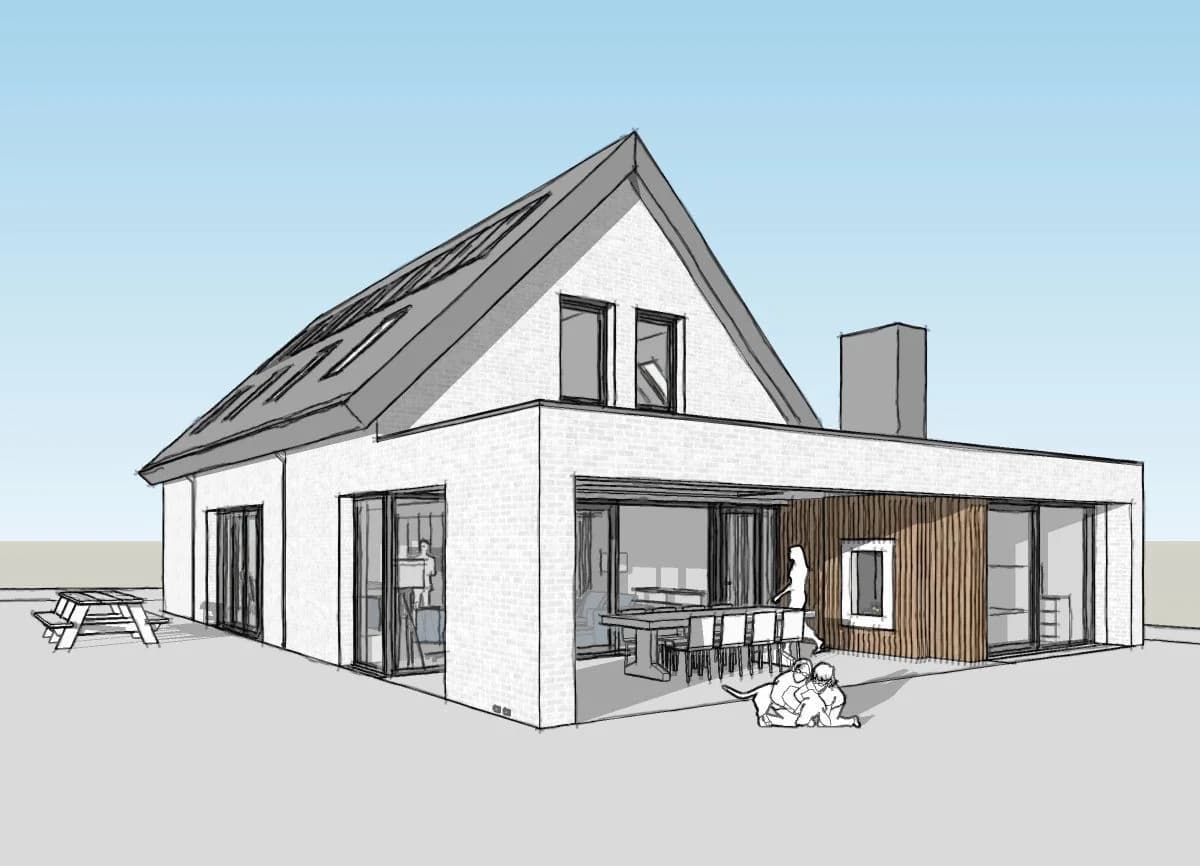
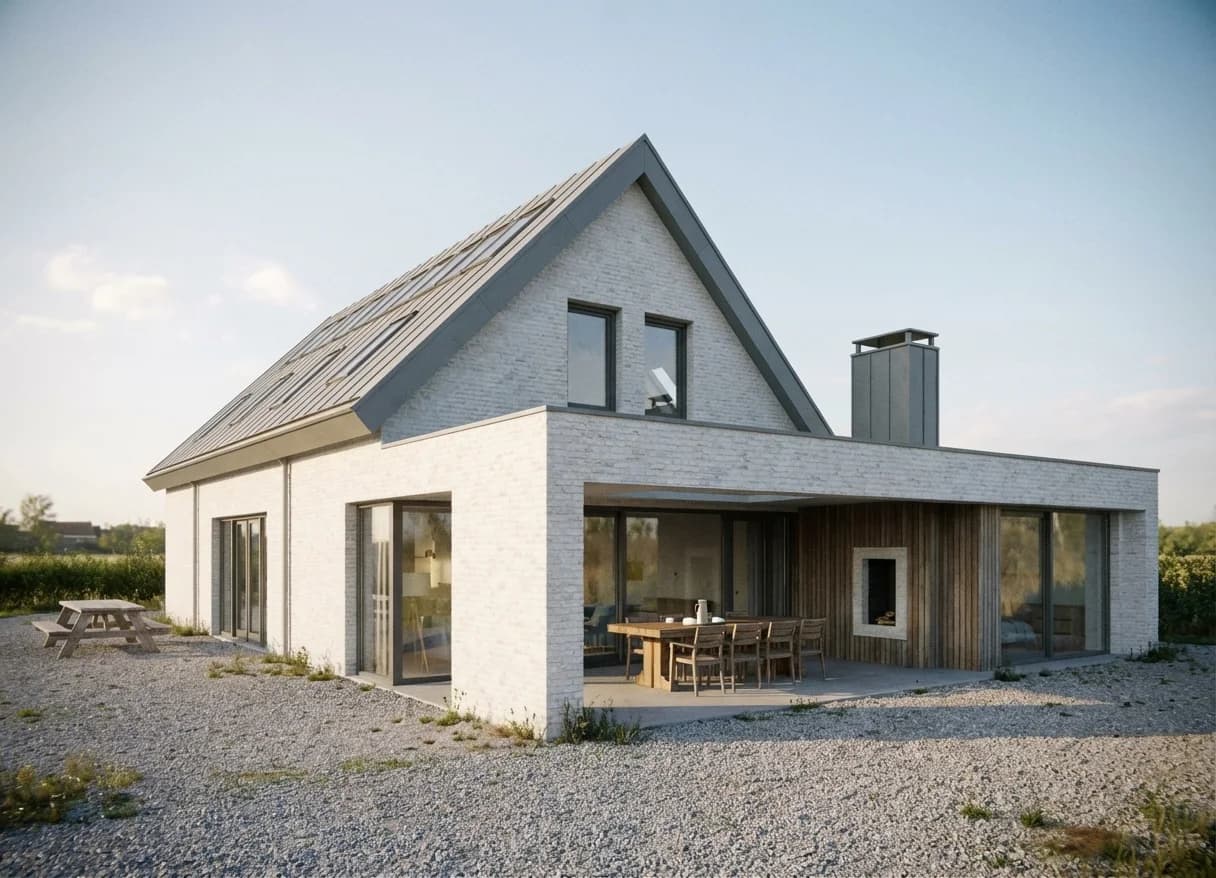
Best source
A good screenshot already defines the camera, massing, and major decisions. Rendervi uses that image as the base, then improves materials, light, atmosphere, and presentation quality.
Use the camera and composition already set in your BIM or CAD tool.
Upscale first when the screenshot is small or soft.
Apply a template or short prompt to turn the screenshot into a presentation render.
Workflow
Start with a clean view and avoid tiny screenshots. The better the source image, the easier it is to keep the render controlled.
Use a clear view with good composition, readable geometry, and minimal interface clutter.
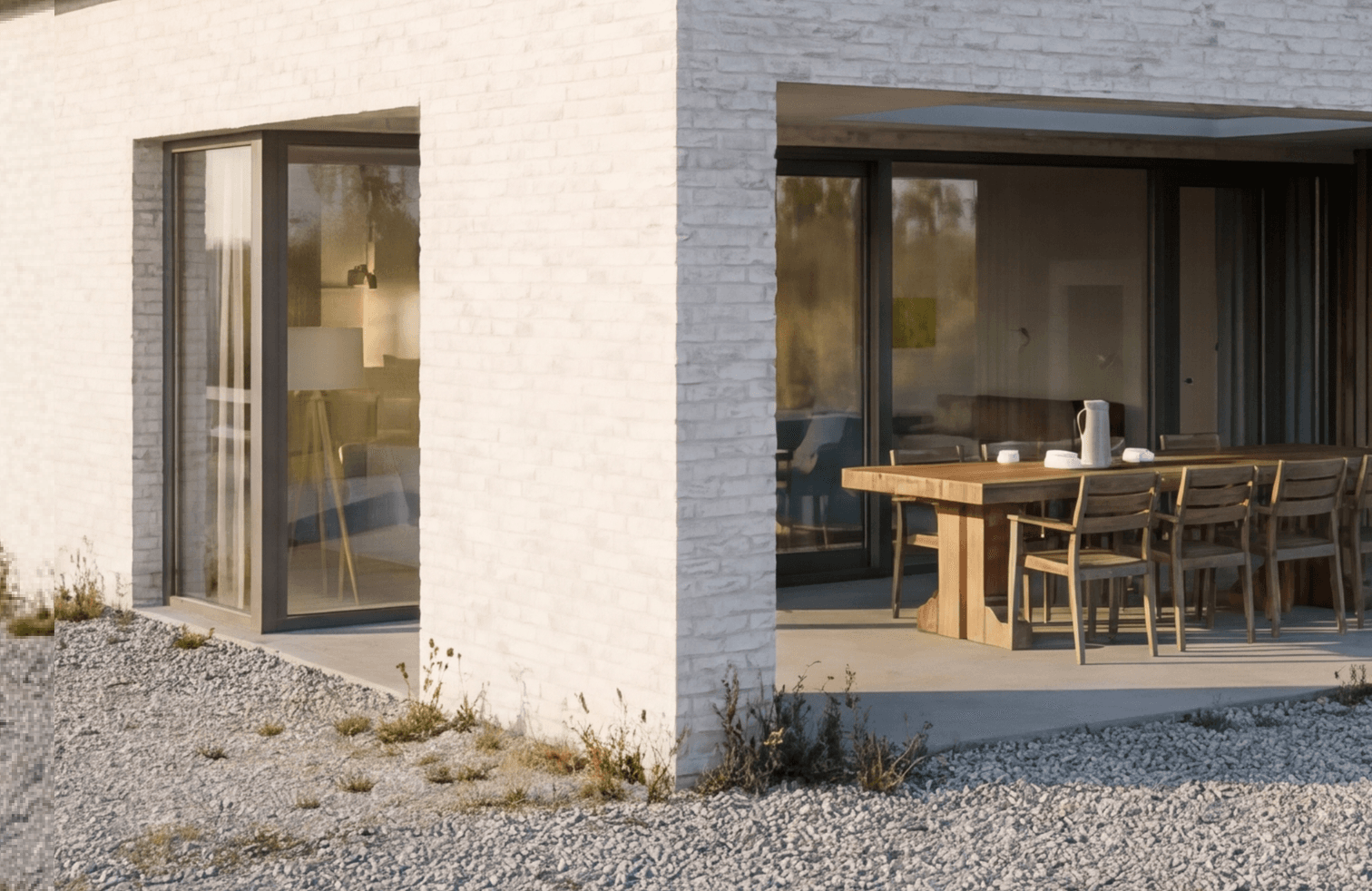
If the screenshot is small, upscale it before rendering so the AI has a sharper source image.
Choose a ready template or add a short direction for materials, light, atmosphere, and output style.
FAQ
Simple answers for architects and visualization teams evaluating this Rendervi workflow.
You can start from screenshots or exports from tools such as Revit, SketchUp, Rhino, Archicad, AutoCAD, Vectorworks, Blender, and other BIM or CAD workflows.
If the screenshot is low resolution, yes. Upscaling first gives the render workflow a clearer source image.
Related solutions
Next step
Try AI renders for your next project. AI renders that actually works and don't change your design