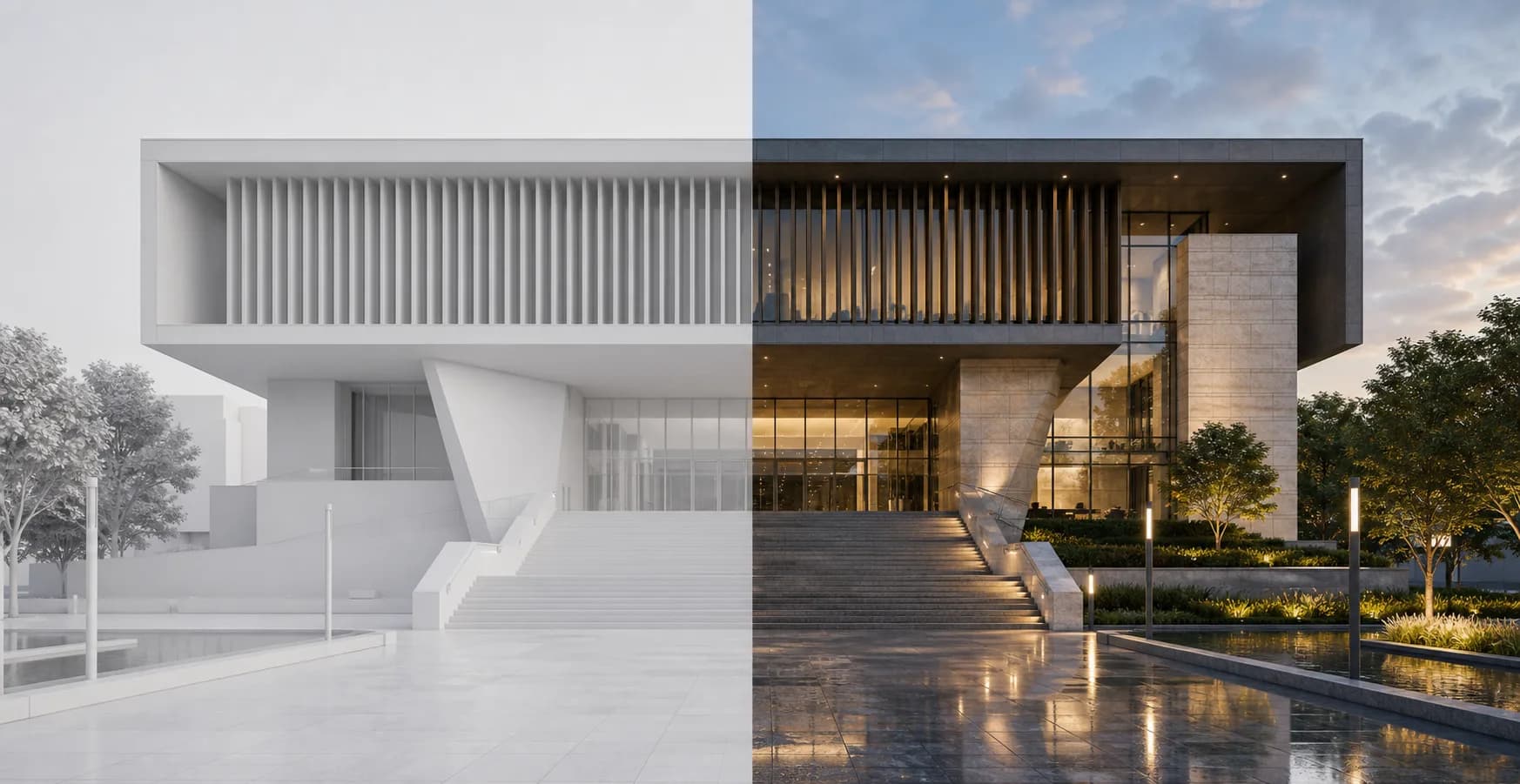
Why it works
Controlled additions inside the same image
The selection tells Rendervi where the new object belongs. The source render gives the AI context for light, perspective, and material response.
Add object
Add object helps you place a new element into an existing render. Select the area, describe what should appear, and keep the rest of the image connected to the original design.
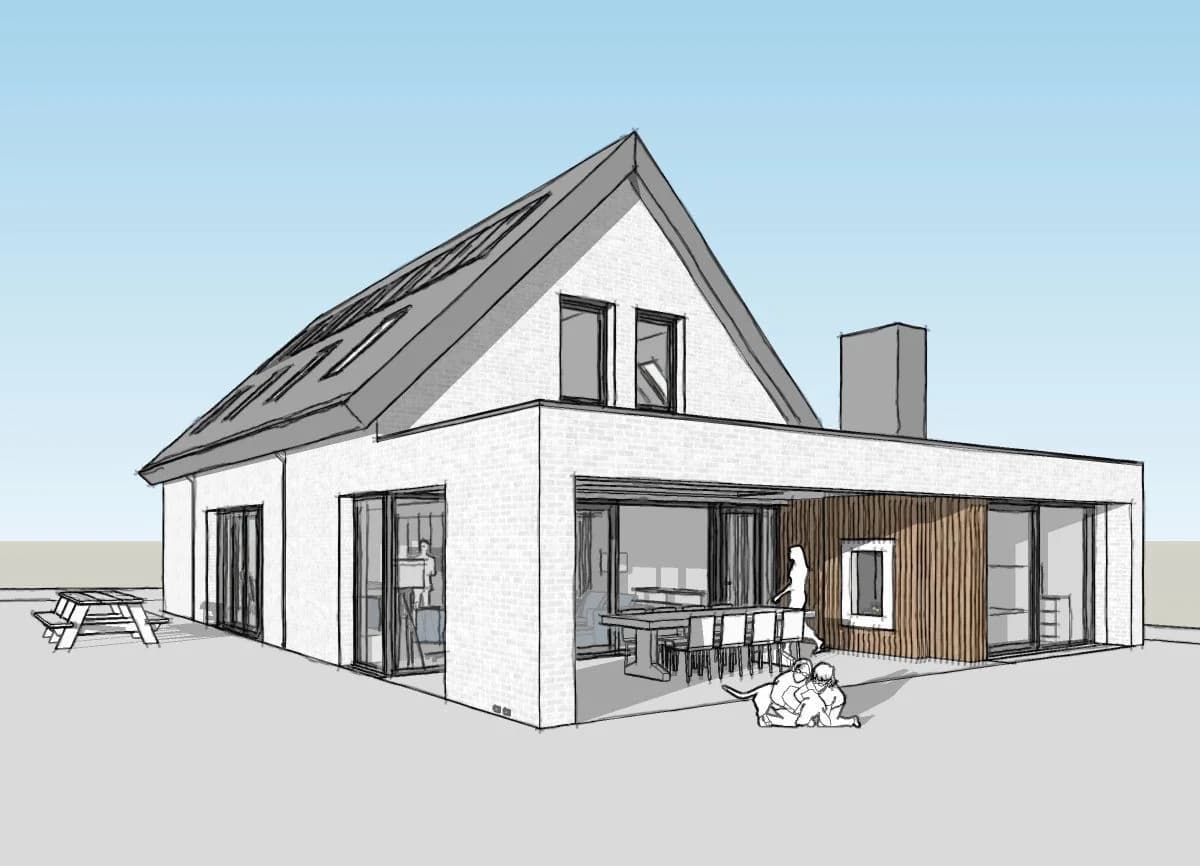
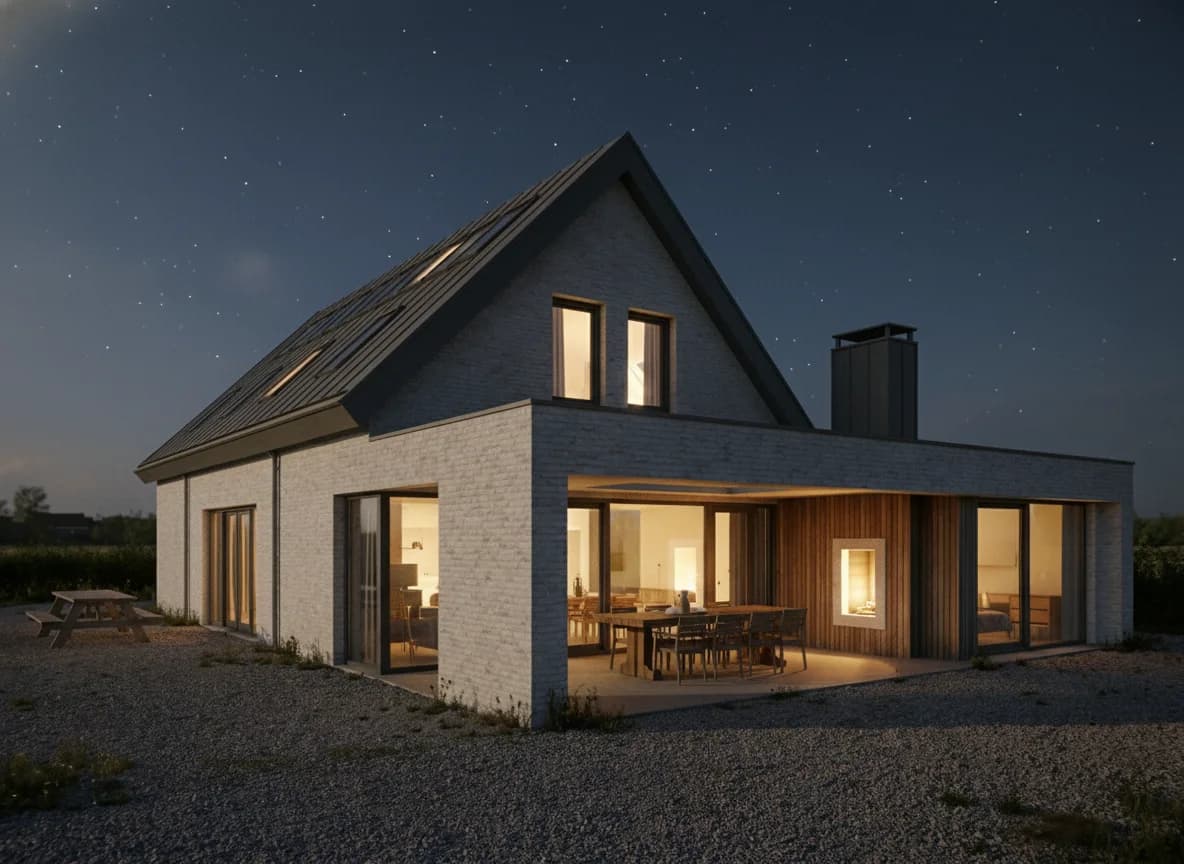
Why it works
The selection tells Rendervi where the new object belongs. The source render gives the AI context for light, perspective, and material response.
Add a specific element without rebuilding the full scene.
Use the selection to control where the new object appears.
Keep the edit grounded in the lighting, perspective, and material context of the render.
Workflow
The best results come from a clear selection and a short, concrete object description.
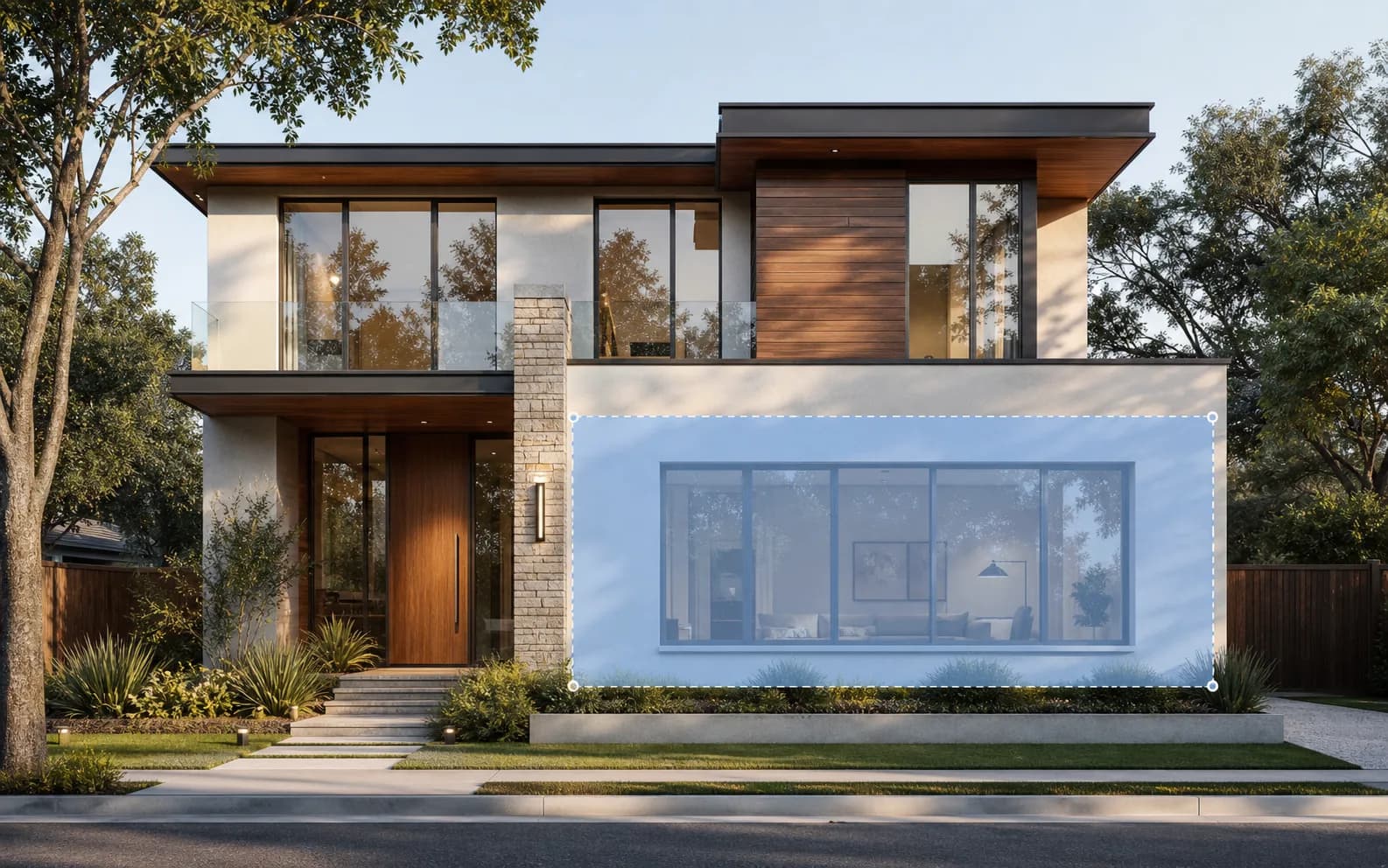
Mark the part of the render where the new object should appear.
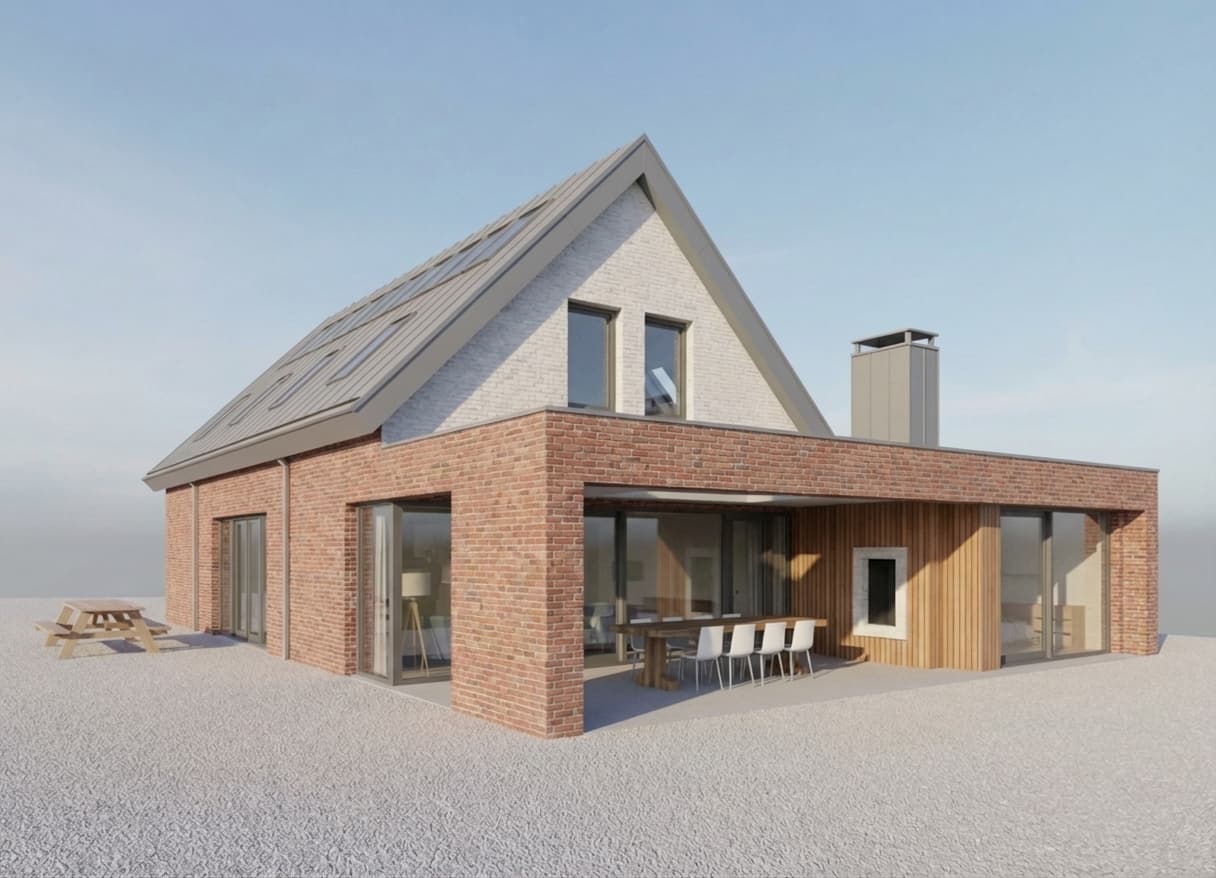
Keep the prompt specific: object type, material, scale, and any placement detail that matters.
Check scale, perspective, and lighting, then continue editing or upscale the final image.
FAQ
Simple answers for architects and visualization teams evaluating this Rendervi workflow.
Common uses include furniture, plants, people, vehicles, lighting details, decor, signage, and small architectural elements.
Rendervi uses the source image as context, so the edit can follow the existing perspective, light, and atmosphere.
Related solutions
Next step
Try AI renders for your next project. AI renders that actually works and don't change your design