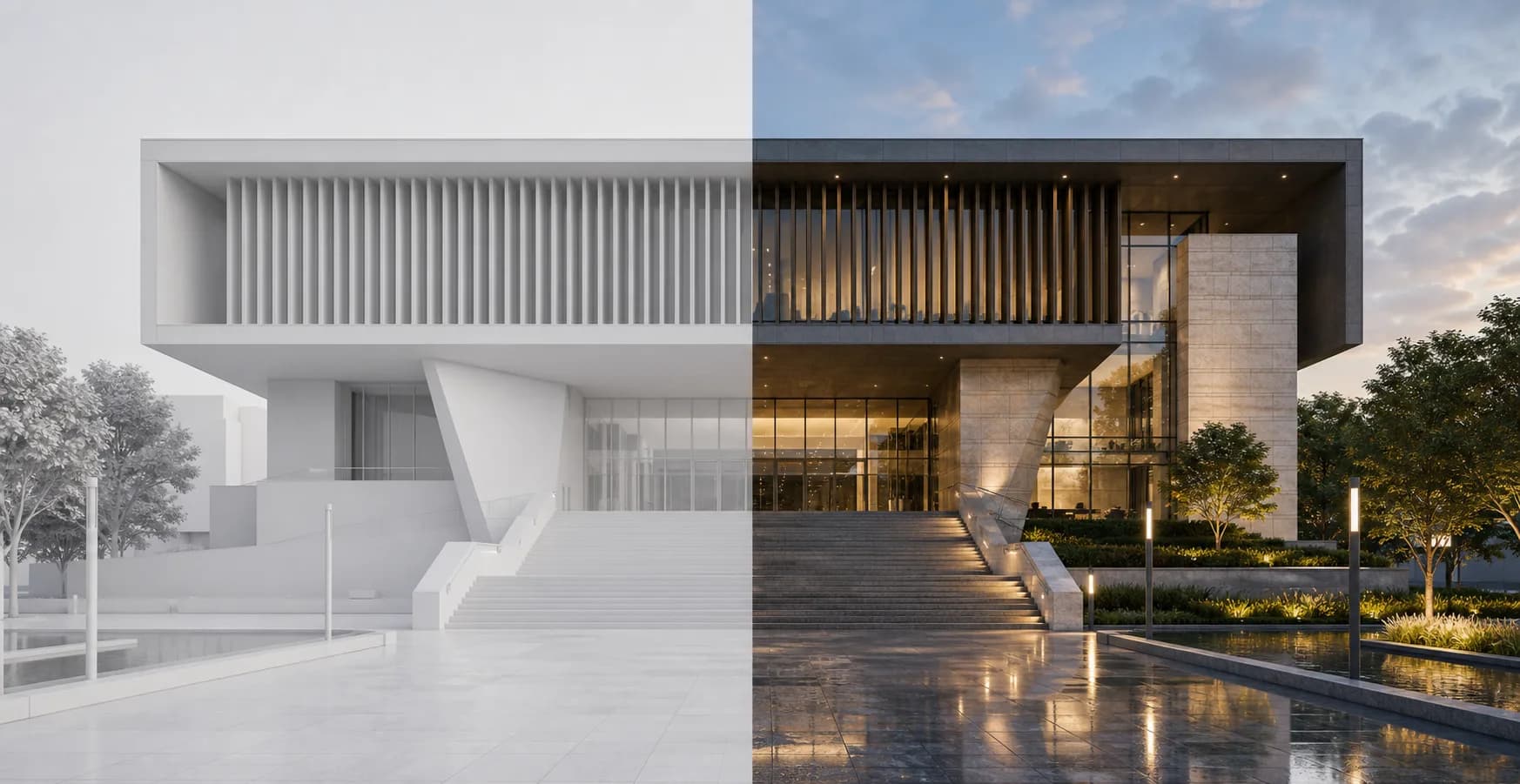
Why it works
A small edit should stay small
Inpainting lets you fix a specific part of the image without changing the whole render. That makes cleanup faster and easier to control than a full new generation.
Remove objects
Remove objects is for small cleanup tasks inside an existing render. Select the part of the image that should disappear and let Rendervi rebuild that area around the original context.


Why it works
Inpainting lets you fix a specific part of the image without changing the whole render. That makes cleanup faster and easier to control than a full new generation.
Select only the unwanted object or area.
Use a short instruction when the replacement needs extra context.
Keep the rest of the render, camera, and design stable.
Workflow
Use the smallest selection that covers the unwanted object. Smaller edits usually keep the result more stable.
Mark the part of the render that should be removed.
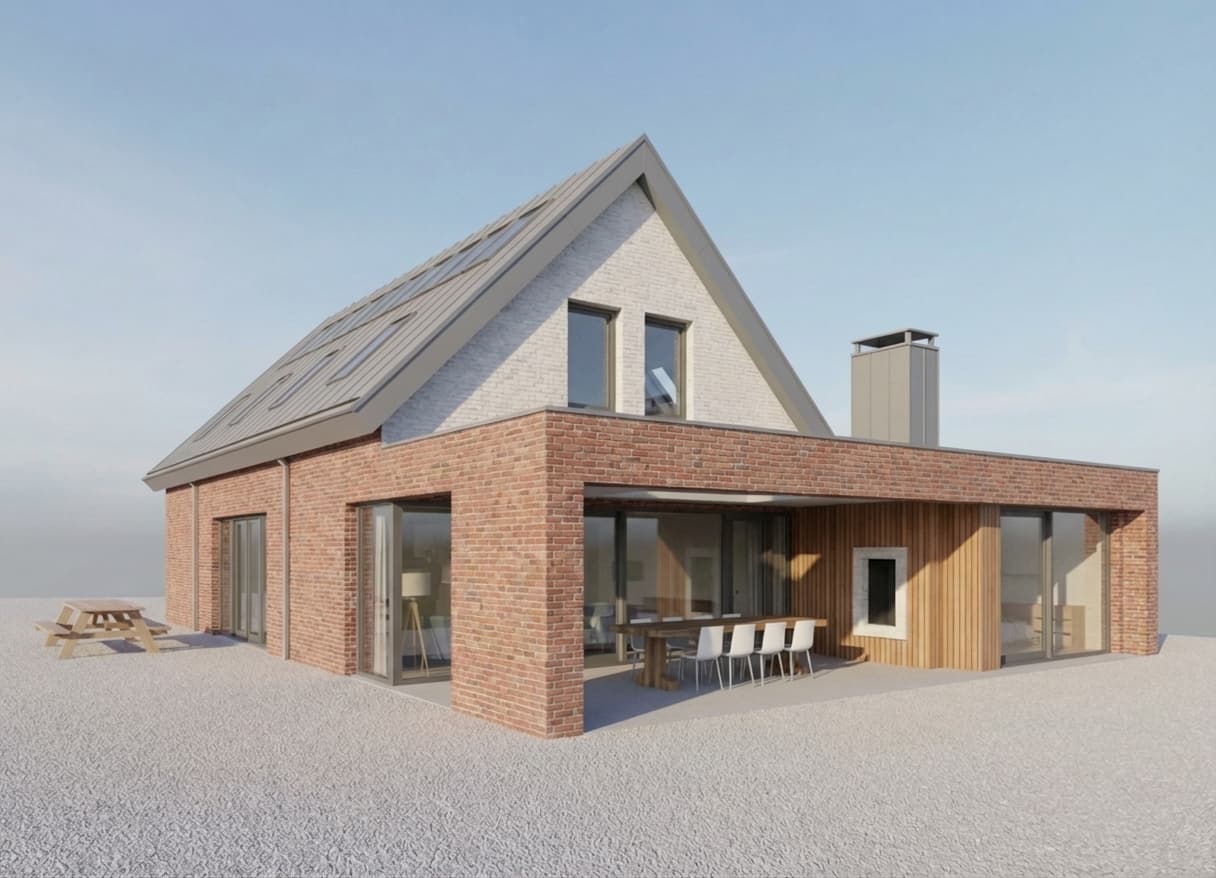
Add a short note only if the area needs a specific surface, background, or detail.
Review the rebuilt area and continue from the cleaned render.
FAQ
Simple answers for architects and visualization teams evaluating this Rendervi workflow.
Yes. The workflow is designed for selected-area edits, so the surrounding render can stay stable.
Use a short instruction only when needed, such as what surface or background should replace the removed object.
Related solutions
Next step
Try AI renders for your next project. AI renders that actually works and don't change your design