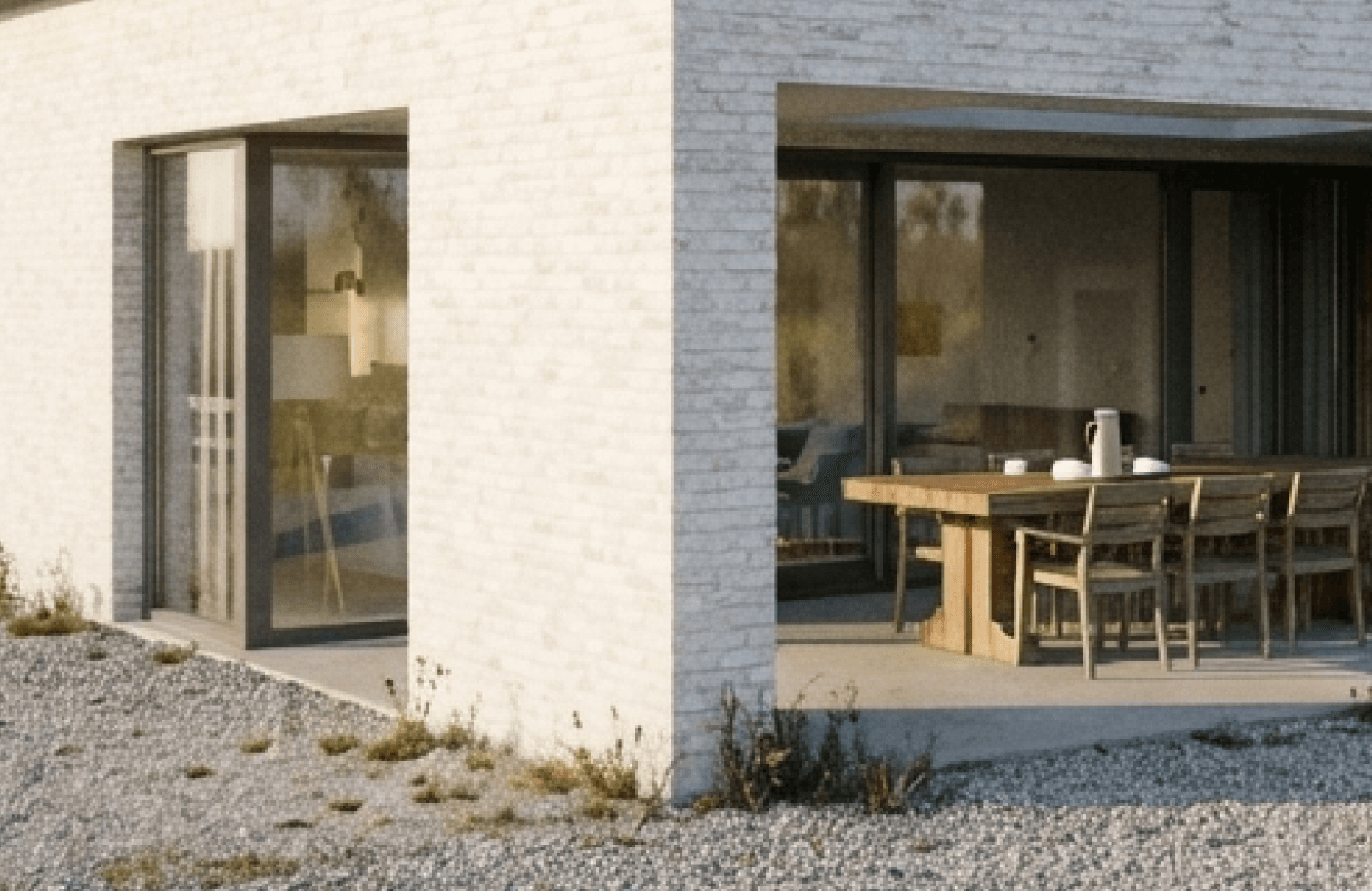
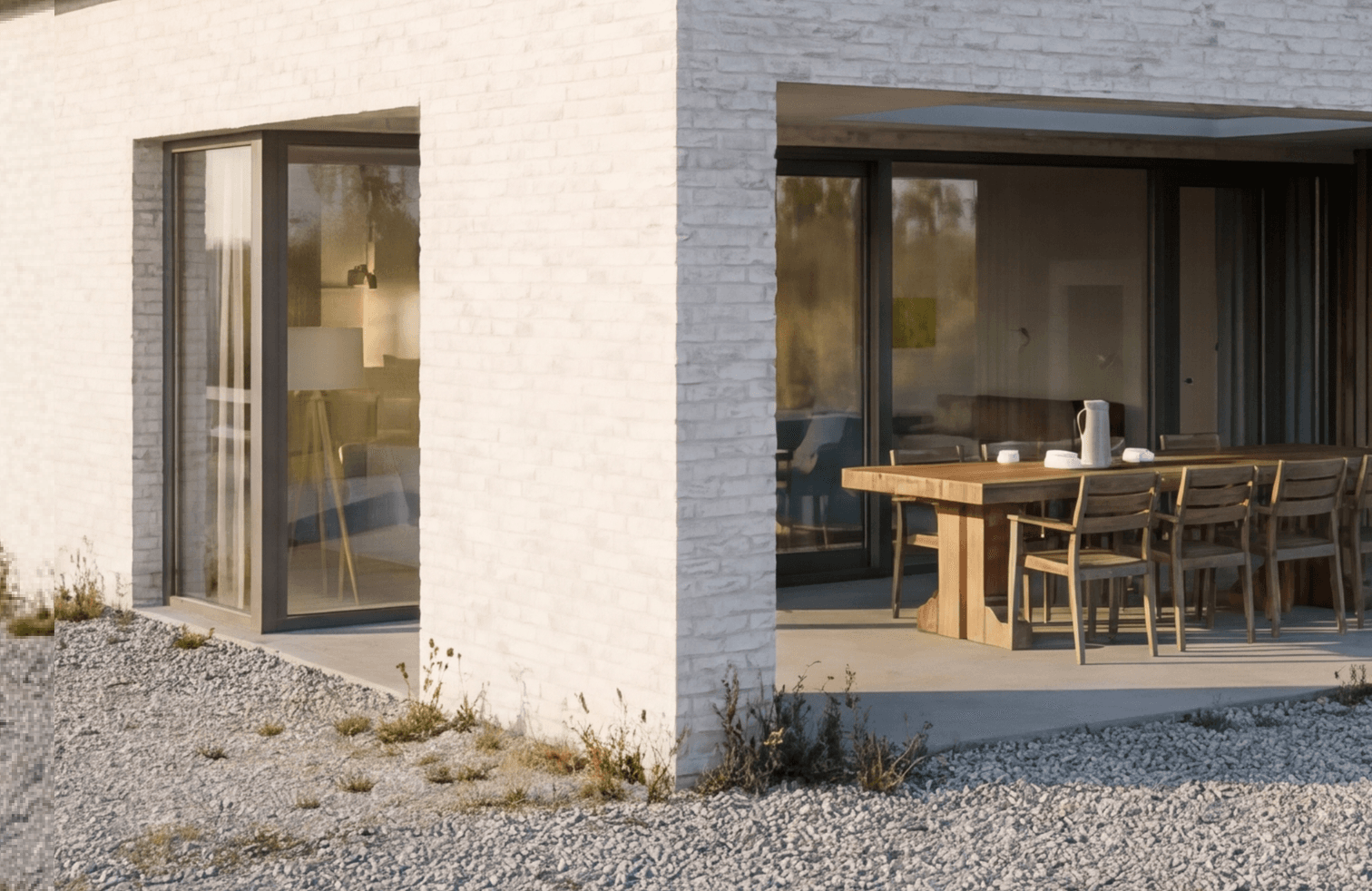
Upscale is for the moment when the image is already right. The composition, design, and mood are approved, but the file is too soft for a deck, website, proposal, or larger presentation format.
Rendervi increases the image resolution to 2K or 4K while keeping the render stable. It is not a redesign mode, and it does not need a creative prompt. Use it as the final polishing step after rendering, editing, or applying a preset.
FAQ
Simple answers
Does Upscale mode redesign the image?
No. Upscale mode is intended to preserve the current image while improving resolution and presentation sharpness.
When should I use 4K upscaling?
Use 4K when the visual will be used in larger presentation formats, marketing pages, or places where image detail matters.