Product updates

Changelog

Follow Rendervi releases, product improvements, and AI architectural rendering feature launches in one place.

New 1.37 update - Collage and asset libraries

Version 1.37 adds two connected tools to Rendervi: the new Collage page and ready-to-use asset libraries for architectural renders.

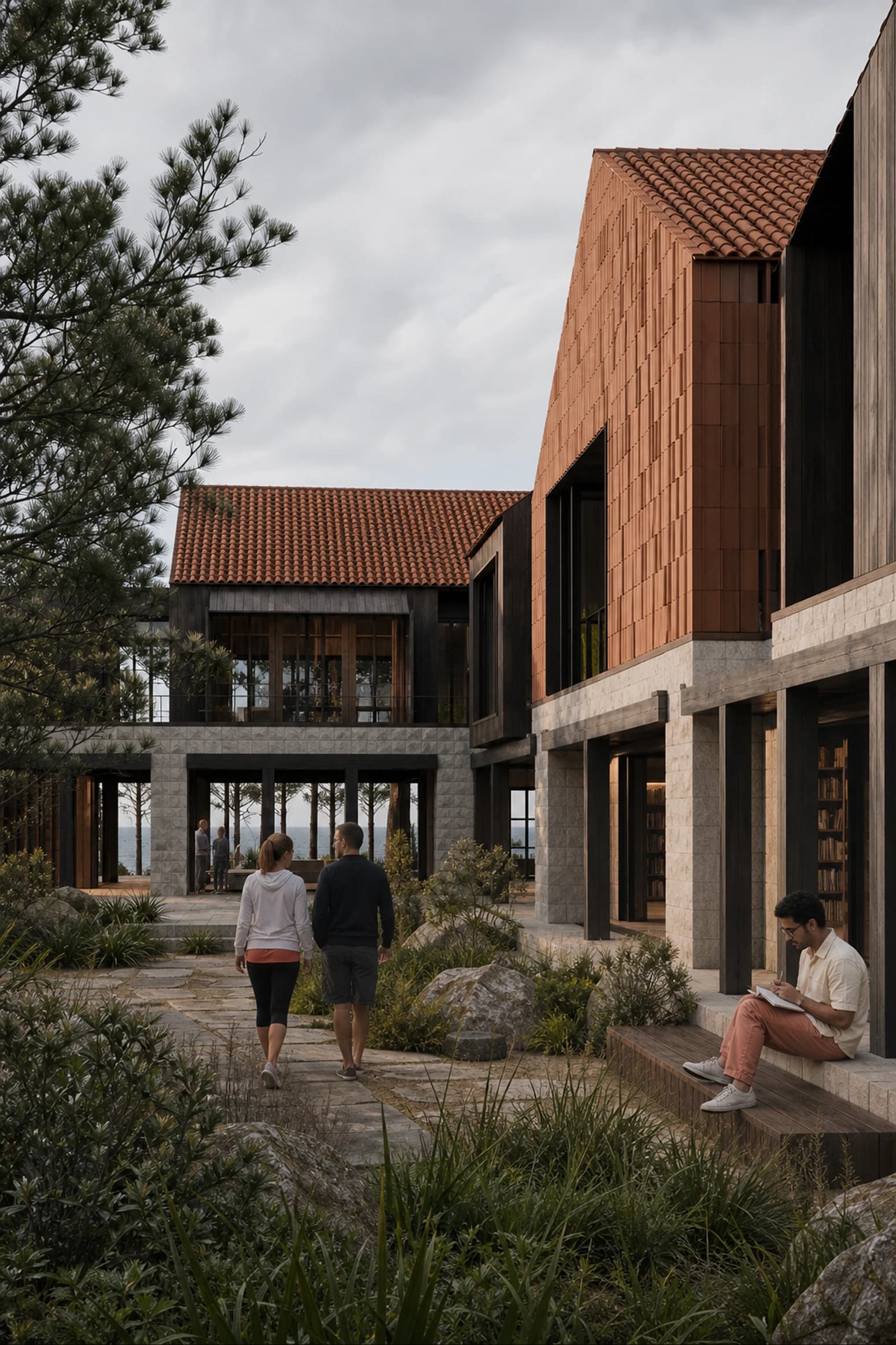
The main feature in this update is Collage. You can start with a base image, such as your render, then place PNG assets on top of it, from people to trees and other entourage elements.

How Collage works

Traditionally, this kind of post-production work meant opening Photoshop, matching colors manually, adjusting lighting, and trying to make every inserted asset feel natural in the scene.

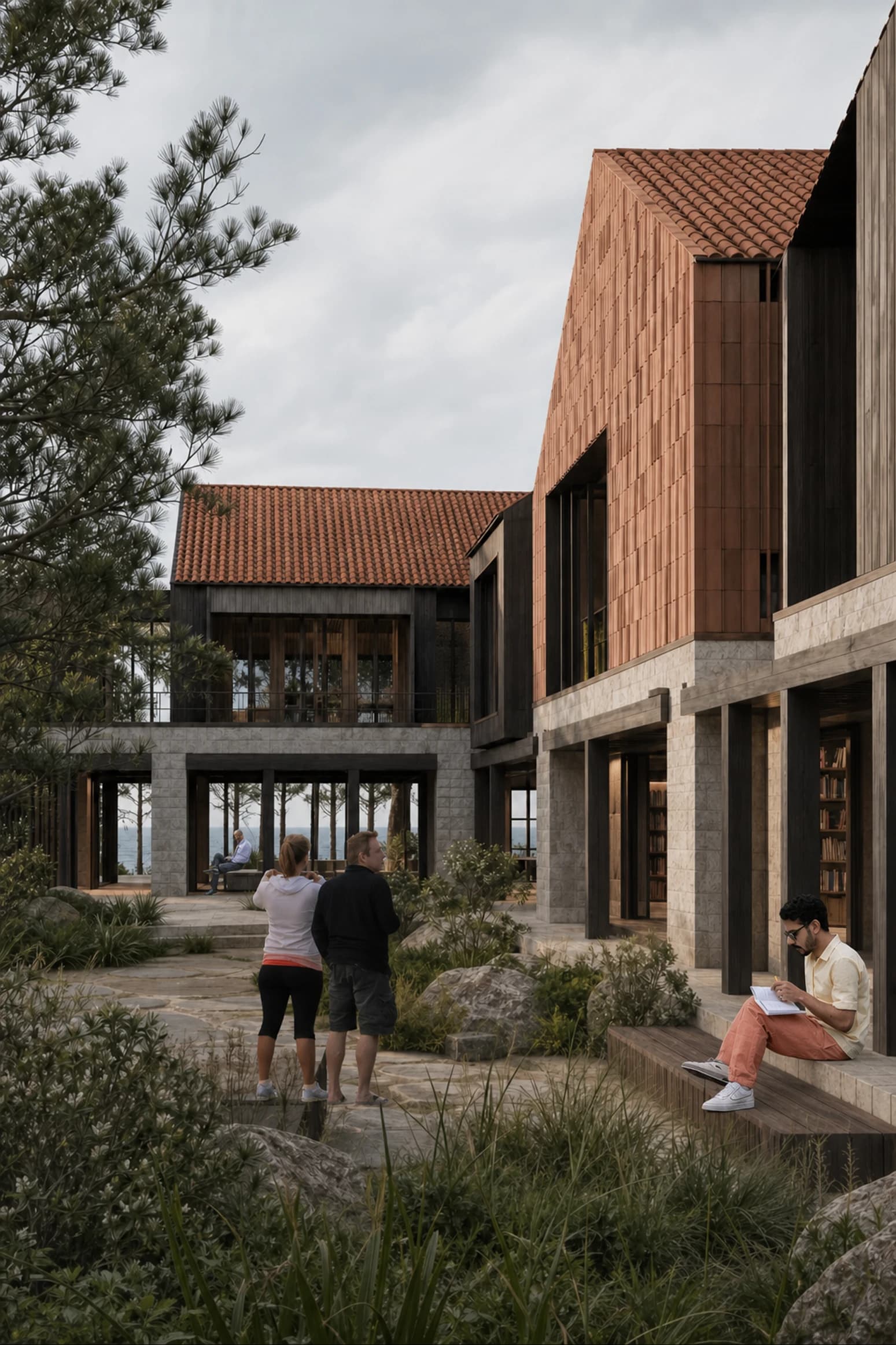
In the Collage tool, you can place the assets where you need them and click Render. Rendervi analyzes the canvas and uses AI to blend the composition together, so the people, trees, and other PNG elements sit more naturally inside the final image.
Ready-to-use asset libraries

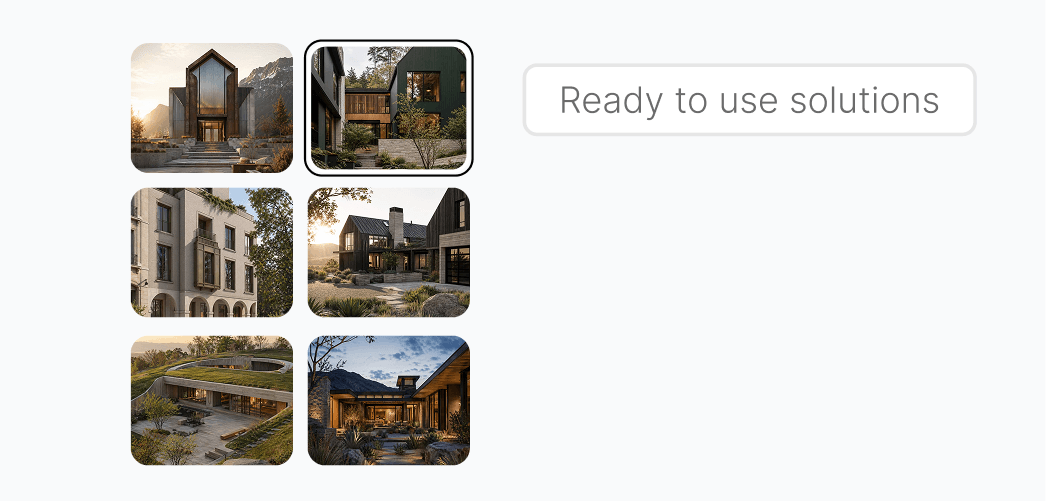
This release also introduces asset libraries built for Collage, so you can add cutout elements faster without preparing every PNG manually first.

People PNG library

Paid users now also get access to a library of more than 500 high-quality PNG people cutouts, ready for architectural renders.

The library was created to work together with the Collage tool, but the assets can also be used separately. You can download a people cutout and use it outside Rendervi whenever you need a clean PNG for another workflow.
New 1.33 update - Render with Reference

Hi everyone! Version 1.33 improves the Rendervi app experience in a few connected ways: a new home page with faster shortcuts, a cleaner and more consistent interface style, and a new Render with Reference tool for architecture images.

The goal of this update is simple: make the most common workflows easier to reach, make the app feel calmer to use, and give architects a faster way to render a base image in the visual style of a reference.

Rendervi Render with Reference shortcut and reference library preview

New home page with quick shortcuts

The app home page now gives you quick shortcuts to the most popular Rendervi workflows. Instead of navigating through the full workspace first, you can jump into the tools people use most often, including quick rendering, creating a video, and Render with Reference.

Improved app style consistency

We also refined the app interface so the overall Rendervi experience feels more consistent. Layouts, cards, controls, spacing, and visual rhythm should feel cleaner across the product, especially when moving between quick tools, render workflows, and project pages.

New feature - Render with Reference

Render with Reference is a new tool for rendering a base architecture image in the visual style of another image. It is useful when you already have a source view, such as a SketchUp screenshot, Rhino view, Revit export, clay render, or early model image, and want the final render to follow a specific reference mood, material language, lighting direction, or presentation style.

How Render with Reference works

Upload your base image, then choose a reference image or pick one from Rendervi's reference library. Rendervi uses the base image as the project structure and the reference as visual guidance, then creates a new architectural render that follows the reference style while keeping the source design readable.

This workflow is especially helpful for architects who want a faster path from model screenshot to styled render without writing a long prompt from scratch. The base image carries the geometry and composition; the reference image carries the visual direction.

New 1.3 update - Image to Video

Version 1.3 brings Image to Video to the Quick Tools sidebar, giving architects a fast way to turn a single still image into a short presentation video without opening a full project workspace.

The tool is designed for client decks, portfolio clips, concept presentations, daylight studies, construction stories, material studies, and atmospheric motion tests. Upload one architecture image, choose motion and output settings, select a template, add optional direction, and render a clip from the source frame.

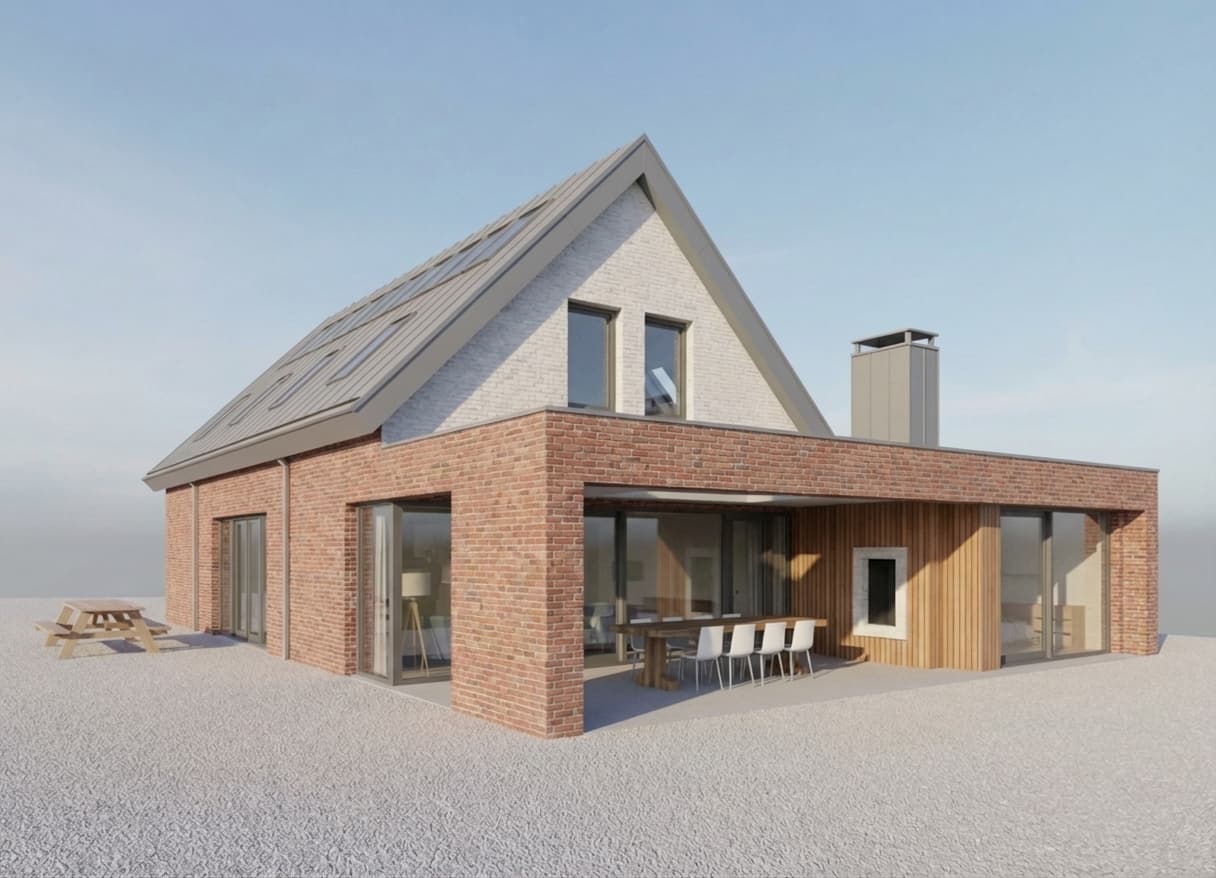
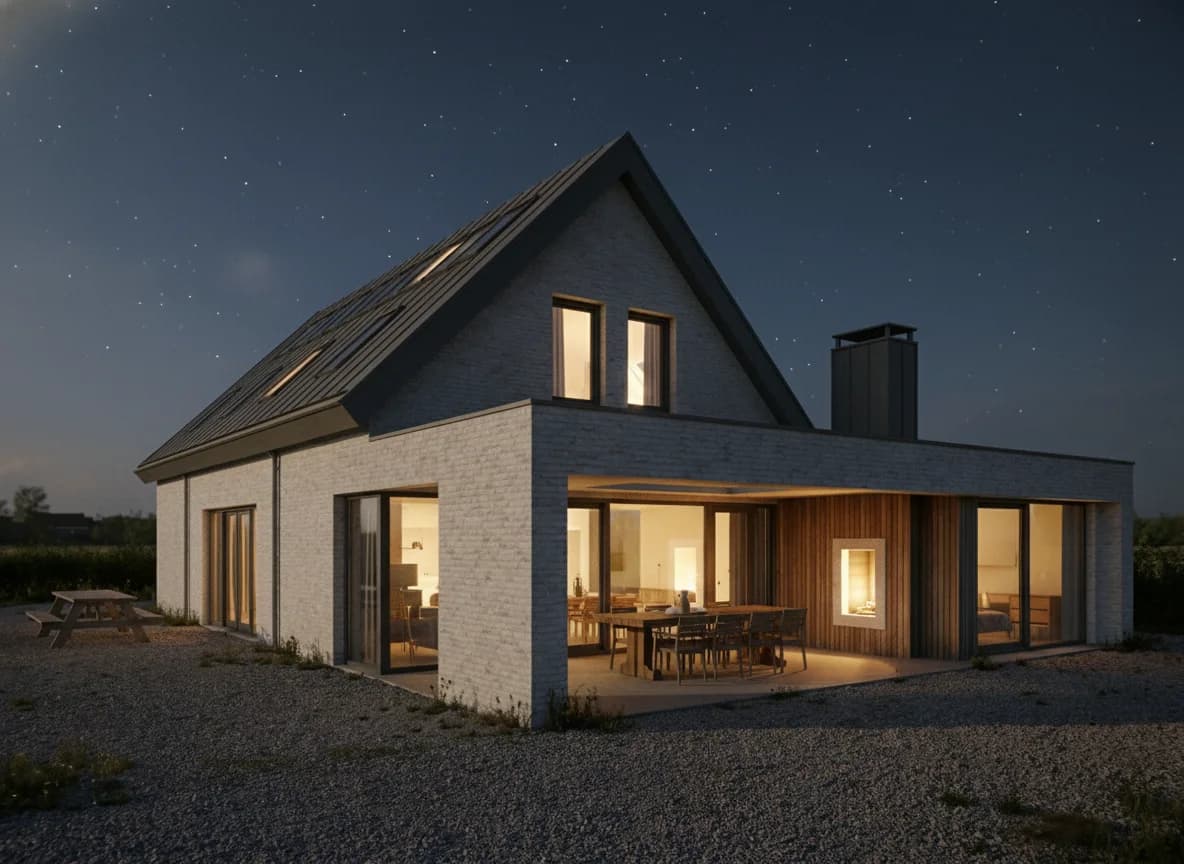
Architectural render prepared for a Rendervi Image to Video presentation clip

What Image to Video does

Image to Video treats the uploaded render as the design source of truth. Rendervi builds the final video prompt from the selected settings, the template story, and any extra user instruction, then preserves architecture, camera, crop, geometry, facade rhythm, materials, landscape layout, and interior layout unless the settings intentionally allow a more expressive result.

Production settings

The new workspace includes controls for camera motion, duration, quality, frame rate, motion strength, atmosphere, preservation level, and optional ambient audio. Start with a JPG, PNG, or WebP up to 12 MB; for geometry-sensitive work, choose Strict preservation, then move to Balanced or Expressive when the goal is atmosphere or storytelling.

Architecture templates

The first template set covers Custom, Hero Reveal, Sun Path Timelapse, Climate Shift, Construction Progress, Interior Walkthrough, Material Detail, Urban Activation, Rain Reflections, and Landscape Growth. Each template gives the model a focused architectural story while keeping the prompt box available for project-specific direction.

Recent results and downloads

Generated videos appear in the output panel with queue and processing states, then stay available in recent results for preview and download. The goal is to make quick motion tests as lightweight as the existing Text to Render and Enhance tools.

New 1.2 update - Text to Render and Enhance

Version 1.2 adds quick creative tools for the moments when you do not need a full project workspace. You can test an idea from text, improve an existing render, compare results in a clean grid, and keep moving without setting up a larger project first.

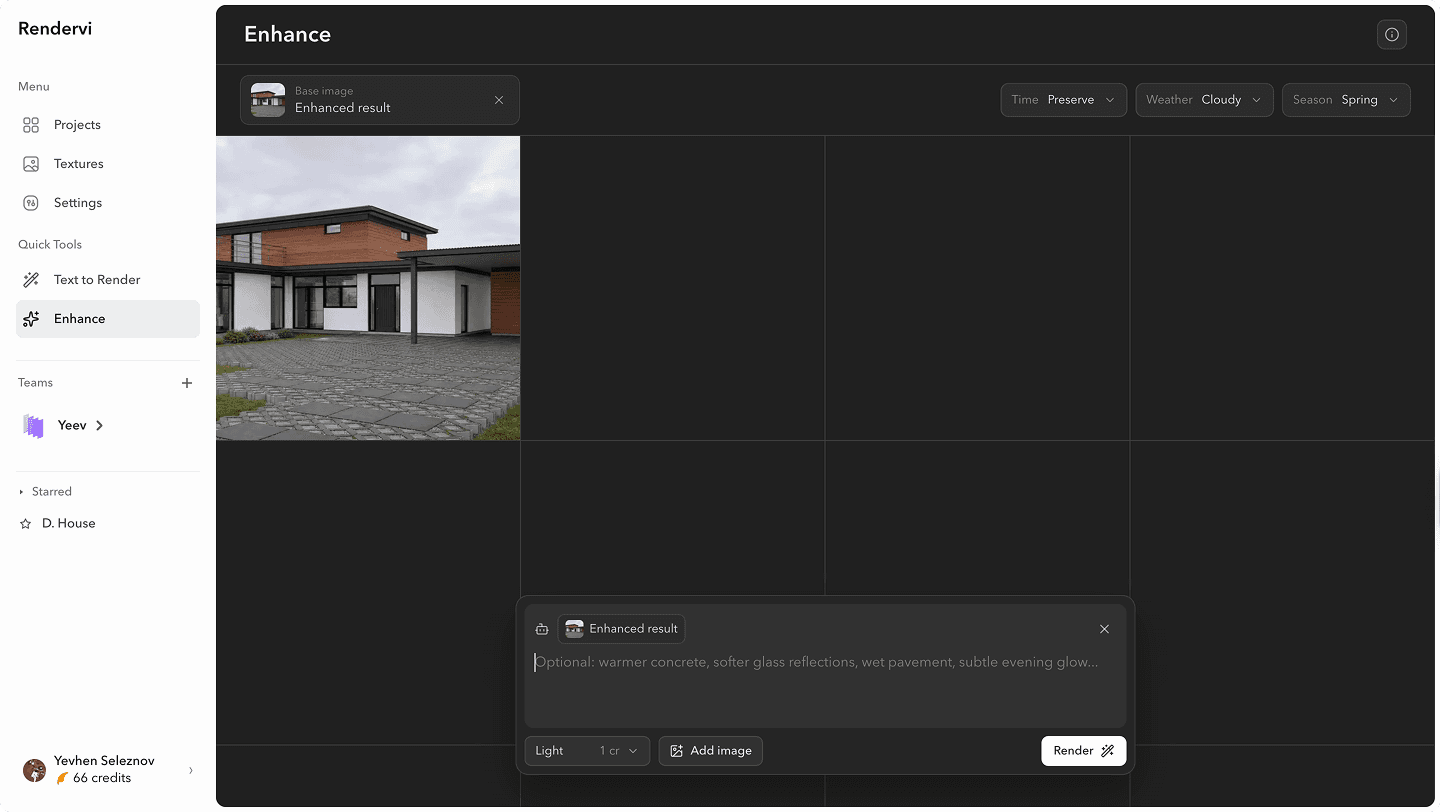
Rendervi Enhance quick tool interface

Text to Render

Text to Render helps you start from a written idea instead of an uploaded model or render. Describe what you want to explore, add a reference image if it helps, and Rendervi turns the prompt into fast visual directions you can compare side by side.

New generation models

We added two new models that help you generate stronger content from short prompts. Architect AI is focused on creating the best architecture-focused results, with attention to space, materials, scale, and design intent. Creative follows your prompt more closely when you want more freedom or a less architecture-specific direction.

Both models are designed to enhance your prompt behind the scenes so quick tests can produce better results with less rewriting.

Enhance

Enhance is for the moment when you already have an image that works, but you want it to look more polished and realistic. Upload one base render, choose only the scene settings you need, such as time, weather, or season, and add a short prompt only when you want to guide a specific material or atmosphere.

Rendervi keeps the source image as the reference for camera, geometry, composition, and material placement, then focuses the generation on lighting, atmosphere, material response, and photographic detail.

Quick history and reuse

Both tools use the same grid-based history, so good results are easy to compare, reuse, and download. The goal is simple: give you a faster place to test ideas when you want quick creative exploration, not a full project workflow.

New 1.1 update - Material Change

Material Change is live in Rendervi.

This release includes two connected parts: the free texture library and the Material Change workflow inside the studio. Many image tools still depend on long prompts for material replacement, even when you already know exactly which finish or surface you want to apply. We wanted to replace that guesswork with a faster, more reliable system.

Rendervi material editing workflow interface

In Rendervi, the texture library is more than a folder of flat reference images. Each material comes with a preview, a description, and a technical prompt based on how that material is actually used in architecture and interiors. That means the reference is already structured for the model before you apply it.

The workflow is simple: select an area with the inpainting tool, choose a material from the texture library, and click apply. Rendervi handles the visual context, selected surface, material reference, and technical prompt in the background.

The result is material edits in under a minute, with less prompt writing, less guesswork, and fewer hallucinations.

Rendervi 1.0 is live

Rendervi 1.0 marks the first full public release of our AI render studio for architects.

We built Rendervi for teams that need more than a one-off beautiful image. The goal from day one has been speed with control: better renders from rough model views, targeted edits without breaking the design intent, and a workflow that stays usable across real projects instead of isolated experiments.

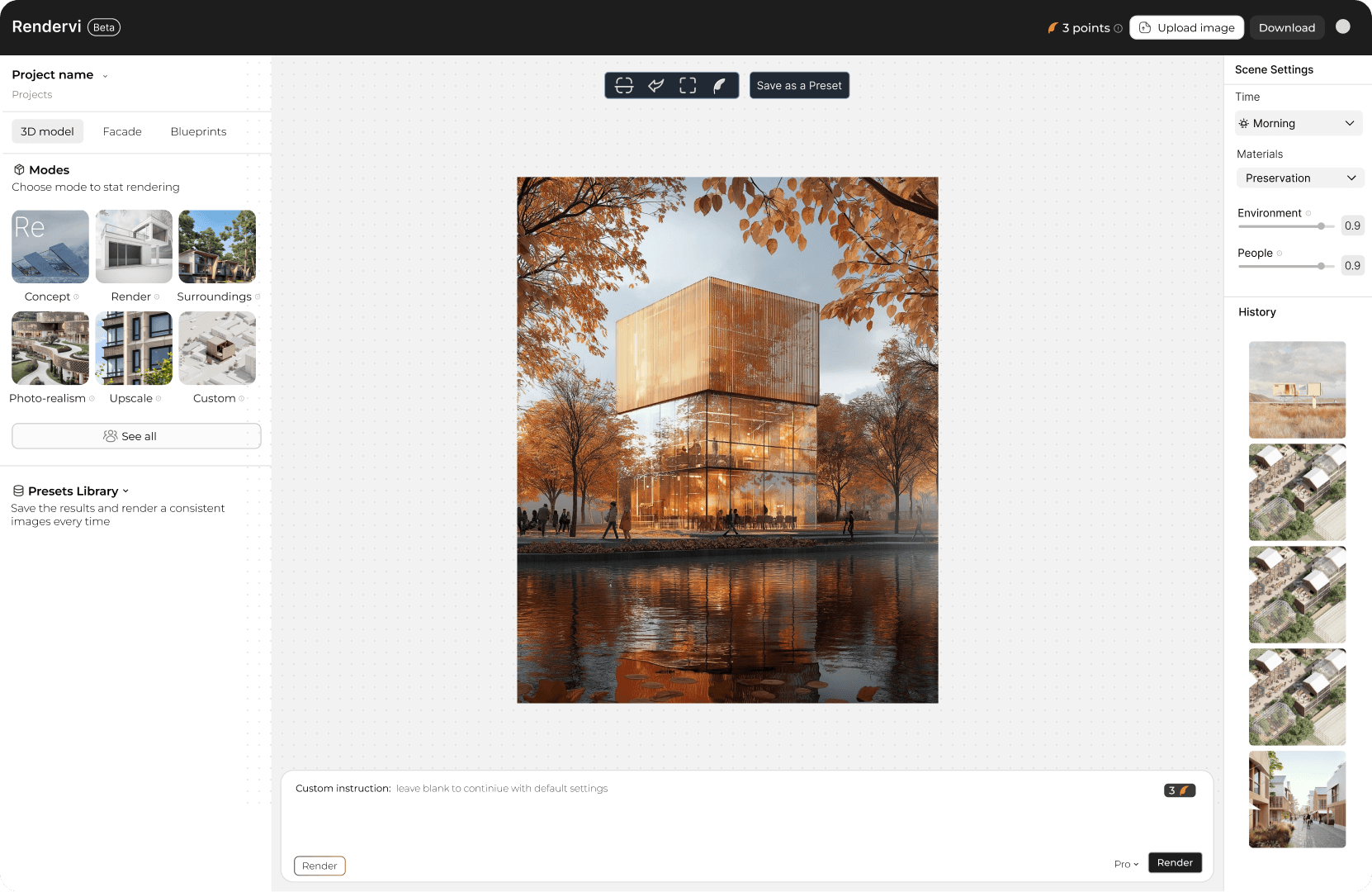
Rendervi AI studio interface overview

Version 1.0 brings the core studio together in one place: render modes for fast results, controlled edits for targeted changes, presets for consistency between views, and upscale tools for final image output.

This release is the foundation for the next phase of the product. We are focused on building practical tools for architecture teams that need reliable results, repeatable workflows, and less time lost to prompt trial and error.