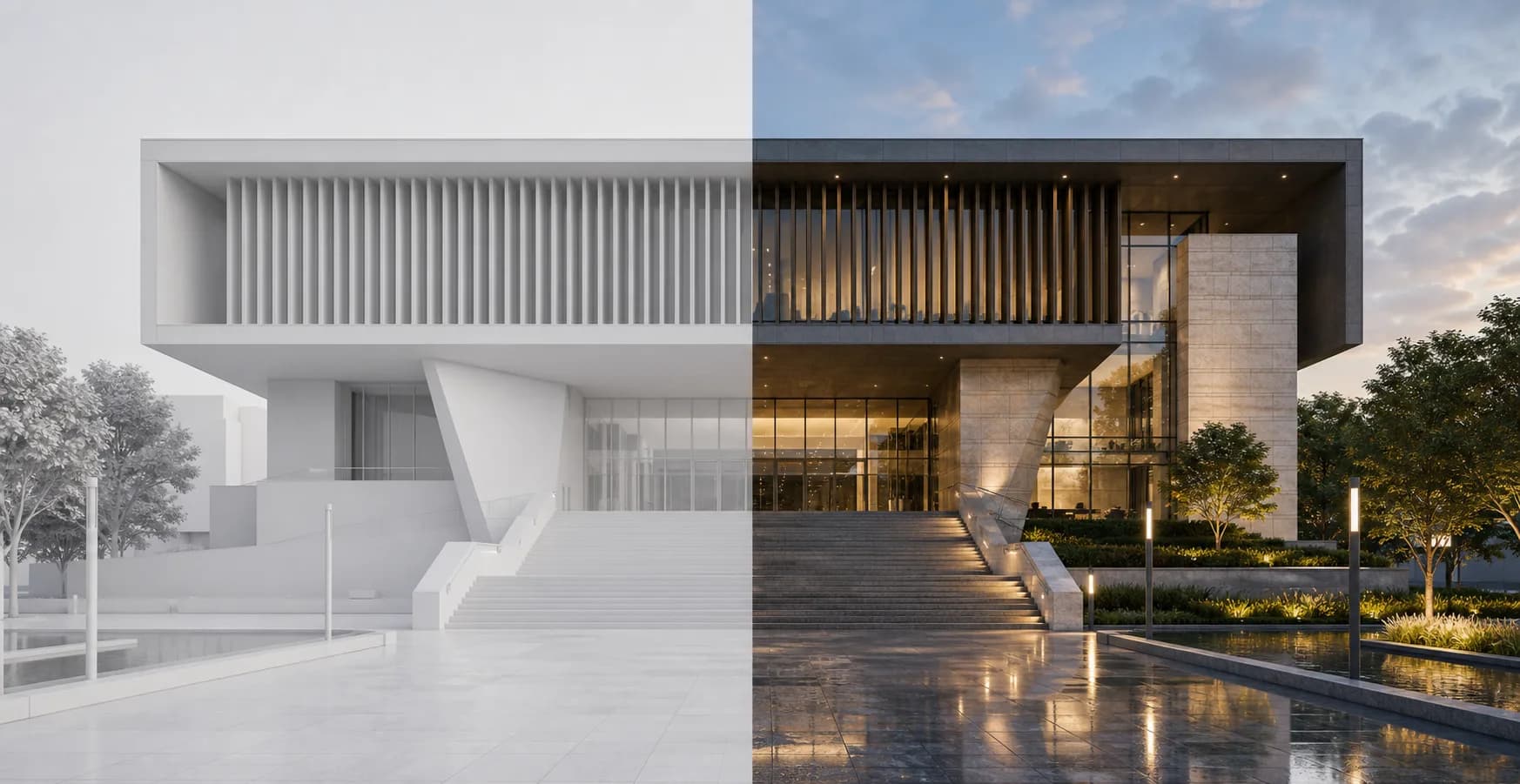
Presets
AI Presets for Architectural Renders
Save a finished visual direction as a preset and reuse it across future project views for consistent materials, light, and atmosphere.
Presets solution
When a render looks right, save it as a preset. Rendervi can reuse that direction on new views so projects feel coherent.
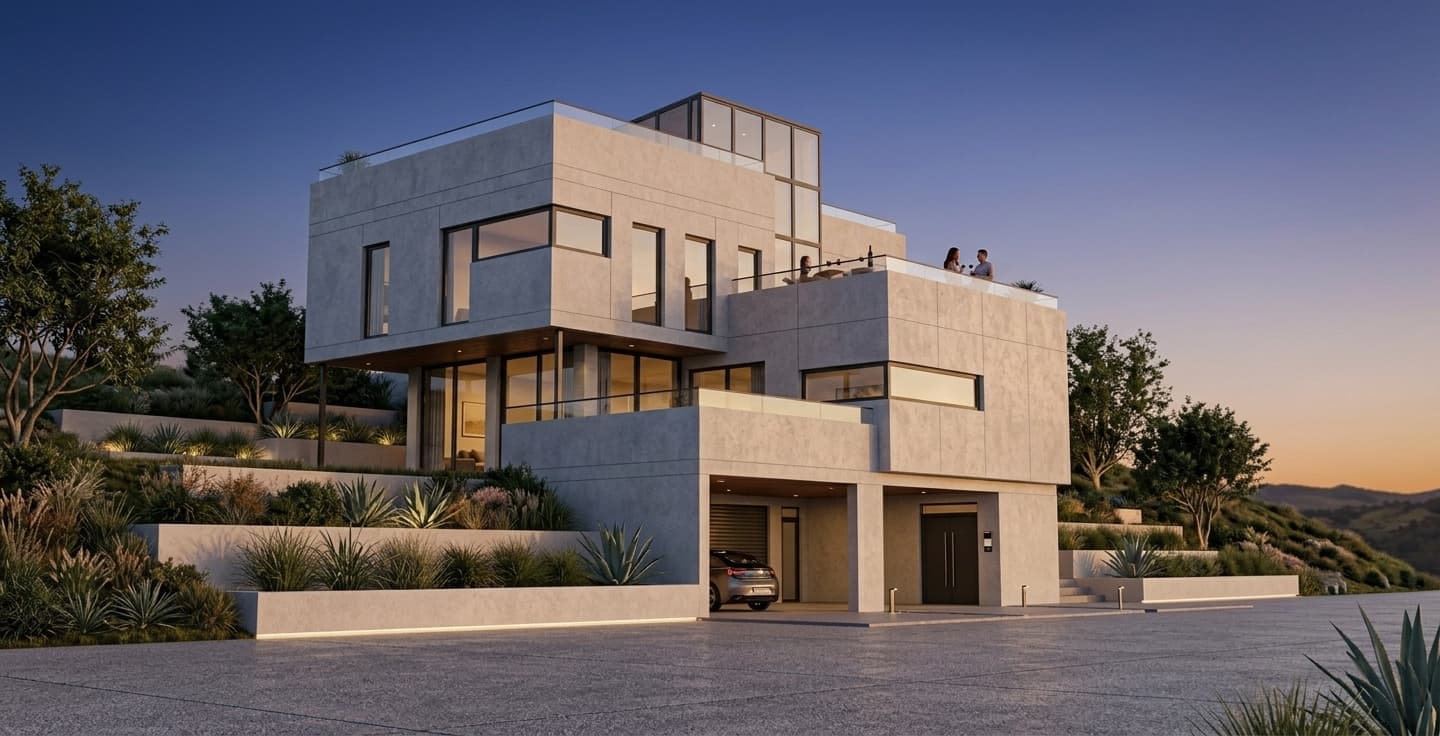
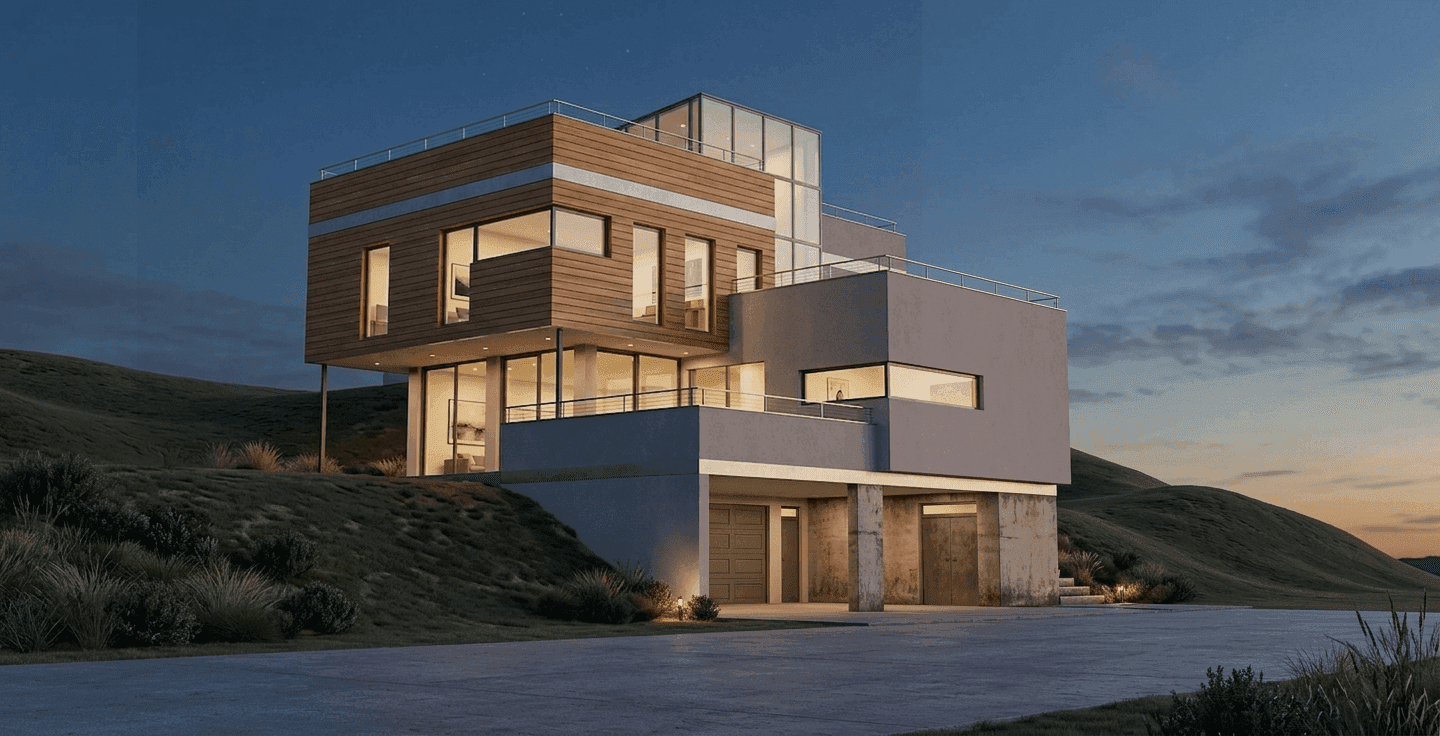
Presets
Save a finished visual direction as a preset and reuse it across future project views for consistent materials, light, and atmosphere.
Save materials, light, weather, vegetation, people strategy, and visual anchors.
Apply the same direction to another camera angle.
Share presets inside a project, across personal work, or with a team workspace.
Workflow
Short, controlled steps for real architecture production work.
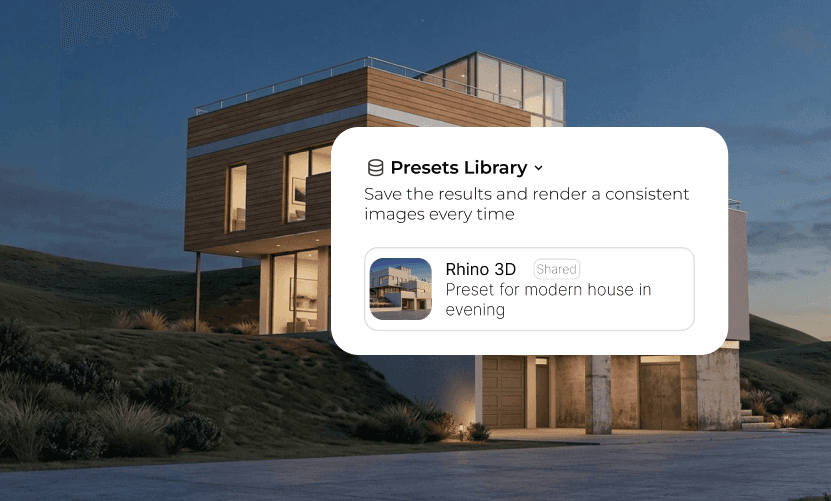
Turn a finished image into a reusable consistency preset.
Use another angle from the same project or a related project.
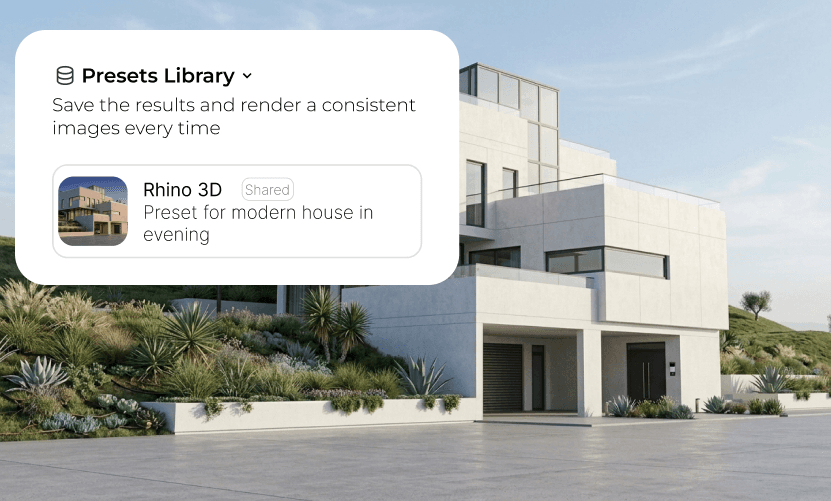
Carry the same material language, atmosphere, and project identity into the next image.
FAQ
Simple answers for architects and visualization teams evaluating this Rendervi workflow.
A preset saves the visual direction of an image, including materials, lighting, weather, vegetation, people strategy, and recurring project cues.
Yes. Preset mode is built to apply a saved direction to a new view while keeping the new source image architecture and camera stable.
Related solutions
Next step
Try AI renders for your next project. AI renders that actually works and don't change your design