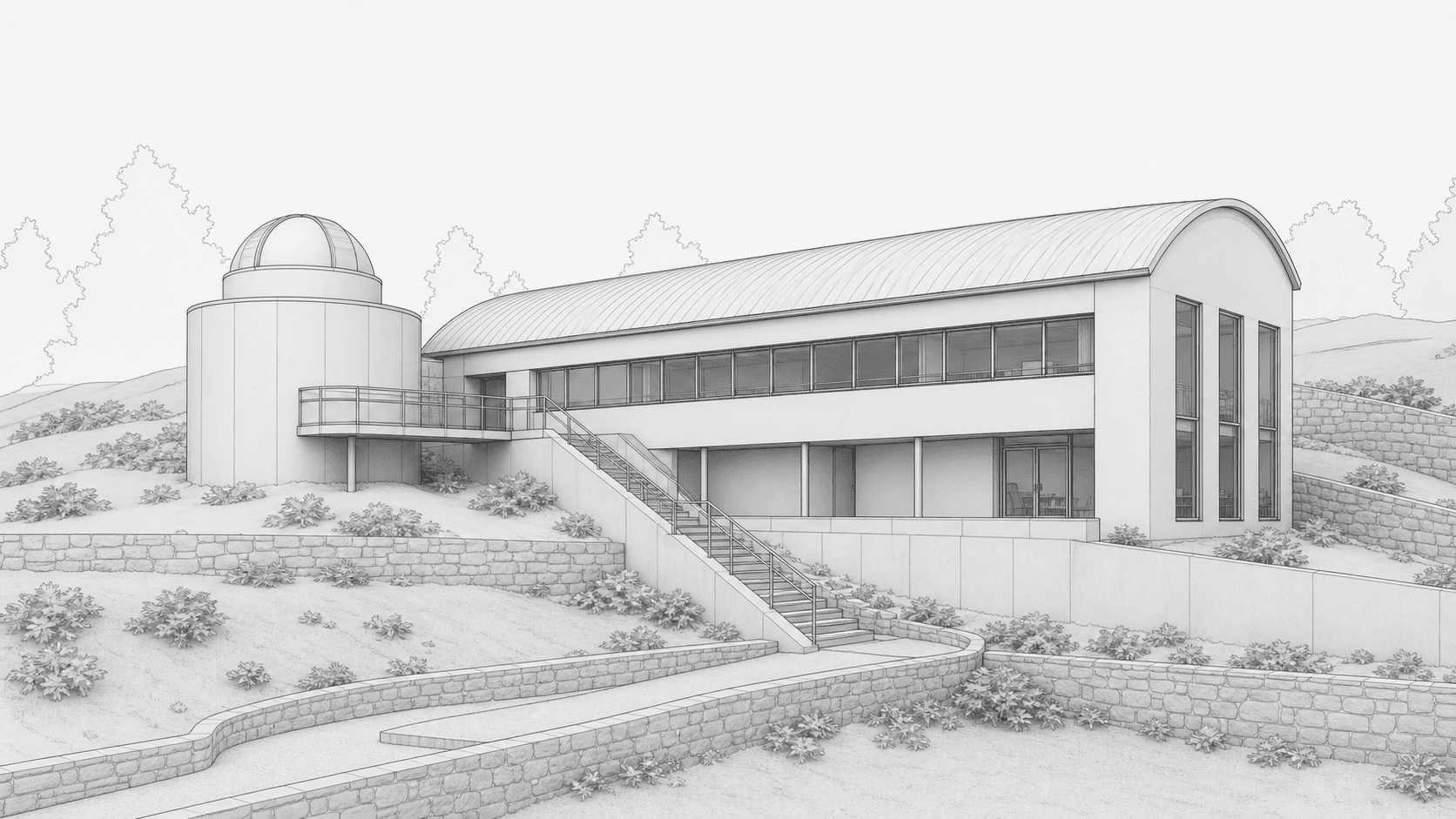
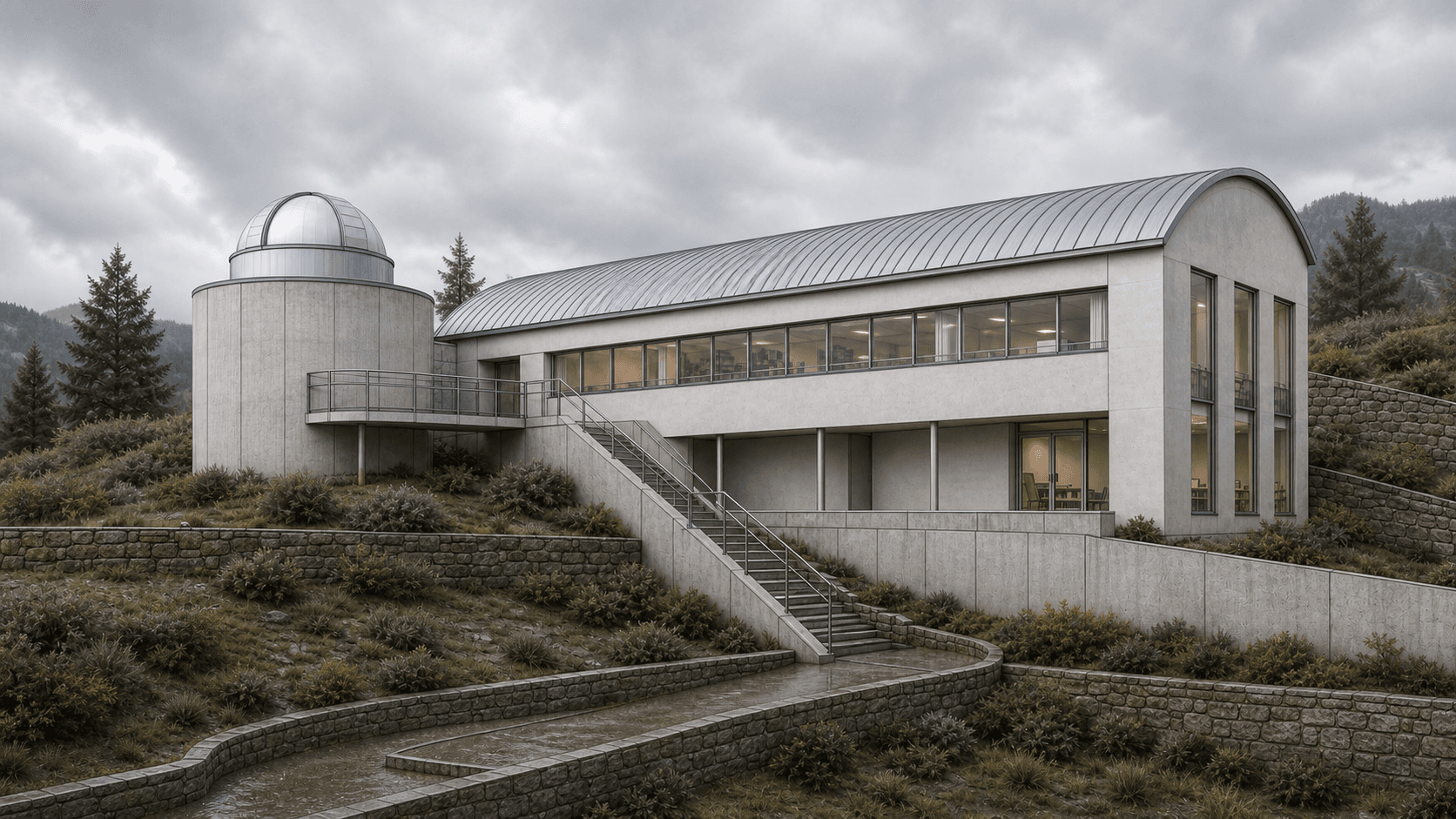
Move across the image to compare the original model view with the Environment upgrade.
Render example
Hillside research studio
Hillside research studio with barrel-vault roof, observatory drum, stone terraces, and cloudy mountain context. Made in Rhino.
Free to use with a visible backlink to Rendervi. Link back to this page when you publish or repost the image.
See similar buildings
View gallery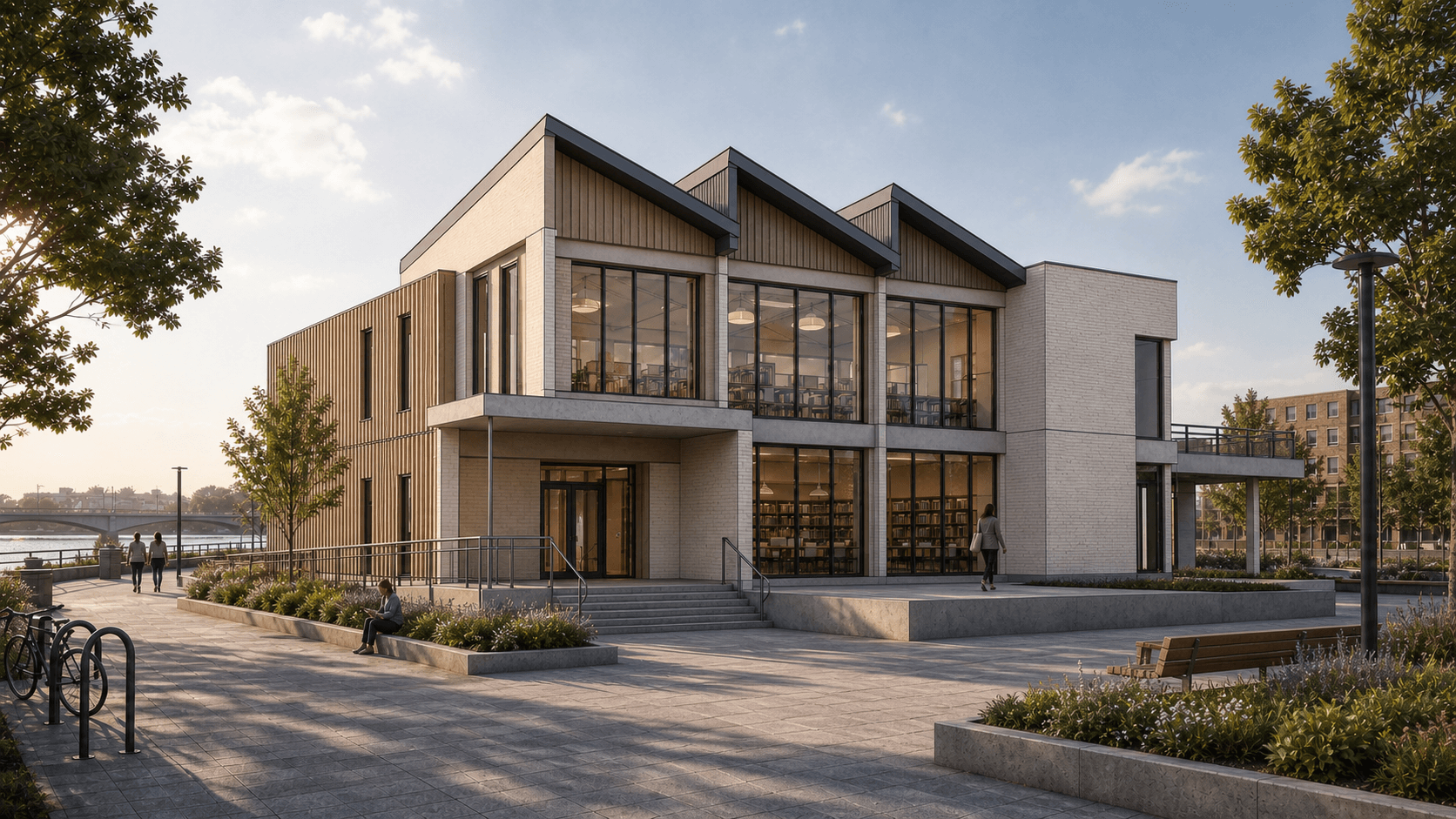
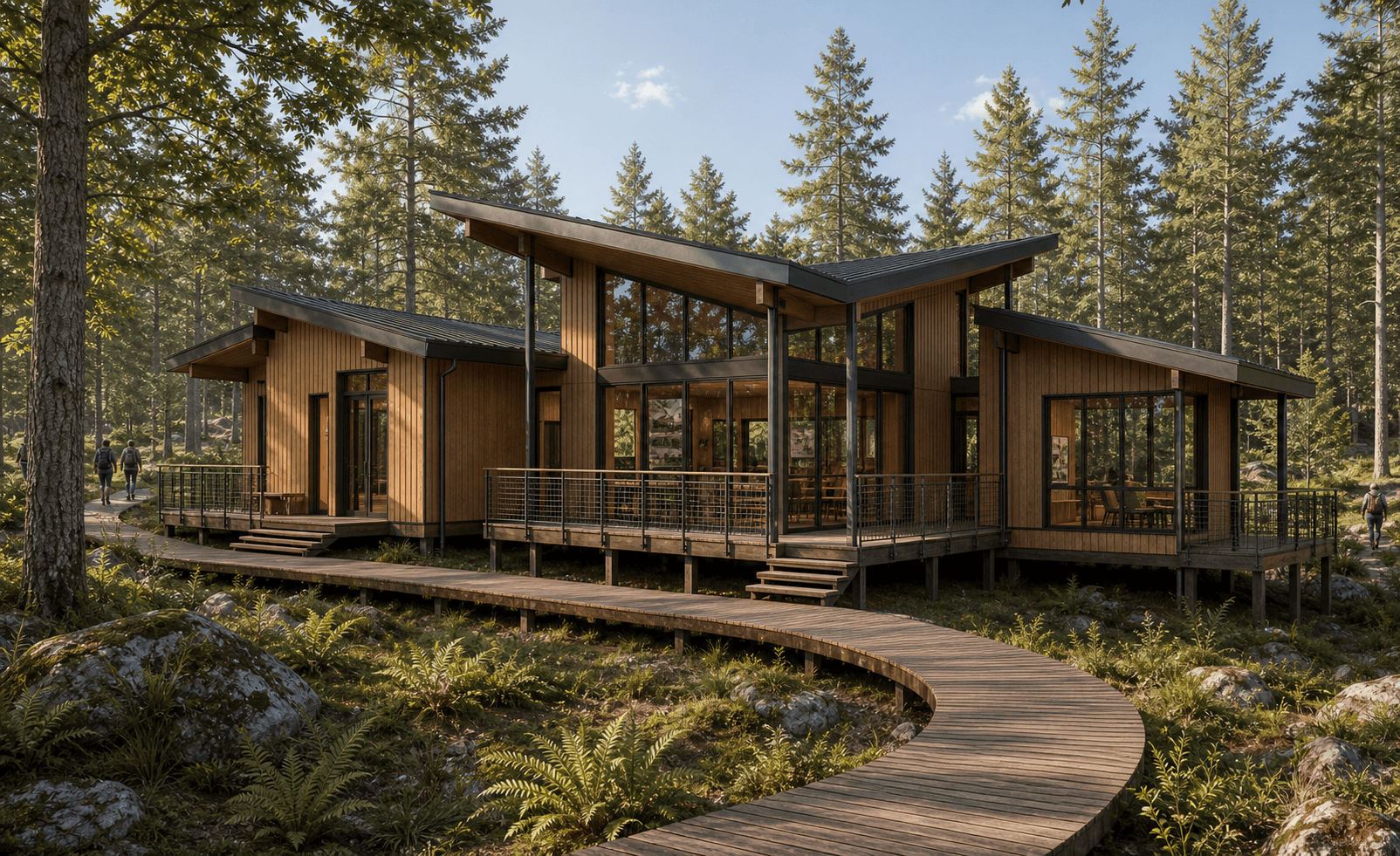
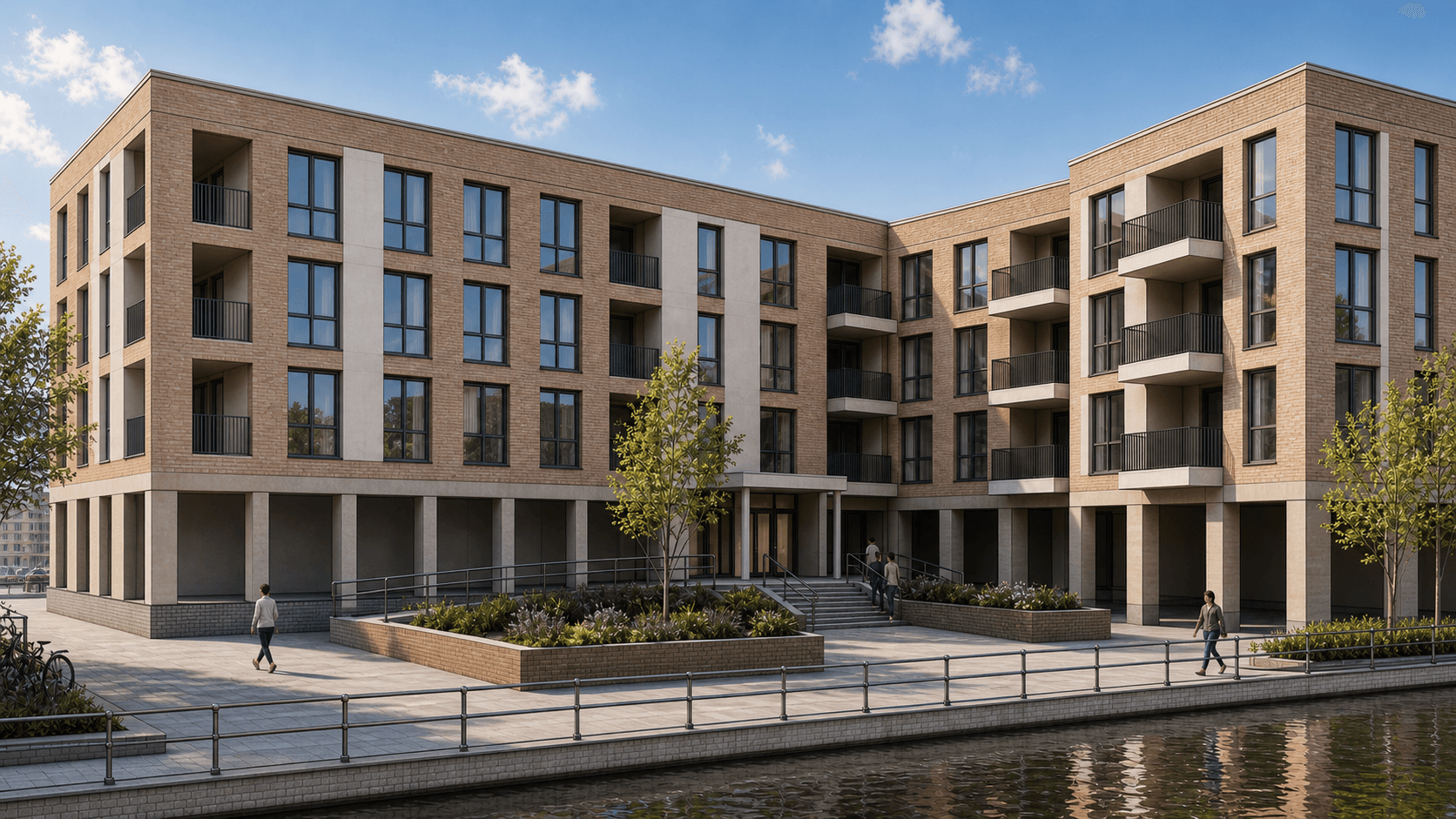
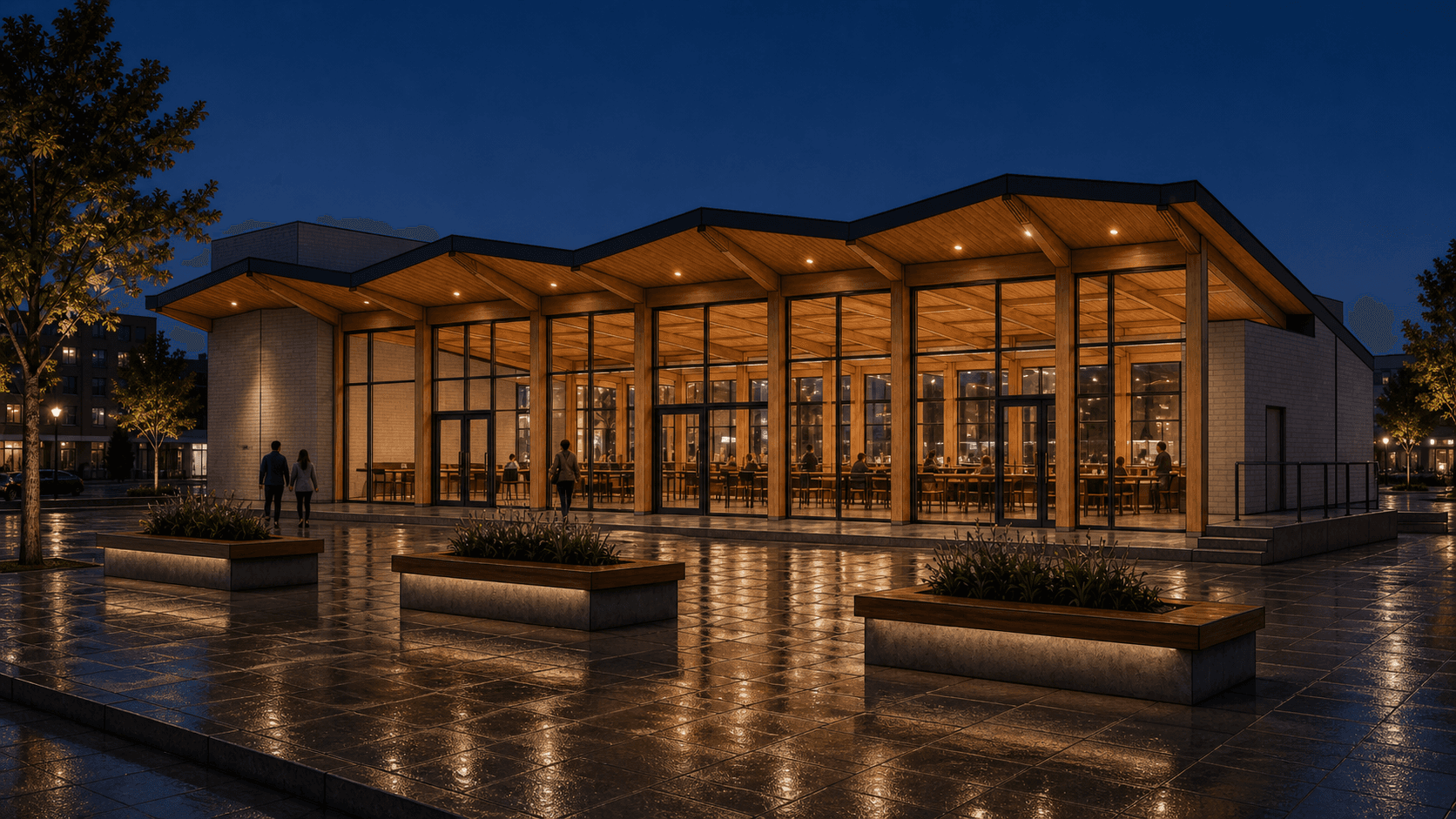
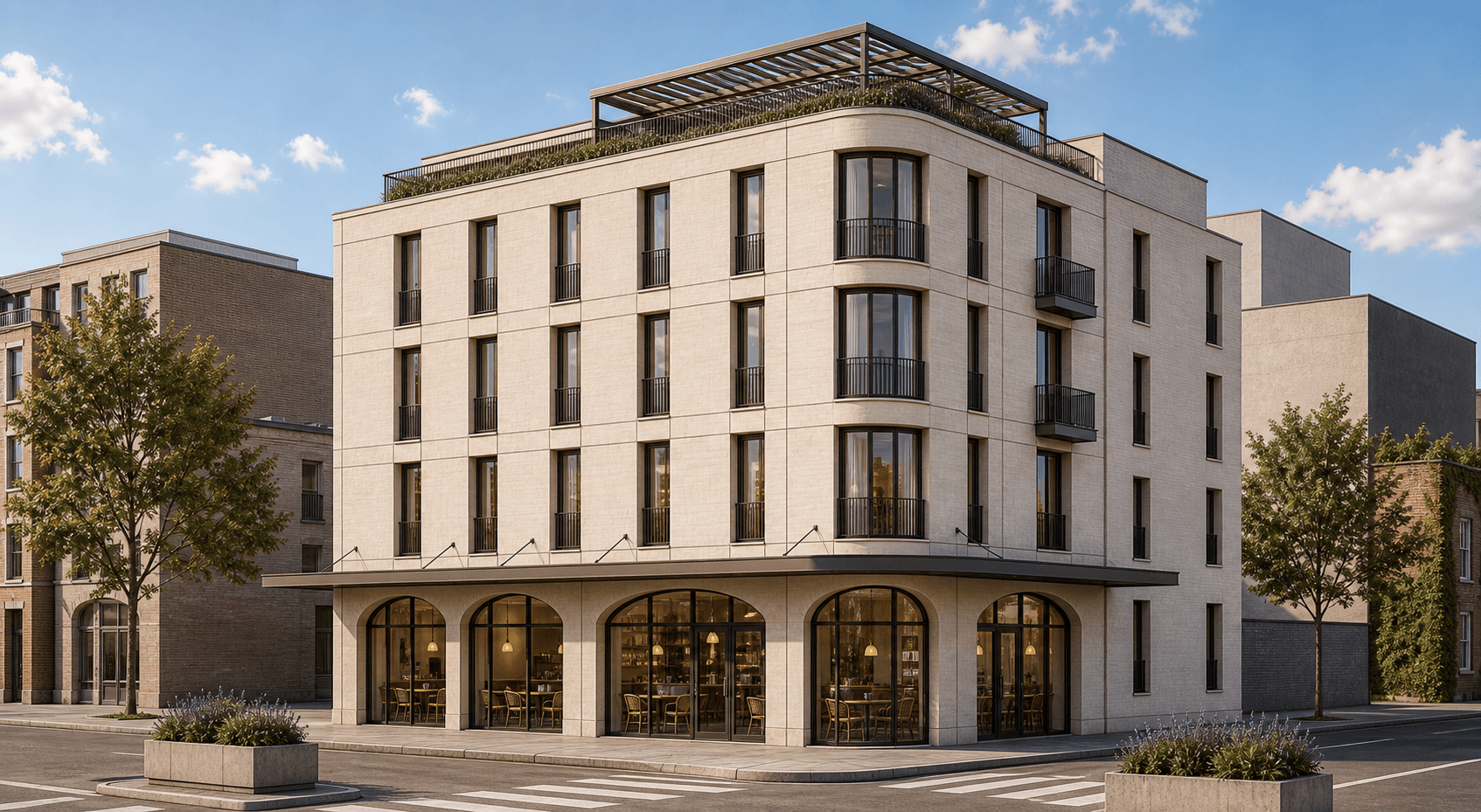
FAQ
Render questions
A few practical notes for using Rhino previews and environment controls inside Rendervi.
Can I add site context to a Rhino model view?
Yes. Export a clear view, screenshot, or clay preview from Rhino, upload it to Rendervi, and use Environment mode to keep the architecture stable while developing materials, landscape, site layout, and background context.
How do I keep the building from changing?
Start with a clean source image and describe the environment change separately from the architecture. Ask Rendervi to preserve the camera, massing, roofline, openings, and proportions while upgrading only the materials, surroundings, landscape, and background.
Can Environment mode change the background?
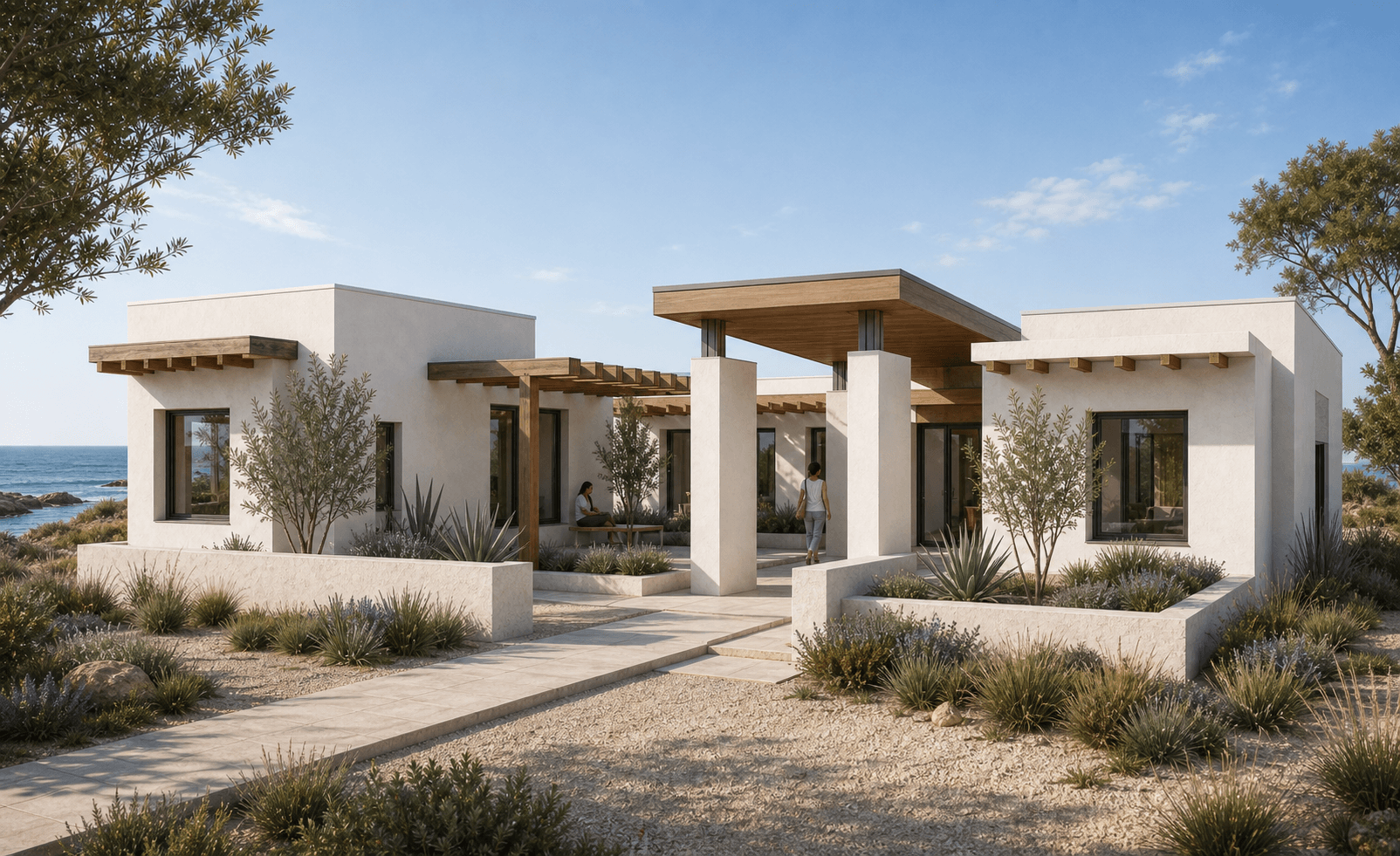
Yes. You can move the same concept into a city, forest, coastal, desert, or courtyard setting while keeping the building readable. The strongest results come from a specific context direction and a source view with clear geometry.
Is my project image private?
Yes. Your uploads stay part of your Rendervi workspace and are handled as project data. Rendervi is built for professional architectural work where previews, client images, and design references need careful handling.
Get access
Create your own environment architecture render
Upload a viewport, screenshot, or model export and keep the architecture stable while developing materials, landscape, site layout, and background context.