AI Rendering in Architecture: 2026 Research, Benchmarks, and Real Firm Use Cases
May 24, 2026
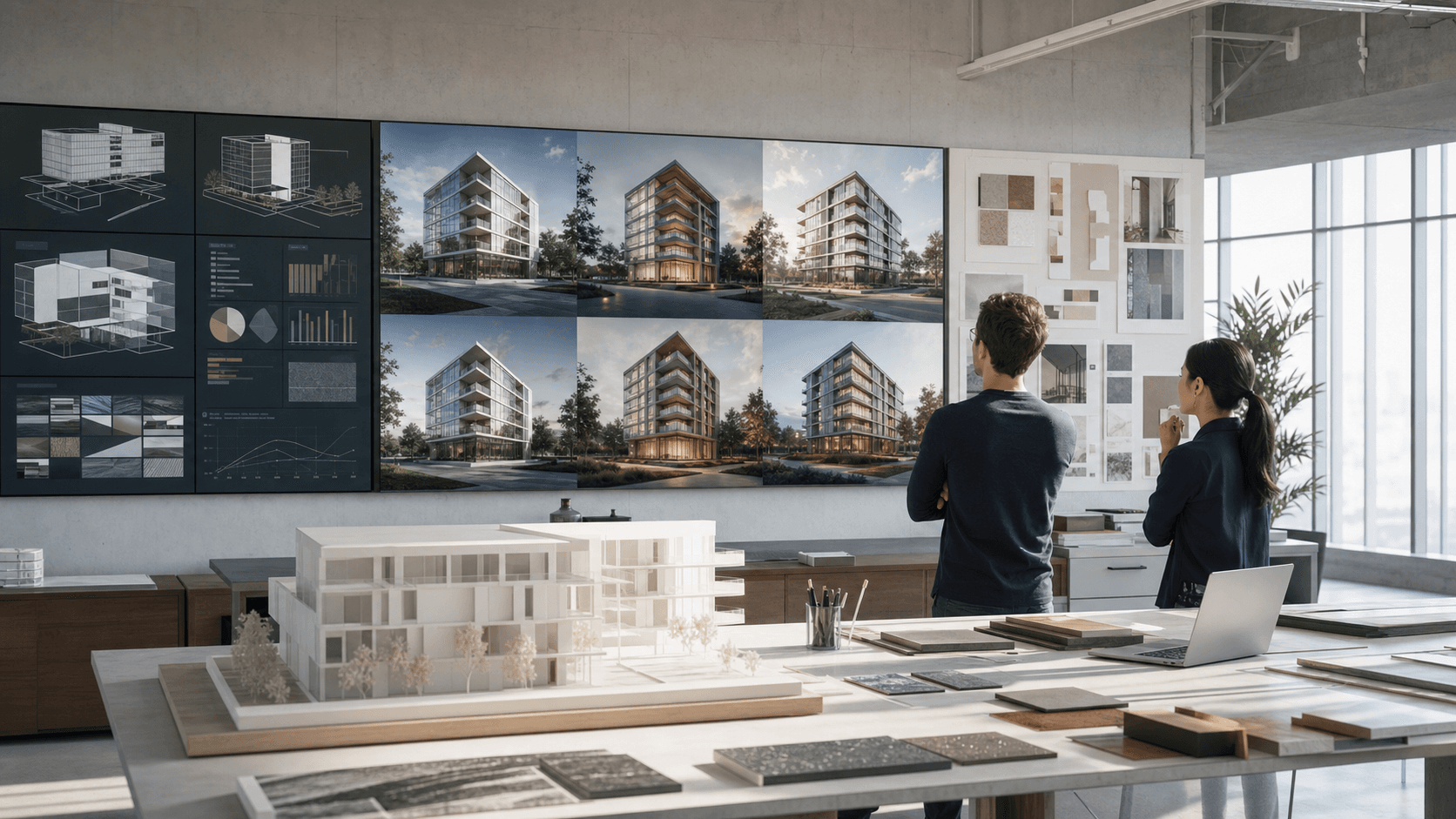
The strongest signal in 2026 is not that AI can make prettier architecture images. It is that firms are using AI renders, real-time simulation, and image enhancement to shorten the distance between a model view, a design question, and a client-ready visual decision.
Short answer
AI rendering is already useful in architecture when it is treated as a controlled visual layer: turning model views, sketches, clay renders, and base images into faster concept options, cleaner client review images, material studies, and post-production passes. The research does not support a simple "AI replaces archviz" story. It supports a hybrid workflow where AI shortens feedback loops and architects still check geometry, intent, performance, authorship, and liability.
The 2026 numbers that matter
AI is no longer an edge experiment in the design economy, but the data is uneven because surveys measure different things: daily use, occasional project use, formal integration, and measurable return. For rendering and visualization, the useful read is not one number. It is the pattern across adoption, time savings, and risk.
Read these as directionally strong, not interchangeable. Deltek measures A&E firms, RIBA measures architecture practices, Bluebeam measures broader AEC technology decision makers, and Chaos focuses on design and visualization users.
Where AI rendering is actually saving time
The clearest visualization-specific dataset comes from Chaos and Architizer's fourth industry survey of nearly 800 architects and designers. Among current AI users, 48% said concept design and ideation produced the biggest time savings, and 40% pointed to image enhancement. Another meaningful group, about 25%, reported savings in material selection and asset generation.
That maps closely to how AI rendering tools are useful in day-to-day architecture work. They are strongest when the source image already contains the design logic: a Revit perspective, SketchUp view, Rhino massing, Archicad model, clay render, or existing render that needs polish. AI can then test atmosphere, realism, vegetation, entourage, surface treatment, time of day, and presentation tone without rebuilding the whole scene.
The same survey is also a warning against using AI as a black box. Chaos reports that 40% of respondents were not yet using AI, with barriers including cost, lack of time to explore tools, and software integration. Other Chaos reporting also highlights unreliable results as a major obstacle. For architecture, "fast" only matters when the image still preserves the building.
What large firms are doing with it
The most mature firms are not treating AI as a magic image button. They are placing it inside larger visualization, simulation, and review systems. The strongest examples point to a mixed future: image generation for concept options, real-time engines for spatial review, AI-assisted post-production for client decks, and performance simulation pushed earlier into design.
Foster + Partners
Real-time performance visualization
NVIDIA reports that Foster + Partners' Cyclops workflow computes up to 10 billion rays per second and up to 4 million views per minute, with analysis 800 to 10,000 times faster than CPU-based methods. The point is not just prettier images. It is design feedback while decisions are still flexible.
Bjarke Ingels Group
Visualization in hours, not days
D5 Render's BIG case study says the Biosphere Treehotel rendering process was completed in hours instead of the 3 to 4 days a similar traditional V-Ray workflow could require, and that walkthrough tasks saw video render time reduced by 80%.
KPF
Faster client draft cycles
In D5's KPF case study, AI Atmosphere Match helped move a multi-draft client workflow from roughly a week to an afternoon, cutting iteration time by up to 80%. That is the practical promise: faster optioning before the visual direction is locked.
Perkins&Will Sao Paulo
AI images as concept-stage training
Perkins&Will's research journal case study found that 81% of participants wanted to incorporate AI into projects before workshops using tools like Midjourney. The study emphasized training, data management, ethical standards, and human oversight.
Zaha Hadid Architects
AI imagery in experimental spatial work
ZHA's official Architecting the Metaverse project credits OpenAI DALL-E 2 and NVIDIA StyleGAN2 ADA in an immersive installation with Refik Anadol Studio. It shows AI imagery entering high-profile architectural culture, especially around concept, identity, and spatial storytelling.
Arup
AI for option search and sustainability
Arup reports that a genetic algorithm tested 2,500 energy-saving solutions for Whole Foods in one week, a process the firm says would have taken over 10 years by hand. That is adjacent to rendering but crucial: AI makes more options visible early.
AI renders are strongest in the messy middle
Traditional architectural visualization is still the right tool when a team needs physically controlled lighting, exact materials, a coordinated animation package, planning approval imagery, or a marketing hero image that must survive close inspection. Public pricing guides still place professional stills commonly in the hundreds to thousands of dollars per image, and full render packages can take days once modeling, materials, lighting, post-production, and revisions are counted.
AI rendering changes the middle of the process. It makes it cheaper to ask, "What if the facade were warmer?", "Can the courtyard feel more public?", "Does rainy atmosphere help this competition board?", or "Can this raw model view be good enough for Friday's client call?" Those questions often do not need a full production render. They need a convincing image that keeps enough design fidelity to make the next decision.
The risks are architectural, not only technical
AI-rendering mistakes are different from normal rendering mistakes. A bad traditional render usually looks unfinished. A bad AI render can look finished while changing the roof edge, inventing a door, moving mullions, smoothing out code-relevant details, or making the project seem more resolved than it is.
AIA's 2025 research is useful here because it captures both excitement and concern. Only 8% of firm leaders reported integrating AI into practice, while 20% were implementing and 35% were considering adoption. Among individual respondents, 6% used AI regularly and 53% were experimenting. AIA also reported major concerns around inaccuracy, unintended consequences, privacy and security, authenticity, and transparency.
The lesson for rendering is simple: do not judge an AI image only by beauty. Check it against the source model. Make the non-negotiables explicit in the prompt. Use local edits instead of regenerating the whole scene when only one area fails. Save presets when a direction works, because consistency across views matters more than a single lucky image.
A practical adoption model for architecture teams
- Start with low-risk visual tasks. Use AI for concept render options, image enhancement, upscaling, material tests, and quick client review images.
- Keep a source-of-truth image. Every AI render should start from a model view, sketch, render, or plan that defines what must remain unchanged.
- Measure the boring numbers. Track hours saved per review, number of options produced, client response time, rework caused by AI errors, and final image acceptance rate.
- Create a visual QA checklist. Review massing, openings, facade rhythm, stairs, railings, glazing, entourage, material scale, shadows, and site edges before sending anything outside the team.
- Protect client and project data. Use tools and policies that make clear what can be uploaded, who owns outputs, and how images should be labeled or disclosed.
- Use AI where iteration matters most. The best return usually appears before final production, when the team is still choosing what the final render should be.
FAQs
Is AI rendering ready for professional architecture work?
Yes, for concept imagery, review options, image enhancement, material studies, and controlled refinements. It still needs human review before client, regulatory, or marketing use because AI can change architectural details while making them look believable.
Will AI replace traditional architectural visualization?
Not as a full replacement. The stronger pattern is a hybrid workflow: AI accelerates optioning and polish, while traditional 3D and real-time tools remain important for exact geometry, multi-view consistency, animations, and final-grade deliverables.
Where should a small studio start?
Start with model-view-to-render, image enhancement, and material variations. These tasks are frequent, easy to compare against the source design, and visible enough to measure whether AI is saving time.
What should architects measure?
Measure time to first presentable image, number of useful options, revision count, geometry errors caught in QA, accepted outputs, and whether the AI image helped a design decision happen sooner.
Test AI rendering on a real project view
Upload a model screenshot, clay render, or existing architecture image to Rendervi and compare material options, atmosphere, realism, edits, and upscaling without rebuilding a full visualization pipeline for every review.
Create your first AI renderSources
- Deltek: 2026 Clarity Architecture and Engineering Industry Study findings
- Chaos: How much time are architects really saving with AI?
- Chaos and Architizer: AI in Architecture Report 2026
- Bluebeam: AEC Technology Outlook 2026 early adopter ROI
- RIBA: AI Report 2025
- AIA: Artificial Intelligence Adoption in Architecture
- Autodesk: State of Design and Make 2025 AI hype cycle
- Arup: Global survey on AI adoption in the built environment
- NVIDIA: Foster + Partners real-time simulation case study
- D5 Render: Bjarke Ingels Group case study
- D5 Render: KPF case study
- Perkins&Will Research: AI generative images case study
- Zaha Hadid Architects: Architecting the Metaverse