AI renders for Architects are here to stay
May 14, 2026
AI rendering is not replacing architects. It is changing when a project can become visible. The important shift is not that images are suddenly cheaper. It is that useful images can now show up earlier, while the design is still moving.
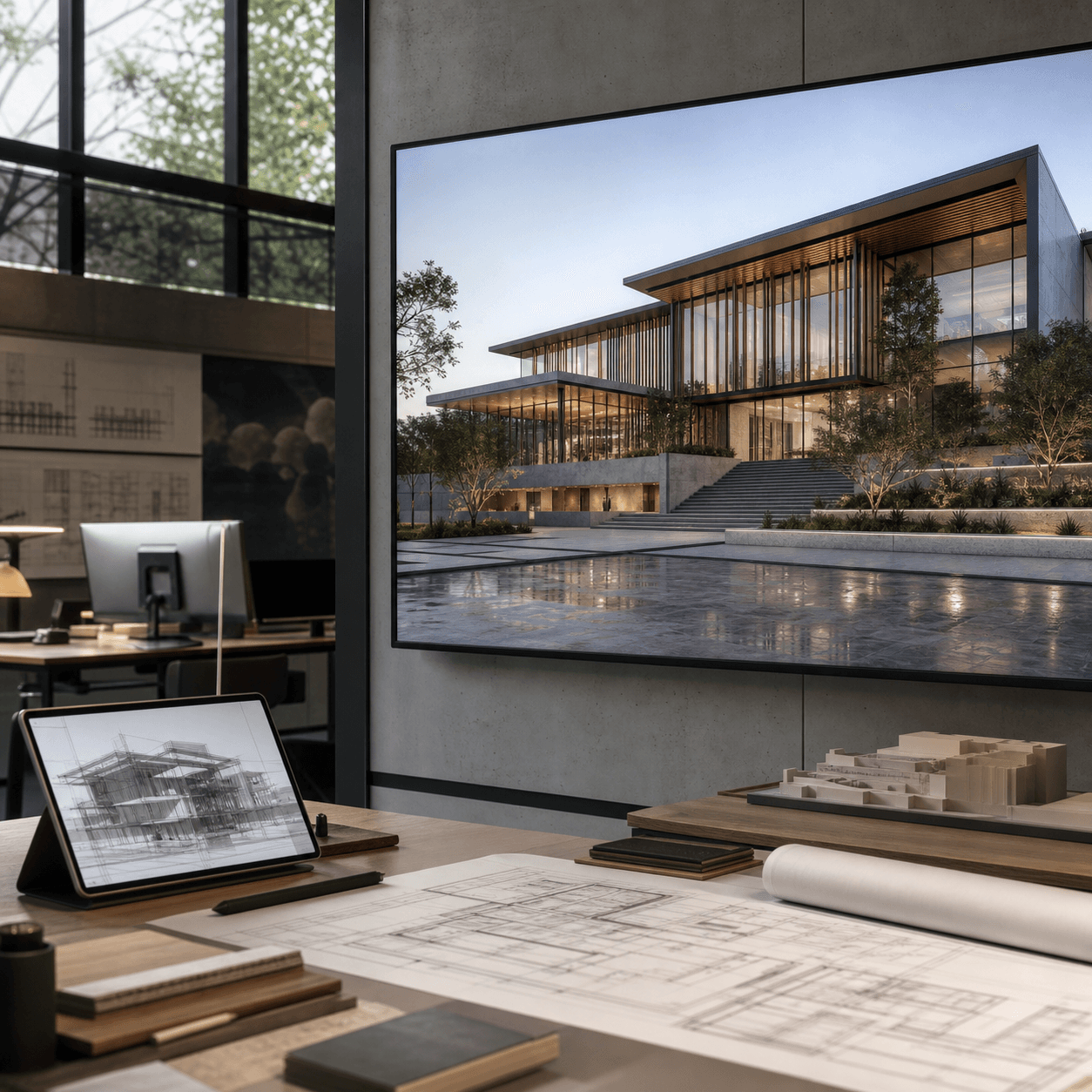
How AI changes architectural renders
For years, a render meant building the whole visual pipeline: clean model, materials, lights, entourage, render settings, post-production, then revision after revision. That workflow still matters for final hero images. But it is no longer the only way to get a useful architectural image.
AI changes the starting point. A Revit view, SketchUp scene, Rhino screenshot, clay render, or simple model preview can become the base for a stronger image. You keep the camera and the design. Then you test light, material, context, mood, and realism much faster.
That does not make every AI image useful. Architects still need judgment. A nice image that changes the building is not helpful. A render that keeps the geometry readable, improves the atmosphere, and helps a client understand the design is useful. The best AI workflows are not about replacing the design process. They are about giving the design process better visual feedback.
The numbers are messy, but the direction is clear
Surveys do not all agree, because “using AI” can mean anything from experiments to daily production. But the signal is clear. The AIA reported that only 6% of architects regularly use AI. Deltek’s A&E study, reported by BD+C, found that 53% of architecture and engineering firms were using AI tools, up from 38% the year before. Bluebeam’s 2025 AEC outlook found 74% of AEC companies using AI in at least one phase of projects.
At the same time, RICS found that construction adoption is still cautious: 45% had no AI implementation and 34% were still in pilots. That is the honest picture: not magic, not universal, but already real enough that architecture teams should be building habits now.
This is what early platform shifts usually look like. Some firms use the new tool every day. Some run pilots. Some wait until clients start asking for faster options. But the direction is hard to ignore. AI has moved from “interesting experiment” to something firms need a position on.
The old approach was expensive in time, not only money
Small and medium studios usually had three choices: render in-house, outsource, or wait. In-house work meant software, assets, hardware, and senior attention. Outsourcing could look great, but it added coordination and often pushed visual decisions later into the project.
Public pricing guides show the pressure. Rendimension puts professional still images around $500 to $3,000 per image. Cad Crowd notes that a small room can take 2 to 3 days and a residential house 5 to 8 days. That is fine for a final package. It is painful when you only need to know whether the timber facade, evening light, or planted courtyard is the right direction.
This is where small studios feel the pain most. They need good images to win trust, explain ideas, and move decisions forward. But they cannot turn every design question into a full visualization package. So the team either spends too much time polishing an early image, or shows something rough and hopes the client can imagine the rest.
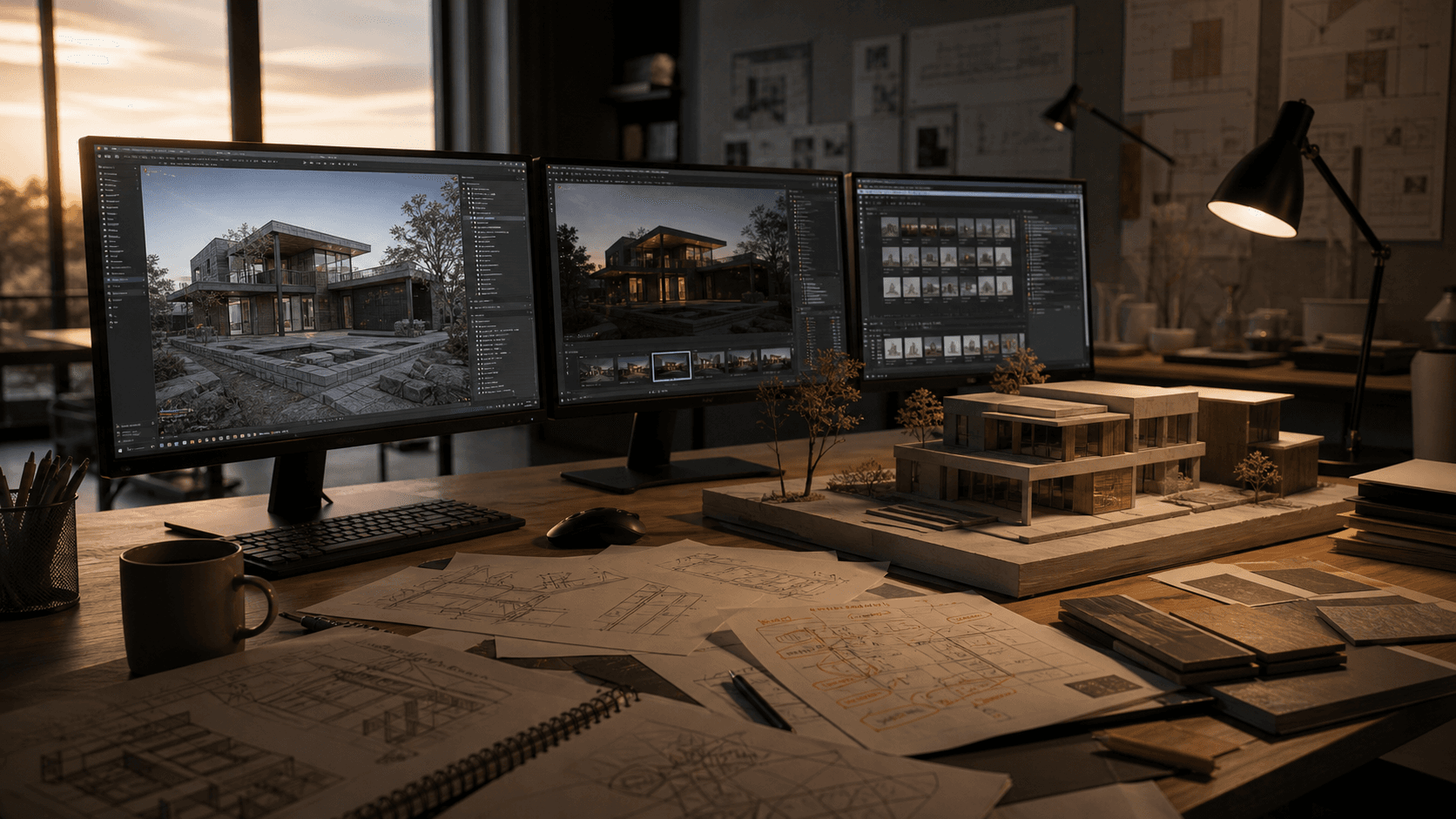
How Rendervi helps the transition
Rendervi is built for the middle of the process. You already have a view. You do not need a blank prompt and you do not always need a full render scene. You need a better image that still respects the project.
Start from Revit, SketchUp, Rhino, Archicad, a clay render, or a base image. Then use Rendervi to push it toward photo-realism, test material changes, refine details, save a visual direction, or upscale the final result. The point is simple: AI should help the design move forward, not invent a different building.
In practice, this means a studio can use traditional rendering where it is strongest and AI where it is fastest. Final competition boards, animations, and high-control marketing images may still deserve a classic render workflow. Early review images, mood directions, material studies, and client options can move through Rendervi first. That is a healthier transition than pretending one tool should do everything.
Traditional rendering vs AI rendering
What comes next for architectural visualization
Visualization will split into layers. High-end archviz will still matter. Real-time engines will still matter. But AI rendering will sit closer to daily practice, where teams need quick, believable images before a final visualization budget makes sense.
The market is moving that way too. Global Market Insights valued the 3D rendering market at $4.4 billion in 2023 and projected 25% CAGR from 2024 to 2032. Demand for images is not shrinking. The big change is who can make them, how early they can make them, and how many options can be tested before the final render.
My prediction: small and medium architecture firms will treat AI rendering like PDF markup or BIM export. Not magic. Just a normal part of the workflow. The winners will not be the firms that generate the most images. They will be the firms that use images to make better decisions sooner.
The future of visualization will be less linear. It will not be model, then render, then presentation. It will be model, image, feedback, revision, image again. The firms that get comfortable with that loop will be able to explain ideas faster without lowering the standard of the final work.
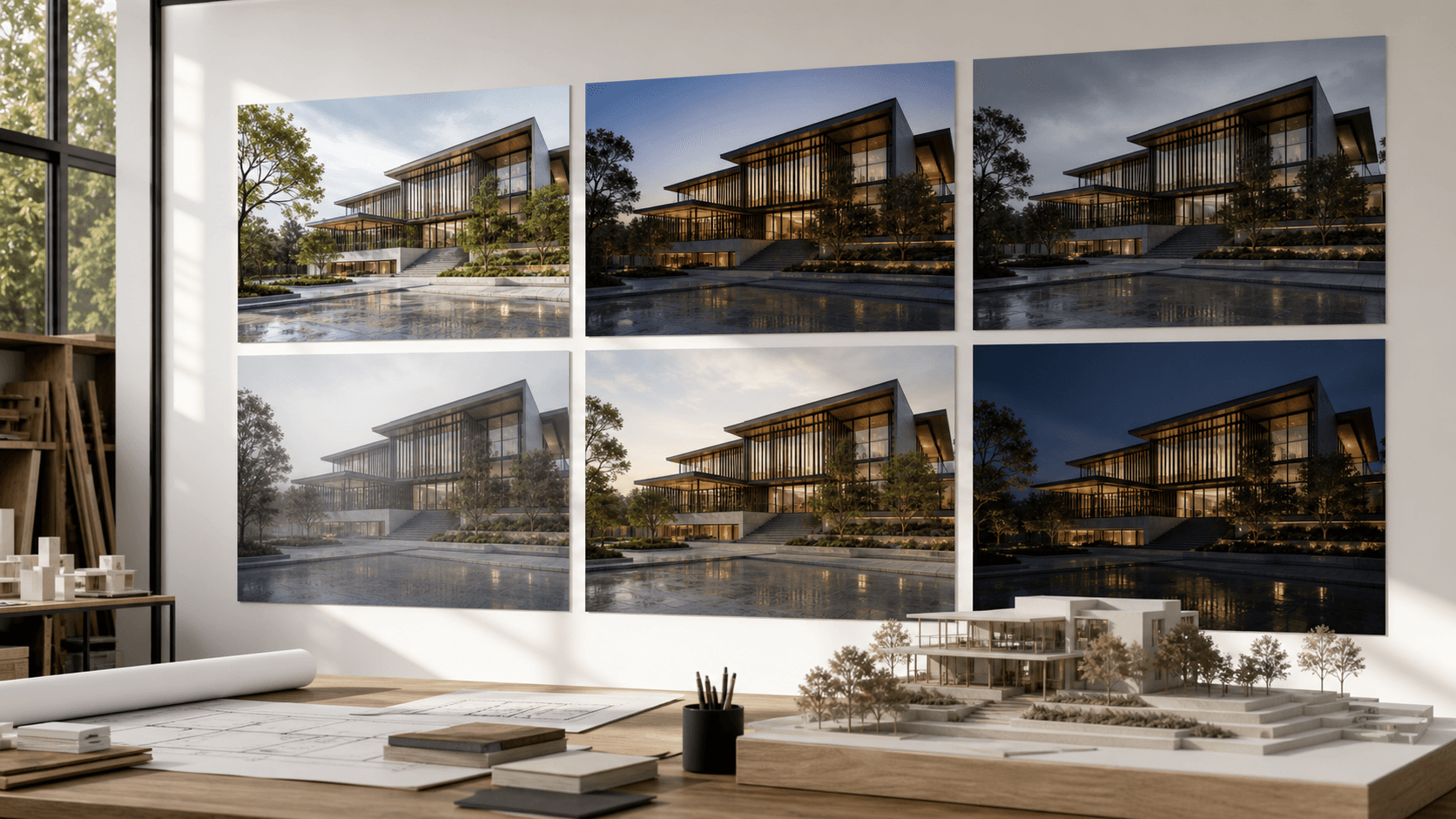
Move from model view to client-ready render
Rendervi helps architects turn Revit, SketchUp, Rhino, Archicad, and base render views into stronger architectural images without building a full visualization pipeline for every review.
Create your first AI renderSources
- AIA: Artificial Intelligence Adoption in Architecture Firms
- BD+C coverage of Deltek Clarity Architecture & Engineering study
- Construction Dive coverage of Bluebeam AEC Technology Outlook 2025
- RICS Artificial Intelligence in Construction Report 2025
- Rendimension architectural rendering cost guide
- Cad Crowd architectural rendering costs and timelines
- Global Market Insights 3D rendering market report