Render mode
AI Render Generator for Architects
Turn model views, clay renders, and early architectural previews into clean presentation renders with Rendervi.
Render solution
Upload a model preview, choose Render mode, and get a clearer architectural image for reviews, decks, and client conversations.
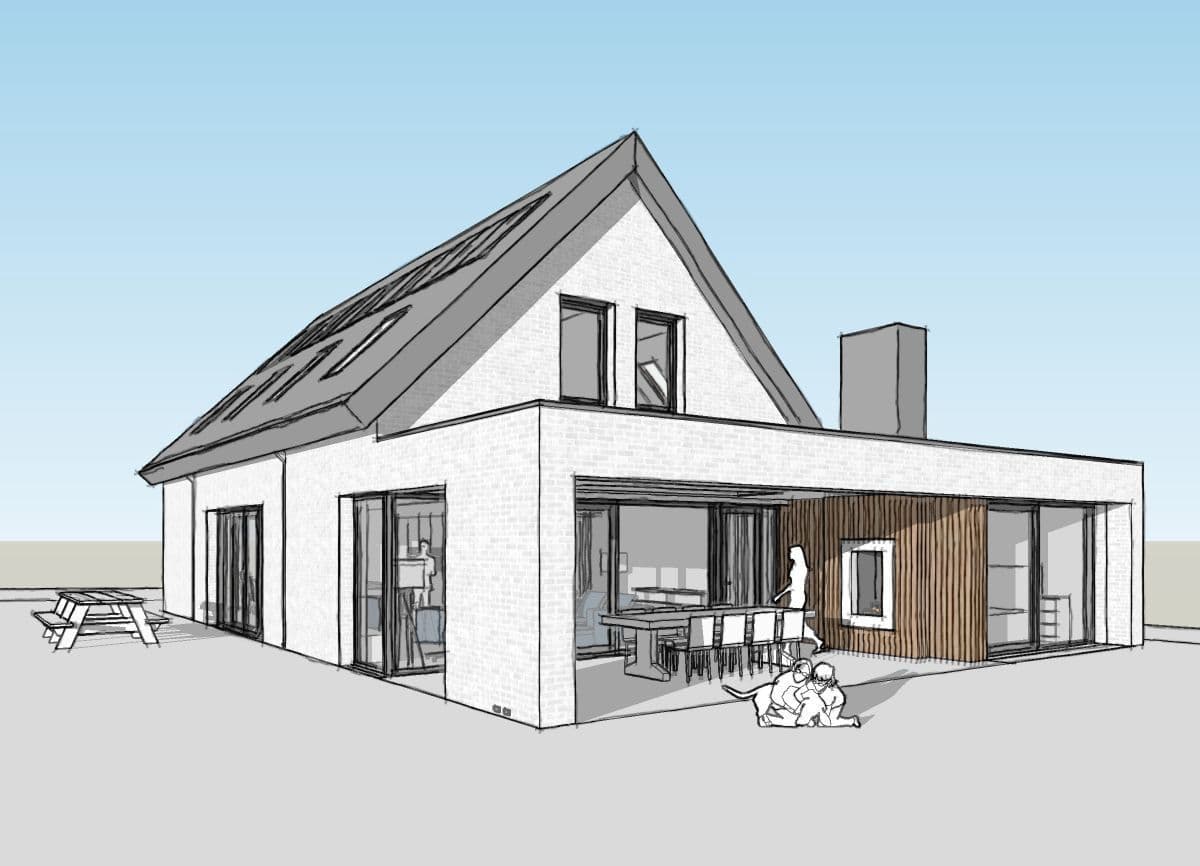
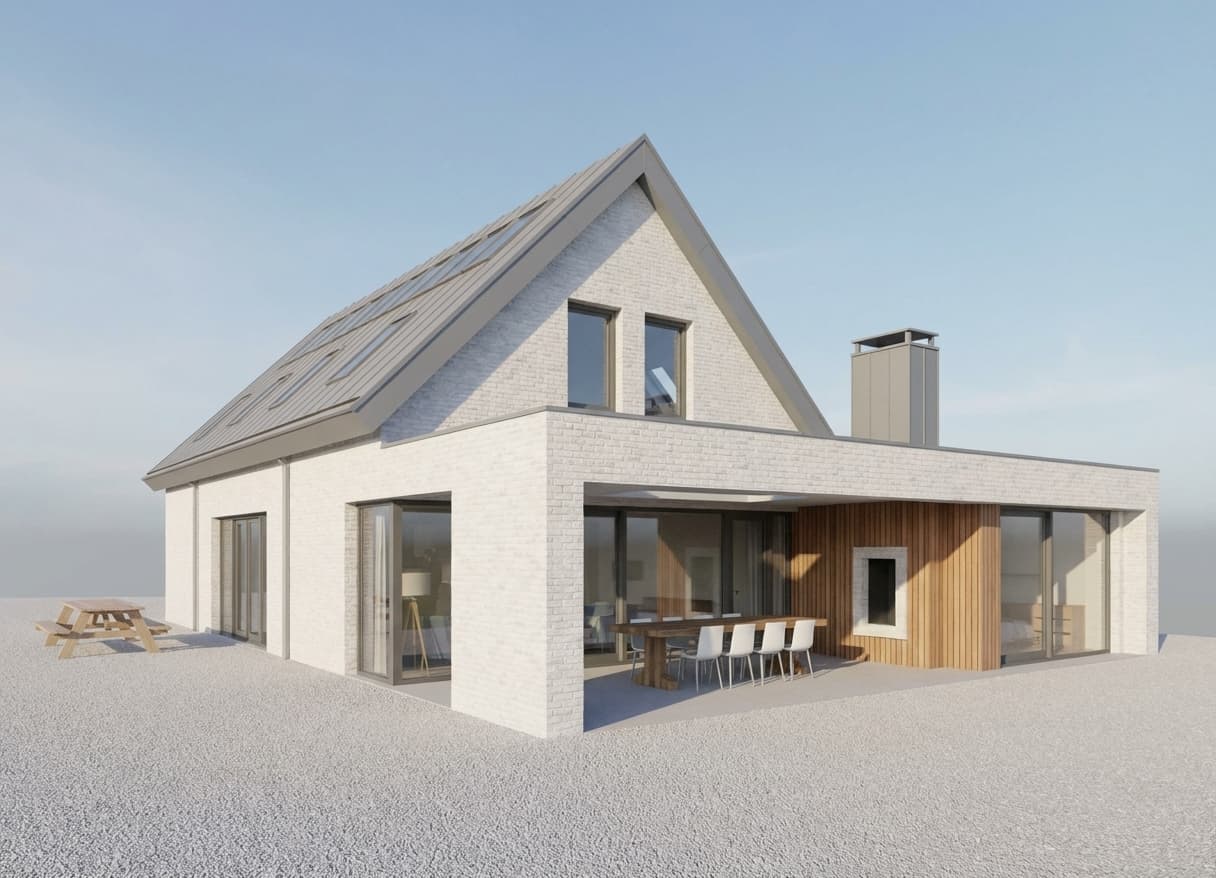
Render mode
Turn model views, clay renders, and early architectural previews into clean presentation renders with Rendervi.
Preserves the main architecture and camera angle.
Adds presentation-ready light, material response, and atmosphere.
Works from screenshots, viewport exports, clay views, and base renders.
Workflow
Short, controlled steps for real architecture production work.
Start from the camera angle that already explains the design.
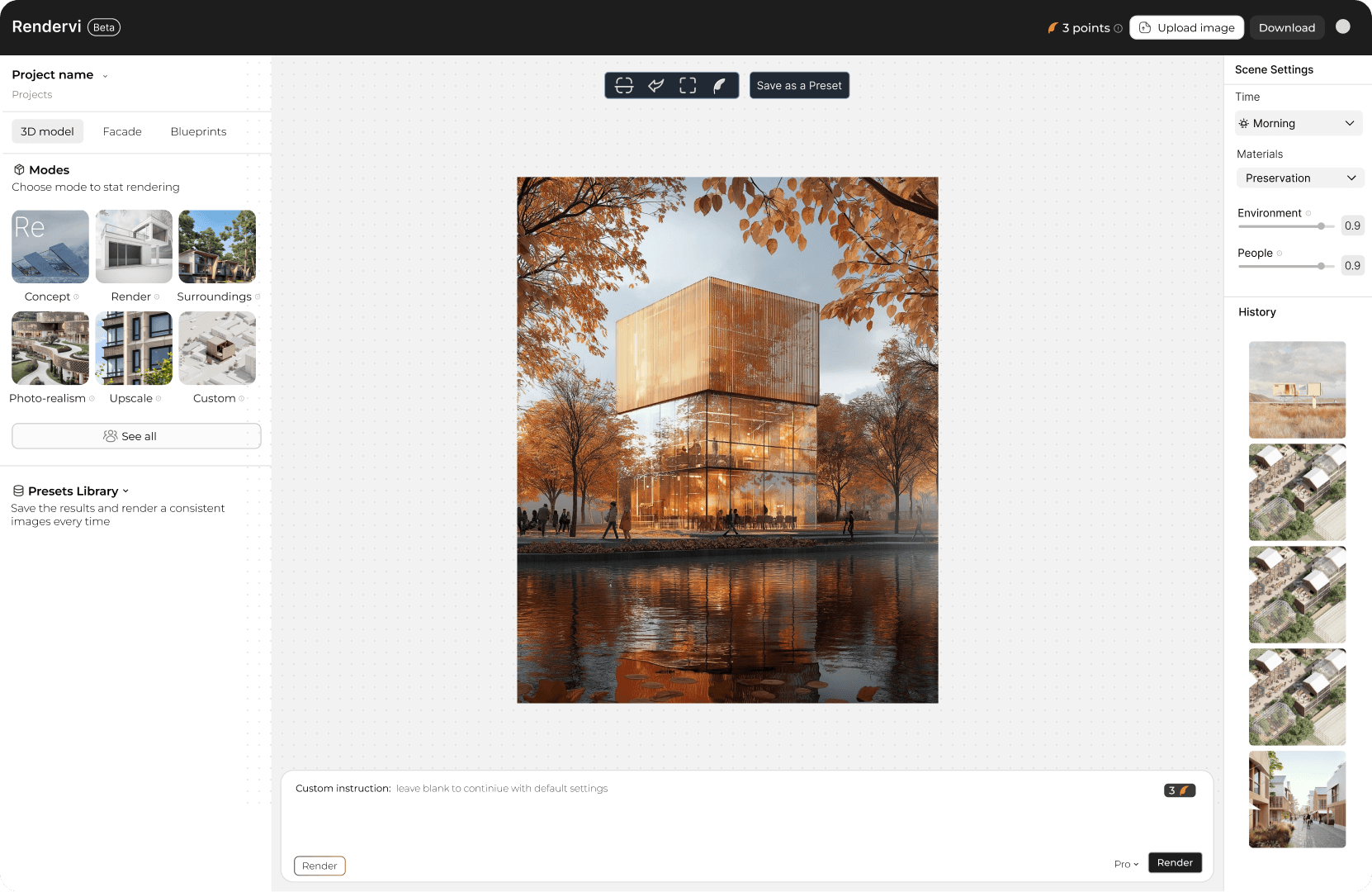
Keep the architecture grounded while Rendervi improves light, context, and image quality.
Save the result in your project and iterate from the strongest version.
FAQ
Simple answers for architects and visualization teams evaluating this Rendervi workflow.
Yes. Render mode is designed for model views, clay renders, viewport captures, and other architectural starting images.
It aims to preserve the architecture and composition while improving the image into a stronger presentation visual.
Related solutions
Next step
Use Rendervi render mode to move from a project image to a stronger architectural visual without losing control of the design.