Material swap
AI Material Swap for Architectural Renders
Change facade, interior, landscape, and finish materials in architectural renders without rebuilding the full scene.
Material swap solution
Select the part of the image that needs a change, write a short instruction, and compare finish directions from the same view.
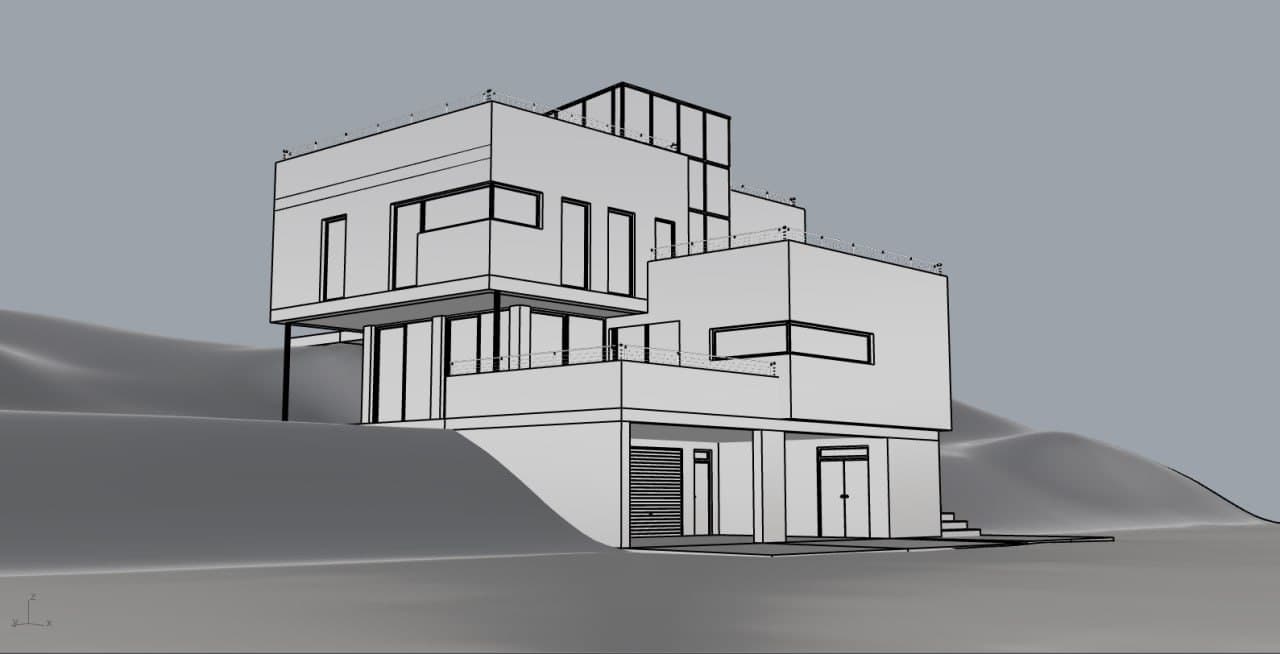
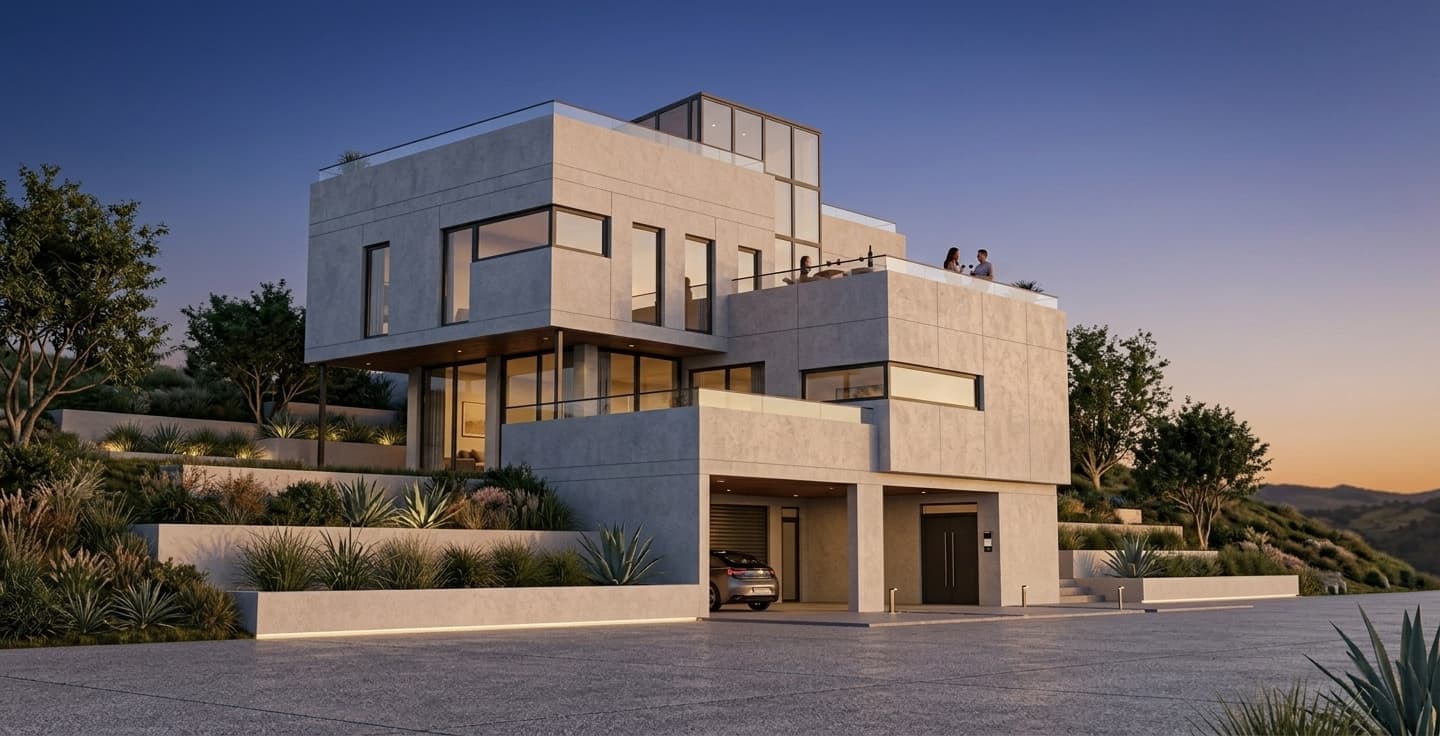
Material swap
Change facade, interior, landscape, and finish materials in architectural renders without rebuilding the full scene.
Edit one area while the rest of the render stays stable.
Compare wood, stone, metal, concrete, facade, and interior finish ideas.
Keep the same camera so review conversations stay focused.
Workflow
Short, controlled steps for real architecture production work.
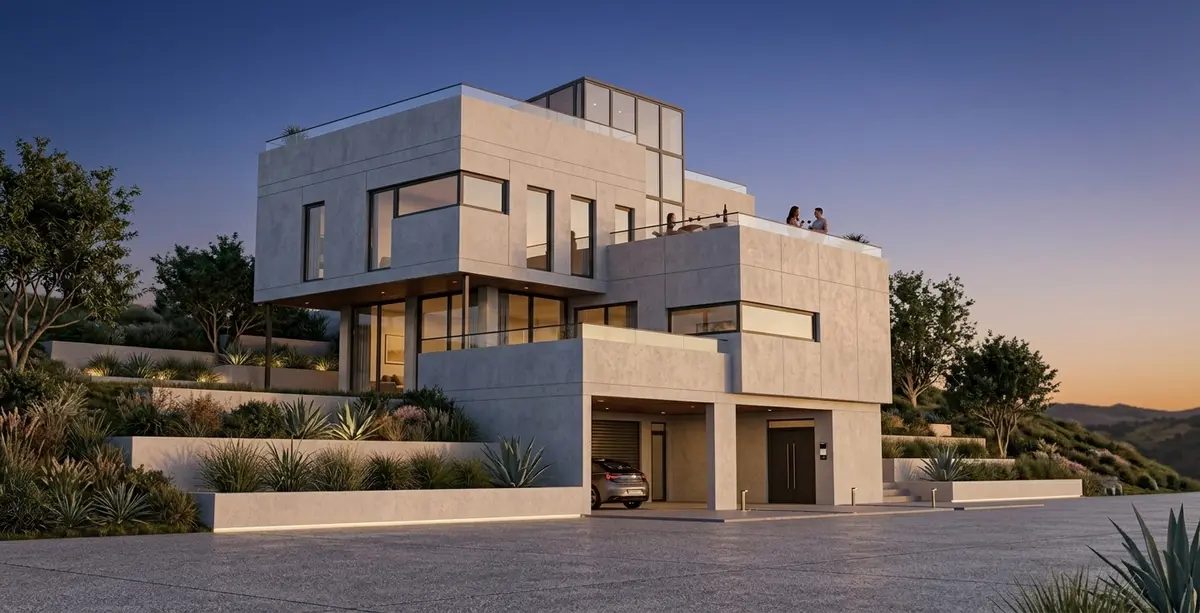
Mark the facade, wall, floor, furniture, or landscape zone that needs a new material.
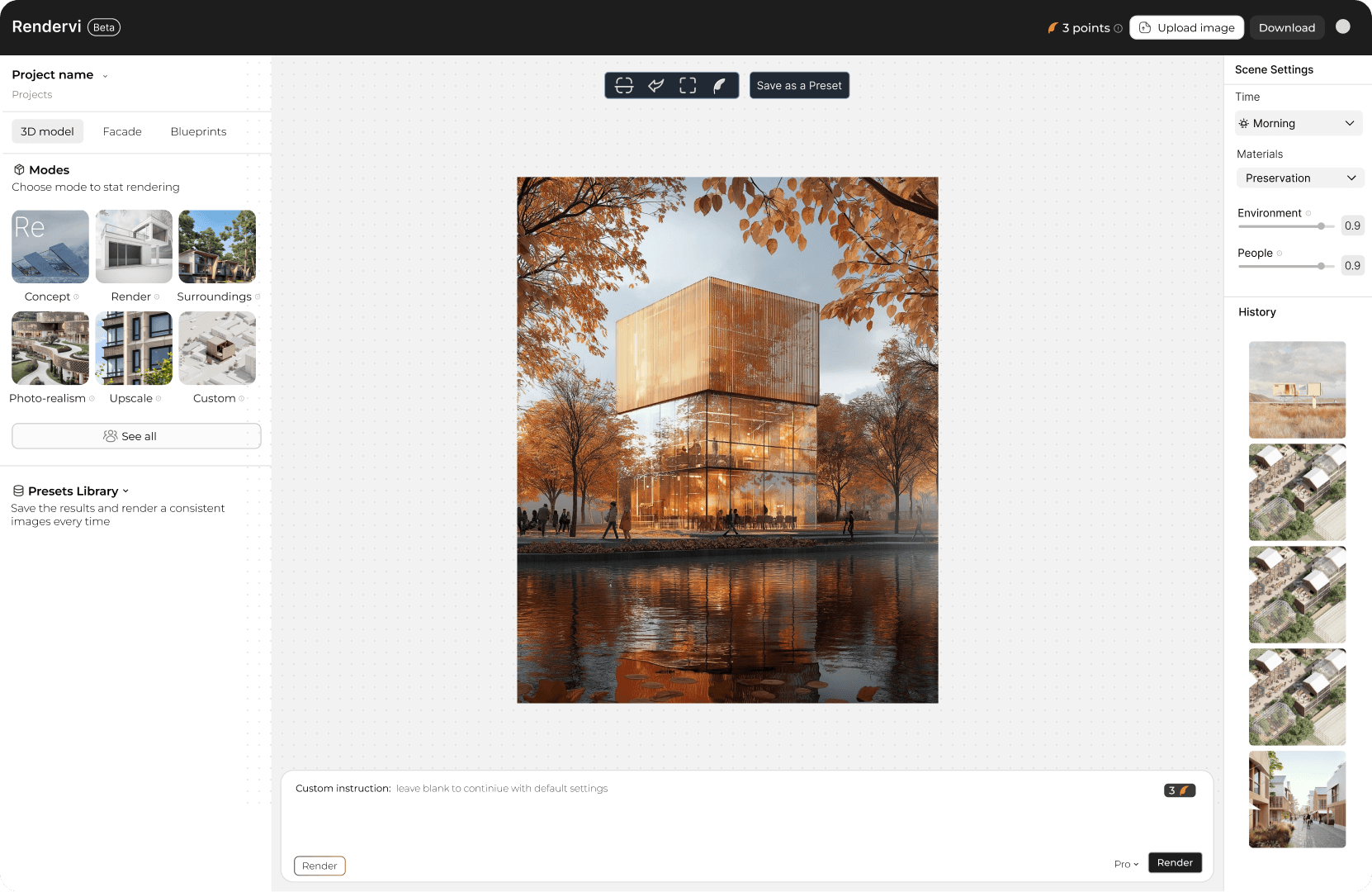
Use a simple instruction like darker timber facade or replace the floor with light limestone.
Review like-for-like variants without changing the full scene.
FAQ
Simple answers for architects and visualization teams evaluating this Rendervi workflow.
Yes. Local editing lets you focus the change on a selected region while preserving the rest of the image.
Facade cladding, flooring, walls, furniture finishes, stone, timber, metal, and landscape surfaces are good candidates.
Related solutions
Next step
Use Rendervi material swap to move from a project image to a stronger architectural visual without losing control of the design.